Download GRID Autosport for macOS
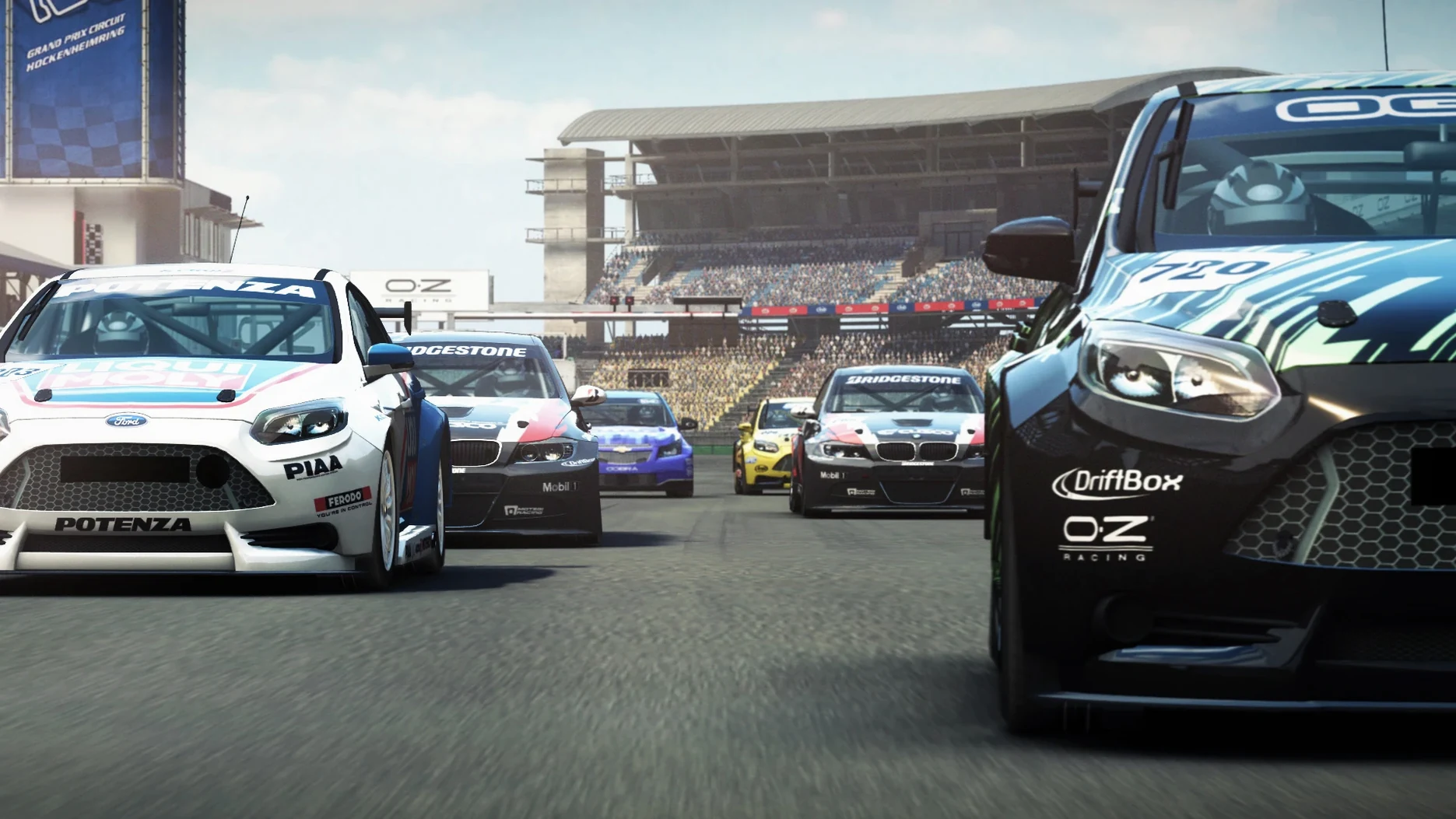
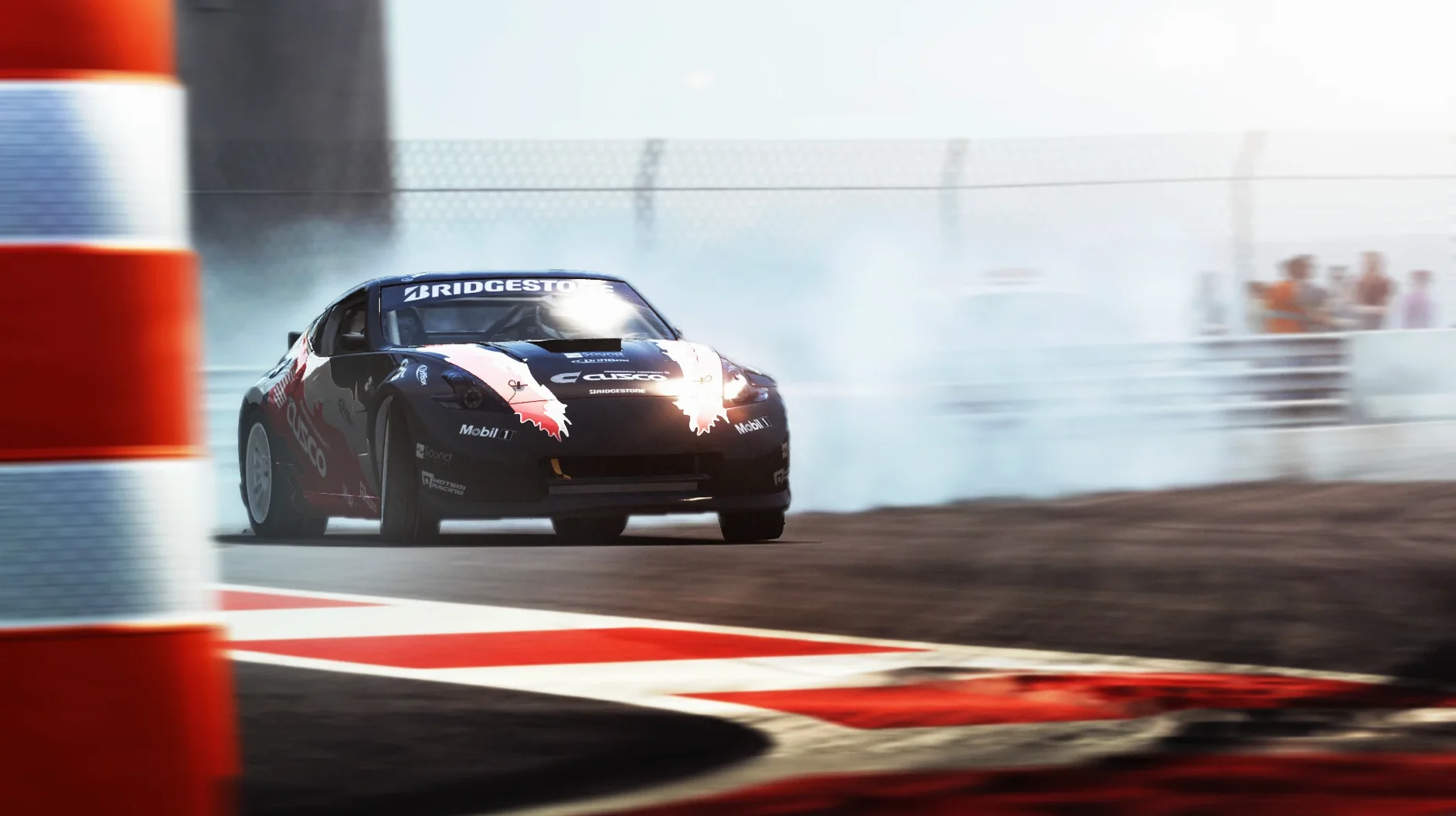
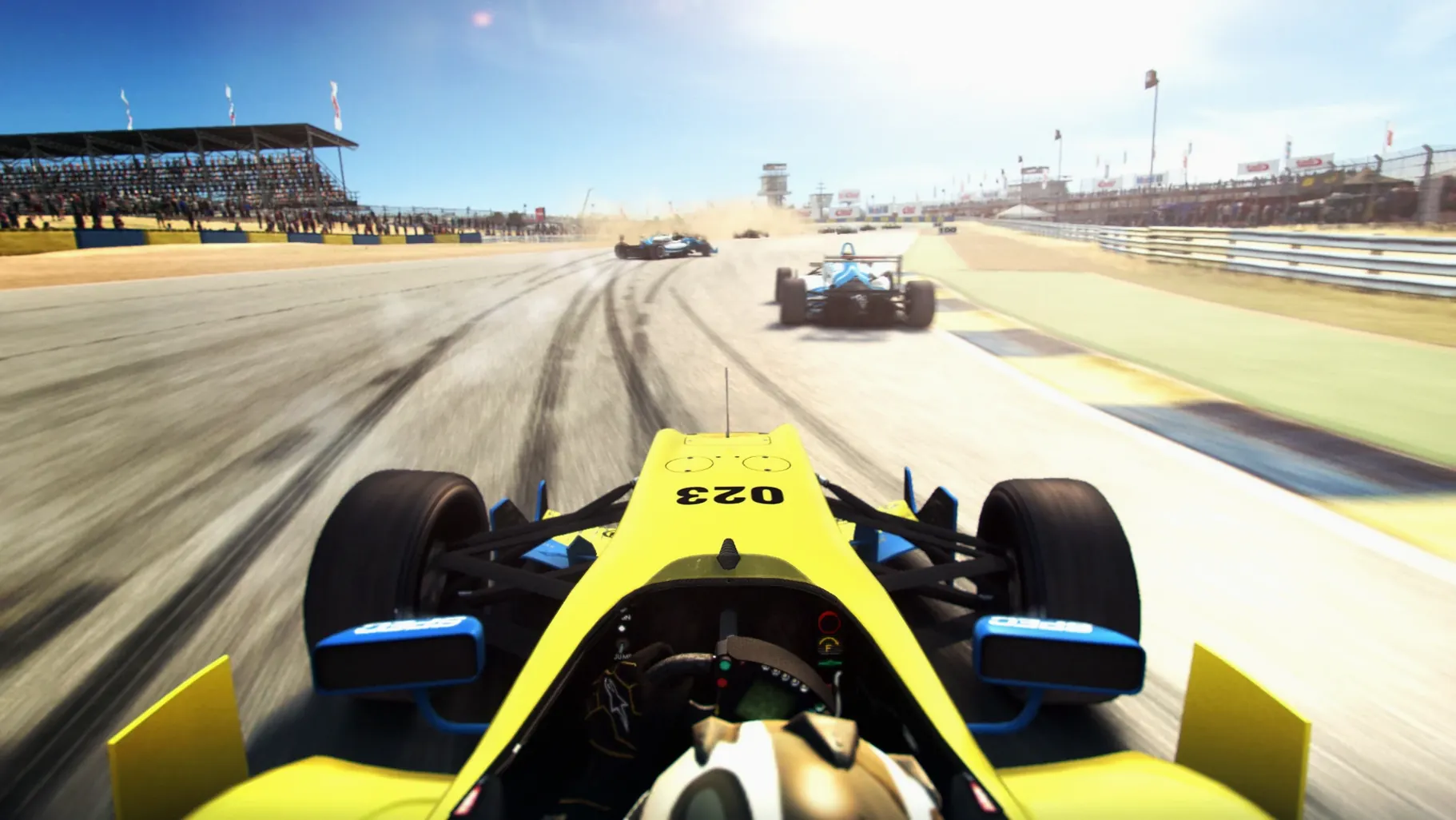
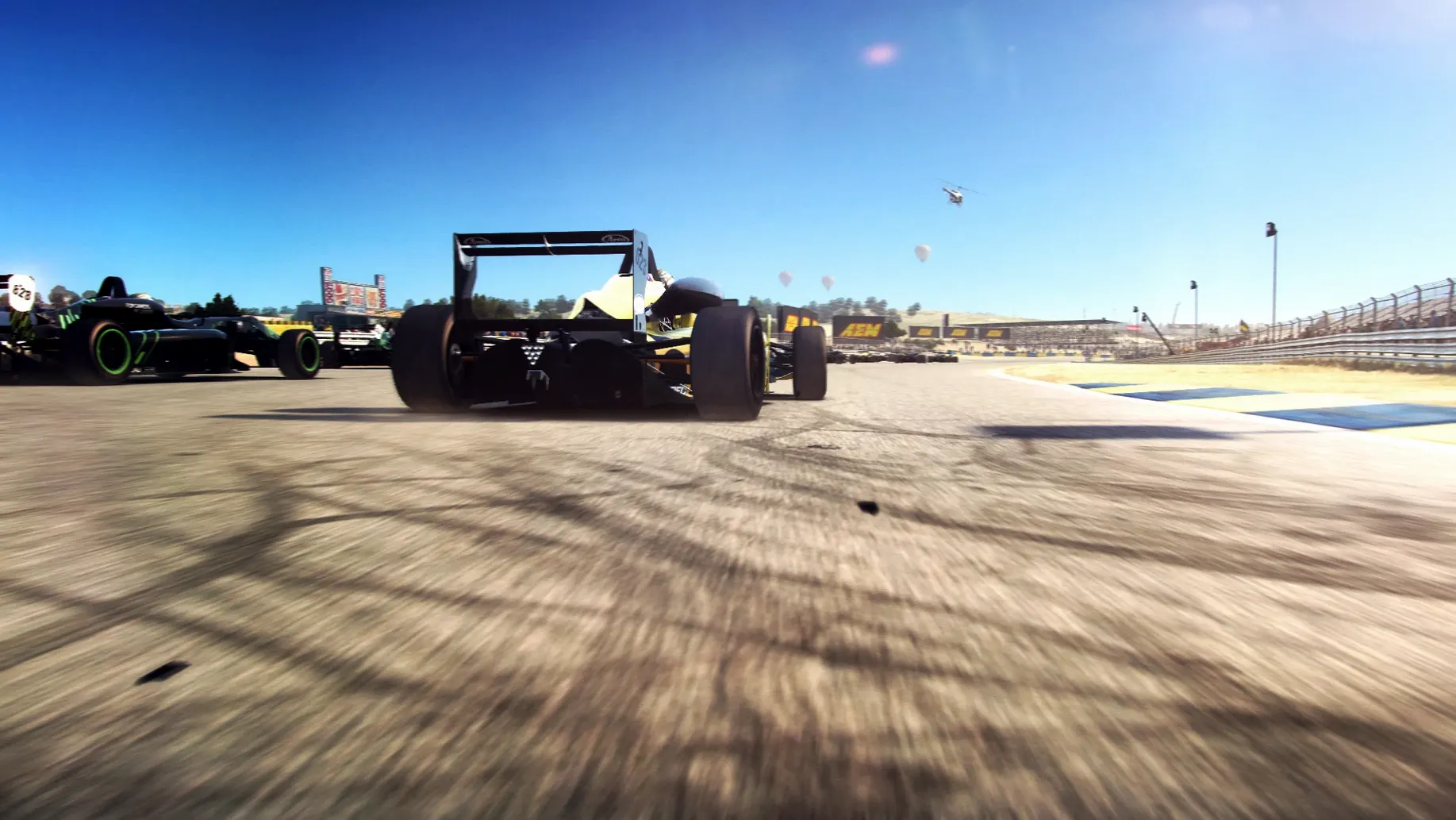
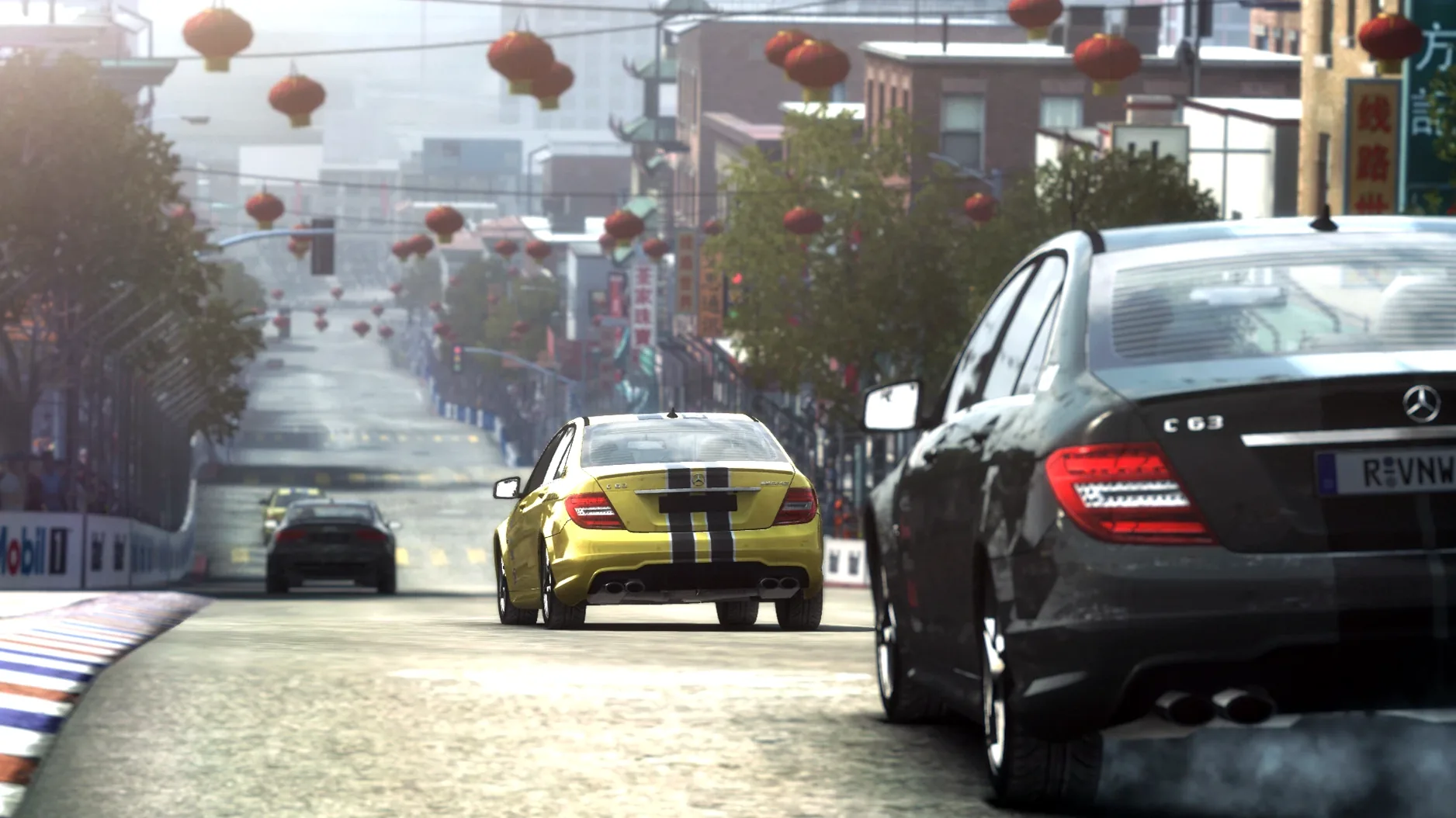
You settle in after a long day, coffee in hand, and launch a quick GRID Autosport race. You’re not here for a career deep-dive tonight — just a touring-car sprint on a tight city circuit. You dial the difficulty down to ‘medium’ because you want a scrap, not a physics exam, and within thirty seconds you’re trading paint with the AI through a chicane. That’s the loop Feral Interactive’s Mac port delivers: pick a discipline, grab a car, and drive hard against opponents who don’t just follow a racing line.
Distraction-Ready Racing with Weighty, Communicative Cars
- Racers who want a pure, no-management-sim distraction between tasks
- Anyone who likes dialing difficulty from very easy up to ultra-realistic
- Fans of Codemasters’ handling before it got floaty — weighty, communicative cars
- Playing on an Intel Mac you plan to keep a while longer
Rosetta-Only Intel Build with No Recent Updates
- This is an Intel build — it runs on Apple Silicon through Rosetta, but it’s not a native port
- The Mac version landed in late 2015 and hasn’t had feature updates since
- You’ll need to point the game at its data folder on first launch
Gamepad Drivers Who Want a Subscription-Free Sim
GRID Autosport suits Mac users who want a real racing game without a subscription or an always-online login. The sweet spot is someone with a gamepad — the triggers give you proper throttle and brake control, and Feral tuned the force feedback for controllers rather than treating them as an afterthought. If you’re on an Intel Mac, this is one of the few AAA racers that still runs comfortably without a discrete GPU. It also rewards players who like to tweak: you can switch off traction control, adjust the racing line, or run a five-lap sprint without touching the career mode.
It’s less of a fit for anyone chasing the latest car models or photorealistic weather, and you won’t find a livery editor or online leagues. But as a local, pick-up-and-drive package, it fills a gap that most Mac racing titles skip entirely.
Broader, More Forgiving Racing Than Feral’s F1 Ports
Feral’s own F1 ports skew toward open-wheel precision — pit strategy, tire temps, and lap-by-lap focus. GRID Autosport is broader and more forgiving; you can jump from touring cars to endurance to street racing in one session. It feels like a greatest-hits album where the F1 games are concept records.
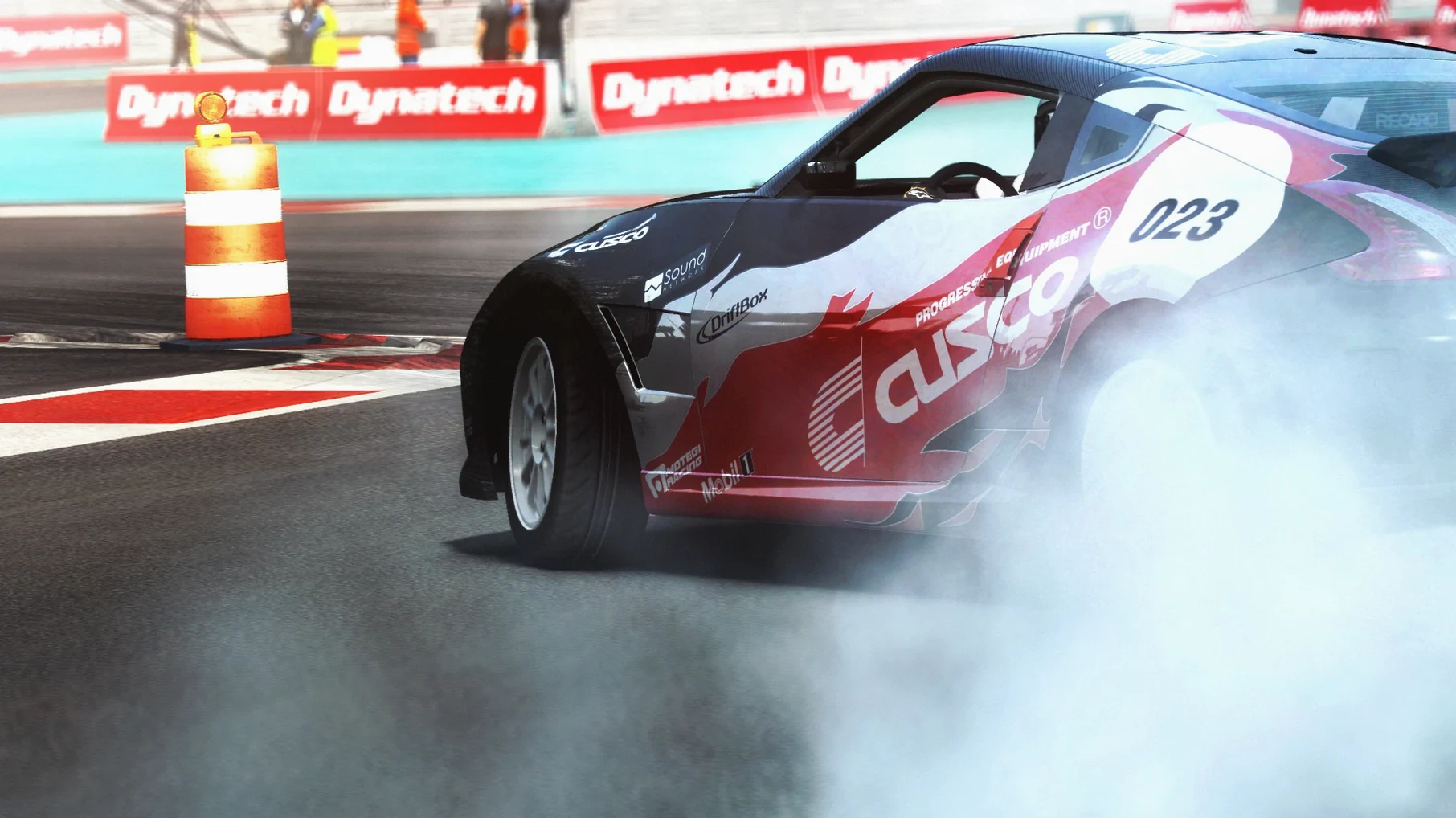
DiRT Rally (also Feral) is the sim-minded cousin. Where DiRT demands patience and punishes every handbrake misjudgment, GRID Autosport lets you slide through a corner, recover, and still fight for position. The difficulty slider is the key difference — DiRT expects you to meet it halfway, while GRID comes to you.
Asphalt or other arcade racers on the Mac side trade depth for pick-up simplicity. GRID Autosport sits between those and hardcore sims, which is rare on macOS. You get real damage, real overtaking logic, and a career structure that doesn’t require a spreadsheet.
A weeknight with a sim-curious gamer
Take a MacBook Air owner who’s only ever played kart racers. They plug in a controller, set difficulty to easy, and pick a Minis race. Ten minutes later they’re braking later into corners, using the racing line less, and grinning at a last-lap overtake. Next session, they bump it to medium and try touring cars. By Friday they’re talking about trail braking — not because the game lectured them, but because the feedback made it click. That ramp from “I just want to drive” to “I understand why that worked” is exactly where GRID Autosport earns its place on a Mac.
- macOS — Intel build (runs via Rosetta on Apple Silicon)
- Intel processor required
Questions people ask
Does GRID Autosport on Mac support Apple Silicon natively?
No, it’s an Intel build. It runs on Apple Silicon Macs through Rosetta 2 and was tested on an M1 MacBook Air with macOS Sequoia.
Can I change the difficulty if I’m new to sim-racing?
Absolutely. The game’s difficulty scale runs from very easy right up to ultra-realistic, so you can find a setting that matches your mood.
What languages does the Mac version include?
The interface supports twelve languages: Russian, English, German, Spanish, Italian, Traditional Chinese, Simplified Chinese, Korean, Polish, Portuguese, French, and Japanese.
Also on readers' docks
Sign in or create an account to leave a comment.
No comments yet. Tell me how it got on with your other devices.