









Download Hearts of Iron IV for macOS
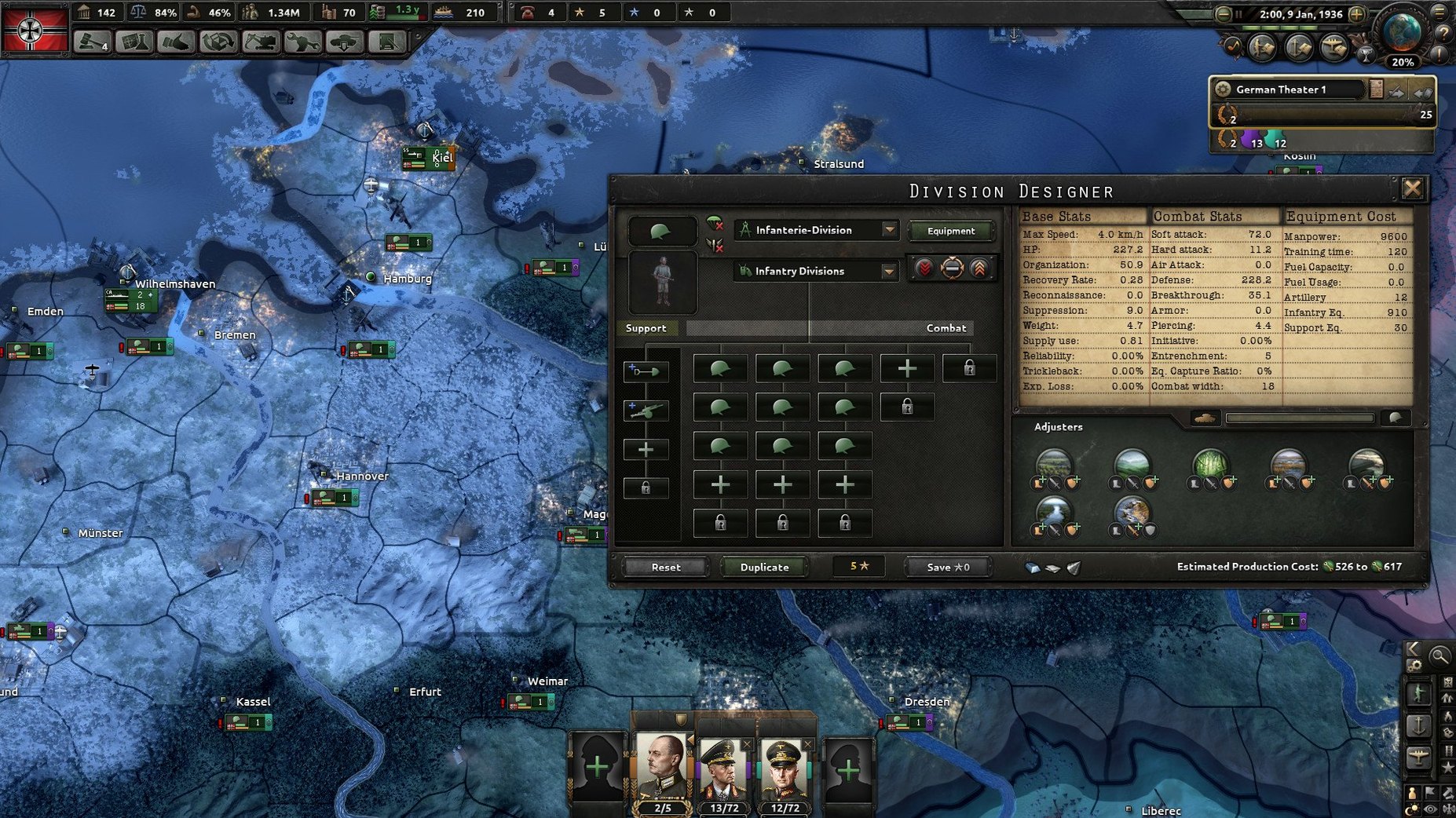
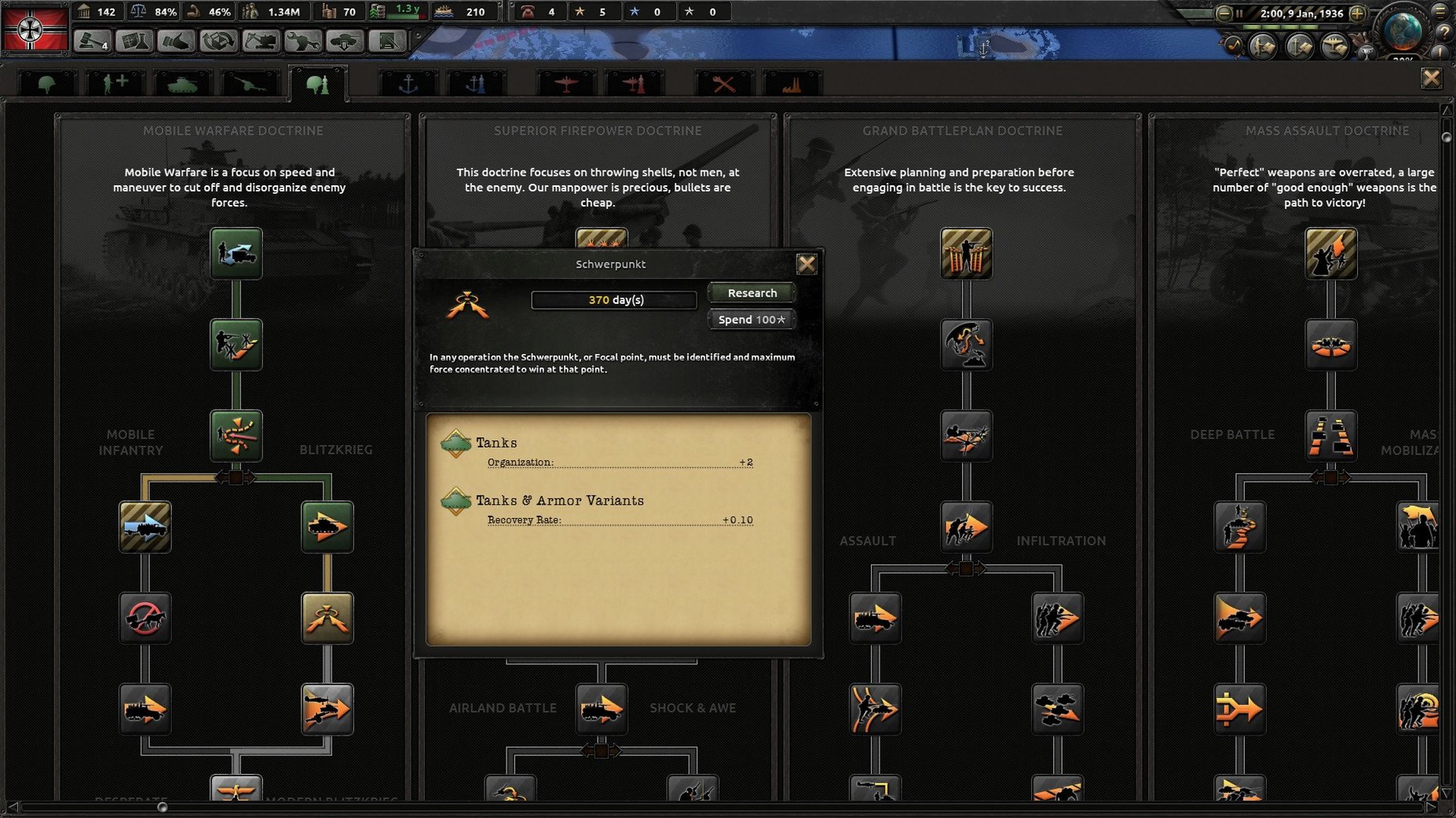
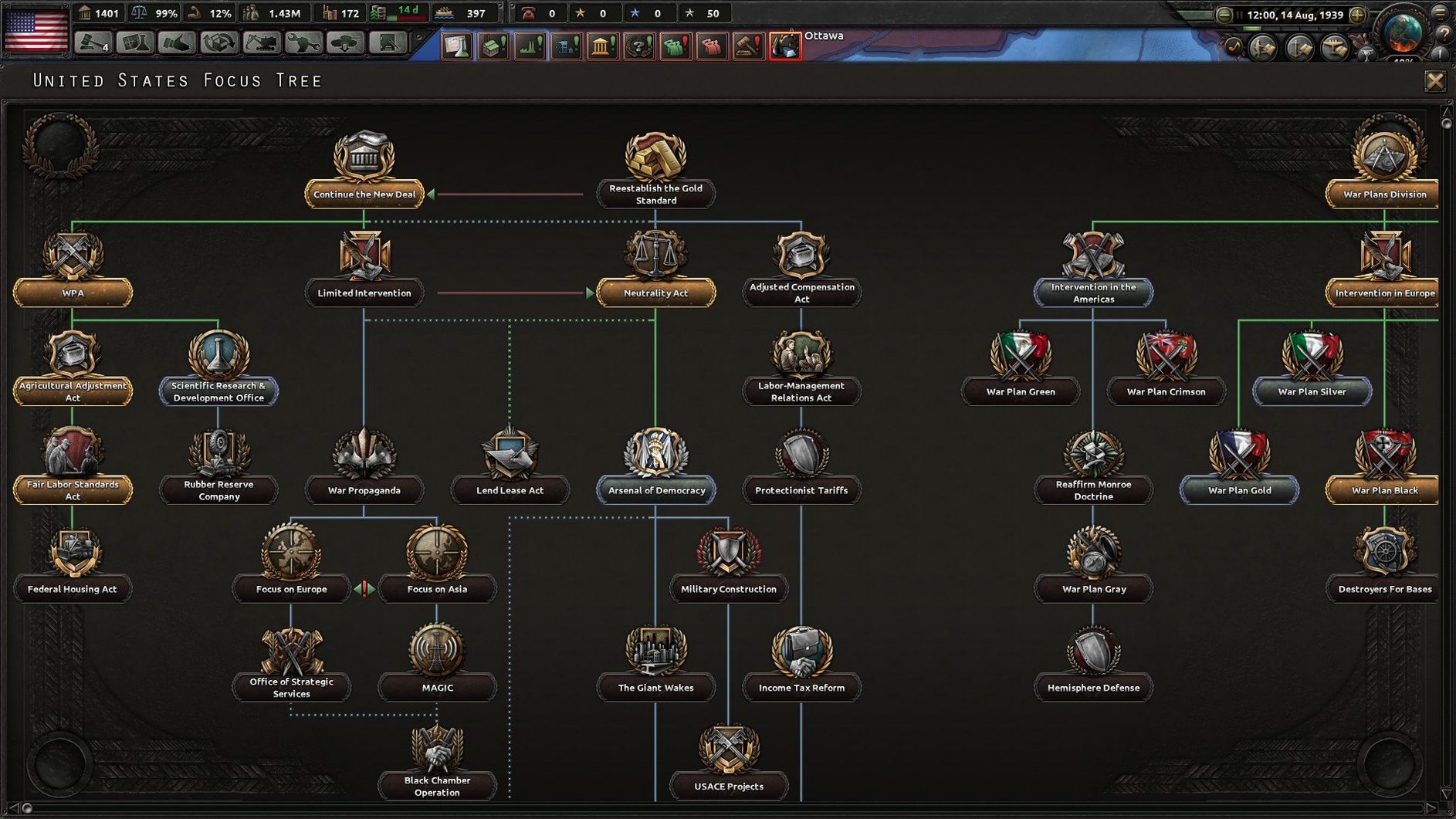
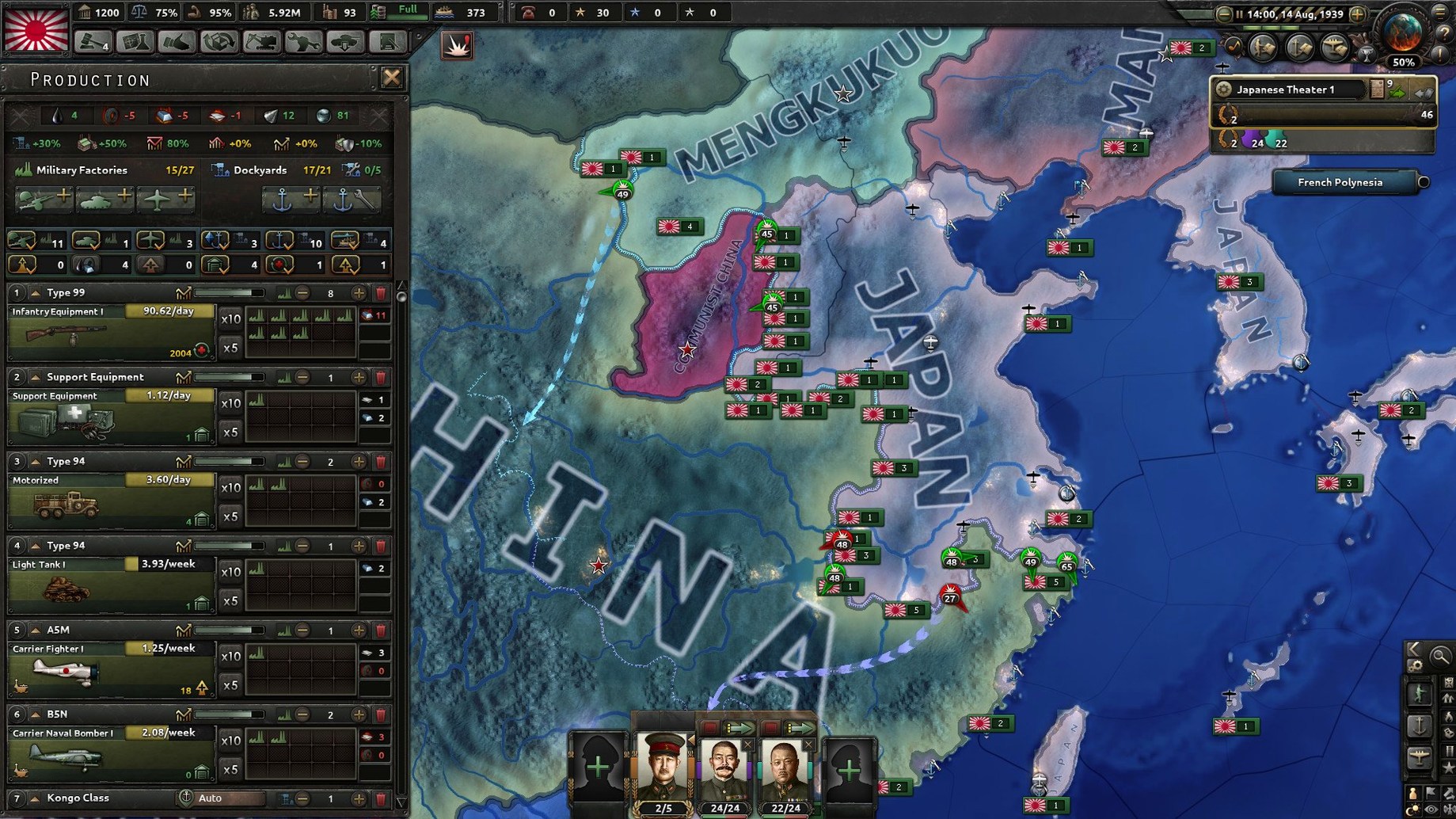
Most war games hand you a rifle and drop you into a foxhole. That is thrilling for a few minutes, but it never scratches the itch for someone who wants to decide why the battle is being fought in the first place. Hearts of Iron IV solves that by pulling the camera back to a global scale, where you manage supply lines, diplomatic alliances, and industrial production across the entire map.
| Detail | Info |
|---|---|
| Developer | Paradox Development Studio |
| Version | 1.19.3 |
| Architecture | Intel 64-bit |
| Languages | Russian, English, German, Spanish, Polish, Portuguese, French, Japanese |
This is a thinking person's sandbox where you guide a nation through the political and military turmoil of the 1930s and 1940s. The box comes packed with branching focus trees that let you reshape history from the ground up. The latest update fleshes out the Pacific theater nicely, adding a secret alternate-history path for Australia and substantial late-game content for Siam and Indonesia. Running it on Mac means opening the package contents to launch through the dowser utility, which doubles as your hub for switching between eight interface languages before you jump into a session.
Three-Finger Swipe to the Paradox Wiki
Hearts of Iron IV doesn't live in a bubble. I keep the Paradox Wiki open in a Safari window on a second desktop, swiping over with three fingers whenever a focus tree decision needs a second opinion. The game's save files sit in ~/Documents/Paradox Interactive/Hearts of Iron IV, which means Time Machine quietly backs up your campaigns without you lifting a finger. That folder is also where mods land if you ever dip into the Steam Workshop — just drag a folder into the mod directory and enable it from the launcher.
Mission Control earns its keep during long sessions. I dedicate one desktop to the game running full-screen, another to Safari with a YouTube let's-play or the wiki, and a third to Messages if a multiplayer buddy is coordinating a time to jump in. The game handles being backgrounded gracefully. I've left it paused on the 1943 Eastern Front overnight and picked up right where I left off, no stutter. Dictation is a sleeper hit here too — naming custom divisions or typing notes in the in-game console works faster if you speak the text instead of hunting for keys during a naval invasion.
Semi-Annual Autosaves to Stop Save Bloat
- Autosave cadence. The default saves every month, which can pile up gigs fast if you're running several campaigns. I set mine to semi-annual and keep a manual save before major war declarations.
- Message pop-ups. Out of the box the game pauses for naval invasions and major nation surrenders. I toggle off pausing for minor events but leave the log notification on, so I can scroll back through what happened without breaking the flow.
- Division symbols. Switch from generic icons to NATO counters if you want cleaner map readability. It sounds small, but spotting armor versus infantry at a glance matters when the front line stretches from Belgium to the Urals.
- Audio mix. The music-only voice track is atmospheric for the first ten hours, then it loops. I drop music to 40% and keep ambient sound effects at 80% — the distant boom of naval gunfire is too good to mute.
Brazil’s Quiet Factory Buildup Before the Storm
Last Sunday I launched the dowser, left the language on English, and clicked Play. I loaded a Brazil save from mid-1941. The map painted South America in its usual sleepy neutrals, but my factories had been quietly churning out infantry equipment for three years. I opened the diplomacy panel, nudged relations with Argentina, and clicked the focus that unlocks the "Unite the Portuguese-speaking nations" branch — one of those wonderful ahistorical tangents the game rewards.
With the justification timer ticking, I switched to the production tab and shifted three factories onto support equipment. The logistics heat map showed my coastal divisions were fully supplied, but the Amazon interior glowed yellow. I queued infrastructure upgrades for two states, then unpaused. Notifications rolled in: Germany declared on the Soviets, Japan pushed deeper into China, and my trade deal with the United States expired. I renewed it for steel, scrolled over to Europe to watch the front lines shift, then zoomed back to my own neighborhood. Sixty seconds at speed three, and the game paused itself — my war goal against Argentina was ready. I declared, assigned my army group to the border with a battle plan drawn the night before, and hit execute.
This is the rhythm that keeps me coming back: quiet preparation, a cascade of global events you can't control, and then a single moment where your own plan snaps into motion. The rest of the evening disappeared into supply re-routes and a naval invasion that nearly failed at Rosario.
Stable Under Rosetta 2 on an M4 Mac Mini
Does this run on Apple Silicon? Yes, through Rosetta 2. The game is Intel 64-bit and tested stable on an M4 Mac mini under macOS Tahoe. Performance holds up well into the late game, though the 1944–1945 years with hundreds of divisions on the map will make the fan spin. Lowering the day/night cycle animation and disabling 3D trees in the video settings helps.
Do I need to be a World War II expert to enjoy it? Not at all. The tutorial walks you through Italy step by step, and you can learn the deeper systems at your own pace. Start with a minor nation — Brazil, Sweden, or Turkey — where the stakes are lower and the front lines are short. You will lose your first few campaigns spectacularly. That is normal, and honestly, it is half the fun.
Is there a multiplayer scene? There is, and it is surprisingly active on Discord servers and Paradox's own forums. Sessions can run for six hours or more, so players often schedule them in advance. The game supports up to 32 players, and the host's save file syncs to everyone. If you have ever searched for a hearts of iron 4 torrent just to test the waters before committing to a multiplayer group, know that the single-player sandbox alone justifies the download — multiplayer is a bonus, not the main meal.
What about mods? The community is prolific. Overhauls like Kaiserreich and The Road to 56 add entirely new focus trees and alternate-history scenarios. Since the game folder is accessible through Finder, installing a mod is just a matter of copying files into the mod directory. Many players grab a Hearts of Iron IV torrent specifically to run a heavily modded setup without touching an installer, and the launcher handles mod order cleanly.
Version 1.19.3 landed with a fresh coat of content for the Pacific:
- A new secret path was added for Australia, giving you a hidden alternate-history route to explore.
- Late-game content arrived for Siam and Indonesia, so the region stays interesting well past the early blitz.
- Balance changes and bug fixes smooth out the rough edges across the board.
- macOS (Intel 64-bit architecture)
Questions people ask
How do I change the language after installing?
Run the dowser launcher from inside the game's package contents, and you can switch between Russian, English, German, Spanish, Polish, Portuguese, French, and Japanese before starting the game.
Is Hearts of Iron IV native for Apple Silicon?
No, the current Mac build is x86 64-bit architecture and runs on Intel-based Macs, though it works on Apple Silicon through Rosetta.
Also on readers' docks
Sign in or create an account to leave a comment.
No comments yet. Tell me how it got on with your other devices.
More in Games
See all Half-Life Source
Build Games
3.1 GB
Half-Life Source
Build Games
3.1 GB
 House Flipper
1.26252 Games
13 GB
House Flipper
1.26252 Games
13 GB
 Updated HUMANKIND
1.31.4851 Native Games
17 GB
Updated HUMANKIND
1.31.4851 Native Games
17 GB
 GRID Autosport
1.0 Games
15.2 GB
GRID Autosport
1.0 Games
15.2 GB
 Going Medieval
1.1.12 Games
1 GB
Going Medieval
1.1.12 Games
1 GB
 Updated Goblin Sushi
2026.10.17 Native Games
260 MB
Updated Goblin Sushi
2026.10.17 Native Games
260 MB
 Goat Simulator 3
1.2.0.0 Games
5.8 GB
Goat Simulator 3
1.2.0.0 Games
5.8 GB
 InfraSpace
1.56.460 Games
3 GB
InfraSpace
1.56.460 Games
3 GB