









Download Going Medieval for macOS
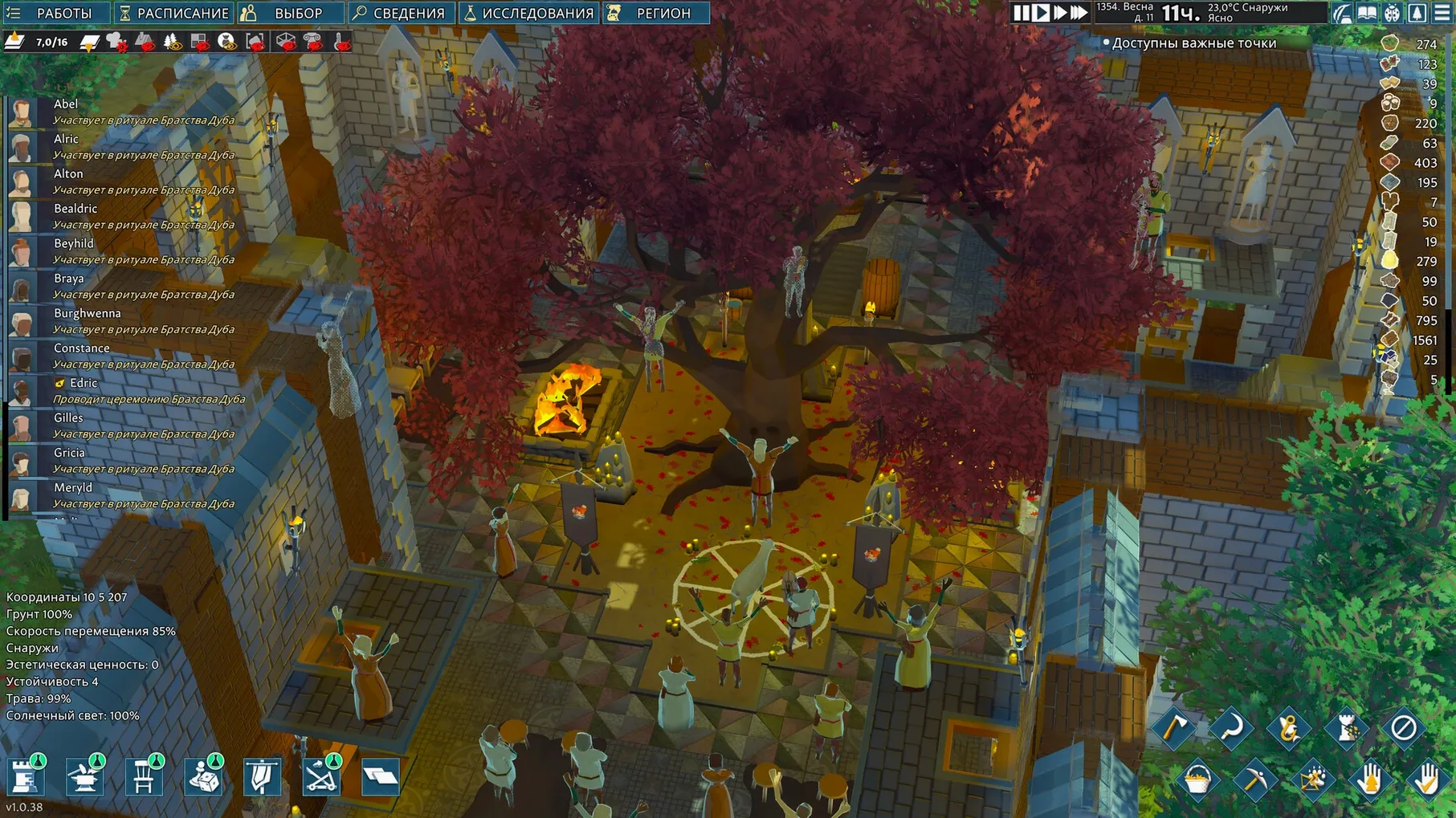
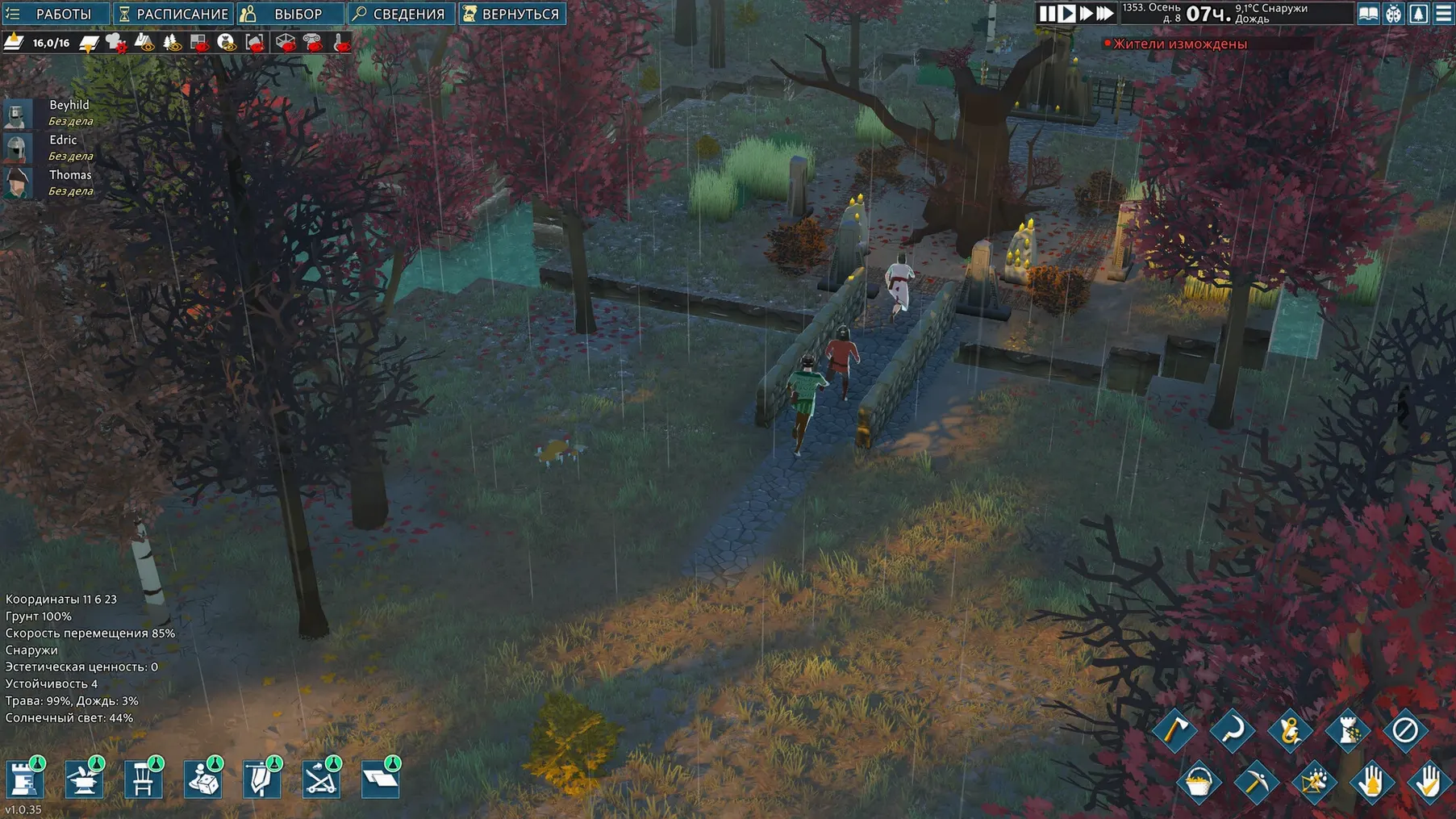
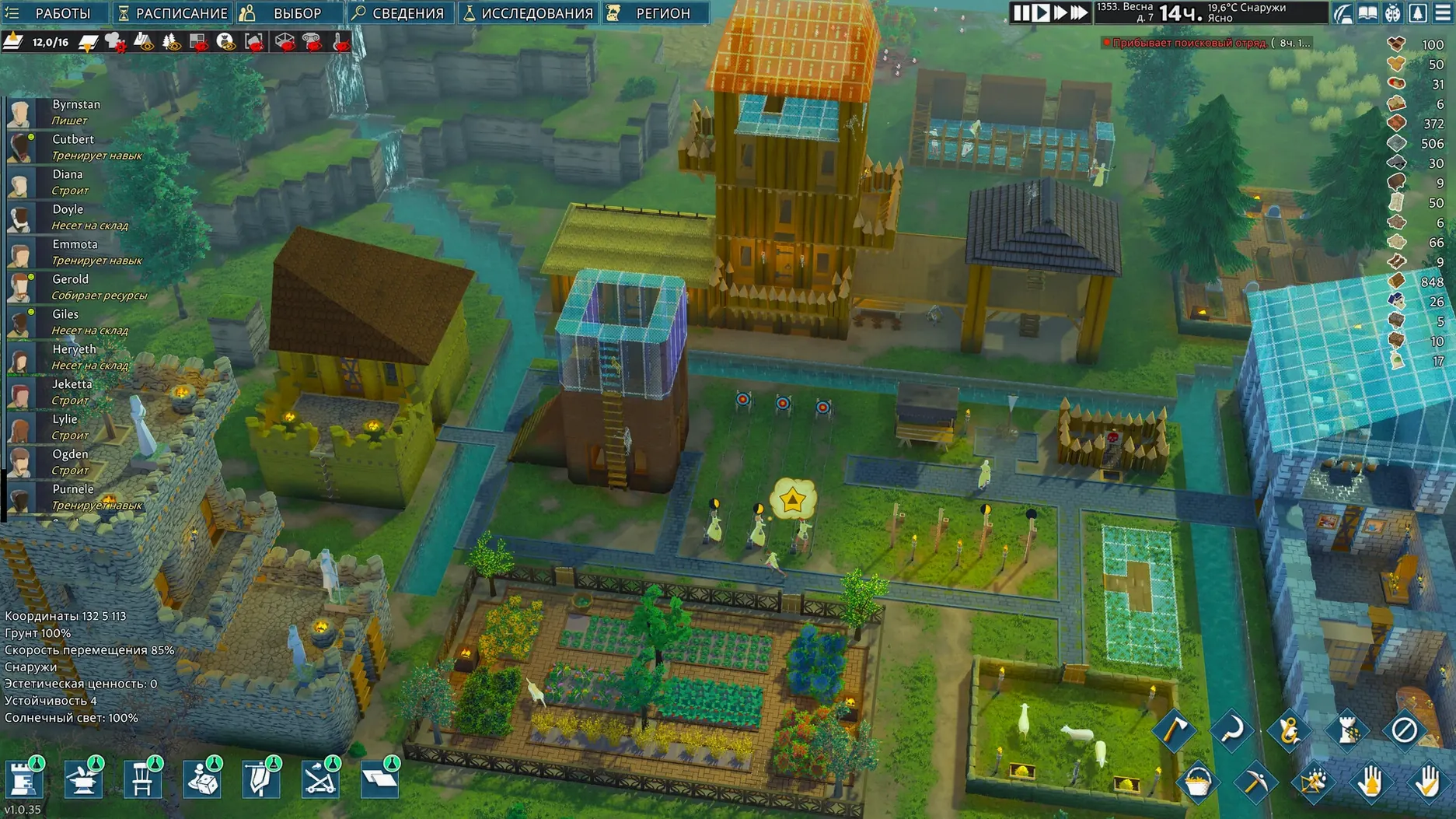
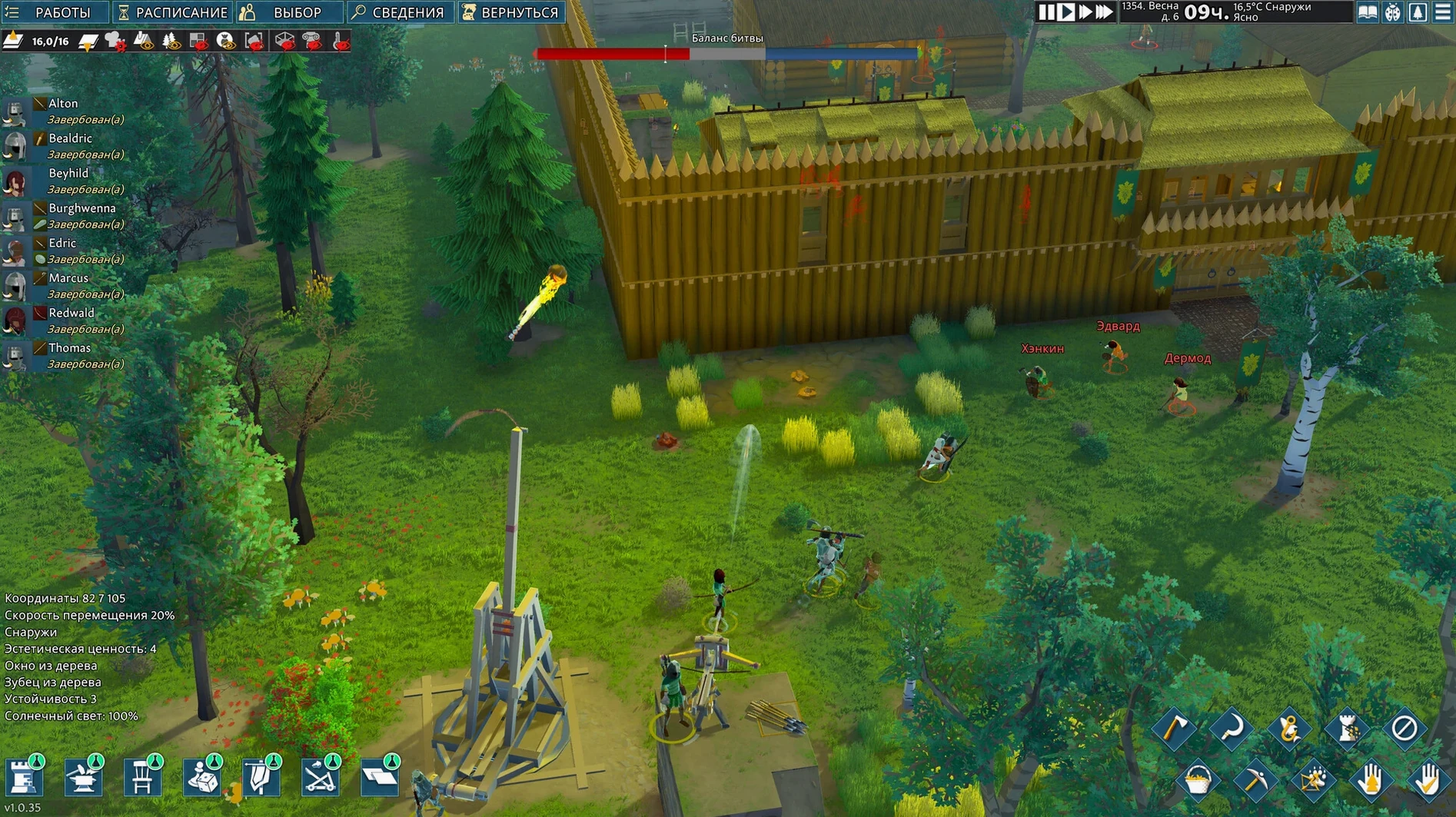
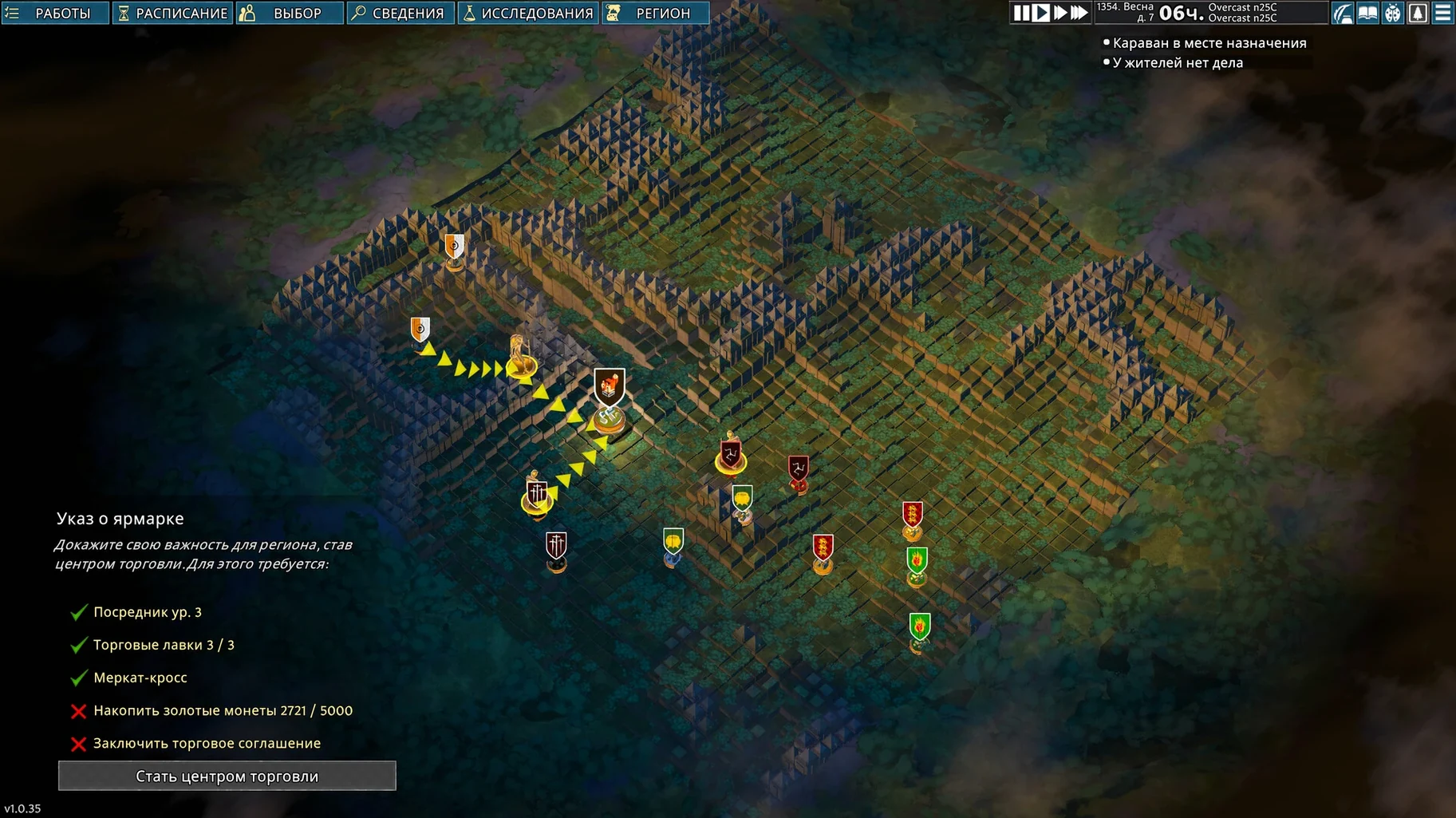
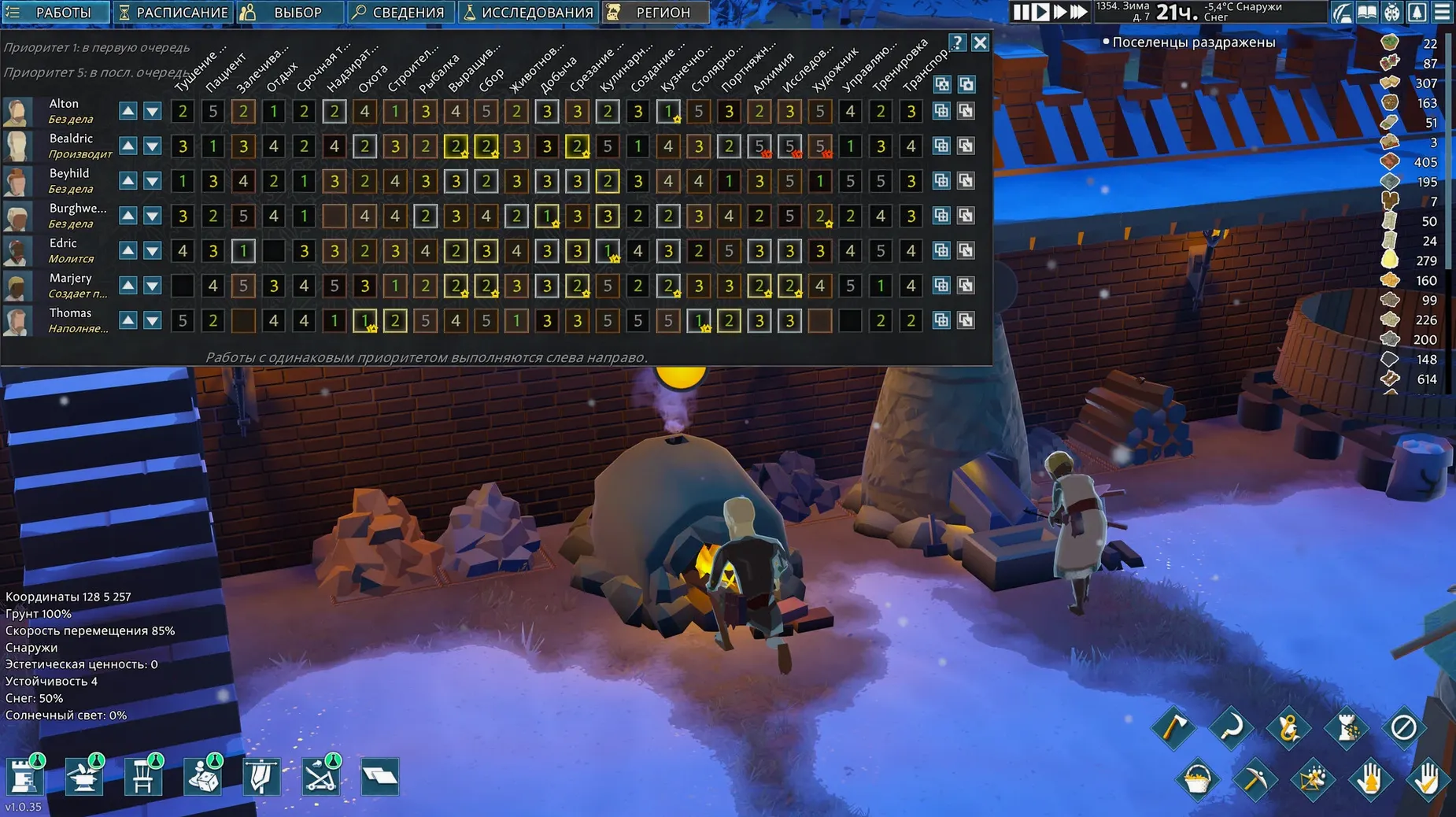
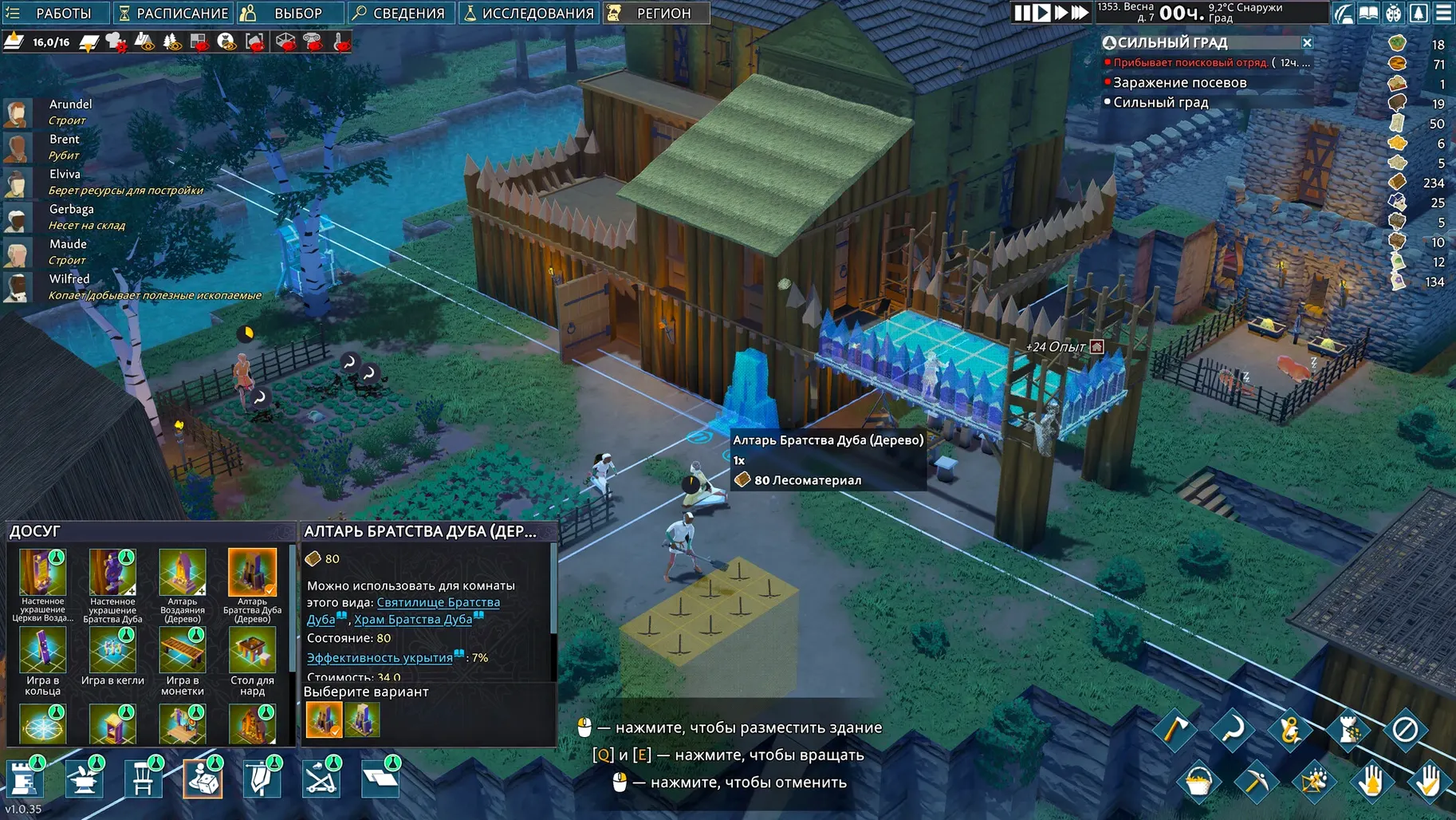
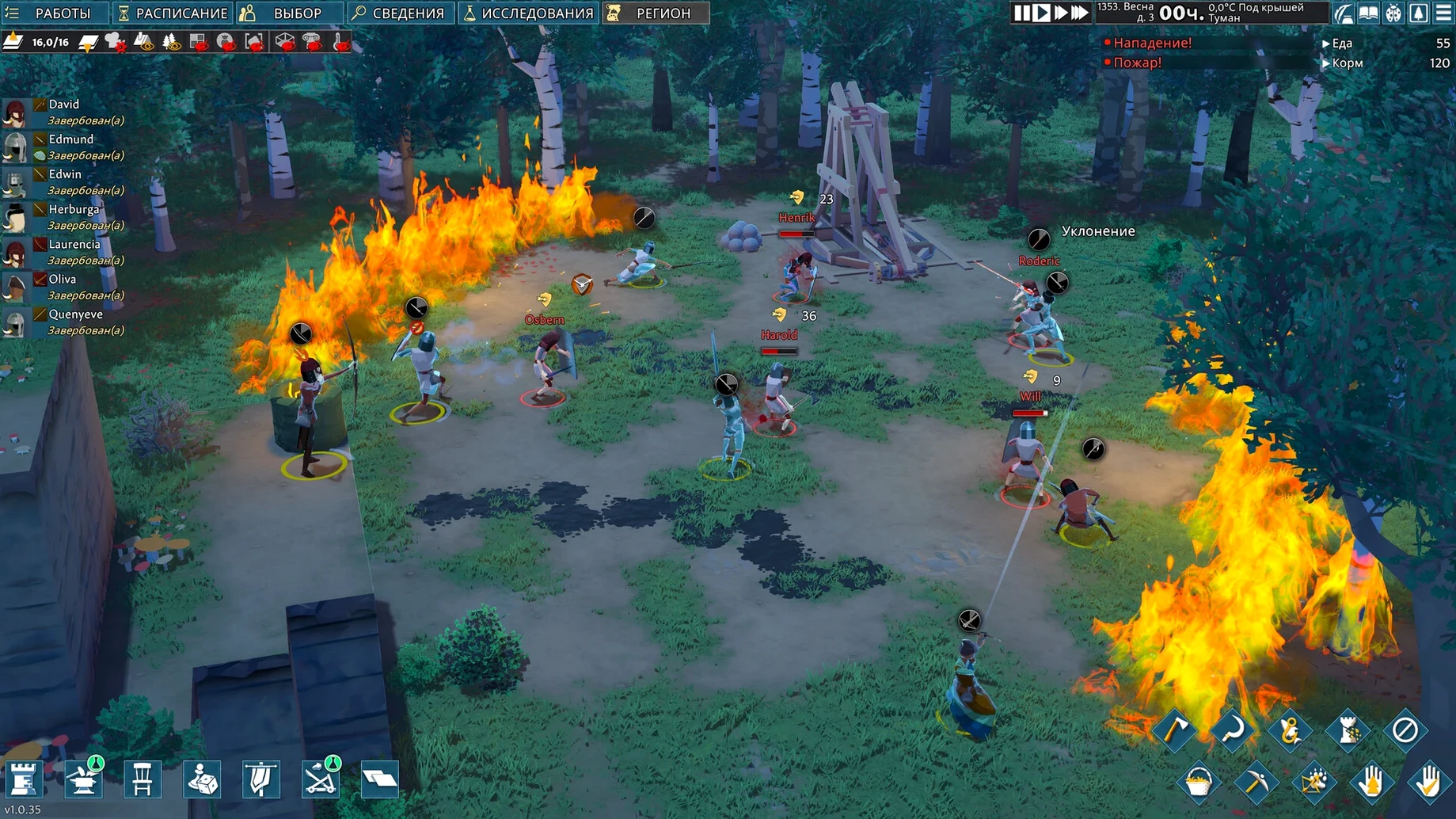
It runs on Apple Silicon Macs and arrives wrapped for modern macOS. Here's the rhythm of life after the plague.
Layering stone — You start by digging into the earth or stacking walls toward the sky. The 3D building tools let you construct multi-story forts, underground cellars, and winding mazes that feel genuinely yours.
Gathering and shaping — Your survivors haul clay, chop timber, and mine for iron. Every material you stockpile becomes a wall, a chair, or a weapon. Furnishing rooms isn't decoration; a Great Hall with a proper table lifts spirits, while a chapel gives people a reason to hold on.
Researching in candlelight — You unlock medieval inventions at a research bench. Crossbows, distillation, better architecture — each breakthrough changes what your settlement can withstand.
Watching the seasons — Crops go in during spring. Raiders arrive in summer. Winter tests your food stores and your roof beams. You're always deciding between shoring up defenses and expanding the library.
Fighting for the walls — Combat isn't abstract. You position archers on battlements and station swordsmen at choke points you built yourself. When the attack ends, you bury the dead, patch the holes, and plant again.
Apple Silicon Performance and Trackpad Comfort
Most questions I see come down to performance and comfort. Yes, the game runs on Apple Silicon natively through this build — a Mac mini M4 handled it without drama, and that's not a high bar to clear for most machines from the last few years. The going medieval mac download is lean, and since activation isn't required, you're in fast.
Another common worry: does it play like RimWorld with castles? Sort of. The colony sim bones are there — jobs, needs, moods, raids — but the vertical building and 3D terrain change how you plan. You think in floors and basements, not just rectangles. If you've bounced off flat colony games before, this one may click.
People also ask about difficulty. The early game is forgiving while you learn storage and food. By your second winter, bandits stop being a nuisance and start testing your walls. You can adjust the threat as you go, but the default curve feels fair if you actually use traps and elevation.
Vertical Keeps Beat Sprawling Halls
The biggest one is building too wide too fast. A sprawling single-story hall feels impressive until fifteen settlers spend half the day walking to a stockpile. Go vertical early — a compact three-story keep keeps paths short and rooms warm.
Another classic: ignoring settler traits. A survivor who hates cramped spaces will spiral into a bad mood if you bunk them in a 2x3 room. Read each person's quirks before assigning bedrooms and jobs.
Players also forget that mining can collapse unsupported floors. Patch 1.1.12 fixed the pathing logic here, but the physics remain: don't hollow out a hillside without leaving pillars or beams. Finally, don't skip the research bench for too long. Even basic crossbow tech changes how raids go.
Faster Camera Rotation Before You Unpause
Before you unpause, open the options and make three changes:
- Camera speed — default feels sluggish when you're rotating around a tall fort. Bump it up.
- Edge scrolling sensitivity — if you play on a trackpad, lower this so you don't fling the view across the map.
- Colonist portraits — switch to the compact view if you plan to run more than eight settlers. The full portraits eat screen space.
You can also bind a key for "draft all military" early. When a raid horn sounds, every second counts, and reaching for a button beats hunting through menus while archers stand idle.
- Tested on macOS Tahoe
- Apple Silicon Mac
- ARM architecture build (Wineskin)
Questions people ask
Is there a native Apple Silicon build?
The Mac version is labeled as a Wineskin build for ARM architecture, tested on an M4 Mac mini.
What can you actually build room-wise?
You can designate and furnish halls, workshops, chapels, libraries, and more, each affecting your settlers' needs and efficiency.
Also on readers' docks
Sign in or create an account to leave a comment.
No comments yet. Tell me how it got on with your other devices.
More in Games
See all Updated Goblin Sushi
2026.10.17 Native Games
260 MB
Updated Goblin Sushi
2026.10.17 Native Games
260 MB
 Goat Simulator 3
1.2.0.0 Games
5.8 GB
Goat Simulator 3
1.2.0.0 Games
5.8 GB
 GRID Autosport
1.0 Games
15.2 GB
GRID Autosport
1.0 Games
15.2 GB
 Half-Life Source
Build Games
3.1 GB
Half-Life Source
Build Games
3.1 GB
 Fury Unleashed
1.9.1.0 Games
Fury Unleashed
1.9.1.0 Games
 Frostpunk
1927 Games
8.9 GB
Frostpunk
1927 Games
8.9 GB
 Hearts of Iron IV
1.19.3 Games
6 GB
Hearts of Iron IV
1.19.3 Games
6 GB
 Football Manager 2026
26.3.2.2329565 Games
6.4 GB
Football Manager 2026
26.3.2.2329565 Games
6.4 GB