









Download House Flipper for macOS
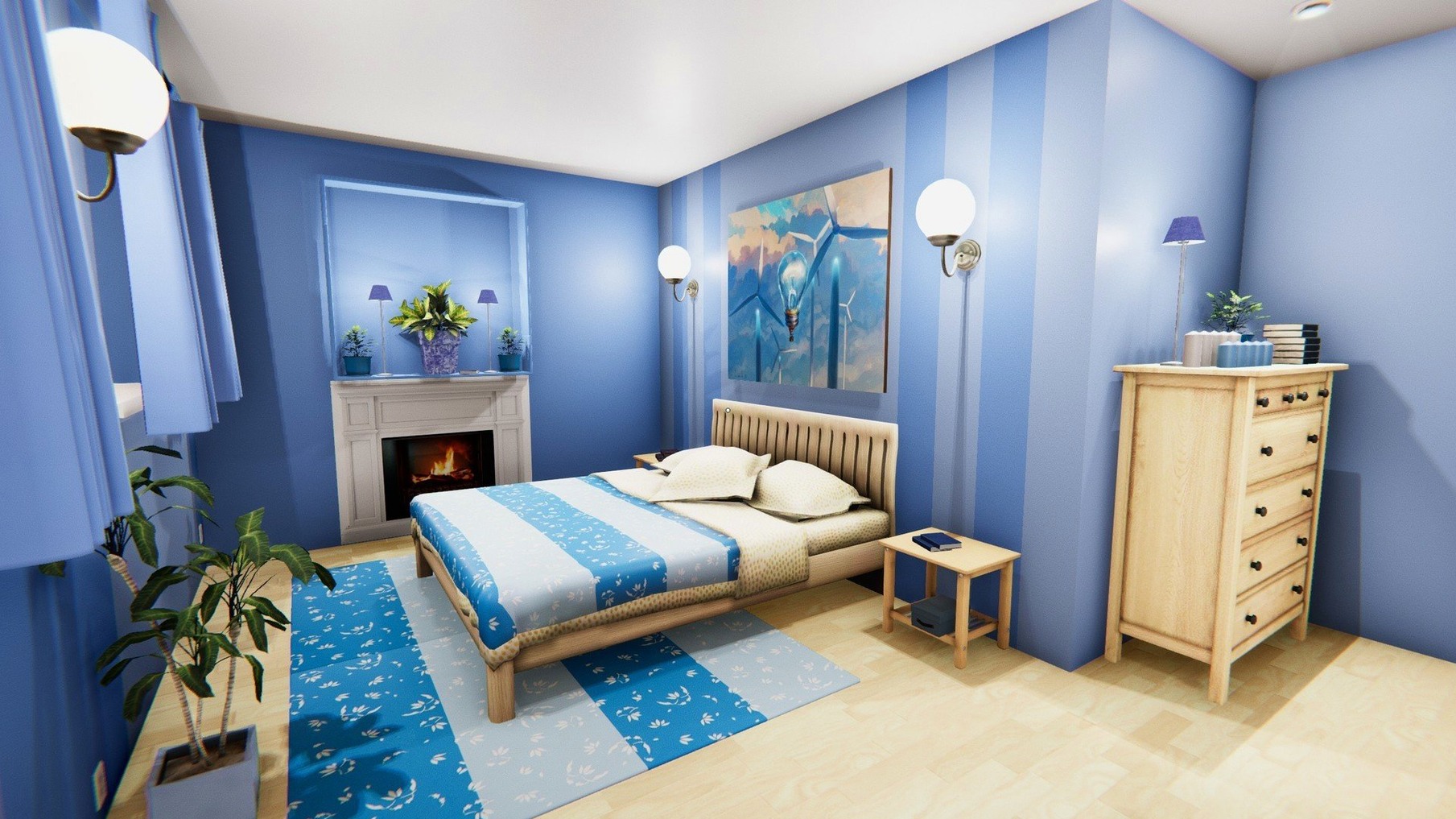
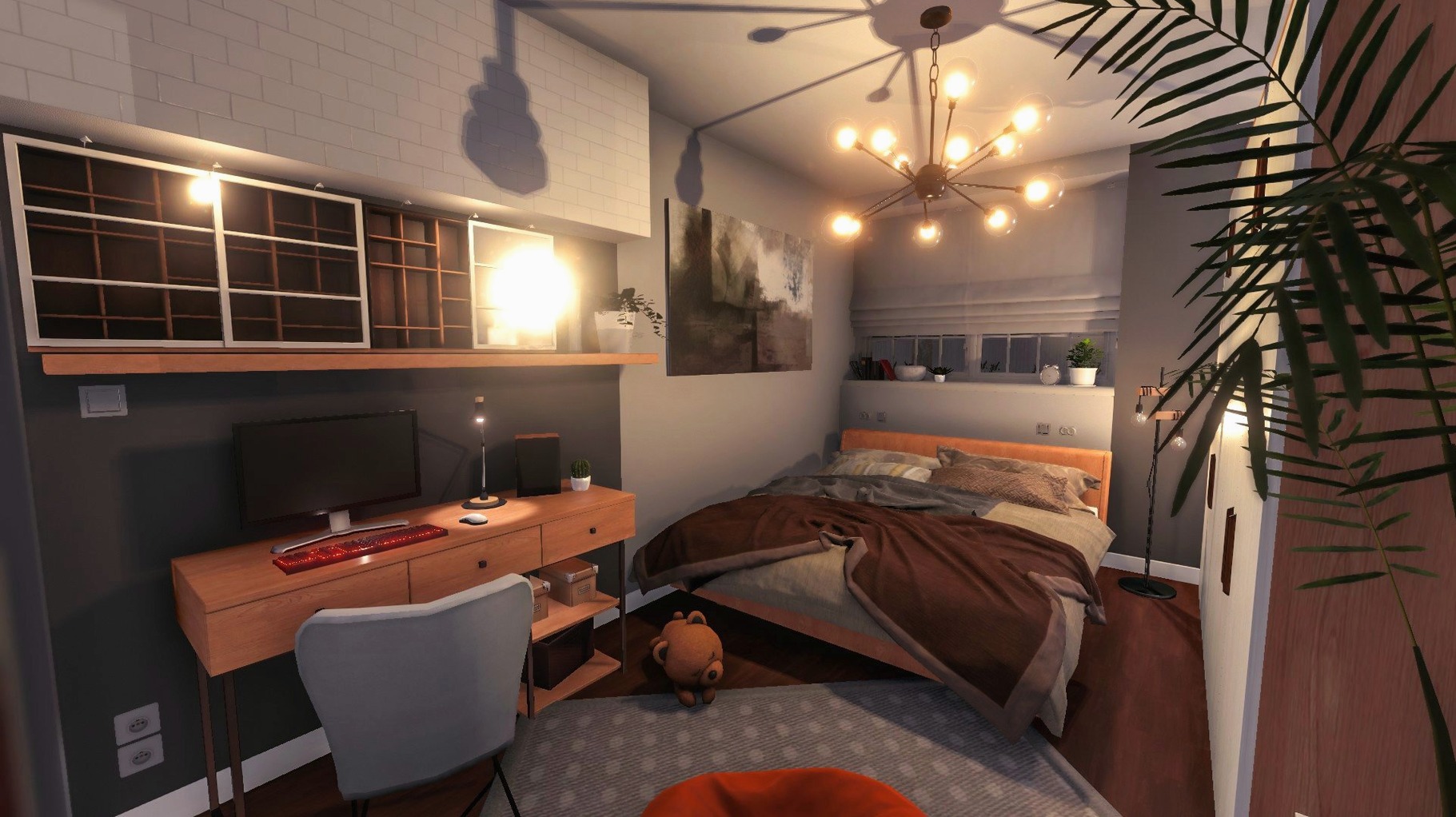
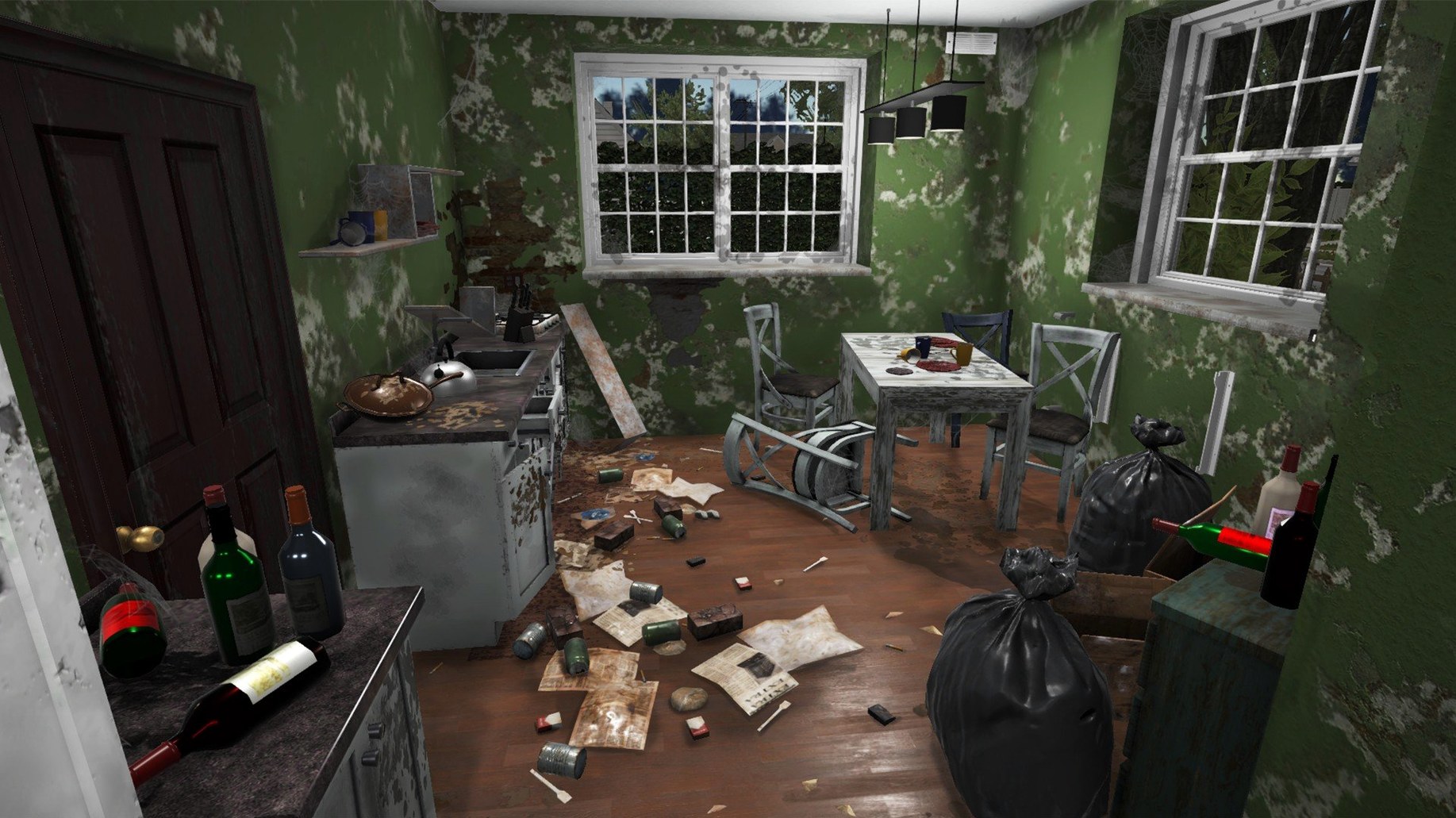
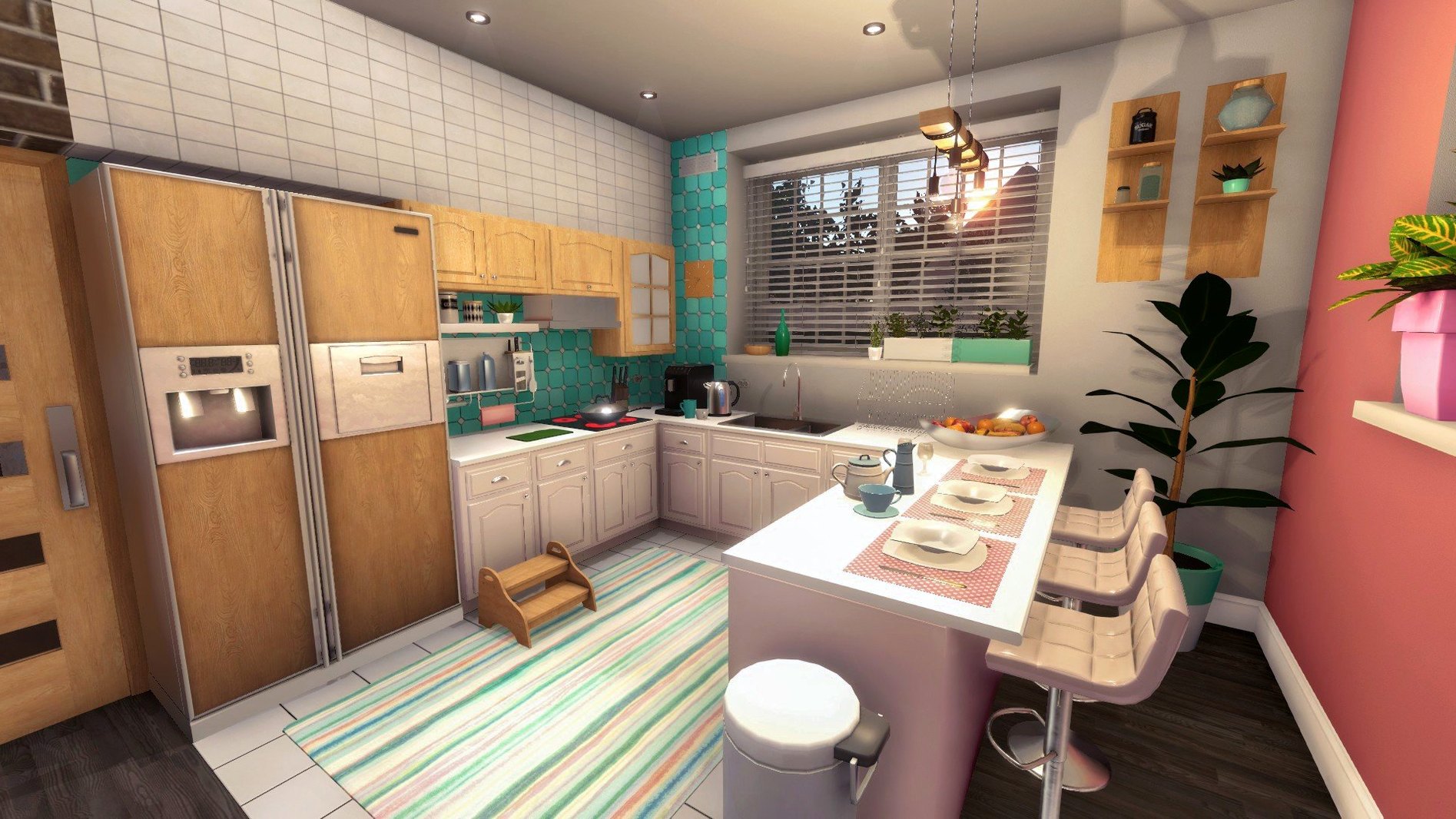
Most simulation games make you build from nothing. House Flipper starts you in the middle of someone else's mess, hands you a mop and a paint roller, and tells you to turn a profit. It's oddly satisfying work.
Does House Flipper run on Mac?
Yes. The current version supports both ARM and 64-bit x86 architecture, so Apple Silicon and Intel Macs are covered.
From trash-out jobs to tearing down walls
You take renovation jobs to earn money, clearing broken glass, trash, and leftover furniture before repairing and furnishing. Tools include a hammer, trowel, window cleaner, and a tablet for managing tasks. Eventually you buy your own property and can demolish walls.
How are the controls?
Mouse and keyboard work well for the precise cleanup and painting tasks. The loop of cleaning, plastering, and decorating keeps momentum without feeling rushed.
What should you expect performance-wise?
It's a 2017 release, so most modern Macs handle it comfortably. Don't expect ray tracing, but the lighting and clutter make each space feel lived-in before you fix it up.
There's a whole layer of small conveniences tucked into House Flipper that the early tutorials barely mention. The first few jobs teach you the basics, but the game rewards players who poke around the edges of the interface.
Use the tablet to decode vague client requests
The tablet is more than a job list. If you hold off on opening it while standing in a room, you'll find it also tracks which tasks remain when a client's requests get vague. That's useful when a job says "clean this place up" and you're staring at a floor full of broken glass and old newspapers.
A few things you can do from the start that are easy to miss:
- Press R to switch quickly between the last two tools. It saves a surprising amount of time when you're alternating between the mop and the window cleaner.
- Use the minimap to spot rooms you haven't visited. Jobs sometimes hide trash in closets or behind doors that don't look important.
- Sell leftover furniture before demolishing anything. The hammer breaks things, but the sell tool earns money from items you're about to toss anyway.
- Paint edges first, then fill the middle. The roller has a generous hitbox, so corners are the only place you need to be careful.
- Stand back from radiators and shower cabins when installing them. The placement outline turns green when there's enough clearance, and trying to force it against a wall wastes seconds.
Podcasts and paint in a windowed workspace
House Flipper plays nicely with the way macOS already works. The game runs in a standard window, so you can keep it open alongside a browser without switching to a separate space. If you like listening to podcasts or music while you work, the game's audio is listed as music accompaniment, which means muting it doesn't strip away any meaningful voice lines. Your own playlists fit the rhythm of cleaning and painting well.
The save system keeps things simple, so backing up your Mac with Time Machine covers your renovation progress too. That's a small comfort if you've spent an hour stripping wallpaper and don't want to redo it after a fresh install.
First-day tips that make a difference
Start with the small jobs and finish them completely. The game's economy rewards thoroughness more than speed, and early skill points matter more than the cash. When you level up, put your first points into painting and cleaning before anything else. Faster painting makes every subsequent job shorter, and better cleaning means fewer overlooked stains when a client's satisfaction meter ticks down.
Buy a cheap property as soon as you can afford one. Working on your own house gives you a place to practice demolition and layout changes without a client breathing down your neck. The first house in the game is intentionally rough, which makes it a perfect sandbox for testing the hammer and trowel.
Keep the tablet open when you're not sure what to do next. The task list updates as you complete objectives, and it's the fastest way to see whether a job expects you to install something or just clear the room. The installation tasks — radiators, shower cabins, air conditioners — all follow a similar pattern, so learning one teaches you the rest.
Lower mouse speed for tile and painting precision
Two settings deserve attention before you sink into your first full house. Mouse sensitivity is the big one. The default value works for browsing the tablet, but laying tile or painting along a wall benefits from a slightly lower setting. It makes the camera easier to control when you're backing into a corner to reach the last strip of wall.
The other is field of view, if your Mac's display is large or ultrawide. A wider view helps you scan a room for missed trash without turning in circles. On smaller screens, leave it at default to avoid the fisheye effect making precise placement harder.
Users looking for ways to run the game on older Intel Macs often search for house flipper download mac, and the good news is that the x86 build handles modest hardware without much fuss. The same applies to anyone setting up a fresh machine and wanting a low-stress game that won't push thermals. House flipper download torrent searches suggest plenty of players treat the game as an easy pickup for a casual evening, and it fits that role well: the jobs are short enough to finish one or two before bed.
Whether it clicks with your style
House Flipper appeals most to players who like visible progress. You see the trash pile shrink, the paint spread, the furniture settle into place. It's not a game about beating a clock or optimizing a build order, and that's exactly why it works as a wind-down title after a day of real work.
- Architecture: Apple Silicon and 64-bit Intel
- Interface languages: Russian, English, German, Hungarian, Greek, Spanish, Italian, Traditional Chinese, Simplified Chinese, Korean, Dutch, Norwegian, Polish, Portuguese, Romanian, Turkish, Ukrainian, French, Czech, Japanese
- Audio: music accompaniment
Also on readers' docks
Sign in or create an account to leave a comment.
No comments yet. Tell me how it got on with your other devices.
More in Games
See all Updated HUMANKIND
1.31.4851 Native Games
17 GB
Updated HUMANKIND
1.31.4851 Native Games
17 GB
 Hearts of Iron IV
1.19.3 Games
6 GB
Hearts of Iron IV
1.19.3 Games
6 GB
 Half-Life Source
Build Games
3.1 GB
Half-Life Source
Build Games
3.1 GB
 InfraSpace
1.56.460 Games
3 GB
InfraSpace
1.56.460 Games
3 GB
 Inkulinati
1.48.1.1 Games
1.3 GB
Inkulinati
1.48.1.1 Games
1.3 GB
 INSIDE
1.0.5 Games
1.3 GB
INSIDE
1.0.5 Games
1.3 GB
 GRID Autosport
1.0 Games
15.2 GB
GRID Autosport
1.0 Games
15.2 GB
 Updated Into the Dead: Our Darkest Days
0.18.1 Native Games
5.8 GB
Updated Into the Dead: Our Darkest Days
0.18.1 Native Games
5.8 GB