








Download InfraSpace for macOS
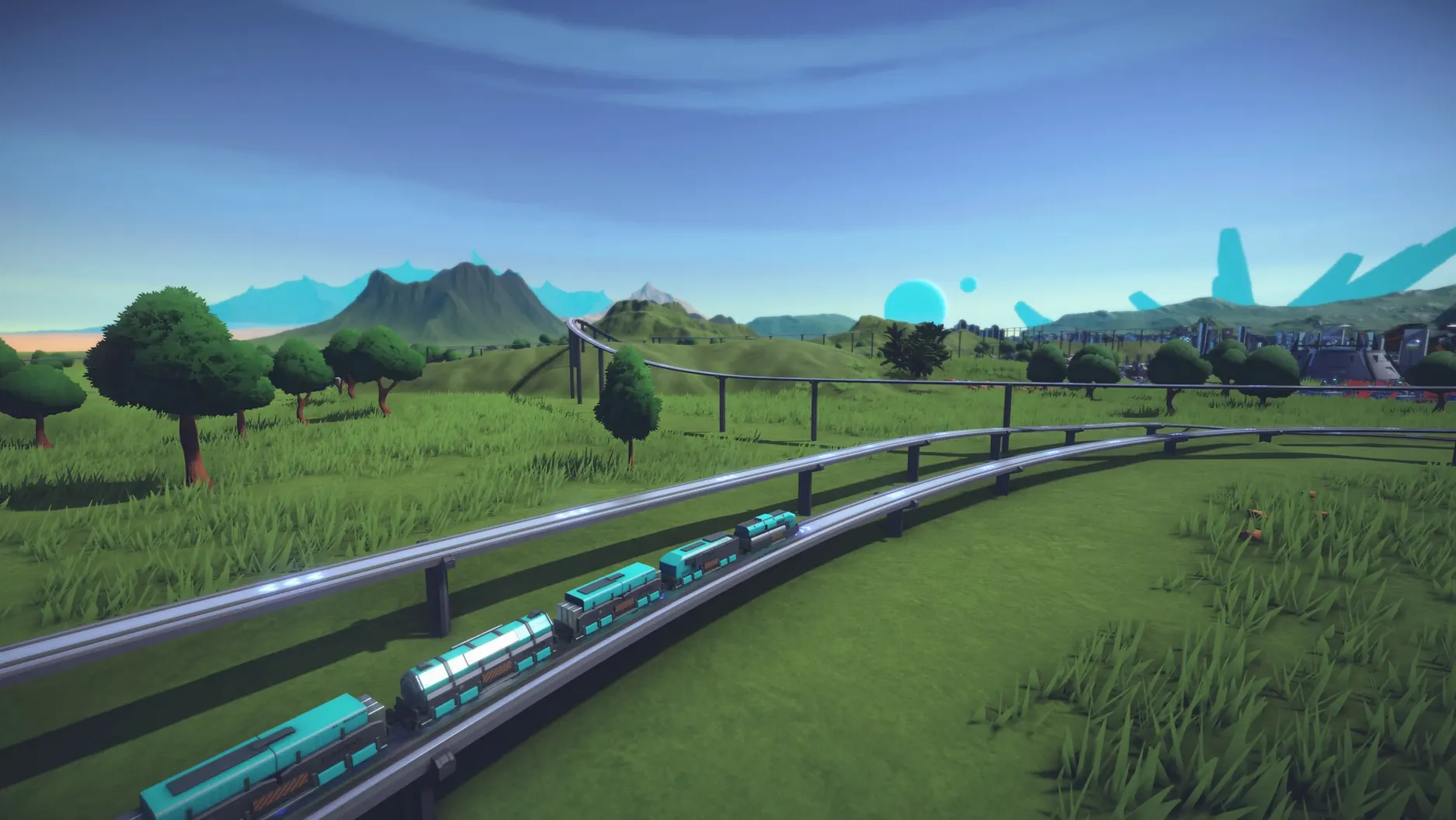
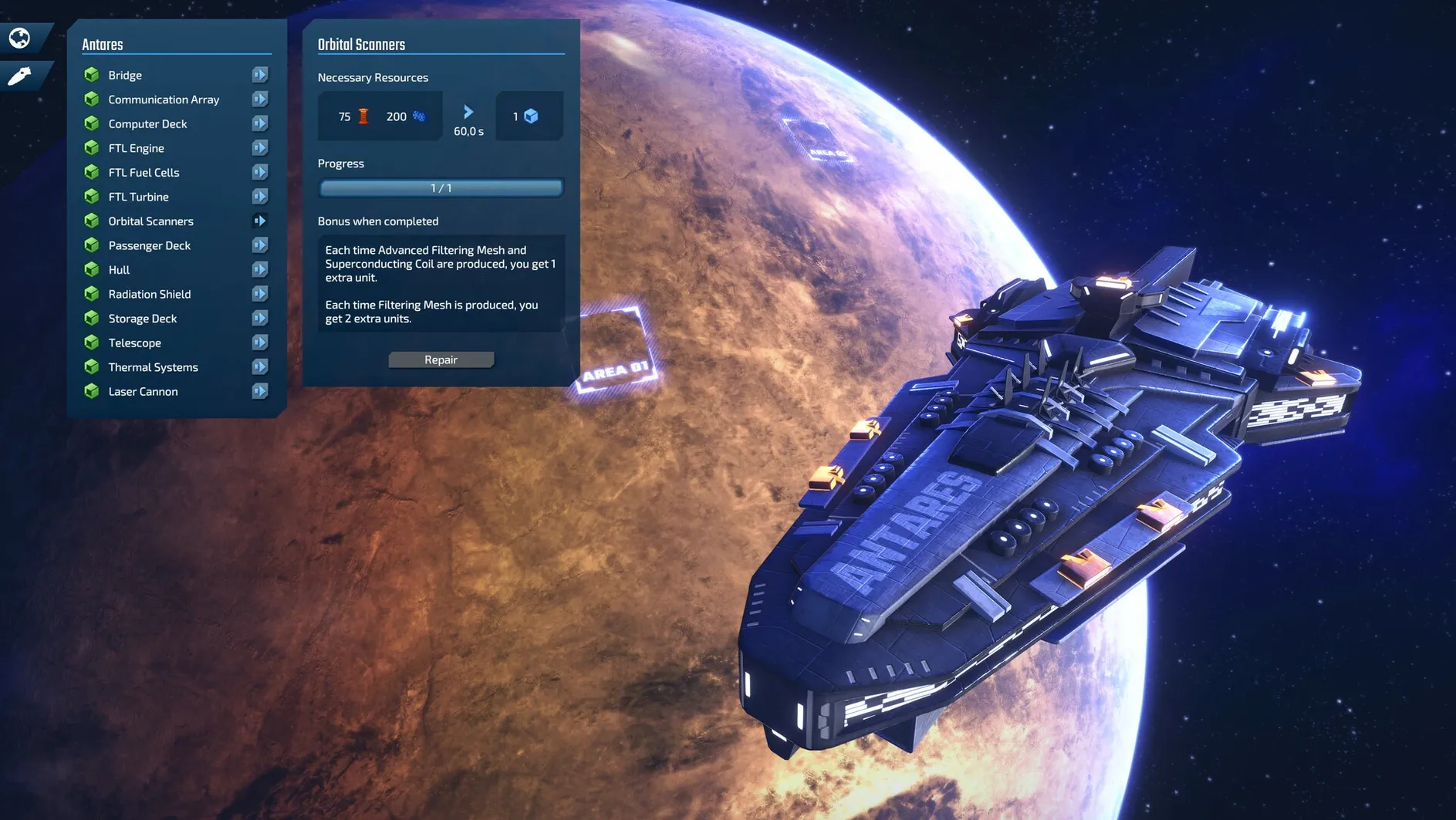
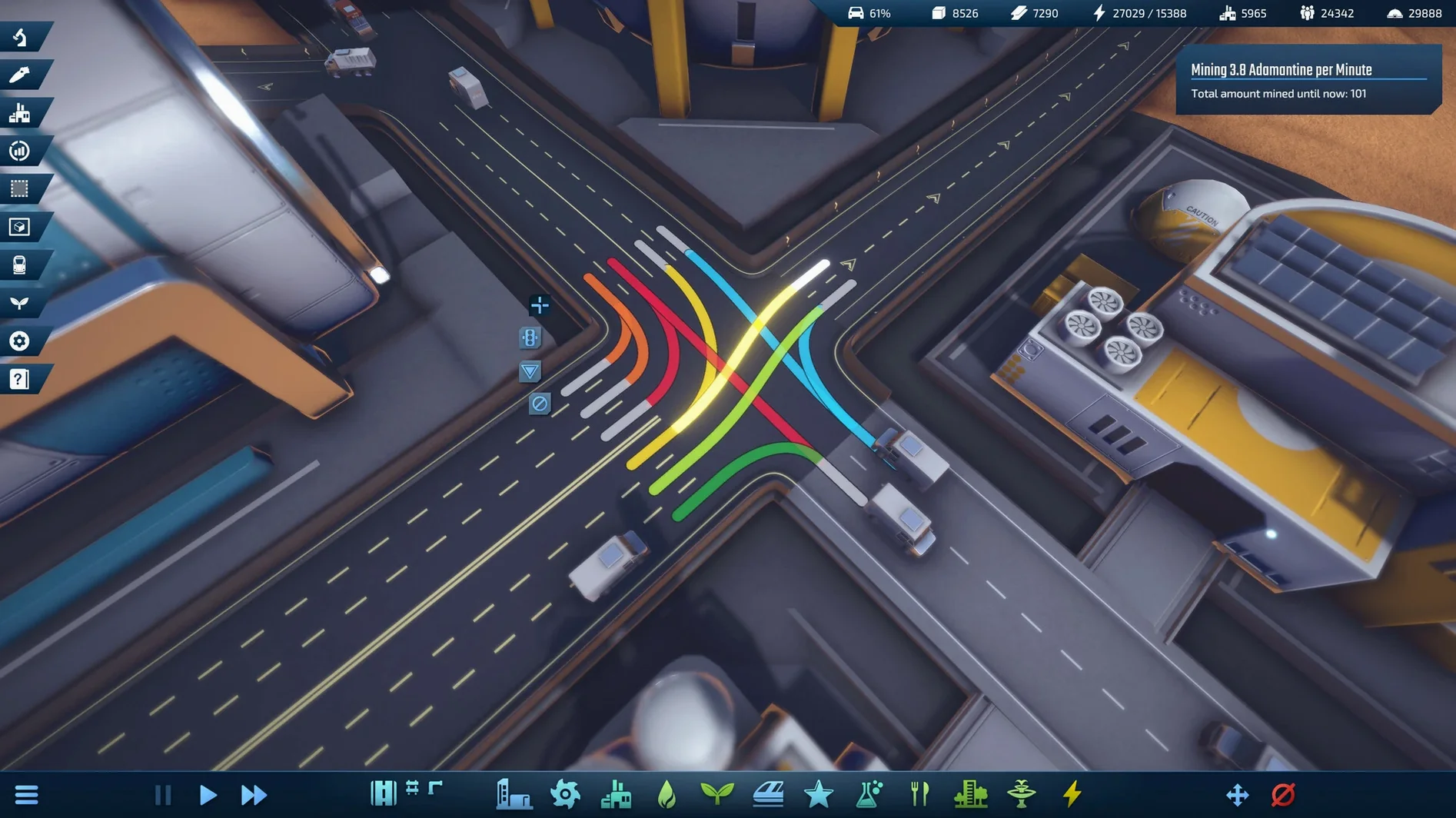
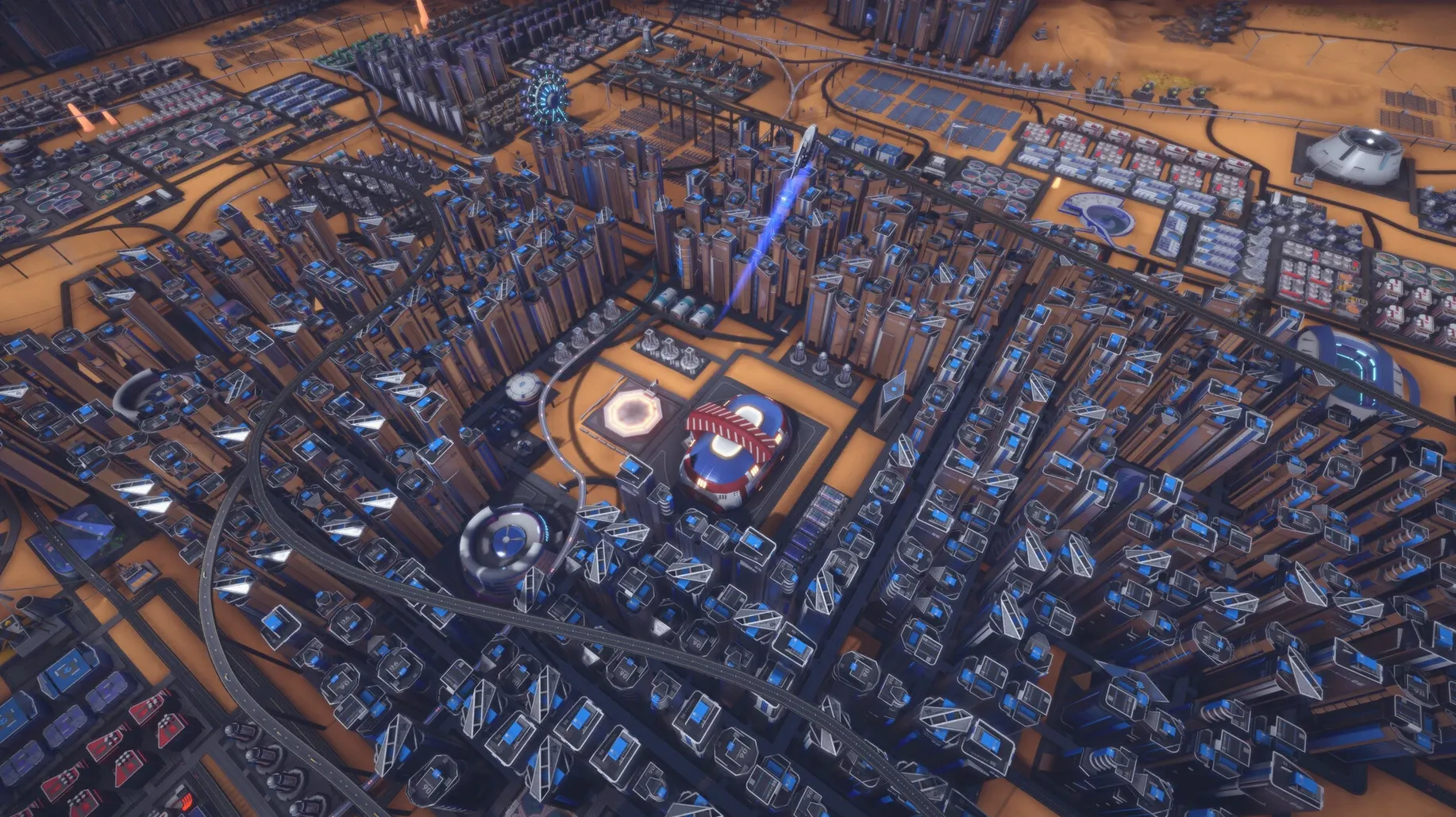
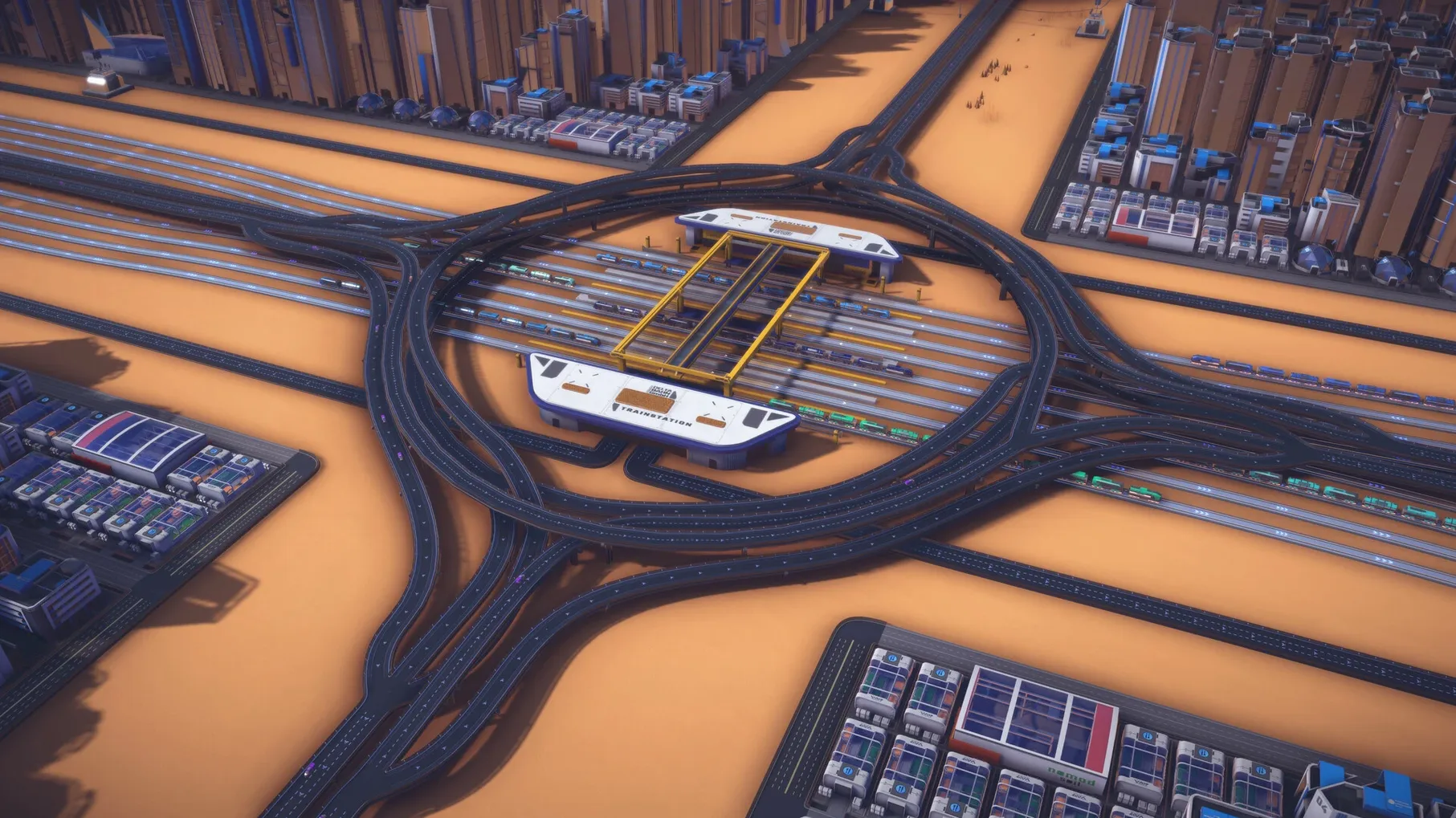
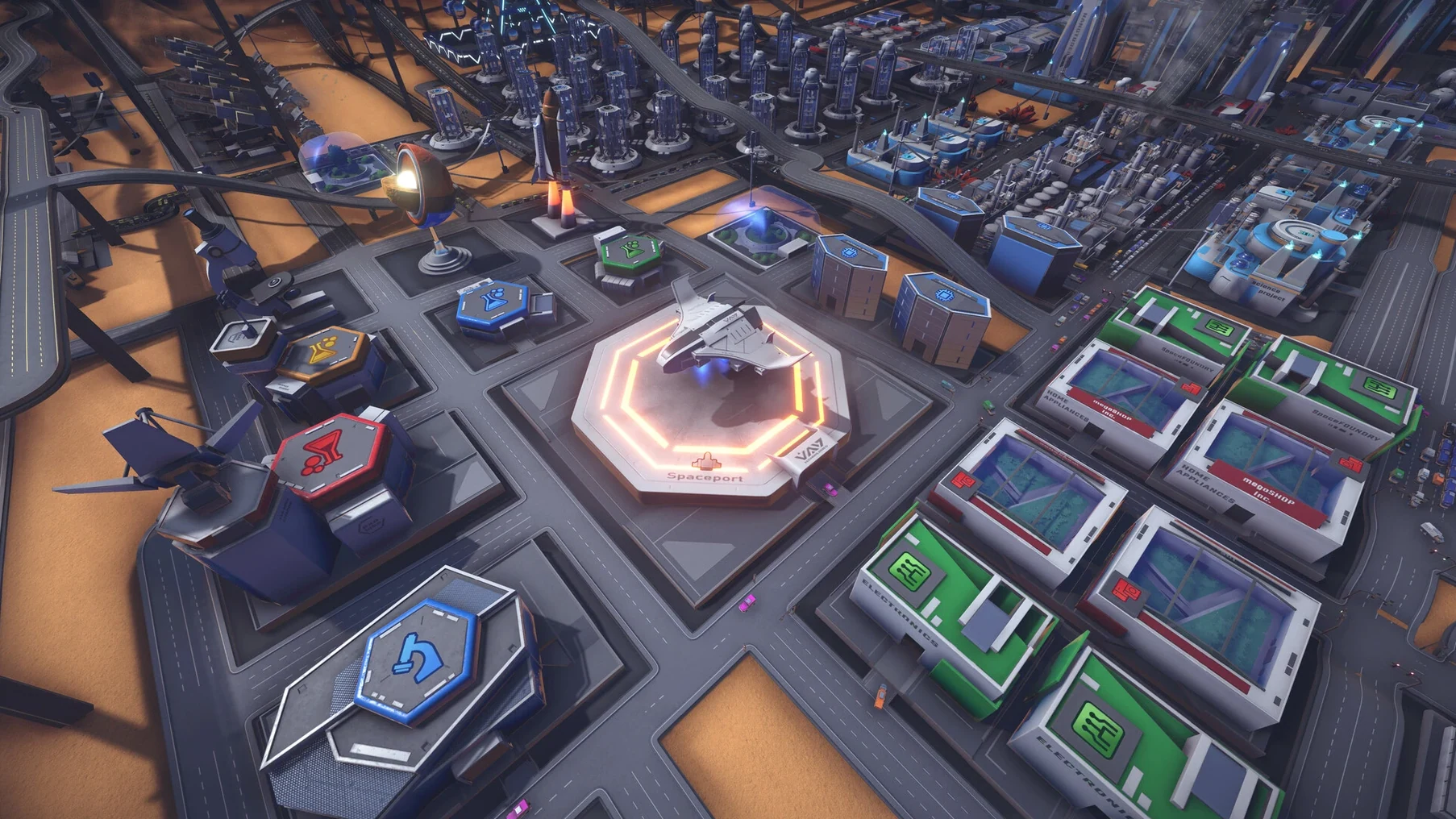
Fans of games like Factorio or Transport Fever will find a familiar rhythm here, but InfraSpace swaps conveyor belt orthodoxy for something messier and more organic: city traffic. You’re not just plopping down buildings — you’re designing the road network that keeps a fledgling space colony alive, making sure trucks carrying iron and carbon don’t get stuck behind a commuter bus.
What You’re Building
The first astronauts touch down with nothing but raw materials under their boots. You start by mining iron, carbon, sand, and sulfur, then hauling those resources to processing plants. Only once basic production is humming can you unlock steel and concrete factories. Each resource has to physically travel your roads to a factory — build too many intersections too close together, and your whole supply chain seizes up. Money alone won’t build the city; you earn it by shipping goods to the orbital station, and you spend it on expanding the road network and keeping the lights on. As the settlement grows, you hire scientists and engineers, build schools for families, and gradually shift from a survival outpost into a proper city.
How the Challenge Scaled
The game shipped as a finished product and now receives maintenance updates, with the developer keeping things stable rather than bolting on new systems. I appreciated that the difficulty of traffic and survival can be adjusted independently — you can dial down the logistics pressure if you’re more interested in the colony-growth side, or crank it up when you want gridlock to be the real enemy. There’s no voice acting, just a score that carries the sci-fi mood without getting in the way. It’s a quiet, focused kind of game, and that suits the problem-solving loop perfectly.
Stays Cool and Quiet on Apple Silicon
Because InfraSpace is a native build that runs on both Apple Silicon and Intel 64‑bit Macs, it slides into the ecosystem without a fuss. I played it on a MacBook Air (M1, 2020) where it stayed cool and quiet for hours — the kind of game that respects your battery enough to be a genuine lap companion rather than a desk-only affair. The disk image install is as old‑school as it gets, and once the app lands in your Applications folder, Launchpad handles the rest.
It also cooperates nicely with Stage Manager and Mission Control. I’ve taken to keeping it in its own space, swiping over when I want twenty minutes of supply‑chain tinkering, then swiping back to my notes. The game pauses gracefully when you move away, so there’s no panic about returning to a city that starved while you answered a message.
Feature-Identical to the PC Version
The most frequent question is whether an infraspace mac download gives you the same experience as the PC version, and the answer is yes — it’s feature‑identical, with all the language support intact across sixteen languages. The Mac build gets the same maintenance patches too, so the recent Japanese font fix landed here at the same time. Another common concern is about always‑online requirements; there aren’t any. You can play completely offline, which is fitting for a game about building a colony at the edge of human space. Folks also wonder if it demands a gaming mouse or a fancy setup, and honestly, the trackpad works fine once you get used to the camera controls — pinch to zoom and two‑finger pan become second nature after the first hour.
The latest patch is a small but targeted fix: Japanese fonts that were rendering incorrectly now display properly.
- Runs natively on both Intel and Apple Silicon Macs
- Tested on macOS Sequoia with a MacBook Air (M1, 2020)
Questions people ask
Can I adjust the traffic difficulty in InfraSpace?
Yes, the difficulty of both traffic management and survival can be tweaked separately, so you can tailor the challenge to your preference.
Is InfraSpace still being developed?
The developer considers the game finished but continues to release maintenance updates, such as the recent fix for Japanese fonts.
Also on readers' docks
Sign in or create an account to leave a comment.
No comments yet. Tell me how it got on with your other devices.
More in Games
See all Inkulinati
1.48.1.1 Games
1.3 GB
Inkulinati
1.48.1.1 Games
1.3 GB
 INSIDE
1.0.5 Games
1.3 GB
INSIDE
1.0.5 Games
1.3 GB
 Updated Into the Dead: Our Darkest Days
0.18.1 Native Games
5.8 GB
Updated Into the Dead: Our Darkest Days
0.18.1 Native Games
5.8 GB
 Updated Invincible VS
Build 25514999 Wine Games
10 GB
Updated Invincible VS
Build 25514999 Wine Games
10 GB
 Updated inZOI
0.11.1 Native Games
30 GB
Updated inZOI
0.11.1 Native Games
30 GB
 Updated HUMANKIND
1.31.4851 Native Games
17 GB
Updated HUMANKIND
1.31.4851 Native Games
17 GB
 House Flipper
1.26252 Games
13 GB
House Flipper
1.26252 Games
13 GB
 Is this Game Trying to Kill Me?
1.0.11 Games
1 GB
Is this Game Trying to Kill Me?
1.0.11 Games
1 GB