









Download Is this Game Trying to Kill Me? for macOS
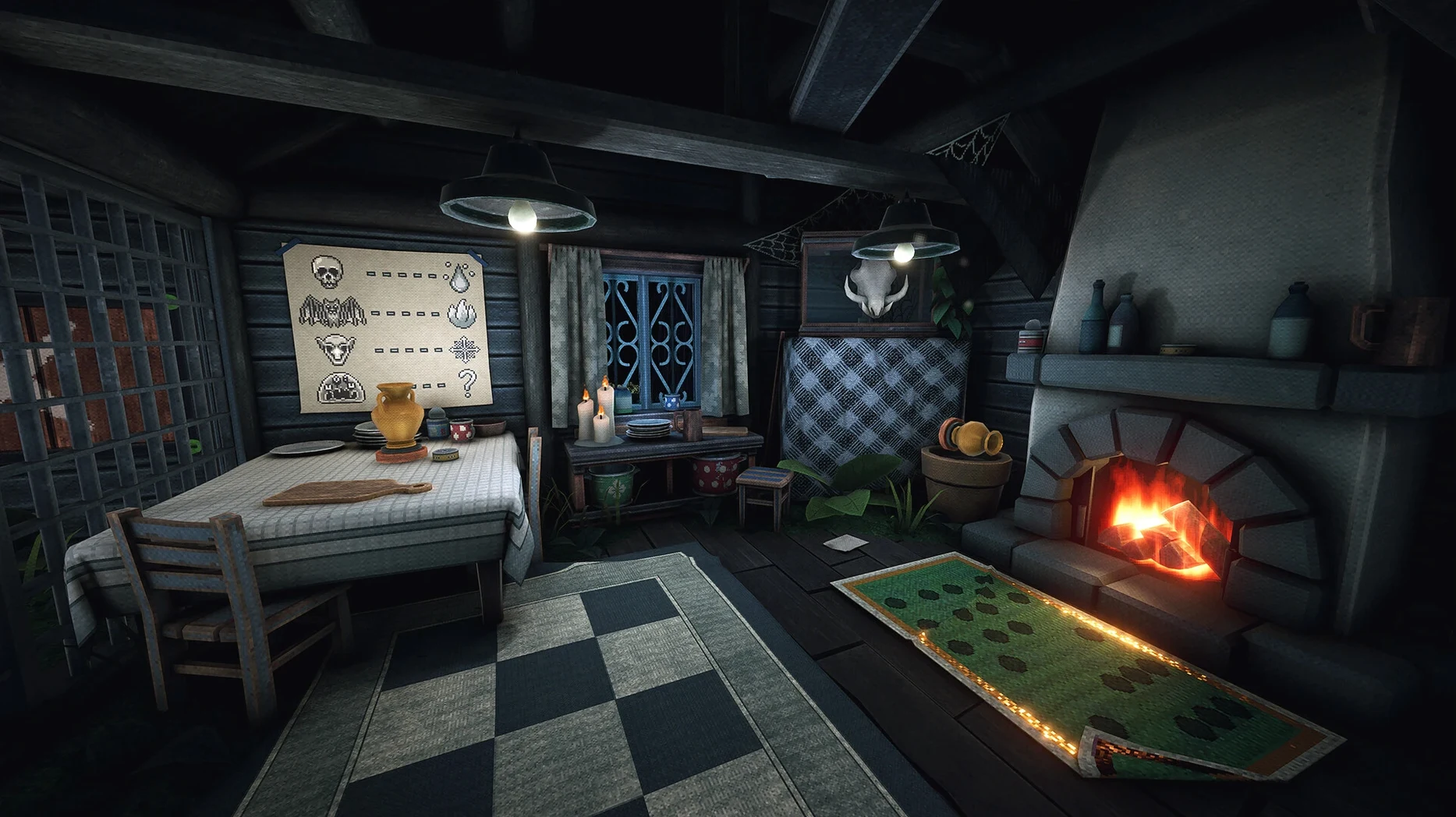
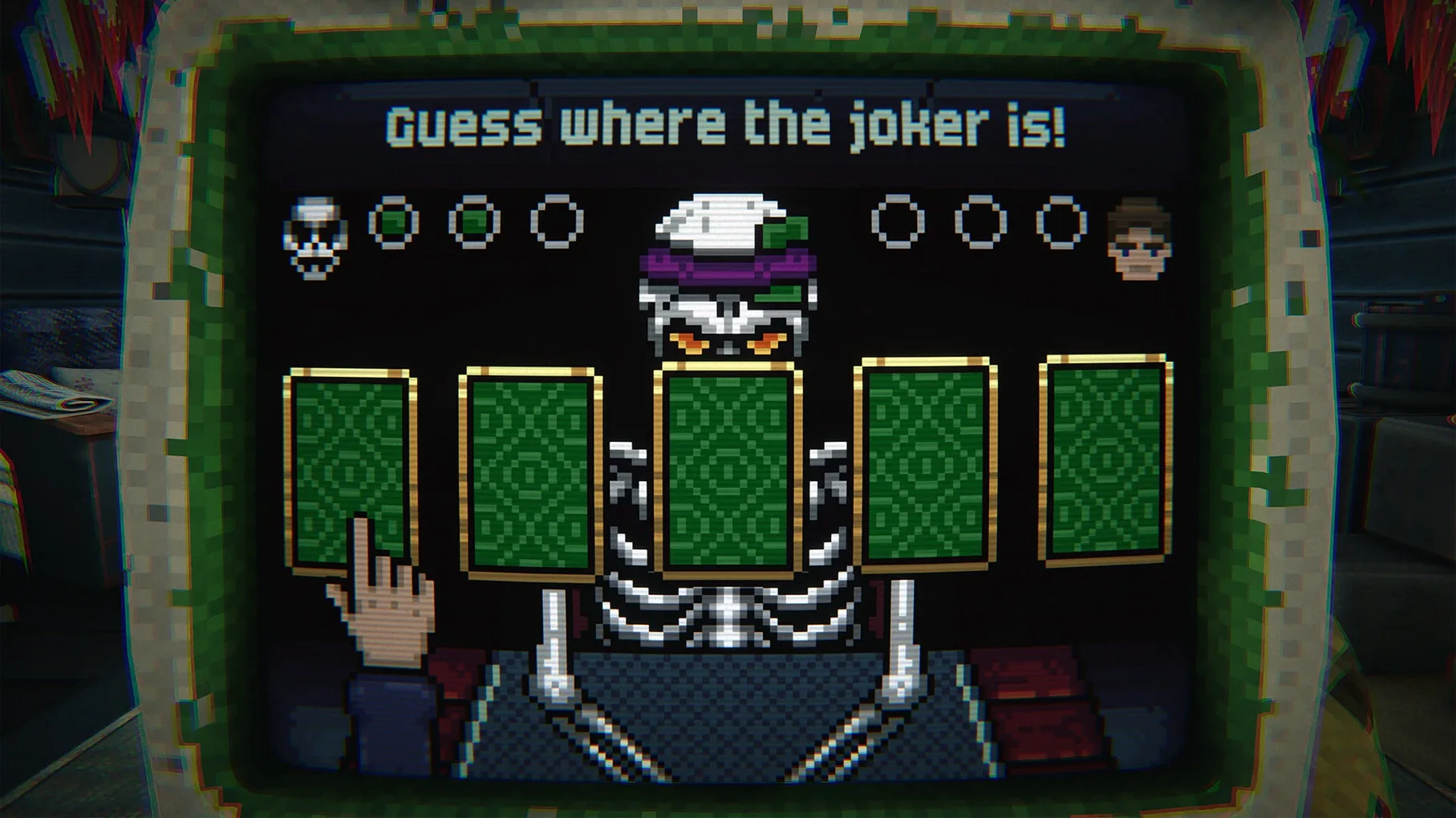
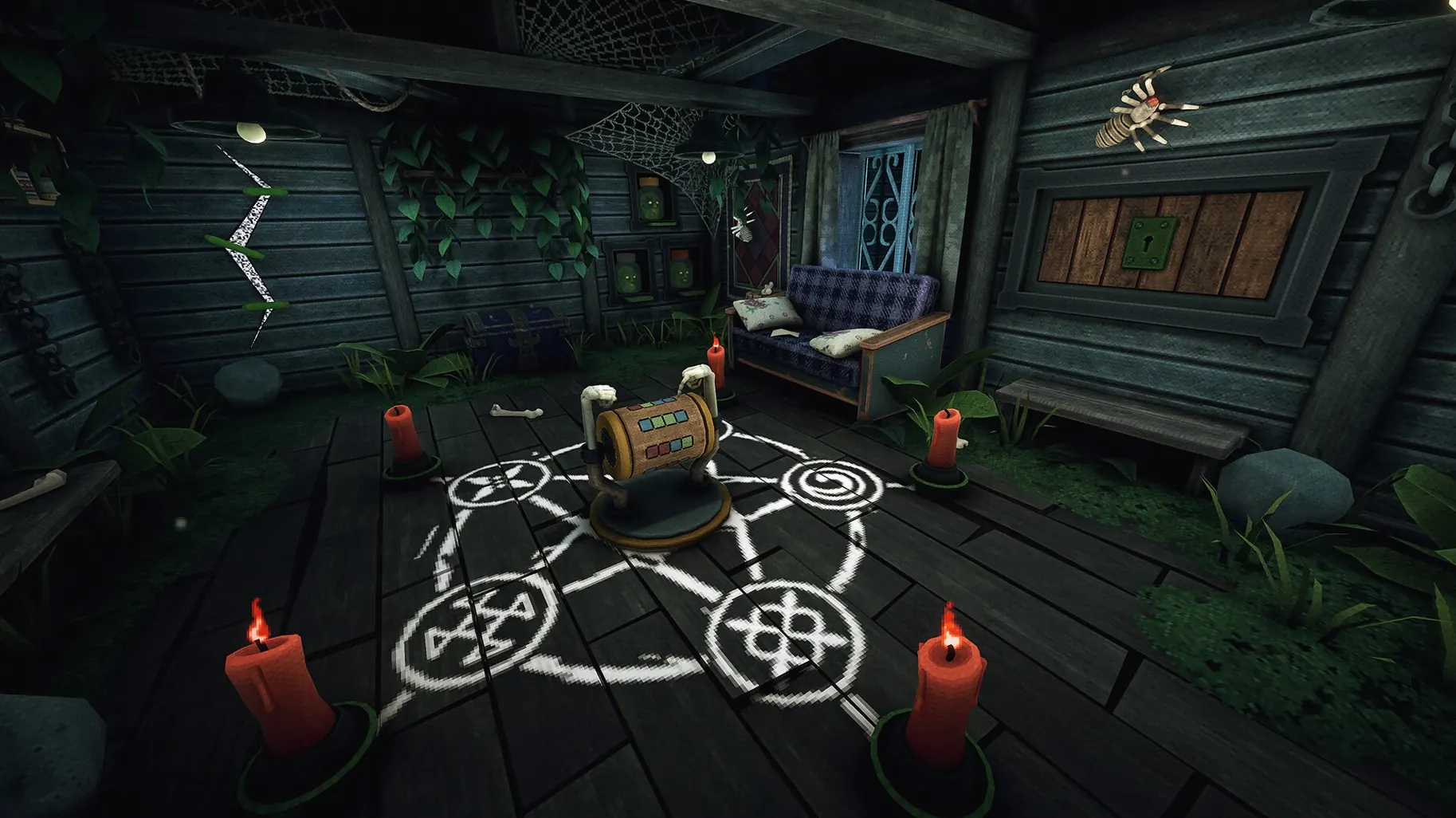
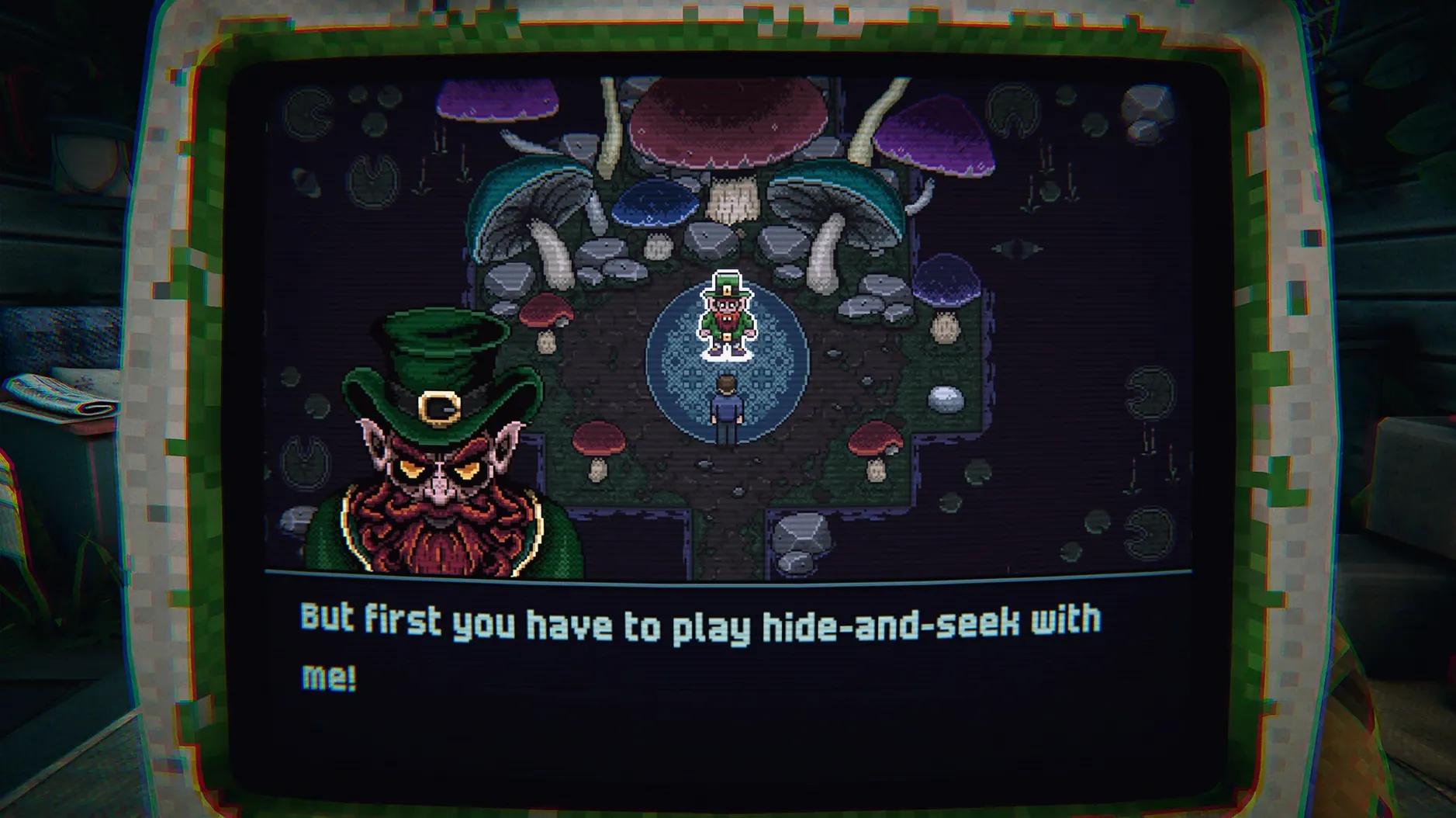
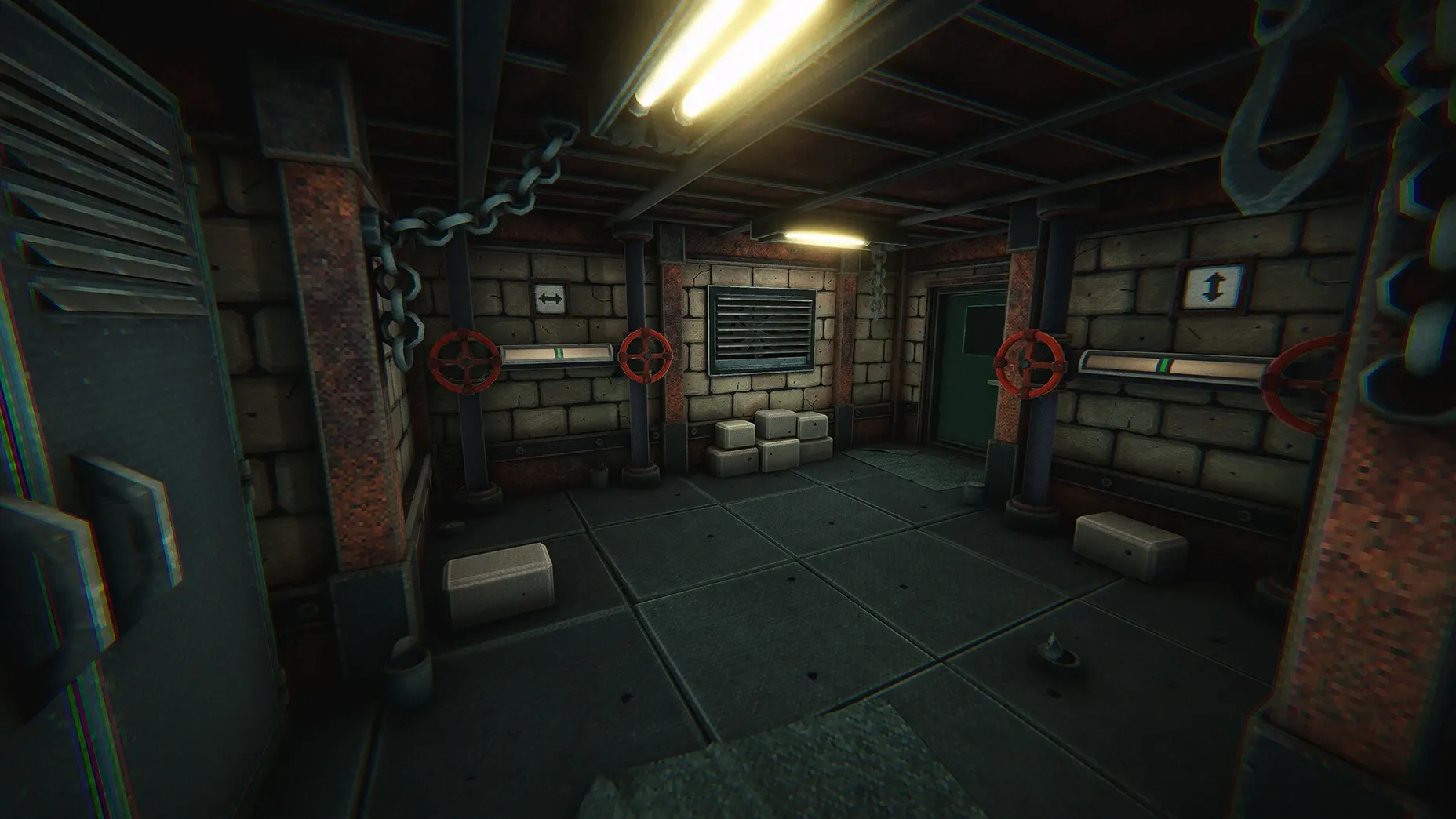
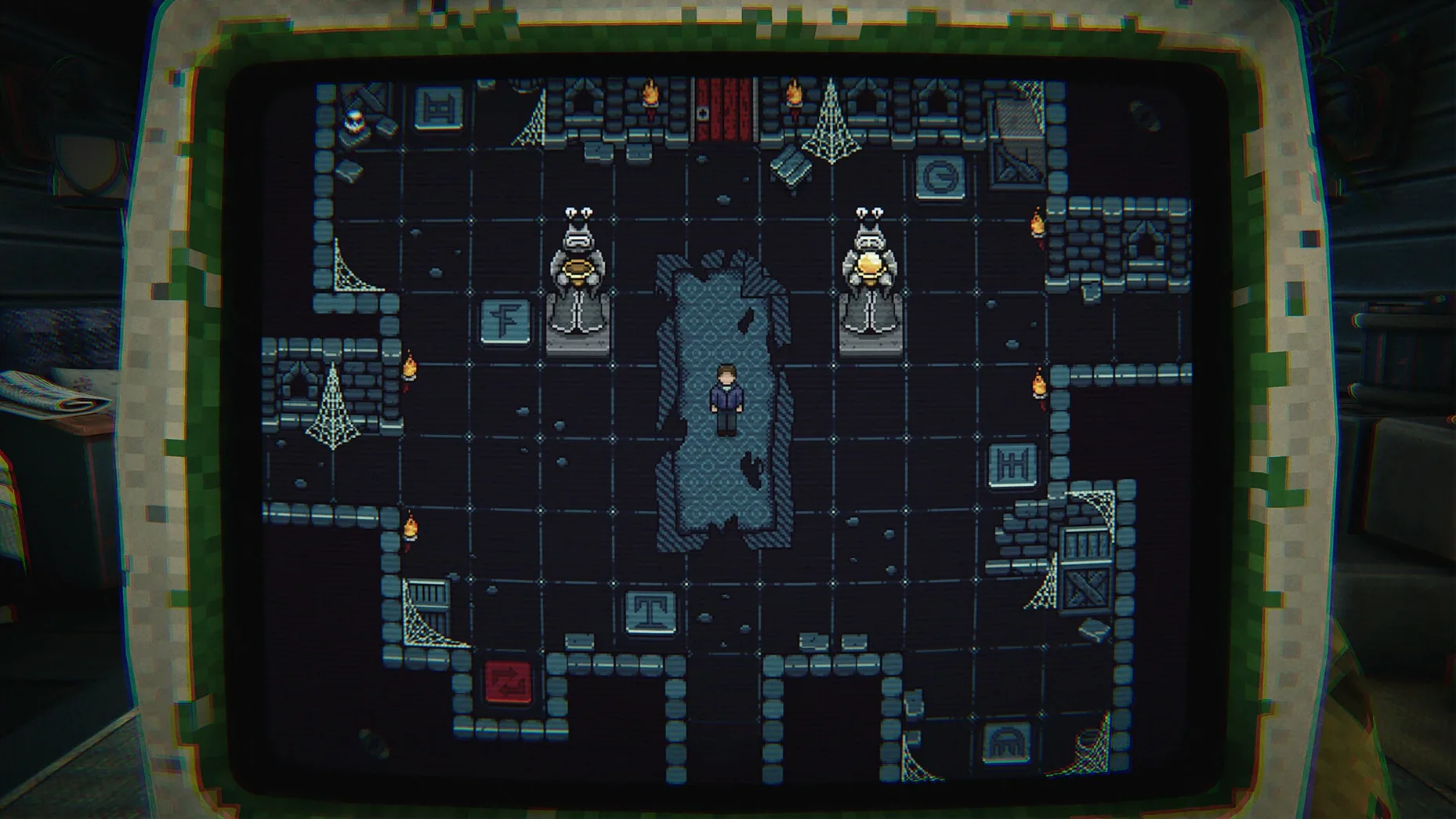
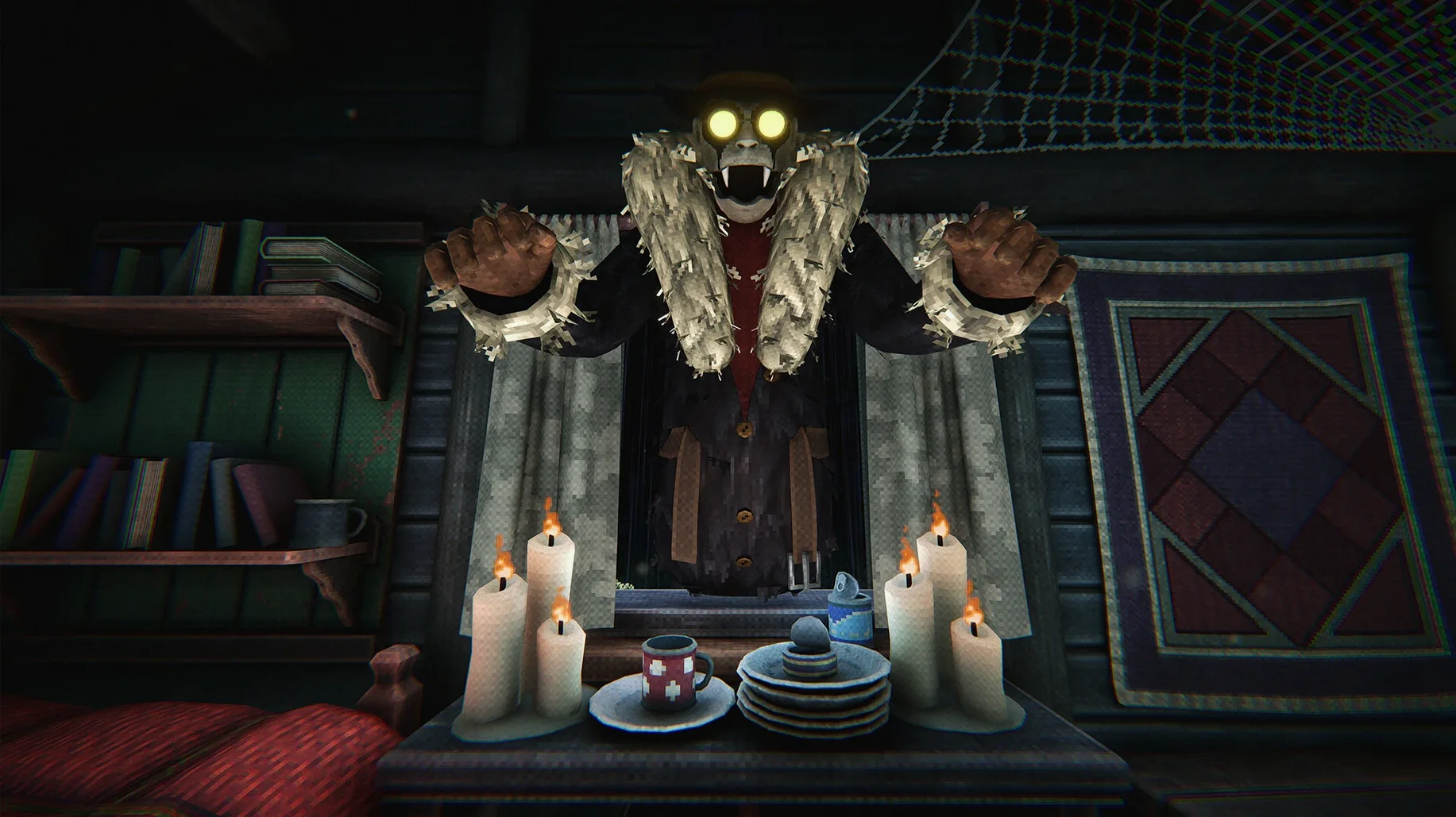
Anyone who has squinted at a suspicious download will recognize the premise here. You're trapped in a forest cabin, and the owner makes an offer: play a computer game, win, and walk free. The twist is that everything you do in the physical room feeds back into the game on the screen, and the cabin itself seems to have opinions about your progress. Horror and puzzle solving trade off constantly, and the game is not shy about killing you in a variety of unpleasant ways.
- Move through the cabin in first person, checking drawers, switches, and odd contraptions.
- Play the in-game computer title, where your performance directly changes the room around you.
- Watch for environmental threats — the cabin has plenty of ways to end your run.
- Piece together how real-world objects map to events inside the computer game.
- Try different approaches after each death, since the solution is rarely a straight line.
The tension comes from the overlap: a puzzle solved on screen might unlock a door, while a wrong move in the room can trigger something much worse. Fans of compact horror puzzles will find a loop that rewards attention and punishes carelessness in equal measure.
Headphones On, Lights Off, Apple Silicon
Picture someone who plays horror games the way other people eat spicy food — they know it'll hurt, but they keep coming back. That player sits down with headphones on, lights off, version 1.0.11 loaded on an Apple Silicon Mac. Twenty minutes in, they've died four times. A floorboard gave way. A bookshelf wasn't just a bookshelf. The third death came from typing the wrong thing into the in-game computer, which felt personal. They start talking to the screen. "Fine. I'll try the door again." The game hears that kind of thing, somehow. By midnight they've mapped the cabin's ground floor in a text file, discovered that the grandfather clock isn't just set dressing, and realized the computer game's pixel-art forest looks an awful lot like the view outside the cabin window. They won't reach an ending tonight, but they'll think about the puzzle logic during breakfast tomorrow. That's the pull.
Fix the Twitchy Cursor Before Your First Drawer
Before you touch a single drawer, pop into the options menu. A few quick tweaks make the difference between atmospheric tension and genuine frustration.
- Mouse sensitivity — the default is a touch high for precise object interaction. Drop it 15–20% so you're not overshooting drawer handles while something creaks behind you.
- Head bob — immersive on a first run, distracting when you're retracing steps after your fifth death. Turn it down if you plan to hunt for alternate endings.
- Subtitles — the cabin's audio cues are important, but the in-game computer communicates largely through text. Subtitles ensure you don't miss a whispered clue while a trap resets in the next room.
- Brightness — the default leans dark for horror atmosphere. Push it up just enough to spot environmental details without washing out the mood. You want to see the trap, not Google it.
- Architecture: Apple Silicon
- Interface languages: Russian, English, German, Simplified Chinese, Korean, Portuguese, Japanese
Also on readers' docks
Sign in or create an account to leave a comment.
No comments yet. Tell me how it got on with your other devices.
More in Games
See all Updated inZOI
0.11.1 Native Games
30 GB
Updated inZOI
0.11.1 Native Games
30 GB
 Updated Invincible VS
Build 25514999 Wine Games
10 GB
Updated Invincible VS
Build 25514999 Wine Games
10 GB
 Updated Into the Dead: Our Darkest Days
0.18.1 Native Games
5.8 GB
Updated Into the Dead: Our Darkest Days
0.18.1 Native Games
5.8 GB
 INSIDE
1.0.5 Games
1.3 GB
INSIDE
1.0.5 Games
1.3 GB
 Inkulinati
1.48.1.1 Games
1.3 GB
Inkulinati
1.48.1.1 Games
1.3 GB
 Jackal
1.0.1 Games
1.2 GB
Jackal
1.0.1 Games
1.2 GB
 InfraSpace
1.56.460 Games
3 GB
InfraSpace
1.56.460 Games
3 GB
 Kingdom Rush Vengeance - Tower Defense
1.16.03 Games
1 GB
Kingdom Rush Vengeance - Tower Defense
1.16.03 Games
1 GB