








Download Firehawk FPV: Drone Fighter for macOS
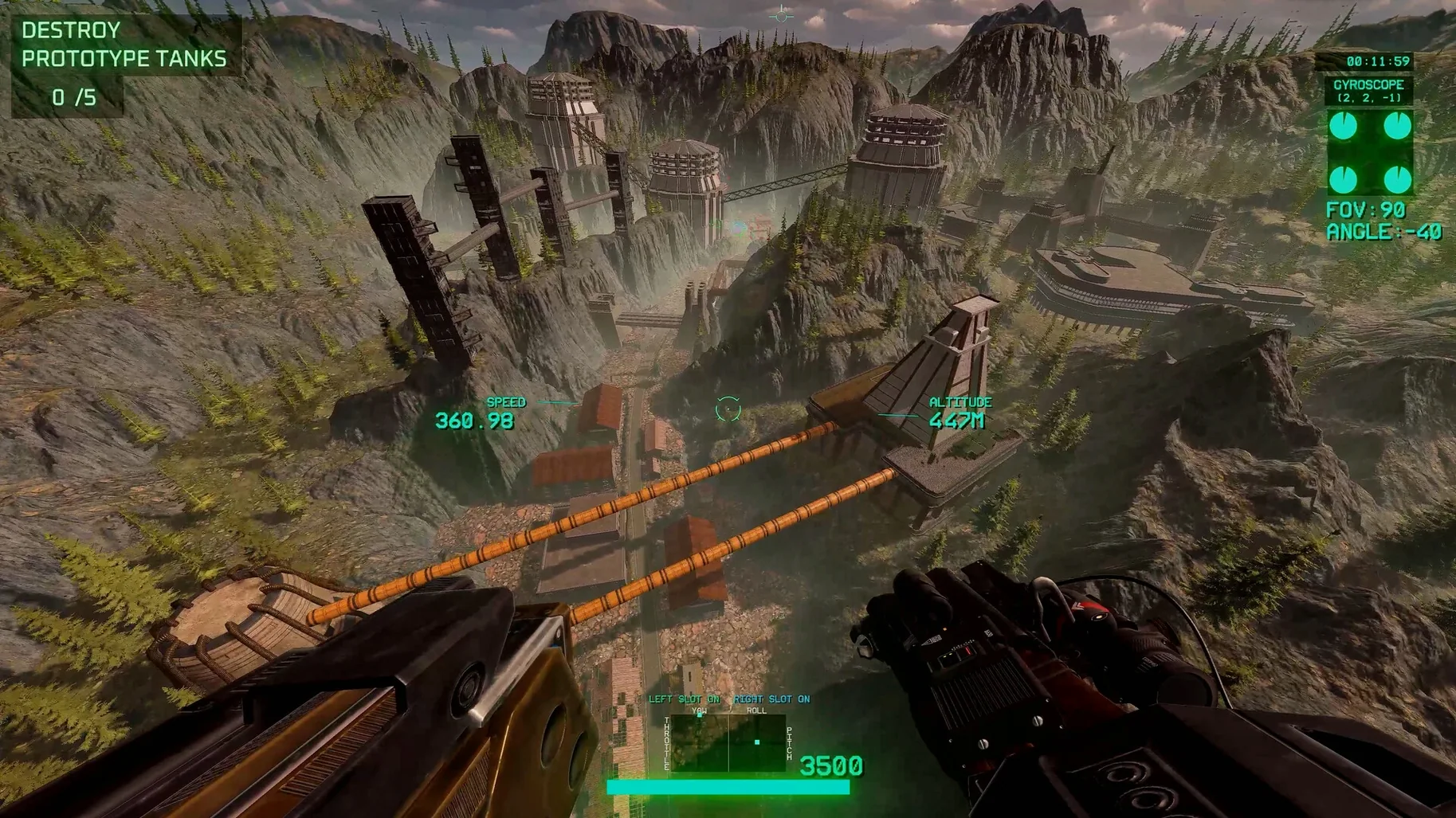
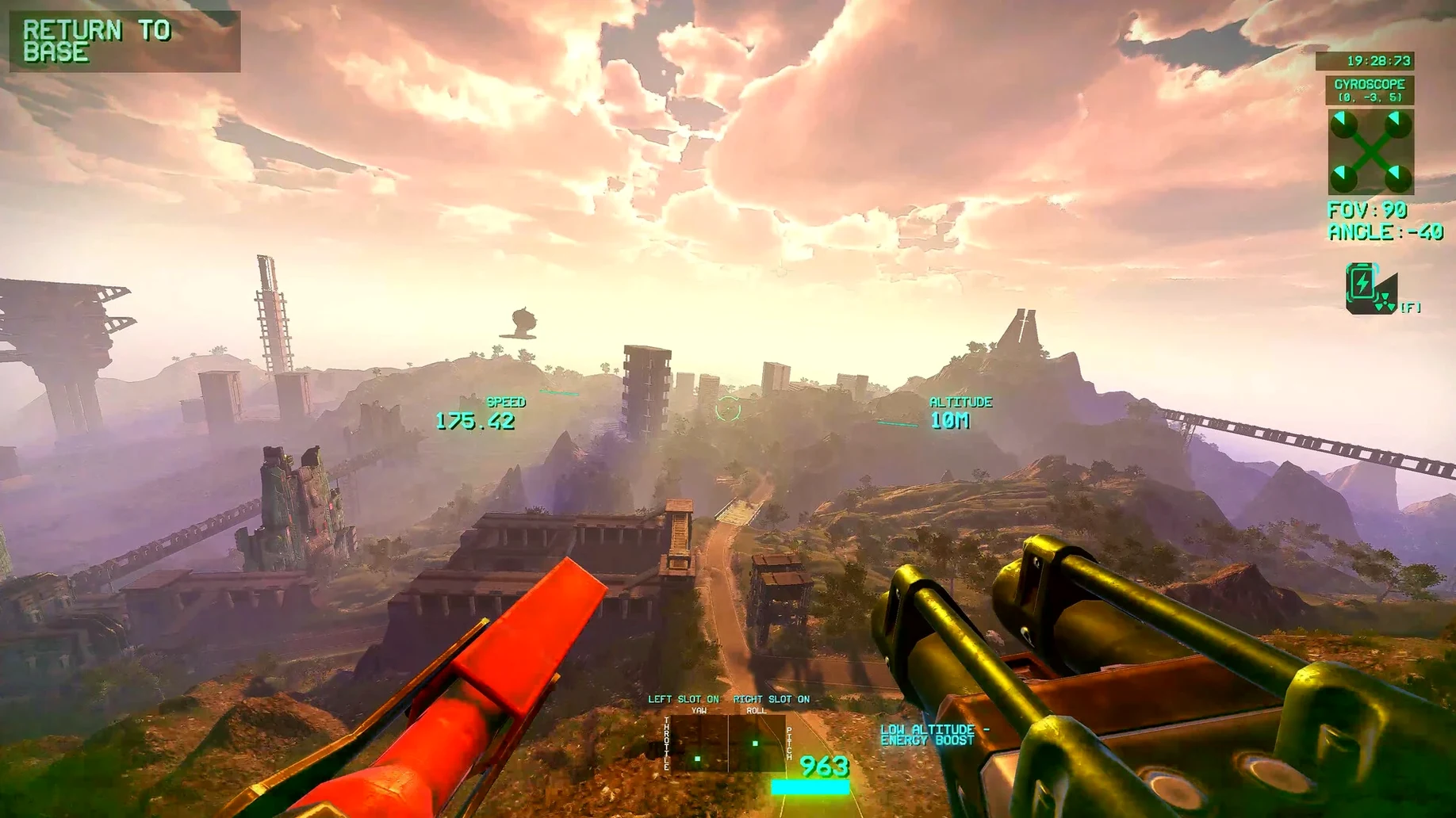
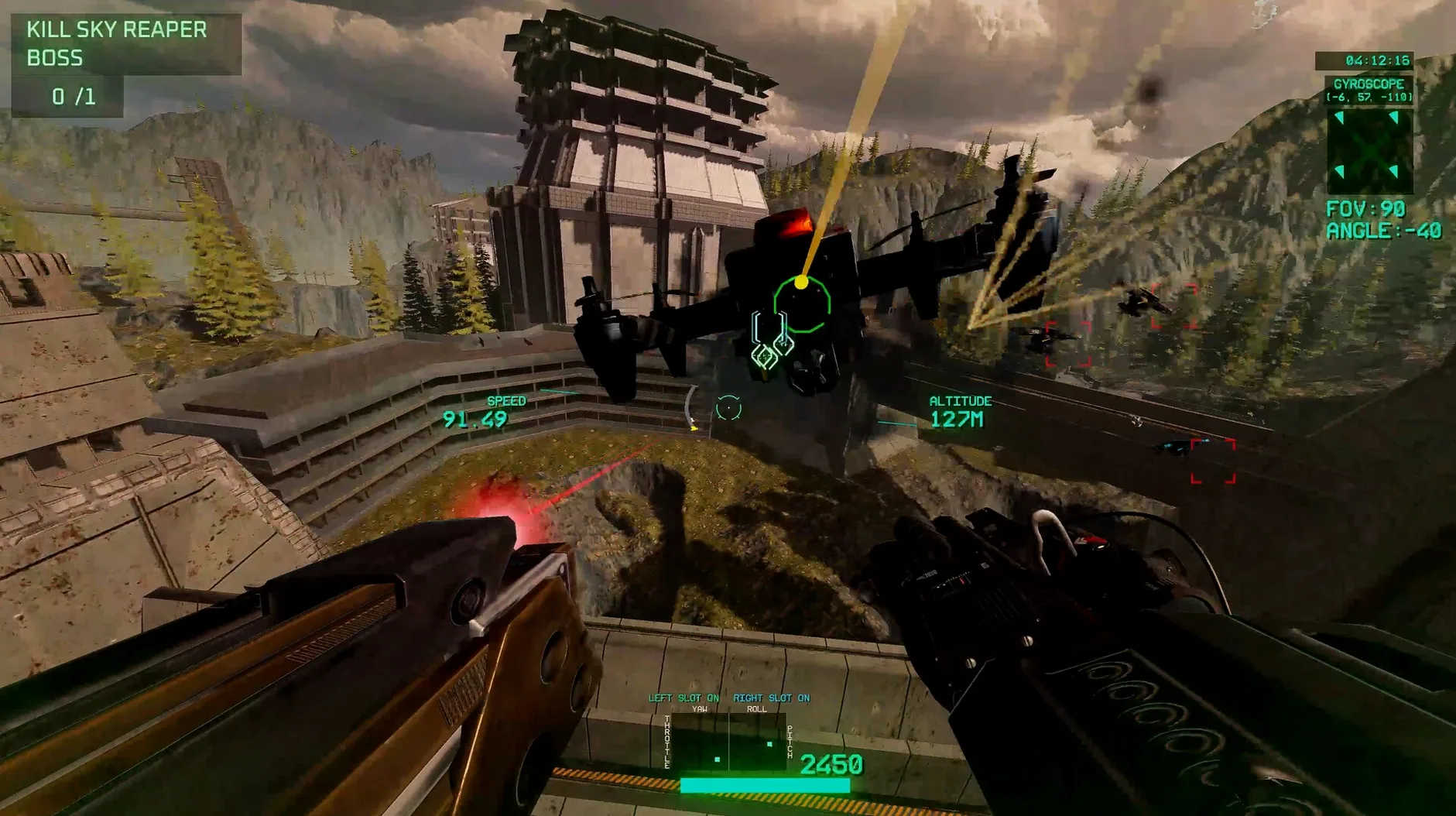
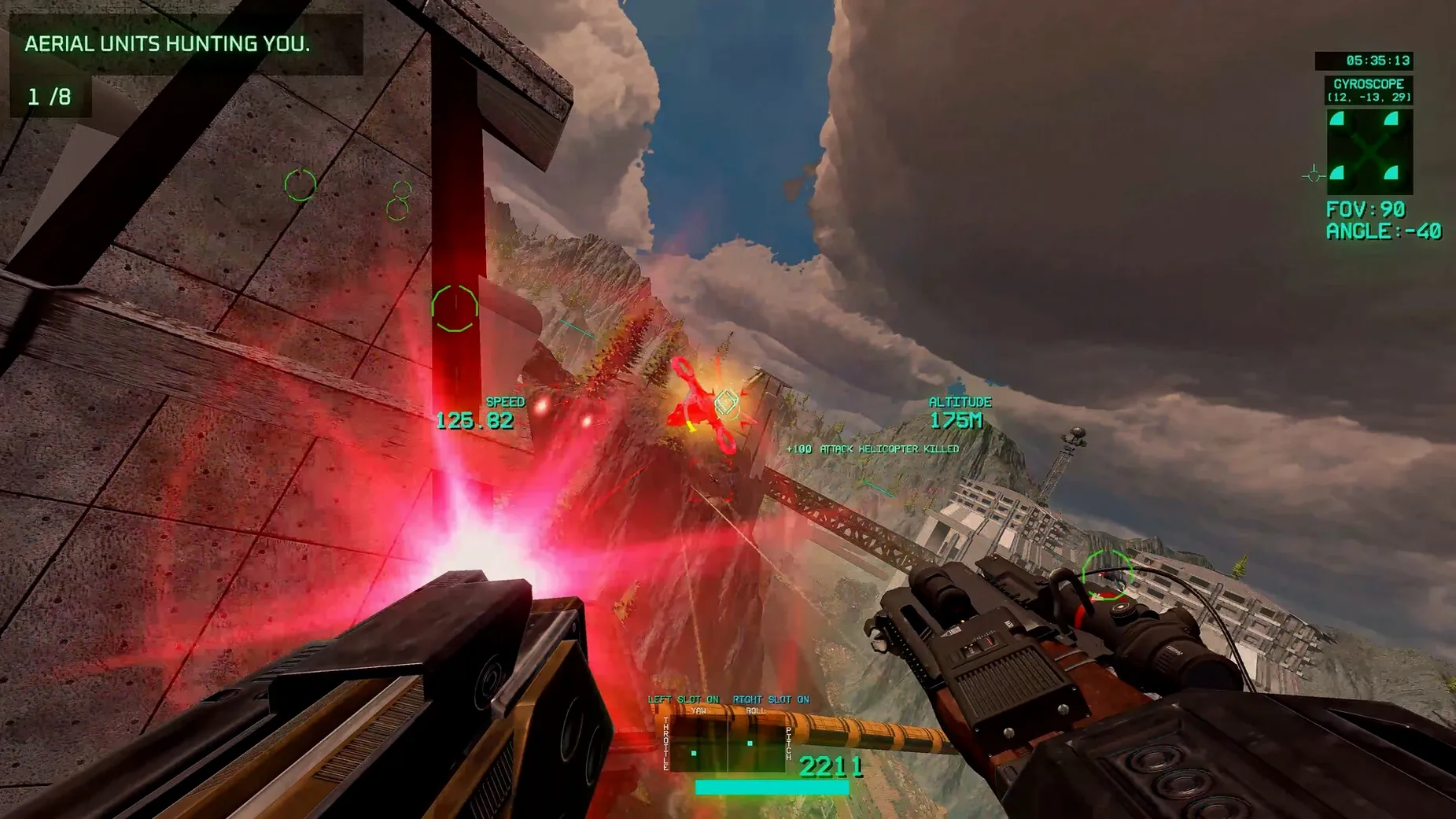
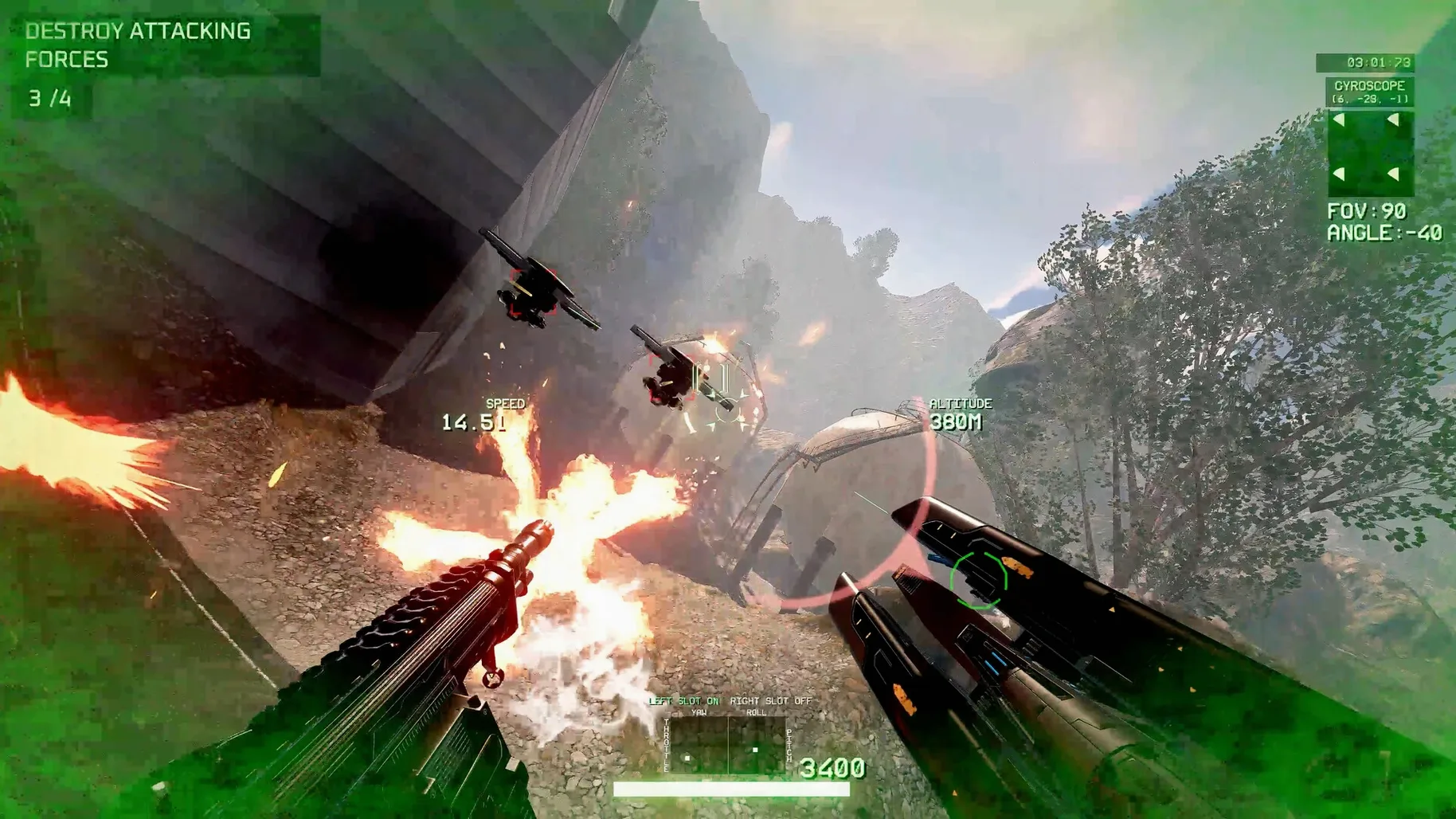
Before suiting up, let’s talk hardware. The developer hasn’t locked this to one chip family, so you can run it on both Apple Silicon and Intel Macs — just make sure your machine meets whatever minimums the current build expects for smooth FPV flight. That broad architecture support means even an older Intel MacBook Pro can get in the air, though a newer M-series chip will push those frames higher when things get hectic.
Controls are where this one shines. You aren’t just tapping keys for a canned animation — the game leans on real drone physics, so your throttle, pitch, and roll behave like a proper quad. A joystick is supported out of the box, which makes weaving through an industrial zone feel far more natural than a mouse ever could. Keyboard works too, but the moment you try a stick you’ll understand why the option is there.
Every run starts the same: you launch with a basic frame and a handful of parts, then build weapon loadouts as you clear missions. Death sends you back to base, but the tech, skills, and raw power you’ve collected stick with you, turning each restart into a chance to push further. The maps shift between cluttered industrial yards and open military zones, so you’re constantly rethinking your approach.
Languages won’t be a barrier either — the interface ships with over twenty options covering everything from Arabic to Japanese. If you’ve been hunting for a combat drone sim that respects stick inputs and doesn’t treat Mac as an afterthought, this one’s worth a look.
The 2026.09.24 build tightened a few things that regular players will notice immediately. Enemy squadrons in military zones used to cluster in predictable waves, but the latest update shook up their patrol routes — you can't just post up behind the same fuel tank every run anymore. Defensive systems got a bump too, with base turrets tracking faster and hitting harder, which makes those early missions feel a little less punishing when you're still flying a stripped-down frame.
Weapon mixing between missions also got smarter. Before, swapping loadouts mid-run sometimes left you with a weird gap in coverage — like a heavy cannon paired with nothing for close-range drones zipping through vents. The update smoothed out those combinations, so the arsenal you piece together actually complements itself. It's a subtle fix, but one you'll appreciate about ten minutes into a run when a shotgun drone rushes you and your secondary isn't still in cooldown.
Elite squadrons got nastier, too. Their pilots fly more aggressively now, cutting tighter corners and punishing you if you hover for more than a second. If you've been cruising through the later zones, expect to work for those kills again.
Dialing up stick sensitivity for snappier rolls
Before you even launch your first drone, dig into the controls tab. The default stick curves are set conservatively — fine for learning, but they'll make snap rolls feel sluggish once you know what you're doing. Bump the sensitivity up about fifteen percent and tighten the dead zone by a notch. You'll still have control without feeling like you're fighting a rubber band.
Toggle the on-screen telemetry to minimal unless you genuinely enjoy half the display covered in numbers. The full HUD is great for diagnostics, but in a firefight you just need battery, altitude, and ammo. Everything else can wait for the post-mission screen.
If you're flying with a console controller, remap the weapon switch to the shoulder buttons instead of the D-pad. Taking your thumb off the stick to cycle guns mid-dodge is a fast way to eat a missile. Trust me on that one.
And if you're jumping into firehawk fpv drone fighter macos free for the first time, spend five minutes in the industrial zone practice mode. The tight corridors and low ceilings there will teach you throttle control faster than any tutorial, and you'll crash a dozen times before anything shoots at you. Those crashes cost nothing, but the muscle memory sticks.
- Apple Silicon or Intel 64-bit Mac
Questions people ask
Does Firehawk FPV support joysticks on Mac?
Yes, the game supports joysticks and uses real drone physics, so a stick makes the FPV flying feel much more natural.
What kind of progression does the game use?
It follows a death-to-base loop — you start each run with a basic frame, expand your tech and weapon loadouts over time, and keep your earned power after dying.
What environments do you fly in?
Missions take place across industrial zones and military zones, each demanding different tactics and flight paths.
Also on readers' docks
Sign in or create an account to leave a comment.
No comments yet. Tell me how it got on with your other devices.
More in Games
See all Firewatch
1.12a Games
2.1 GB
Firewatch
1.12a Games
2.1 GB
 Farmside
2.8.6 Games
708 MB
Farmside
2.8.6 Games
708 MB
 Updated Farming Simulator 25
1.25.0.0 Native Games
31 GB
Updated Farming Simulator 25
1.25.0.0 Native Games
31 GB
 Football Manager 2026
26.3.2.2329565 Games
6.4 GB
Football Manager 2026
26.3.2.2329565 Games
6.4 GB
 FAR: Lone Sails
1.31 Games
1 GB
FAR: Lone Sails
1.31 Games
1 GB
 Fallout Shelter
2.4.1 Games
1.1 GB
Fallout Shelter
2.4.1 Games
1.1 GB
 Frostpunk
1927 Games
8.9 GB
Frostpunk
1927 Games
8.9 GB
 Updated Factorio
2.1.23 Native Games
5.7 GB
Updated Factorio
2.1.23 Native Games
5.7 GB