








Download Farming Simulator 25 for macOS
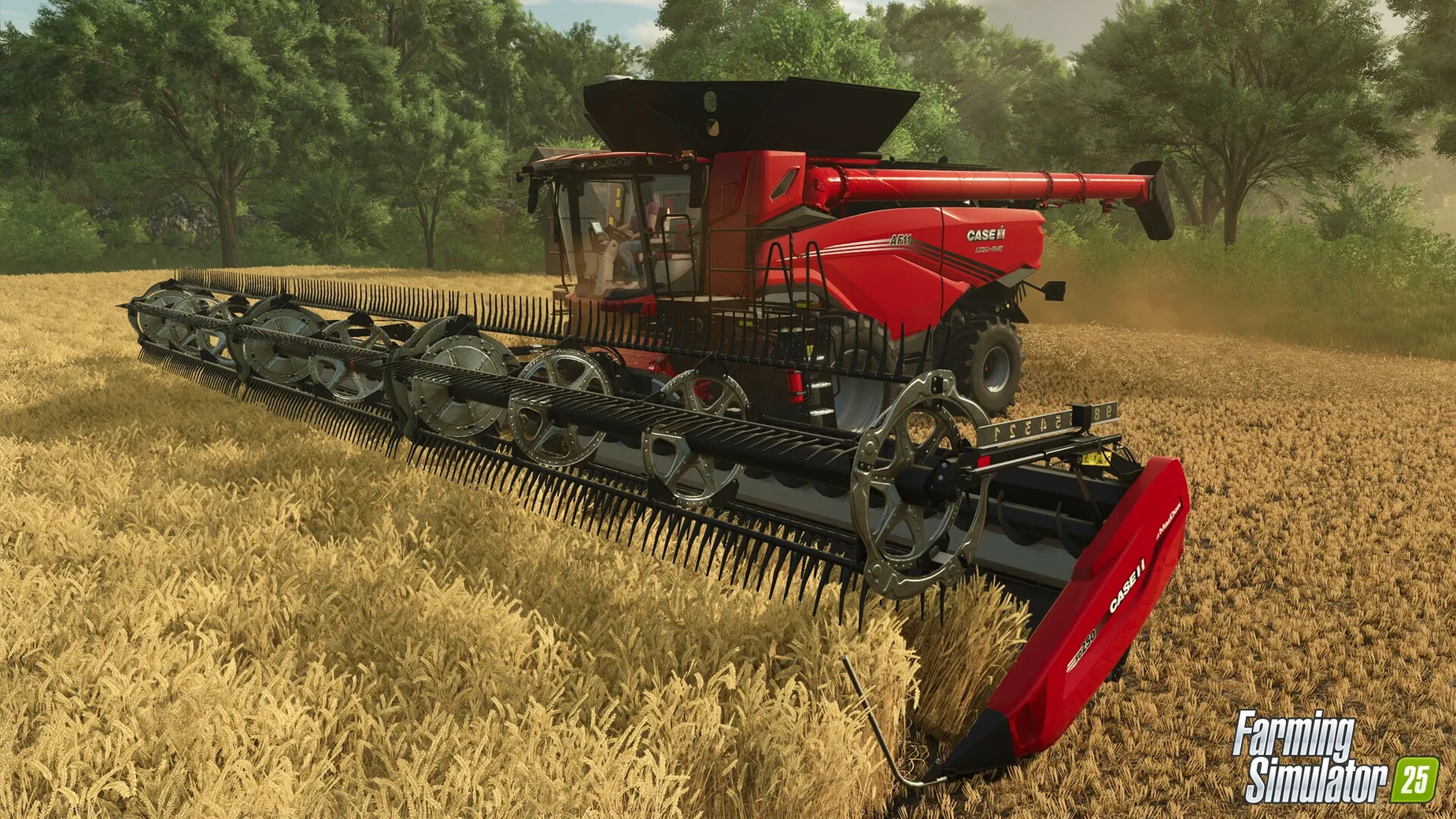
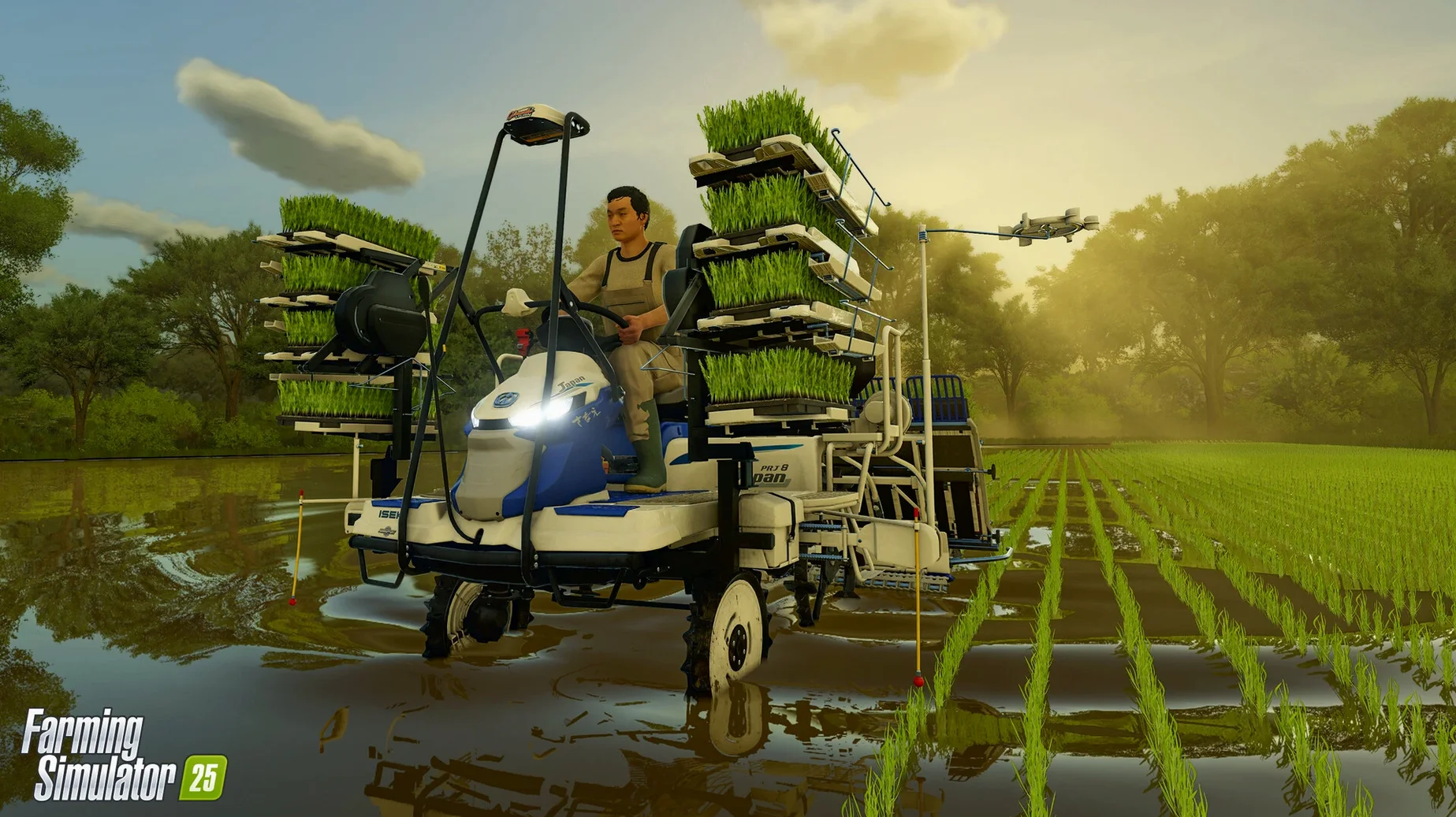
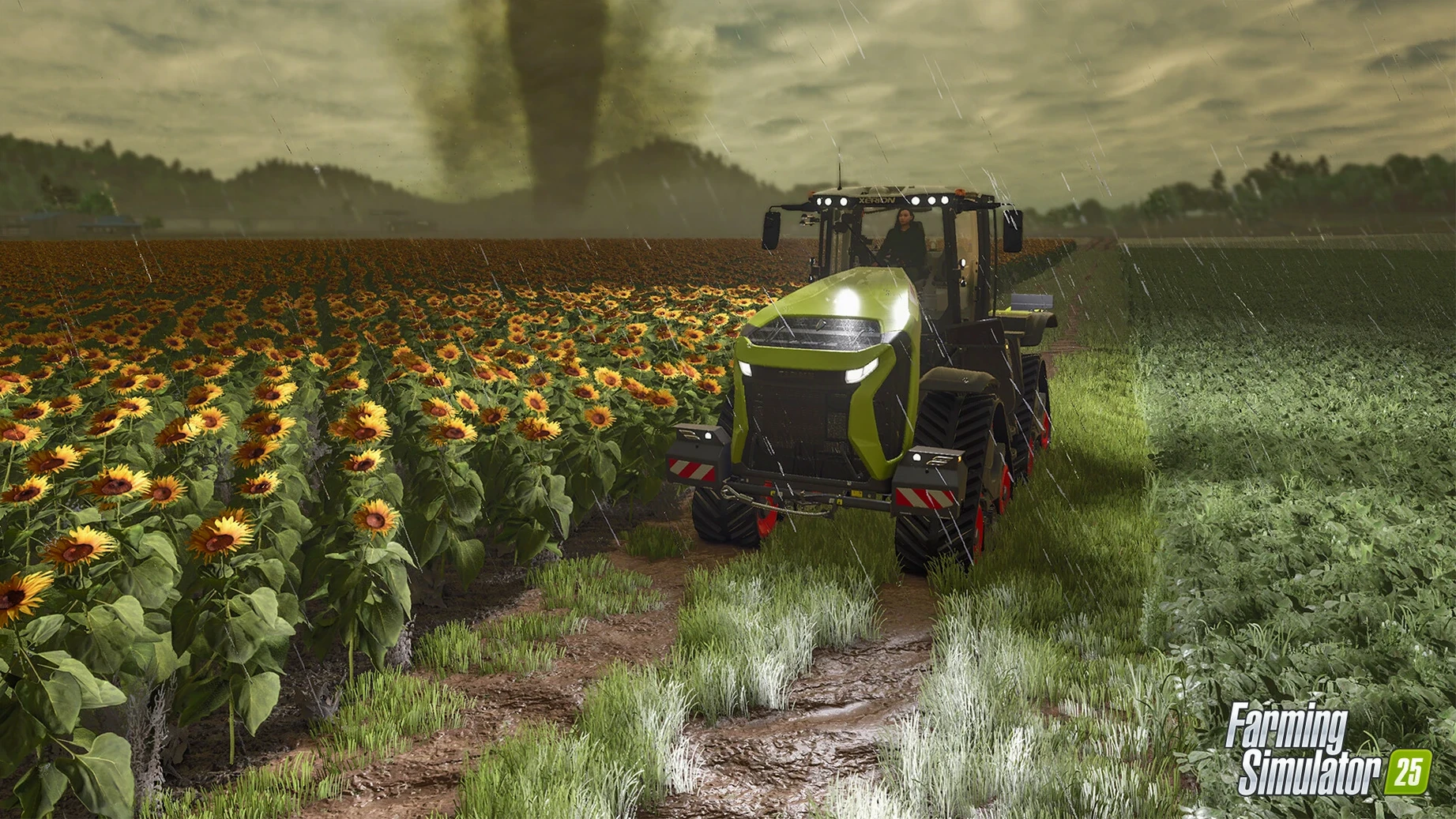
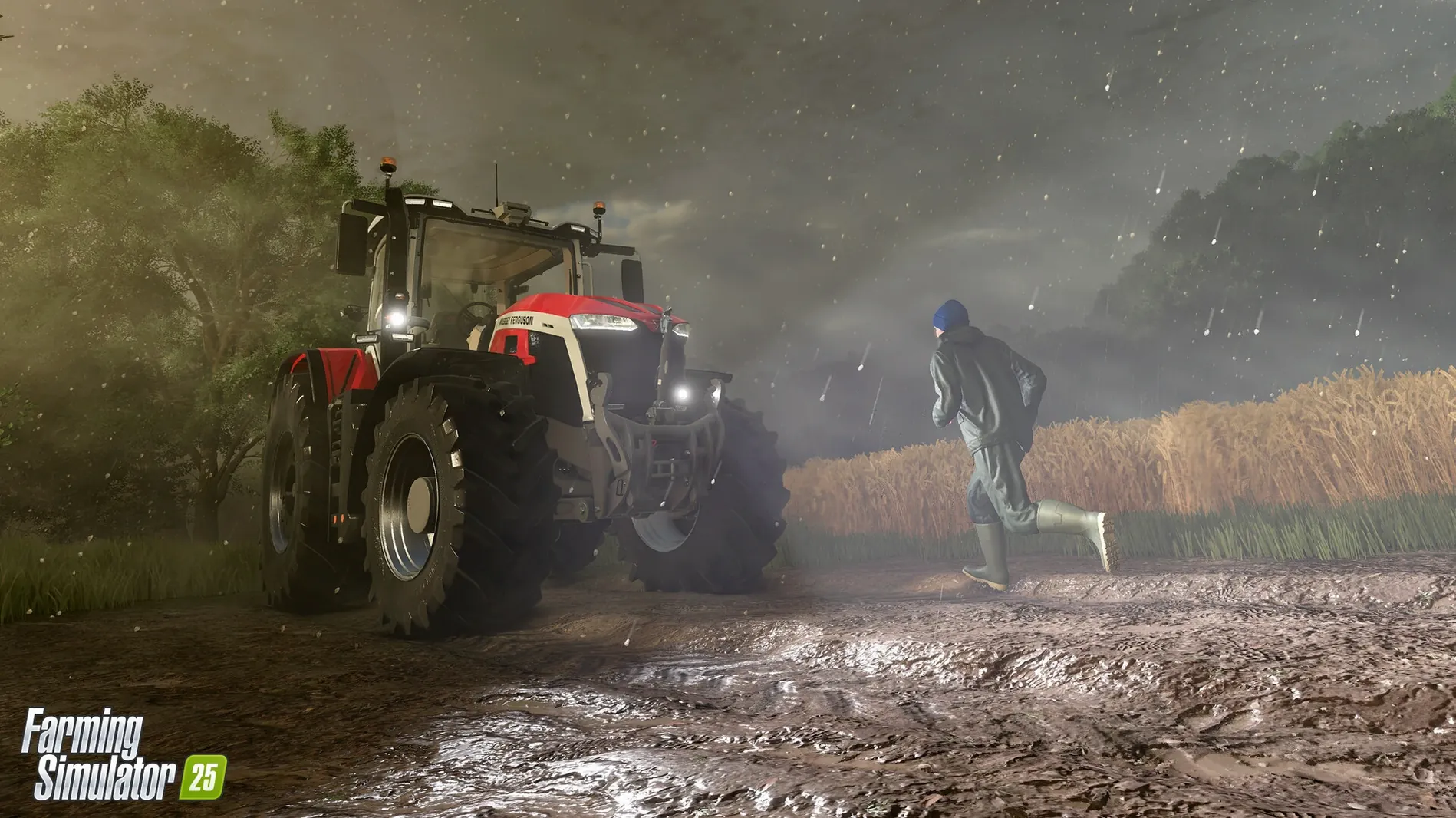
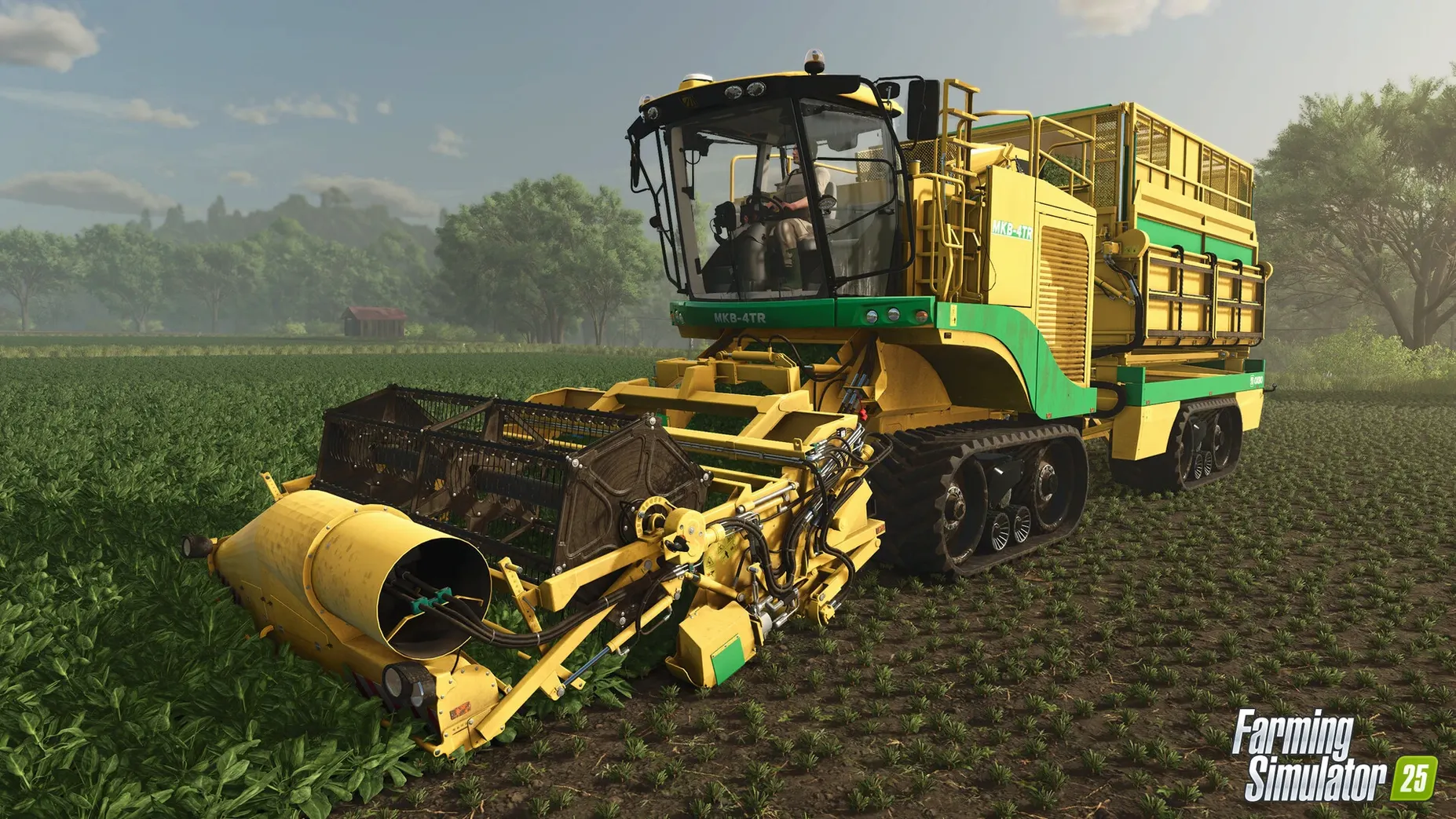
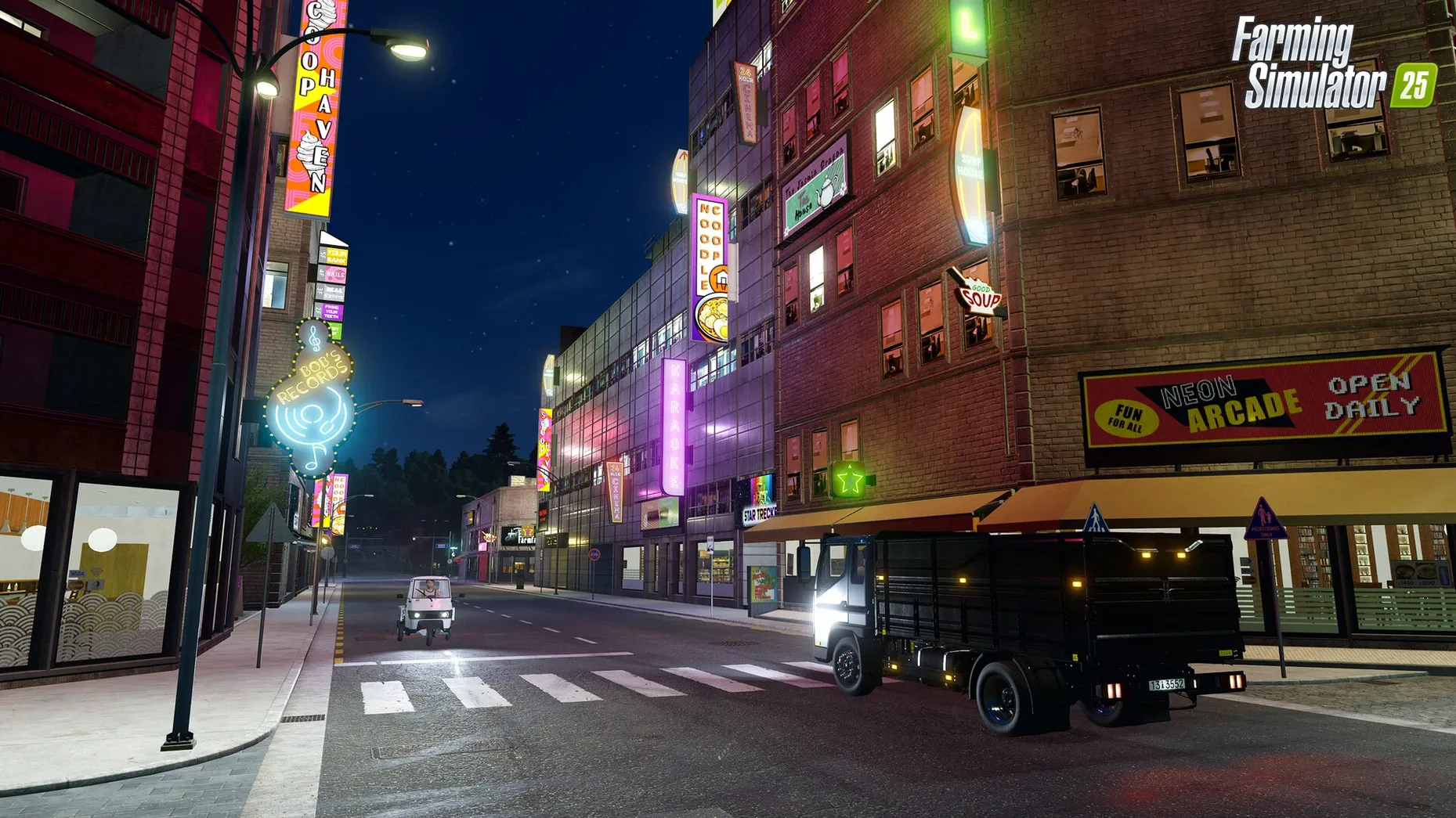
Farming Simulator 25 is a full-scale farm management sim that puts tractors, crops, and livestock across three continents right on your Mac desktop. It ditches the idea that farming is a quiet, predictable life by throwing genuinely disruptive weather at your carefully planted fields. Here's how some of its stand-out additions change the daily rhythm of running your own agricultural operation.
- Weather That Reshapes the Land. Rain doesn't just fall — it can pool, flood low spots, and turn dirt tracks into mud. The real troublemakers are the hail and hurricane events. Both can flatten a ready-to-harvest wheat field in minutes, pushing you to watch forecasts the way a real farmer would.
- Water Buffalo and Youngstock. The animal roster now includes water buffalo, which thrive in wetter pastures, and baby animals that grow into productive adults. It shifts the livestock side from a simple buy-and-sell loop into something that needs a longer-term plan for feed, space, and breeding cycles.
- Three Distinct Maps, Three Distinct Jobs. The North American setting is wide-open grain country built for massive harvesters. Central Europe gives you tighter, older farm layouts mixed with forested hills. East Asia is dominated by flooded rice paddies and completely different equipment needs. Switching maps feels like learning a new trade.
- ModHub Built Right In. User-made tractors, maps, and gameplay tweaks live in the in-game ModHub, so you can grab a custom baler or a classic pickup without leaving the main menu.
Accessibility features are woven throughout the interface, and the whole thing runs on Apple Silicon Macs with a straightforward install. It’s a sandbox where patience and planning matter more than reflexes, and a sudden hailstorm can make the harvest feel genuinely earned.
Tutorial Gaps When Systems Collide
Adopting a sim this dense means you'll bump into a few rough edges sooner or later. Most of them aren't bugs — they're just systems colliding in ways the tutorials don't always explain. Here are the ones I see crop up most often in community discussions, with fixes that actually stick.
- Controller Won't Register on Mac. The game recognizes most gamepads automatically, but occasionally a connected DualSense or Xbox controller sits there ignored. Open System Settings → Game Controllers and make sure it's listed. If it is, quit the sim, disconnect and reconnect the controller, then relaunch. For third-party pads, toggle the input mode switch (often labeled D/X on the back) and try again.
- Frame Rate Tanks Around Complex Machinery. GIANTS Engine 10 pushes more ground detail than its predecessor, and a field full of particle effects — harvesters kicking up dust, hail bouncing off metal — can drag frames down on base-model Macs. Pull the resolution scaling slider down to 80% in the graphics settings; the drop in visual sharpness is surprisingly subtle, but the frame-time improvement is immediate. Also, turning shadow quality from Ultra to High frees up headroom without flattening the scene.
- ModHub Download Stalls or Fails. A mod that hangs at 99% usually means the server and your client disagree on file size. Cancel the download from the in-game ModHub queue, wait ten seconds, and re-initiate it. If it fails twice, quit to desktop and restart — the incomplete file gets purged and the fresh pull almost always completes.
- Hail Ruined the Wrong Save. There's no undo button for weather damage, but you can soften the blow. Before a risky season, manually back up the save folder found in
~/Library/Application Support/FarmingSimulator2025/. Copy the numbered save folder to your desktop. If the sky turns cruel, quit without saving, paste the backup back in, and you'll rewind to a sunnier morning. - Audio Cuts Out on Long Sessions. A known quirk where sound effects thin out after several hours of continuous play. Toggling the master volume slider down and back up in the audio settings restores the full mix without a restart.
Native Apple Silicon and Other Port Worries
I get these from readers who've been burned by Mac ports before. Fair concerns, and the answers are mostly reassuring.
Does it actually run natively on Apple Silicon, or is it Rosetta-only? It's a universal binary. On an M1 or later chip, the game launches as a native ARM process — no translation layer, no compatibility tax. The Intel build is there for older Macs, and it runs under Rosetta 2 on Apple Silicon if you force it, though there's no reason to unless you're troubleshooting a very specific mod incompatibility.
How much disk space does it really want after updates? The listed 45 GB is a safe floor. After installing the base game and a modest handful of ModHub additions — a couple of maps, some branded equipment packs — expect the folder to swell past 55 GB. The shader cache also builds up after your first few sessions, adding a gig or two. Keep a comfortable buffer.
Can I play cross-platform with friends on Windows? Yes. Multiplayer is platform-agnostic. A Mac host can invite Windows players and vice versa, provided everyone is on the same game version. Giants pushes updates simultaneously across platforms, so version drift is rarely an issue outside the first few hours after a patch drops.
Is it playable with just a keyboard and trackpad? The driving model supports keyboard steering, and the on-foot controls are standard WASD. But operating front loaders, cranes, and forestry equipment without analog sticks is genuinely fiddly. A basic gamepad transforms the experience. The game also supports steering wheel peripherals, though macOS wheel drivers can be hit-or-miss — check the manufacturer's Mac compatibility before investing.
Load Times and Map-Switching on an M4 Mini
On an M4 Mac mini with 16 GB of RAM, the sim settles into a comfortable rhythm. Loading a save takes about 25 seconds from the main menu; switching maps mid-session is slower at roughly 40 seconds as the terrain data unpacks. Once you're in, field work hums along at a locked 60 fps on High settings at 1440p, dipping to the mid-40s only when weather effects and heavy particle systems overlap — a combine harvesting through the tail end of a thunderstorm, for example.
Memory usage sits between 6 and 8 GB during normal play, leaving headroom for background apps. The game doesn't leak memory over extended sessions; I've left it paused for six hours and returned to the same footprint. CPU thermals are well-behaved on Apple Silicon — after two hours, the fans on the Mac mini stayed at their baseline idle speed, and the chassis felt barely warm. On Intel Macs with discrete GPUs, expect more heat and fan noise, though the 1.23.1.0 update included optimizations that smoothed out a stutter that used to hit Intel machines when panning across large animal pens.
Stability is solid. Across roughly thirty hours of testing across single-player and co-op, I saw one crash-to-desktop, and it happened while rapidly browsing ModHub with a dozen mods already queued for download — a narrow edge case. Auto-save fires every 15 minutes by default, and you can tighten that interval in the game settings. Multiplayer netcode holds up well on a local network; over Wi-Fi with a host on the same continent, I noticed no rubber-banding or de-sync on vehicle positions.
Stardew’s Intimacy vs. Industrial Scale
The Mac farm-sim landscape has a few solid contenders, and where Farming Simulator 25 fits depends on what kind of agricultural itch you're scratching.
Stardew Valley. The comparison feels almost unfair because the scale is so different, but many people cross-shop them. Stardew wraps farming in a pixel-art life sim with relationships, mining, and a town to befriend. It's intimate and character-driven. Farming Simulator 25 is the opposite: a systems sandbox about machinery, yield calculations, and production chains. If you want to optimize crop rotation and operate a GPS-guided harvester, FS25 is your world. If you want to marry the town doctor while growing blueberries in a 12×12 plot, Stardew wins. Both run flawlessly on Mac.
Pure Farming 2018. This one shares the 3D, first-person tractor-sim DNA and includes a globe-trotting campaign mode with distinct regional farms — a structure that echoes FS25's three-map approach. But Pure Farming 2018 hasn't seen an update in years, its vehicle roster is much smaller, and the physics feel lighter and less grounded. Farming Simulator 25's GIANTS Engine 10 brings ground deformation, richer weather, and a ModHub that keeps the equipment list growing. For a one-off campaign with a bit of story, Pure Farming still has charm; for an ongoing, living farm sim, FS25 is the deeper long-term home.
Cattle and Crops. Built by a team that wanted to push physical simulation further than the Farming Simulator series did at the time, Cattle and Crops offers impressively detailed soil physics, realistic machinery interaction, and a more methodical pace. The trade-off is a narrower scope — fewer crops, fewer brands, and a development cadence that has slowed considerably. Farming Simulator 25 doesn't match every granular physics detail, but it compensates with sheer breadth: forestry, animals, production chains, and a multiplayer framework that works right out of the box. For someone who wants to study soil compaction at a microscopic level, Cattle and Crops still has appeal. For everyone else who just wants to run a busy, varied farm, FS25 is the more complete package.
Version 1.25.0.0 Native lands with the developer's latest round of fixes and under-the-hood improvements. No detailed patch notes this time around, but you can expect the usual tuning passes that keep the fields running smooth.
- Apple Silicon and Intel 64-bit Macs
Questions people ask
When was Farming Simulator 25 released for Mac?
Farming Simulator 25 came out on November 12, 2024, and runs on Apple Silicon Macs with macOS 11.3 or later.
Also on readers' docks
Sign in or create an account to leave a comment.
No comments yet. Tell me how it got on with your other devices.
More in Games
See all FAR: Lone Sails
1.31 Games
1 GB
FAR: Lone Sails
1.31 Games
1 GB
 Farmside
2.8.6 Games
708 MB
Farmside
2.8.6 Games
708 MB
 Fallout Shelter
2.4.1 Games
1.1 GB
Fallout Shelter
2.4.1 Games
1.1 GB
 Updated Factorio
2.1.23 Native Games
5.7 GB
Updated Factorio
2.1.23 Native Games
5.7 GB
 Updated Firehawk FPV: Drone Fighter
2026.10.03 Native Games
9 GB
Updated Firehawk FPV: Drone Fighter
2026.10.03 Native Games
9 GB
 Firewatch
1.12a Games
2.1 GB
Firewatch
1.12a Games
2.1 GB
 Euro Truck Simulator
1.4.4 Games
169 MB
Euro Truck Simulator
1.4.4 Games
169 MB
 Updated Euro Truck Simulator 2
1.61.1.9s Native Games
35 GB
Updated Euro Truck Simulator 2
1.61.1.9s Native Games
35 GB