









Download FAR: Lone Sails for macOS
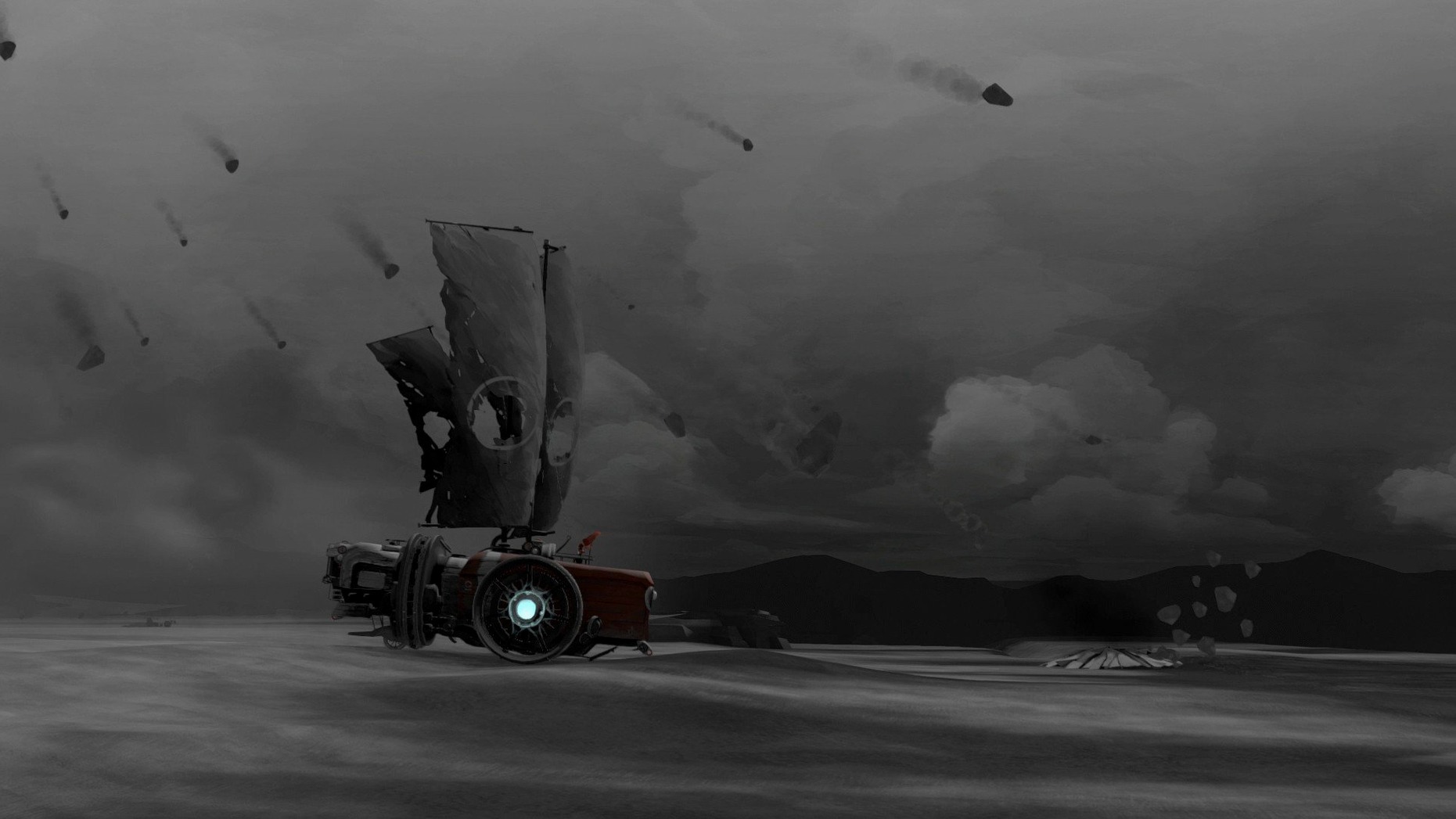
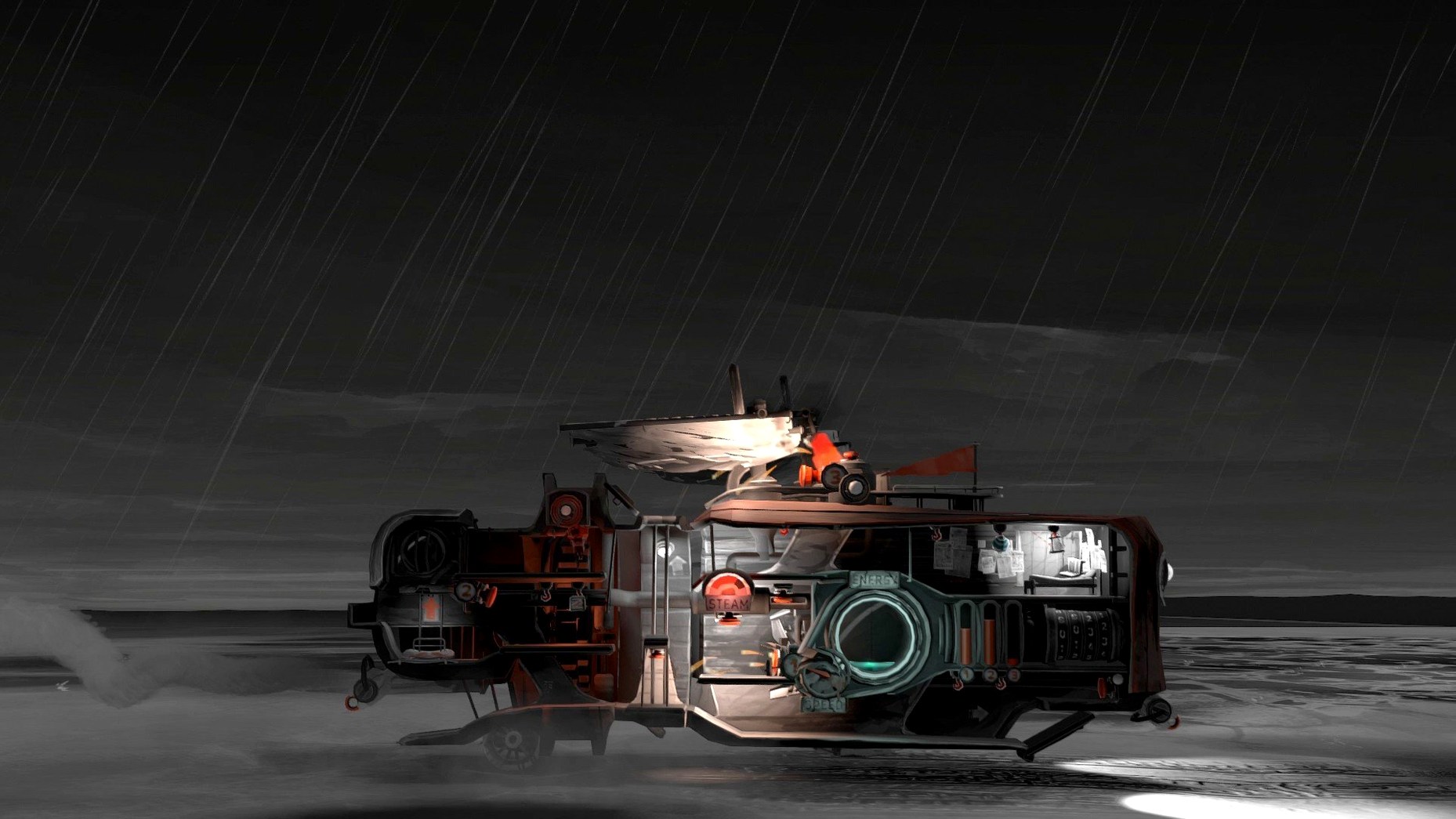
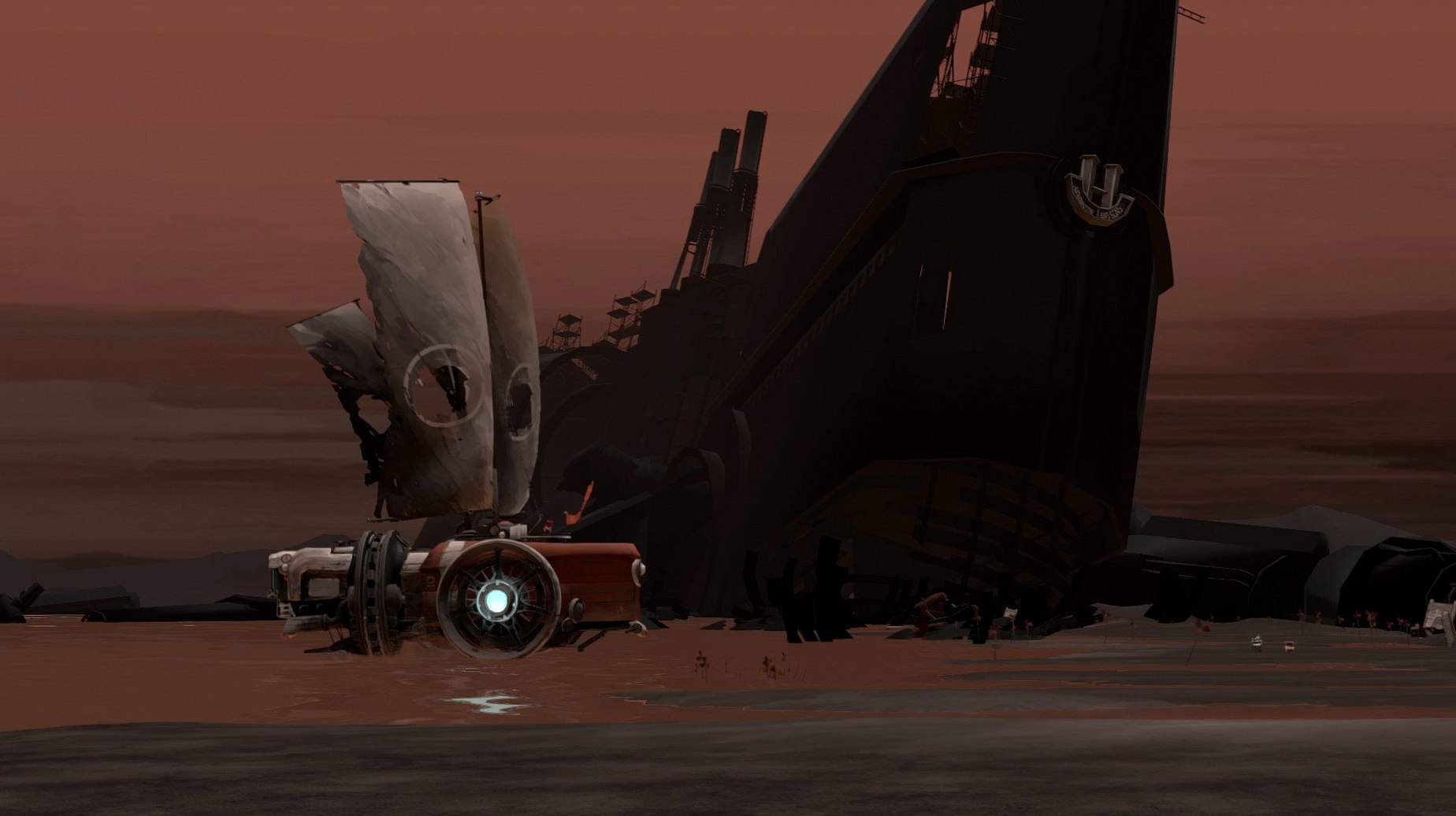
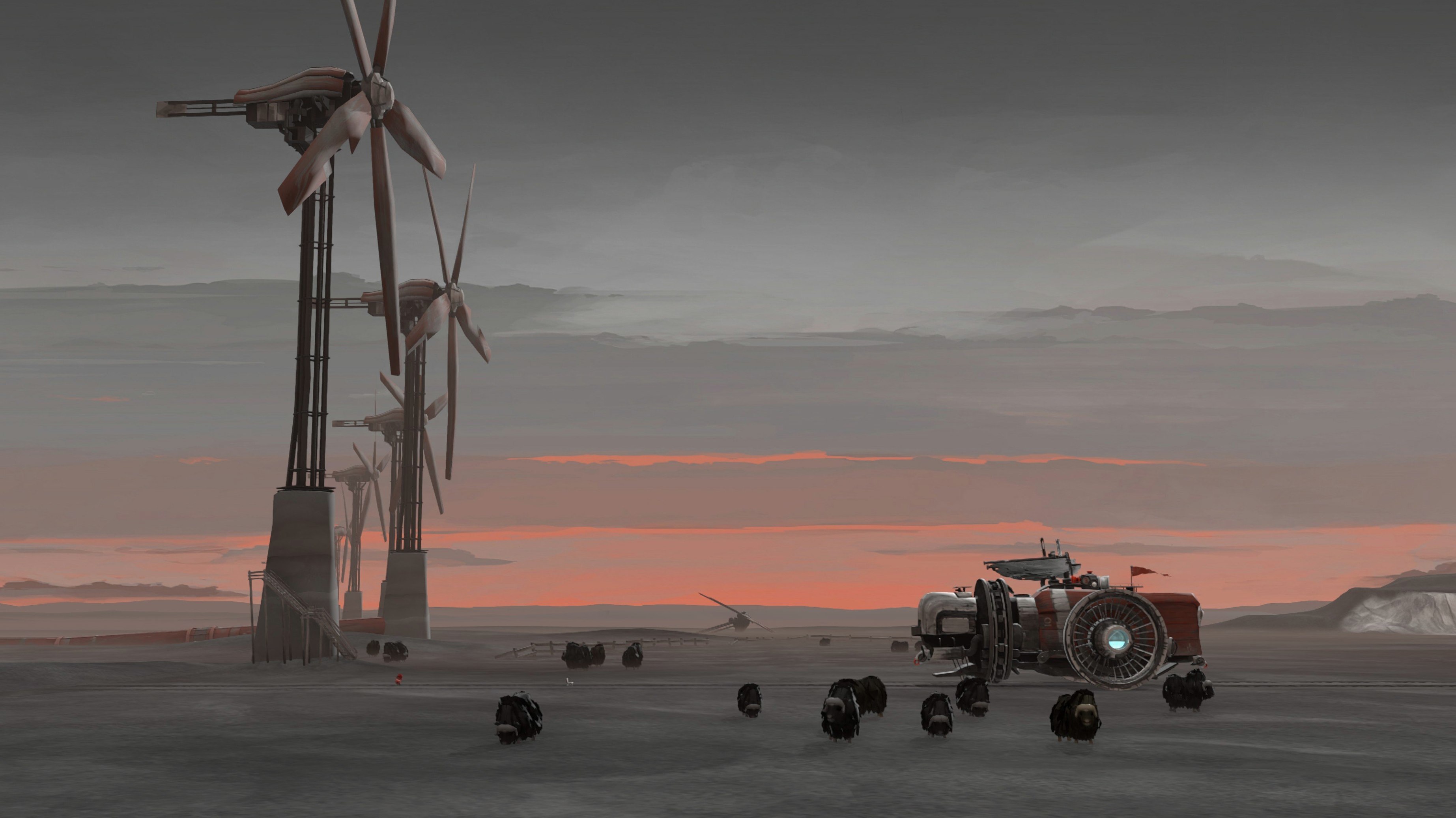
You start the engine using a big red button on deck, then sprint below to stomp on a bellows pedal that feeds the furnace. As the pressure gauge climbs, the sails unfurl and the mast towers groan. Your ship lurches forward across a cracked seabed, past rusted wind turbines and empty highways. That loop — run, stomp, steer, repair — is the heartbeat of FAR: Lone Sails.
Melancholy road trips with no combat
- Fans of quiet, melancholy journeys with no combat
- Players who enjoy tactile, mechanical interactions in games
- Anyone who wants a short, focused adventure you can finish in a few sittings
Single-player voyage on Intel Macs
- The game is entirely single-player with a fixed story path
- Pacing is deliberate; minute-to-minute tasks are about maintenance, not speed
- Built for Intel Macs only, running macOS 11.0 or newer
Sandstorm stutter fixed under the hood
Most of the refinements in 1.31 are under the hood — stability fixes that stop the occasional crash when transitioning between weather zones, and smoother frame pacing on Intel Macs during the sandstorm sequences. In practice, that means fewer jolts when the sky turns ochre and the wind physics kick in. The save system also got a quiet tune-up: checkpoint reloads are snappier, and the game no longer hangs for a beat when it autosaves right after you upgrade the engine. If you played an earlier build and remember the steering column feeling a touch floaty during the mine section, that's been tightened up too.
One small but welcome change: the game now remembers your resolution and language settings between sessions properly. Before, switching away from the default English often meant re-selecting your preferred language on relaunch. That friction is gone.
Crisp hand-painted backgrounds via resolution scale
There isn't a sprawling options menu, but a few tweaks make the journey feel more yours. Head into the graphics settings and bump the resolution scale to native if your Mac can handle it — the hand-painted backgrounds gain a lot of clarity, especially in the rainy nighttime stretches. Disable motion blur if you find the horizontal panning during high-speed downhill sections disorienting; the game leans heavily on lateral movement, and the blur can turn those moments into a smear.
Audio-wise, leave the music volume at 100%. The score is the only voice the game has, and it knows exactly when to swell and when to fall silent. Dial down the sound effects slider only if the furnace bellows clanking starts to grate after an hour — you'll still hear the important audio cues like the pressure warning hiss.
Ship stuck despite full sails and furnace
A few rough edges have stuck around across updates, and the community has found solid workarounds. The most reported issue: the ship refuses to move despite full sails and a roaring furnace. Nine times out of ten, the parking brake is still engaged — swing the camera around to the rear of the deck and look for a lever near the anchor housing. Tug it, and you're rolling again.
Stuck fuel blocks sometimes clip through the floor when you toss them down the hatch. If one vanishes, don't reload immediately. Walk your character to the opposite end of the ship and come back; the physics engine usually pops the block back into place on scene reload. During the lightning storm sequence, a rare bug can freeze the sail controls. Pausing and unpausing the game twice resets the interaction prompt without losing progress.
On older Intel Macs running macOS 11.0, the opening cinematic occasionally stutters. Let it play through once — the game caches those assets for the rest of the session, and subsequent cutscenes run smooth. For anyone hunting down a far lone sails macos free experience that stays faithful to the original's mood, this build delivers exactly what the developer intended, quirks included.
- macOS: 11.0 or later
- Architecture: Intel (x86 64-bit)
Also on readers' docks
Sign in or create an account to leave a comment.
No comments yet. Tell me how it got on with your other devices.
More in Games
See all Updated Farming Simulator 25
1.25.0.0 Native Games
31 GB
Updated Farming Simulator 25
1.25.0.0 Native Games
31 GB
 Fallout Shelter
2.4.1 Games
1.1 GB
Fallout Shelter
2.4.1 Games
1.1 GB
 Farmside
2.8.6 Games
708 MB
Farmside
2.8.6 Games
708 MB
 Updated Factorio
2.1.23 Native Games
5.7 GB
Updated Factorio
2.1.23 Native Games
5.7 GB
 Euro Truck Simulator
1.4.4 Games
169 MB
Euro Truck Simulator
1.4.4 Games
169 MB
 Updated Firehawk FPV: Drone Fighter
2026.10.03 Native Games
9 GB
Updated Firehawk FPV: Drone Fighter
2026.10.03 Native Games
9 GB
 Updated Euro Truck Simulator 2
1.61.1.9s Native Games
35 GB
Updated Euro Truck Simulator 2
1.61.1.9s Native Games
35 GB
 Escape Simulator
38287r Games
19 GB
Escape Simulator
38287r Games
19 GB