








Download Motionvfx - mTitle Cinematic for macOS
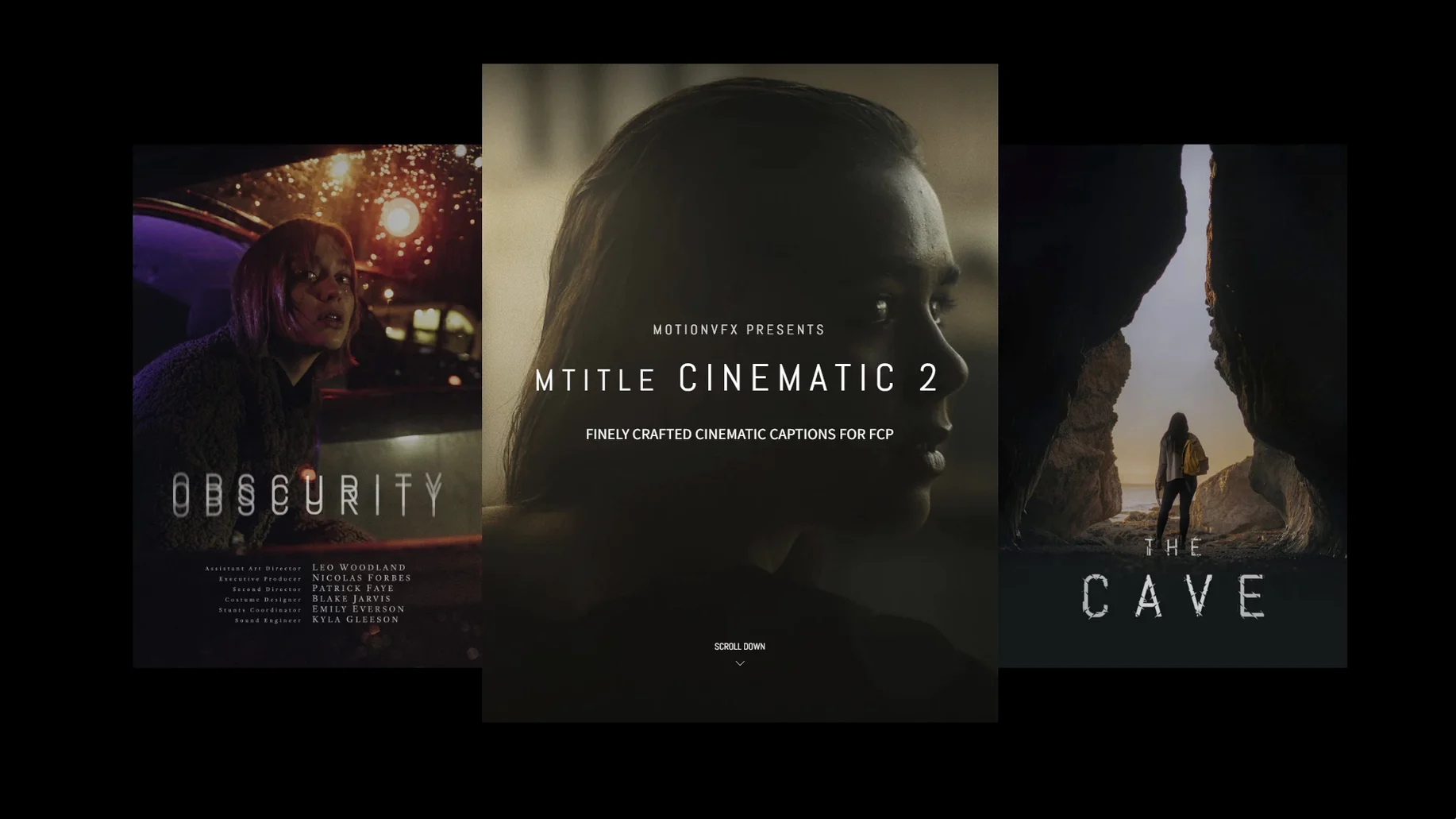
A short film needs opening credits that land, a documentary wants restrained captions, and a teaser trailer lives or dies by its title cards. mTitle Cinematic is a plugin built exactly for those moments, packing 50 titles tuned for dramatic, film-style storytelling right inside Final Cut Pro.
Drop in a title
All 50 captions live in your FCP Titles browser once installed. Browse them as presets, drag one onto the timeline and tweak the text — the motion design, easing and cinematic weight are already baked in.
Shape the look
Standard Final Cut Pro controls handle font, size, color and position, so every opener or credit block can match the rest of your grade without leaving the inspector.
Set the tone
These aren't flat text layers. The set leans on subtle zooms, gentle glows and wide tracking that bring the kind of atmosphere you expect in a title sequence — without any keyframing on your part.
Opening a Travel Reel with mTitle Cinematic
Picture this. I'm wrapping a three-minute travel reel — fast cuts, dusty golden light, a soundtrack that swells at all the right moments. The edit is tight, but the opening ten seconds feel naked. I need a title that doesn't scream "template" and doesn't pull focus from the first drone shot fading in.
I park the playhead at the start of the timeline and open the Titles browser. The mTitle Cinematic folder sits among my other motionVFX collections — I scroll through thumbnails, hovering over a few that catch my eye. One called "Wide Reveal" has that slow tracking drift I've been imagining. I drag it above the clip and let it ripple into place.
The default text says "Your Title Here," which never fails to make me smile. I double-tap, type the reel's name, and scrub through. The letters glide outward with a gentle zoom and a faint light sweep — no keyframes touched, no easing curves to massage. The motion already breathes with the pace of the track underneath.
Next I open the inspector. Font gets swapped to the same condensed sans-serif I used in the lower thirds, tracking tightened a hair, color pulled from the sandstone in the clip below. The glow that ships with the preset is a touch warm for this scene, so I dial its opacity down to about sixty percent. Thirty seconds of tweaking, and the opener looks bespoke.
Later in the reel I drop a simpler caption — centered, minimal, no fanfare — over a slow-motion sequence. It lands like a chapter heading. The whole session from first drag to final playback takes under five minutes, and the titles feel like they belong to the project, not to a plugin pack.
Who clicks with mTitle Cinematic the most
Wedding filmmakers live here. They need cinematic gravitas on a tight turnaround, and fifty pre-animated options means they can pull an opener, a couple of chapter cards and rolling credits without breaking stride. The horizontal framing suits widescreen ceremony edits perfectly.
Documentary editors get similar mileage. Restrained motion, clean typography controls and the absence of flashy particle effects make these titles fit interview-driven pieces and observational work. Think festival-cut credits, location cards, translated captions — all with a polish that doesn't fight the story.
YouTubers chasing a more premium look benefit too. If you've outgrown the built-in FCP titles but aren't ready to build custom Motion templates from scratch, mTitle Cinematic bridges that gap. Trailers, channel intros, travel diaries — anything that opens with a drone shot and needs a title that matches its scale.
Motion graphics beginners who know their way around Final Cut Pro but find Motion intimidating will appreciate how much design lives inside the presets. The heavy lifting of animation timing, blur ramps and optical drift is done. You shape the type and color; the plugin handles the rest.
How mTitle Cinematic compares with similar tools
Stacked against motionVFX's own mTitle Simple Pack 2, the Cinematic set trades versatility for mood. Simple Pack 2 covers everything from social-media lower thirds to kinetic lyric overlays — broader, but less focused. mTitle Cinematic narrows the brief to film-style openers, captions and credits, and within that lane the animations feel more deliberate, more optically grounded. Editors who only need cinematic polish will find Cinematic tighter and faster to browse.
Next to Pixel Film Studios' ProTeaser: Volume 2, the difference is restraint. ProTeaser titles lean into high-energy glitch, lens flare and blockbuster bombast — great for action sizzle reels, overkill for a subdued documentary or a romantic short. mTitle Cinematic sits closer to the mTitle Cinematic 2 aesthetic if you've seen it around: atmospheric zooms, wide spacing, slow reveals that trust negative space. The mtitle cinematic 2 free download chatter online often praises this exact quality — titles that feel like cinema, not like a plug-in flexing.
Compared with FCPX's own built-in titles — the ones living under the "Credits" and "Elements" categories — the gap is mostly about motion design quality. Apple's stock titles are functional, but the easing curves are basic and the lighting effects nonexistent. mTitle Cinematic adds optical softness, subtle bloom and camera-like movement that stock presets simply don't attempt. If you've ever applied a built-in title and spent ten minutes trying to make it feel alive, you'll notice the difference in one drag.
Breaking the Preset Font Pairing
A handful of habits trip up first-time users — nothing serious, but they cost time.
- Ignoring the font pairing. Many presets ship with a serif that works beautifully with the motion design. Swapping it for a heavy sans-serif without adjusting tracking and weight can throw off the balance. Try the original font first, then tweak — don't gut the design on impulse.
- Piling on effects. The animations already contain built-in glows, blurs and light sweeps. Layering extra FCP effects on top — a second glow, a random vignette — often overcooks the image. Pull back and watch the preset breathe before adding anything.
- Forgetting the render resolution. A few titles use fine optical blurs that look mushy in the viewer at quarter quality. Switch to "Better Quality" before judging sharpness, especially on Retina displays.
- Not checking the aspect ratio. The set is designed for horizontal framing. Trying to shoehorn a wide tracking shot into a vertical 9:16 timeline crops the motion path awkwardly. Stick to landscape projects for best results, or plan to recompose heavily if you're cutting for Reels.
- Dropping titles over busy footage. Cinematic text relies on contrast and breathing room. Placing a thin, widely tracked title on top of a chaotic handheld clip with blown highlights makes it unreadable. Give the text a moment of visual quiet — a darker frame, a shallower depth of field, a beat where the eye can rest.
- macOS 10.14.4 or later
- Motion 5.4.3 or Final Cut Pro 10.4.6
Questions people ask
Where do I install the mTitle Cinematic templates?
Copy the files into /Users/username/Movies/Motion Templates/Titles and they will appear in Final Cut Pro's Titles browser.
Also on readers' docks
Sign in or create an account to leave a comment.
No comments yet. Tell me how it got on with your other devices.
More in Final Cut Pro Plugins
See all MotionVFX mModules
Final Cut Pro Plugins
5 MB
MotionVFX mModules
Final Cut Pro Plugins
5 MB
 MotionVFX - mLowers Universal for FCP
Final Cut Pro Plugins
71 MB
MotionVFX - mLowers Universal for FCP
Final Cut Pro Plugins
71 MB
 MotionVFX mKBHD
Final Cut Pro Plugins
12 MB
MotionVFX mKBHD
Final Cut Pro Plugins
12 MB
 MotionVFX mInfographics
Final Cut Pro Plugins
8 MB
MotionVFX mInfographics
Final Cut Pro Plugins
8 MB
 FxFactory Pro
9.0.5-8654 Final Cut Pro Plugins
68 MB
FxFactory Pro
9.0.5-8654 Final Cut Pro Plugins
68 MB
 Flicker Free
2.1.6 Final Cut Pro Plugins
24 MB
Flicker Free
2.1.6 Final Cut Pro Plugins
24 MB
 Dehancer Pro
7.3.4 Final Cut Pro Plugins
382 MB
Dehancer Pro
7.3.4 Final Cut Pro Plugins
382 MB
 Color Finale
2.2.8 Final Cut Pro Plugins
35 MB
Color Finale
2.2.8 Final Cut Pro Plugins
35 MB