
Download Cotypist for macOS
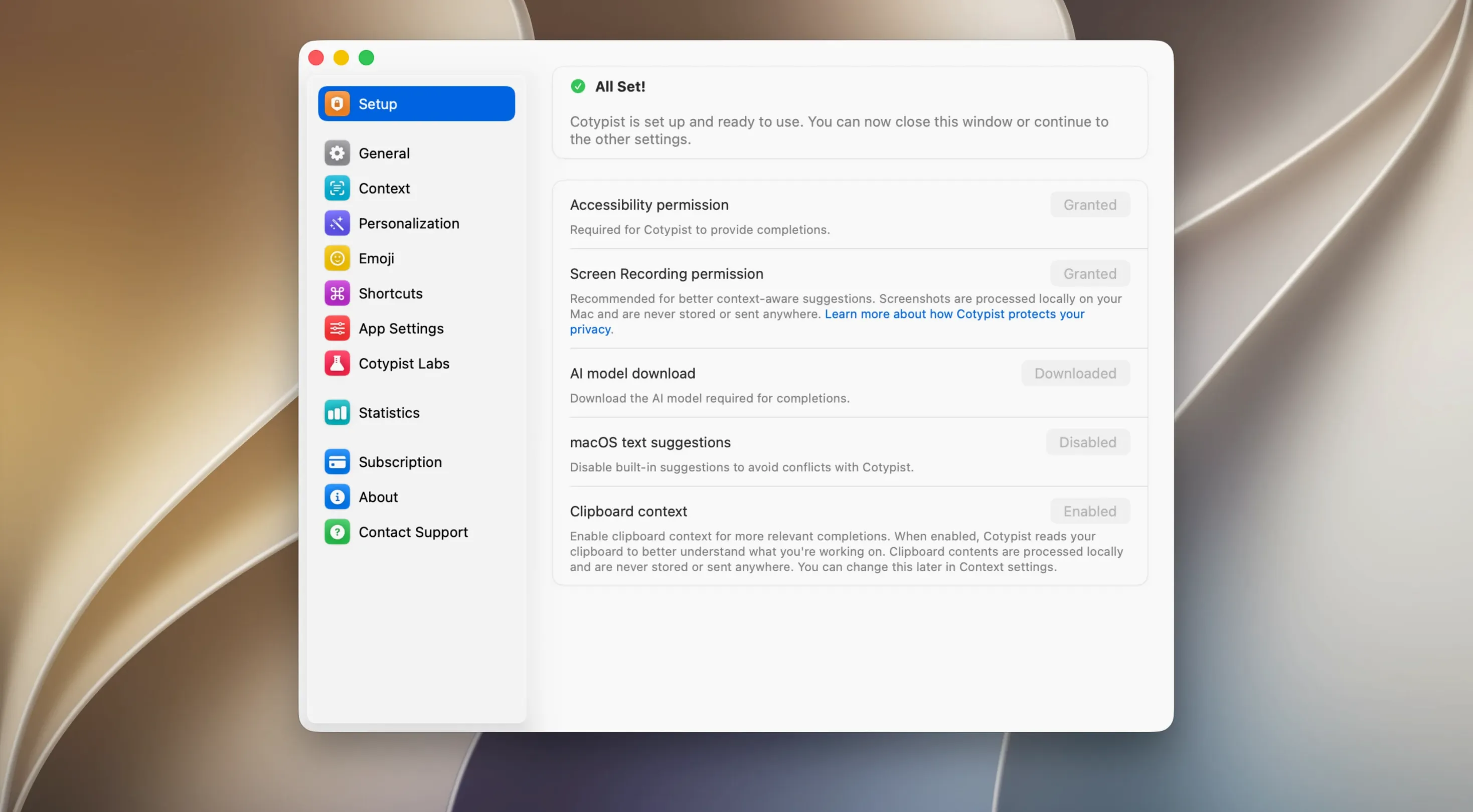
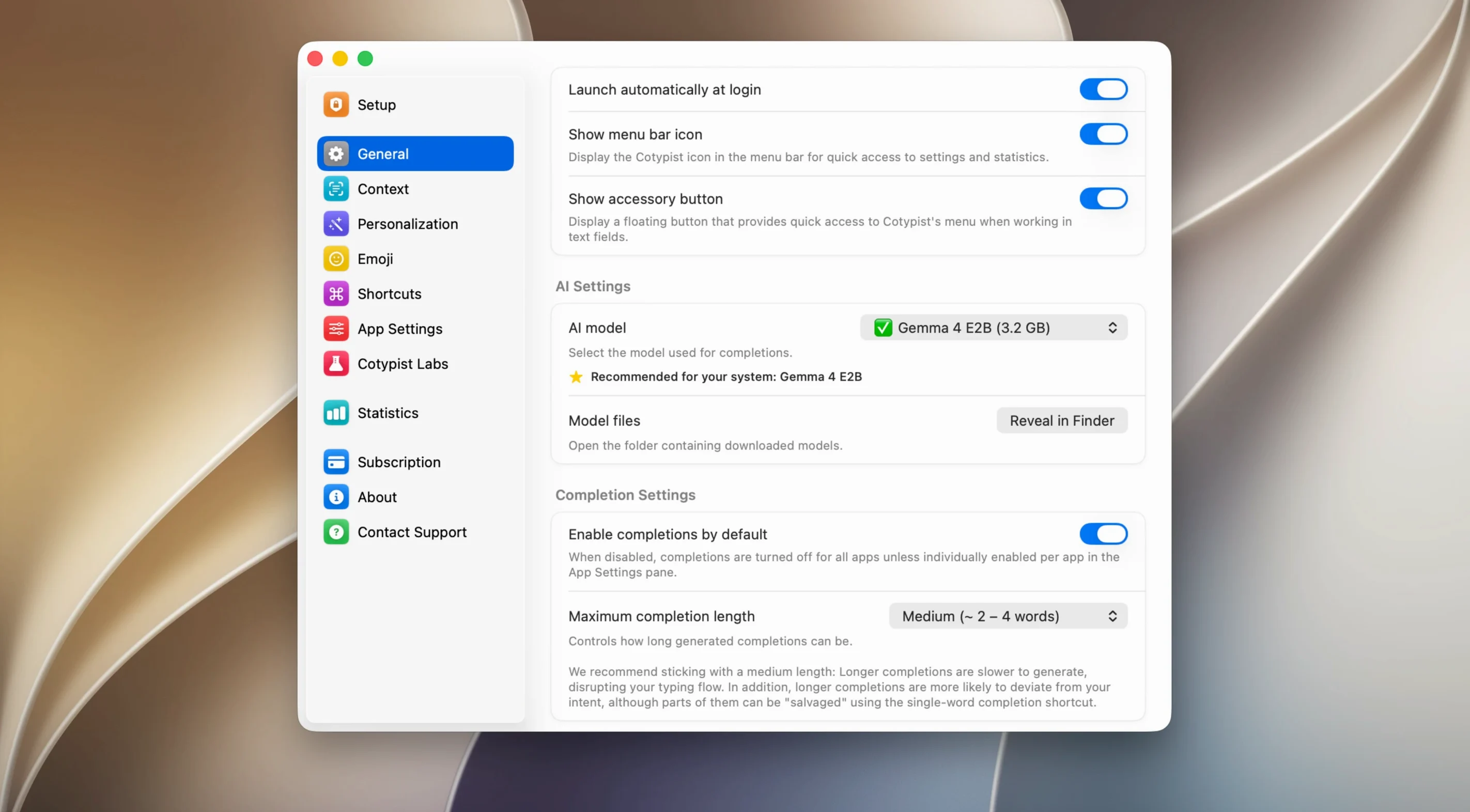
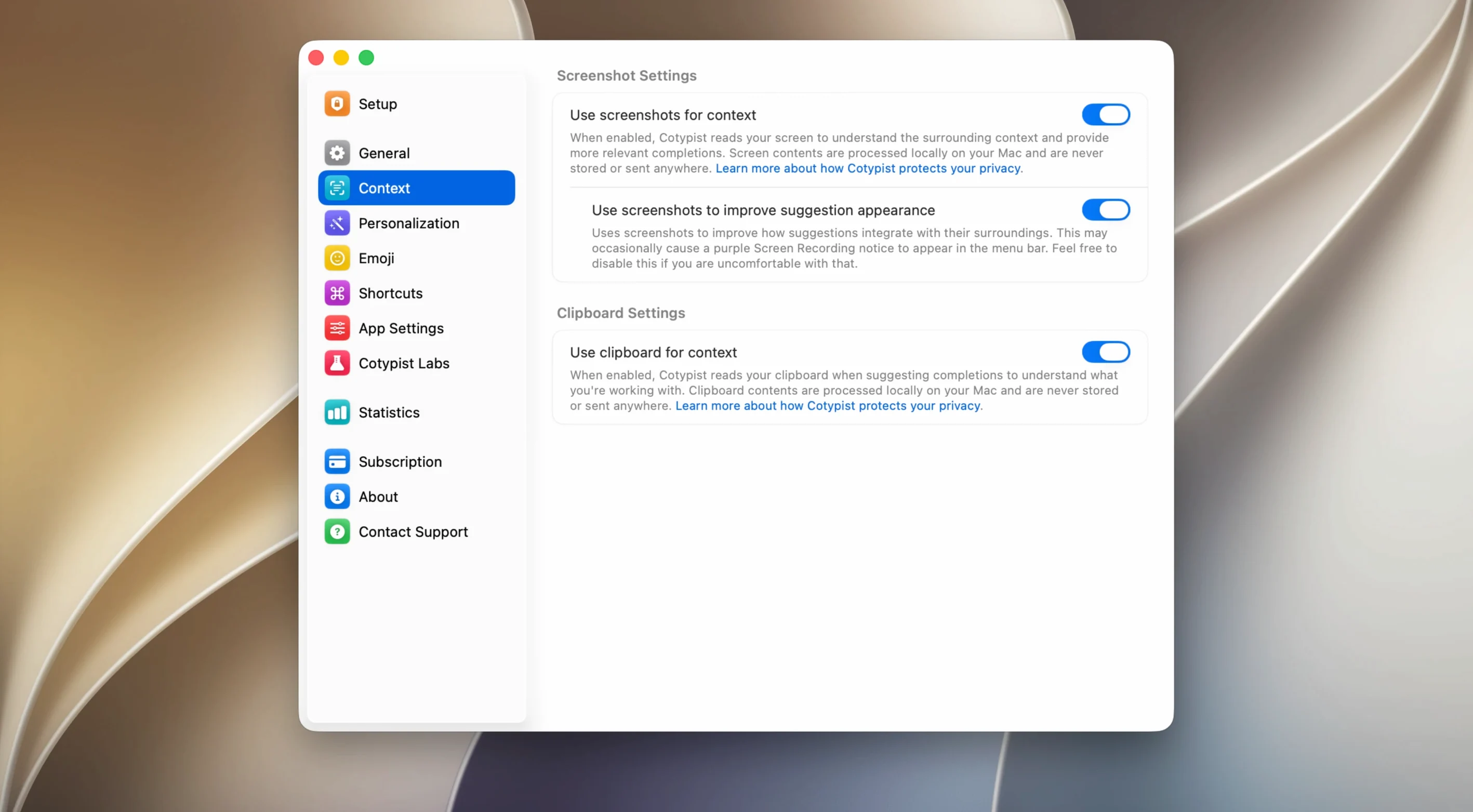
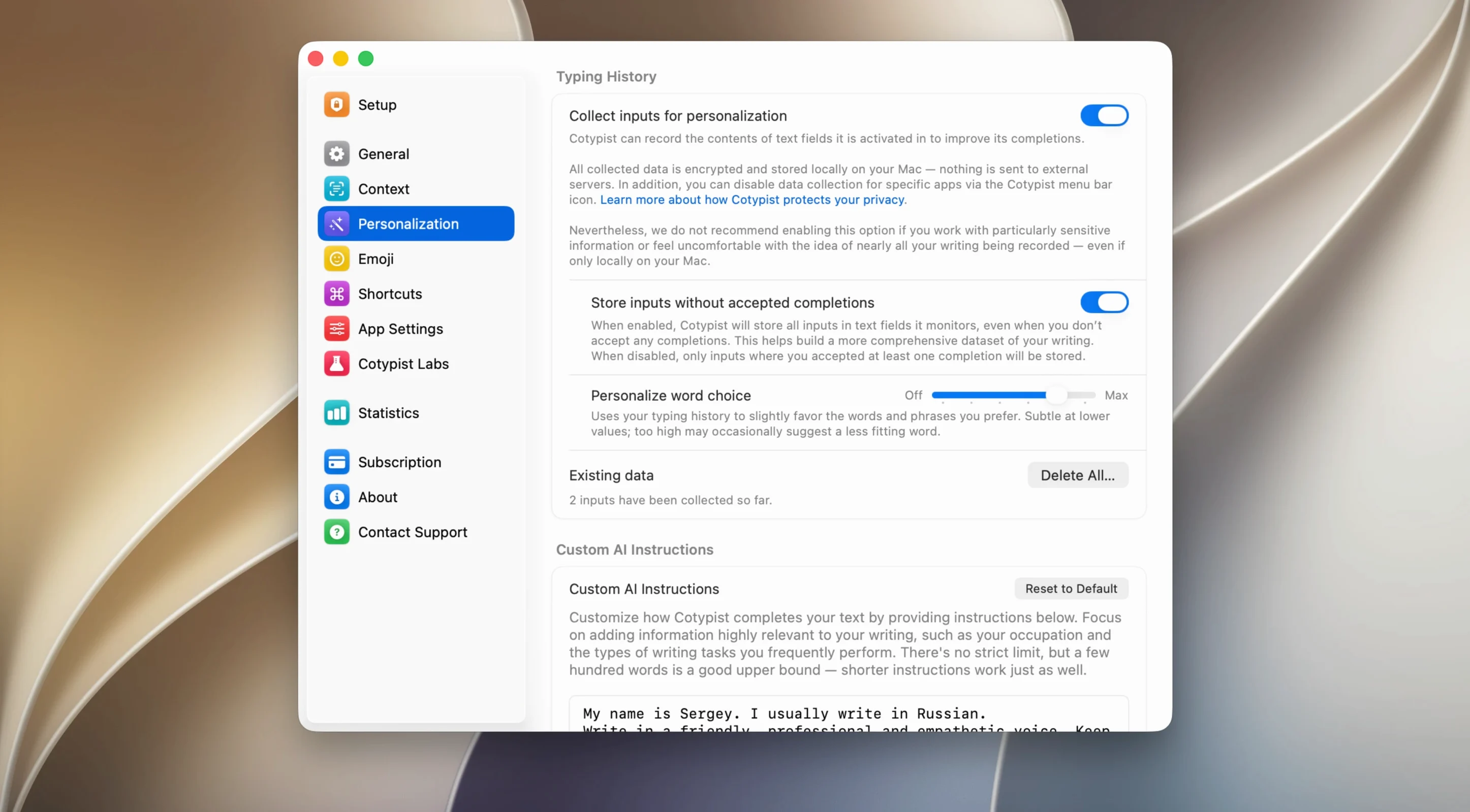
Version 2026.3.1 keeps things steady — no flashy new features, just the same local prediction engine humming along on macOS 14 and above. If you already use it, you know what’s working. If you’re new, here’s the deal.
What Cotypist Actually Does
It watches what you type — in Mail, Slack, Obsidian, Notion, your browser, pretty much any text field — and quietly suggests the next word. Hit Tab and the phrase completes. That’s the core loop, but there’s more going on:
- Next-word predictions that feel like your phone keyboard, but right on your Mac
- Inline typo detection — it spots mistakes and offers corrections as you go
- Emoji suggestions triggered by typing a colon, so you never hunt through the picker
- Completely local processing — nothing leaves your machine, and it needs Apple Silicon to run
Tapping Tab Instead of Typing Every Sentence
If your day involves a lot of typing across different apps and you’d rather tap Tab than finish every sentence yourself, Cotypist fits. It doesn’t rewrite paragraphs or generate anything — it just handles the next few words, which makes it feel more like a keyboard extension than a full-on AI tool. Intel Mac owners are out of luck here; this one’s ARM-only. And a heads-up: getting the language model downloaded might take a VPN depending on where you are.
How Cotypist Stacks Up Against Similar Tools
Mac autocomplete isn't new — TextExpander, Raycast's built-in snippets, and even macOS's own predictive text have been around for years. Cotypist carves out a different lane, and it's worth knowing where the edges are before you commit.
- TextExpander works on shortcuts you define. It expands "tysm" into a full thank-you note, but it won't predict what you're about to type next. Cotypist fills in the words you were going to write anyway — no setup, no snippet library.
- Raycast snippets are fast and freeform, but they live inside Raycast's launcher mindset. Cotypist sits in whatever app you're already in, suggesting inline, which means less context-switching for people who just want to keep typing.
- macOS inline predictions only work in a handful of Apple apps. Cotypist reaches across Mail, Slack, Notion, Obsidian, and most other text fields — anywhere you can put a cursor, really. That system-wide scope makes a bigger difference than you'd think.
A Content Writer's Afternoon
Imagine a freelance writer juggling three client drafts in Obsidian, Slack pings from an editor, and a long email chain in Mail. With Cotypist running, the boilerplate phrases that pad out a workday — "let me circle back on that," "attached you'll find," "thanks for the quick turnaround" — appear as dim suggestions after a few keystrokes. A quick Tab and they're in.
Typo detection catches "recieve" before it hits the editor's inbox, and colon-triggered emoji keep Slack reactions feeling human without breaking the typing flow. The writer never opens a separate tool or pastes from a snippet library. The whole session stays local — no API calls, no latency spikes — just the quiet hum of an Apple Silicon Mac predicting the next few words while the writer stays in the zone.
- macOS 14 or later
- Apple Silicon Mac (Intel not supported)
- A VPN may be needed for the initial language model download
Questions people ask
Does Cotypist send what I type to the cloud?
No, everything runs locally on your Apple Silicon Mac. No text leaves your device.
Also on readers' docks
Sign in or create an account to leave a comment.
No comments yet. Tell me how it got on with your other devices.