Download CorelDRAW for macOS
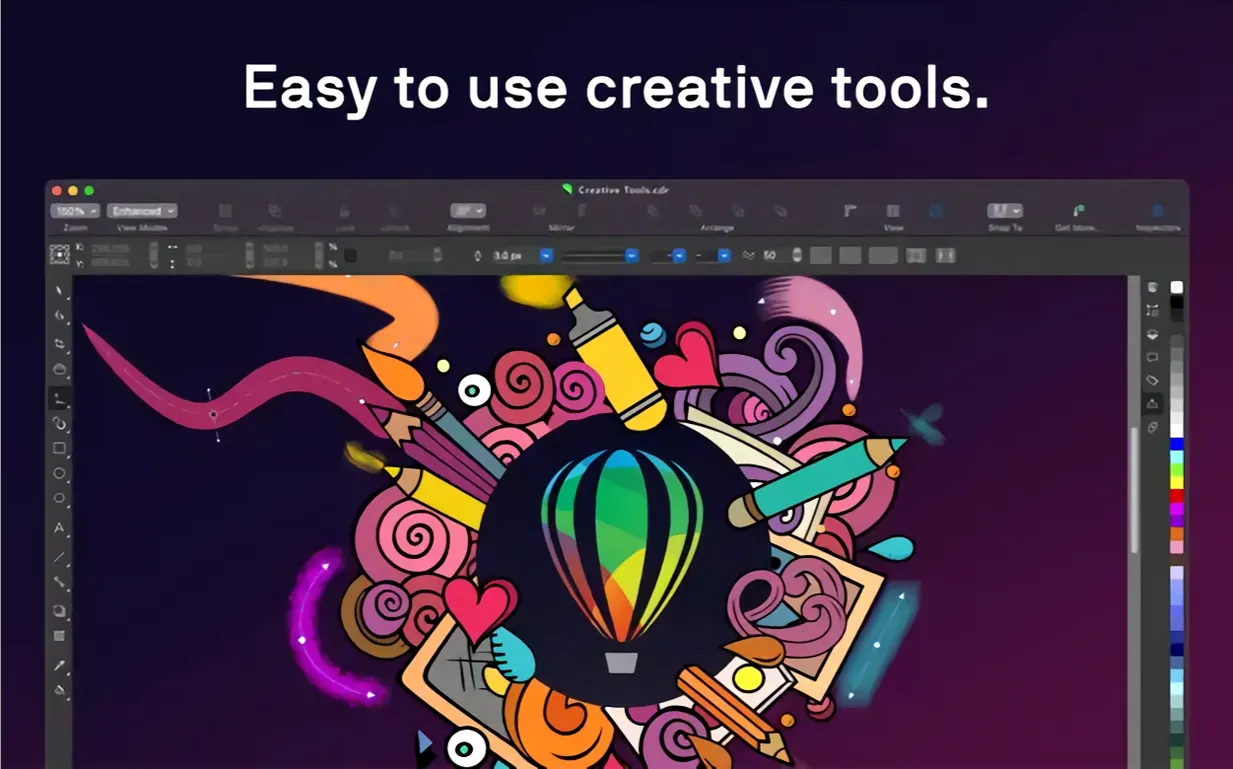
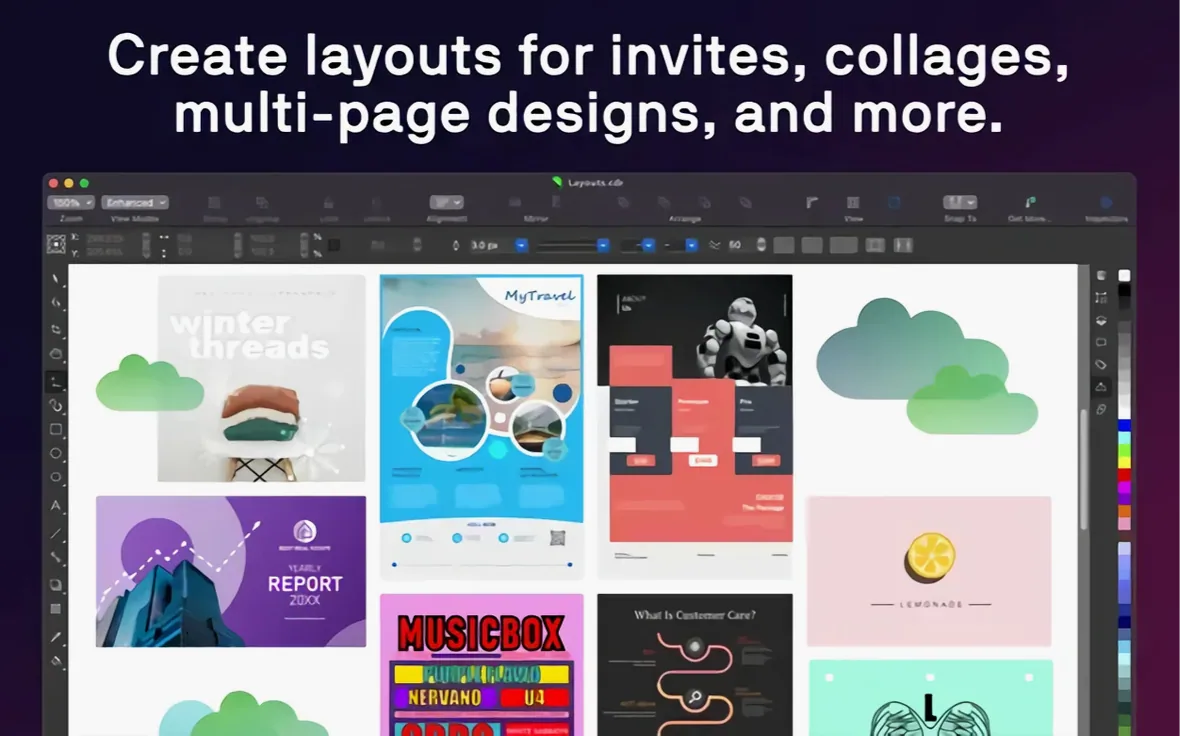
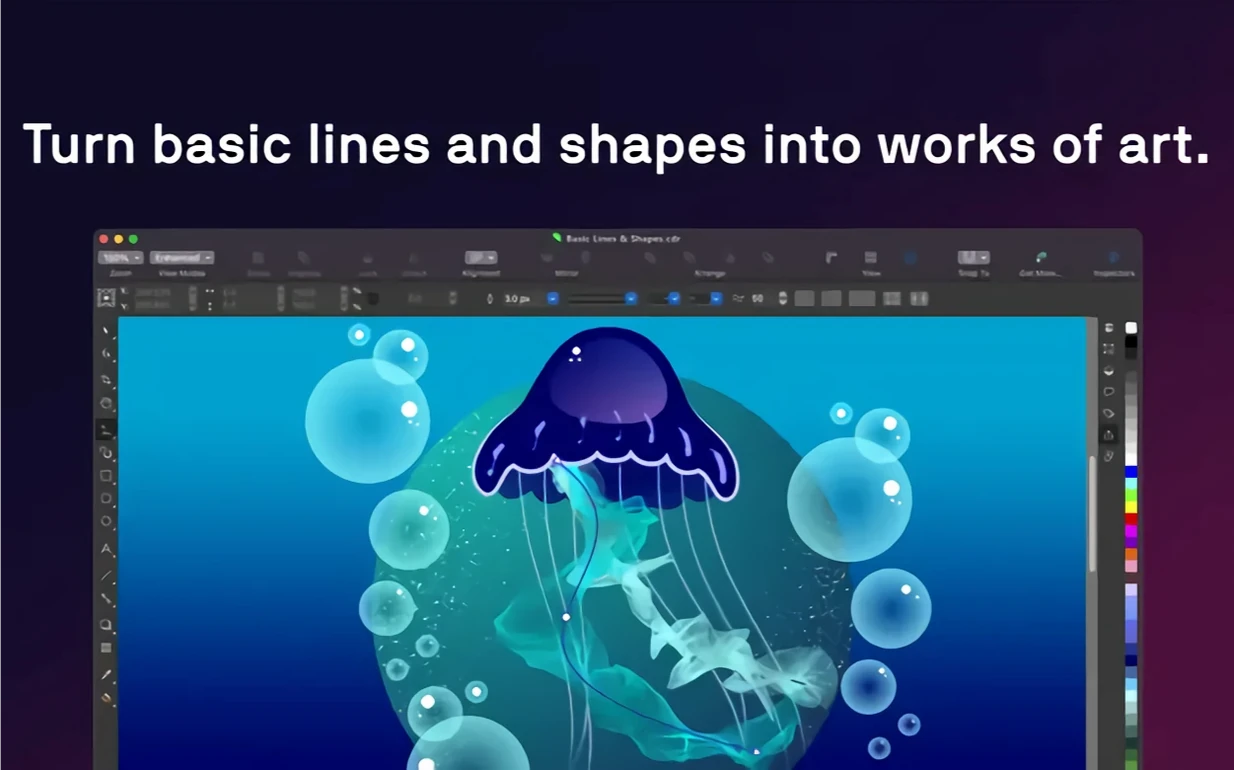
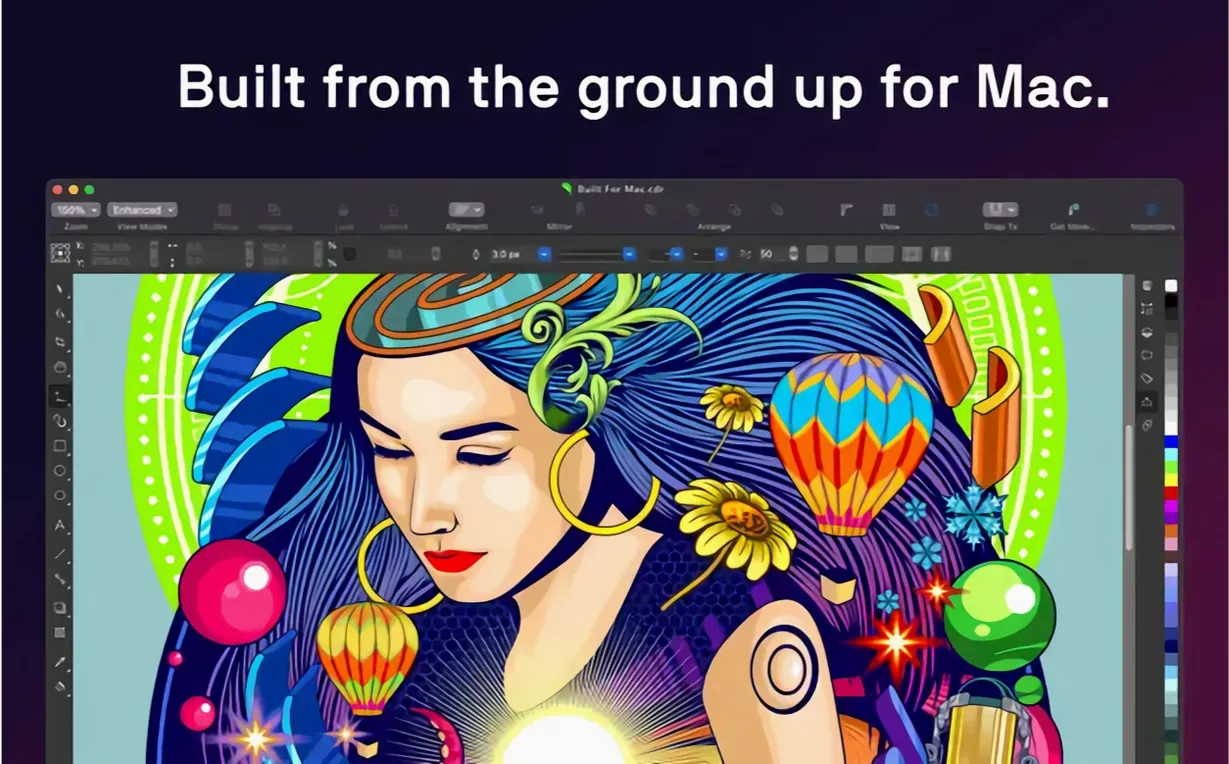
The variable font slider is one of those quiet additions that changes how a page comes together. You get a typeface, then nudge the weight and width in real time until the headline sits exactly right against the artwork. That hands-on tuning runs through CorelDRAW 27.2 on macOS, where the native interface makes the whole suite feel like it belongs on a Mac rather than visiting from another platform.
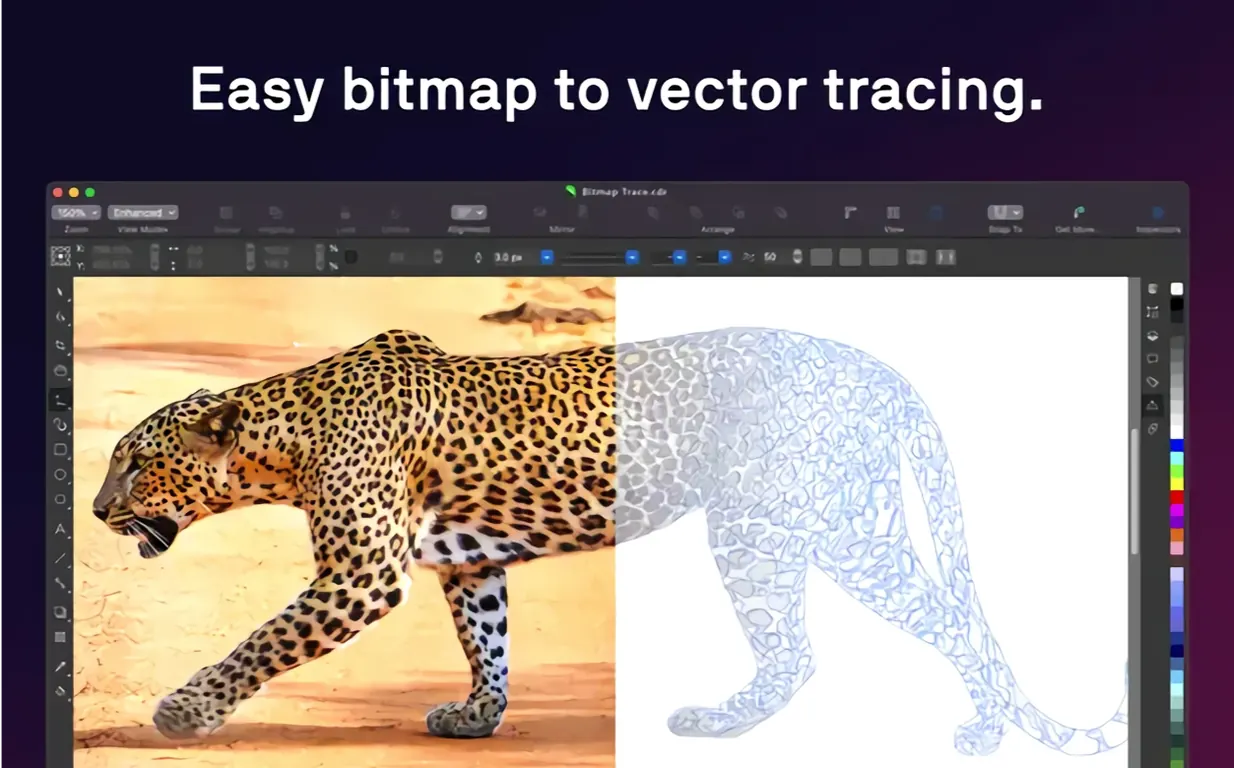
- PowerTRACE raster-to-vector tracing turns a scanned sketch or a low-res logo into clean, editable curves — no manual redrawing.
- Variable font support lets you fine-tune weight, width, and other axes interactively instead of settling for fixed styles.
- AI upscaling and JPEG artifact removal rescue older photos and web images before they go into a layout.
- Transparency, pattern fills, and gradients combine with vector and raster effects for depth without leaving the canvas.
- Broad file support covers CDR, AI, PSD, PDF, SVG, DWG, DXF, EPS, TIFF, and HEIF, so client files rarely need a converter first.
- Typography controls for font, size, spacing, shadow, and outline keep text work inside the same window.
Illustrators, sign makers, and anyone juggling vector and raster assets on Apple Silicon or Intel will find the suite responsive, with 16 GB of RAM recommended for larger multi-page jobs.
Asset Inspection docker now reveals object properties in one panel
Version 27 brought a batch of refinements that matter more in practice than in a feature list. The most visible is the revamped Asset Inspection docker — it now surfaces object properties like fill, outline, and effect details in one panel instead of requiring three separate inspectors. For multi-page brochures or signage layouts, that cuts a surprising amount of time.
Variable font handling got real-time sliders rather than dropdown presets. You can grab a weight axis and watch the headline reflow without committing to a change. Combined with the Sidecar support on iPad, adjusting type while sketching with Apple Pencil on a secondary screen feels close to working on paper — except the text is live, not penciled in.
PowerTRACE received a quiet upgrade in the 27.2 point release. On Apple Silicon machines, the tracing engine now uses the Neural Engine for cleaner edge detection on photographs. A grainy product shot that used to produce jagged vector outlines now converts with smoother curves and fewer extraneous nodes. The difference is subtle on screen but meaningful when you send the output to a vinyl cutter or a large-format printer.
Also worth noting: the JPEG artifact removal tool moved from a separate dialog into a non-destructive effect layer. You can apply it, tweak it, and toggle it later — no more burning the correction into the pixels on first pass. For teams that receive compressed web images from clients and need to place them alongside crisp vector logos, this shift alone saves the "oops, should've kept the original" headache.
Agency files, one‑time purchase, or open‑source editing
Three names usually come up in the same conversation: Adobe Illustrator, Affinity Designer, and Inkscape. Each carves out a different niche.
Adobe Illustrator remains the industry default for agency collaboration. Its artboard system and plug-in ecosystem are deeper, and Creative Cloud integration means jumping between Photoshop and InDesign without file conversions. The trade-off is interface weight — Illustrator's Mac version feels like a Windows transplant, and the subscription model ties you to a recurring commitment. CorelDRAW's native macOS interface and single-purchase structure appeal to freelancers and in-house teams who own their tools outright.
Affinity Designer is the closest rival in terms of Mac-native feel. It launches fast, handles both vector and raster personas within one app, and runs smoothly on Apple Silicon. Where CorelDRAW pulls ahead is page layout breadth — Designer does artboards, but CorelDRAW does multi-page documents with master layers, page numbering, and styles that cascade across a 20-page catalog. Affinity Publisher fills that gap in the Serif suite, but it is a separate application.
Inkscape covers SVG-heavy workflows well and costs nothing, making it the go-to for open-source projects and community-driven design. Its tracing engine is solid for simple monochrome work. For print production, however, the CMYK support and pre-press controls in CorelDRAW are simply more mature — spot color handling, overprint preview, and PDF/X output come built in rather than patched through extensions.
Where CorelDRAW for Mac stands out: it bundles Corel PHOTO-PAINT and Corel Font Manager in one suite, so photo retouching and type management do not require separate purchases or subscriptions.
Turning a coffee roaster’s pencil sketch into a print‑ready label
Say a coffee roaster sends you a pencil drawing of their new bag label, a photo of the burlap texture they want as a background, and a list of copy points. The deadline is tight. Here is how the suite handles it end to end.
- Import and trace the sketch. Drag the scanned drawing into CorelDRAW. Open PowerTRACE, choose the "Detailed logo" preset, and let it convert pencil lines into editable vector curves. On an M3 Mac, a 600 DPI scan processes in a few seconds. Group the resulting vectors and lock the layer.
- Clean the background photo. Switch to Corel PHOTO-PAINT. The burlap photo arrived as a compressed JPG with visible grid artifacts. Apply the JPEG artifact removal effect on a new layer, dial it to about 70%, then use the AI upscaling tool to bump the resolution to 300 DPI at print size. Save back to the shared file format.
- Build the label layout. Back in CorelDRAW, set up a page at the label's die-cut dimensions. Place the cleaned burlap image as a locked background layer. Use the traced vector illustration on top, apply a warm gradient fill, and add transparency so the texture shows through.
- Set the type. The roaster wants a hand-drawn feel for the brand name and clean sans-serif for the tasting notes. Activate a variable font with a weight axis for the headline — pull the slider until the stroke thickness balances with the illustration weight. For the body copy, apply a paragraph style with consistent leading and a subtle shadow to lift the text off the textured background.
- Pre-press check and export. Run the preflight panel, confirm spot colors are correctly set for the roaster's printer, and export a PDF/X-4 with bleed and crop marks. The entire job, from sketch receipt to print-ready file, lives inside two applications from the same suite.
Blank artboards when opening imported AI files
Every vector application has its quirks, and CorelDRAW on macOS is no exception. Here are the friction points that pop up in forums and how to work through them.
Imported AI files show blank artboards. Adobe Illustrator files saved with "Create PDF Compatible File" turned off arrive as empty containers. The fix is to ask the sender to resave with that option checked, or — if you have access to Illustrator — open and re-export as PDF, then place the PDF into CorelDRAW. The PDF route preserves editable text better than EPS in most cases.
Fonts look different after opening a CDR from Windows. When a Windows-created CDR file uses fonts not installed on your Mac, CorelDRAW substitutes them without always flagging the change. Open the Font List panel (under the Text menu) immediately after loading the file — it shows which typefaces are missing and which were substituted. Install the matching fonts or use Corel Font Manager to find close alternatives before you start editing.
PowerTRACE produces too many nodes. The default tracing settings lean toward accuracy over economy, which can choke a vinyl cutter or a laser engraver. Before tracing, reduce the "Detail" slider and increase "Smoothing" in the PowerTRACE dialog. For logos destined for cutting, try the "Line art" preset first — it typically yields far fewer nodes than "Detailed logo."
Sidecar lag with complex documents. On documents with heavy transparency and mesh fills, Sidecar over Wi-Fi can stutter. A wired connection using the iPad's USB-C cable delivers a more responsive experience. Also, temporarily flattening effects while working on the illustration (keeping the live versions on a hidden layer) keeps the Apple Pencil strokes fluid.
Shift an entire palette by dragging one harmony handle
- Color harmonies on the fly. Select an object, open the Color Docker, and switch to the Harmonies tab. Drag one handle in the color wheel, and the entire palette shifts in a complementary or analogous relationship. For designers who need consistent branding across a document, this is faster than mixing values manually.
- Align to center of page in one keystroke. Press
Pto center a selected object on the page. Most apps require a dialog or a multi-step menu navigation — here it is a single key. Combine withShift+Pto align multiple objects to the page center as a group. - Non-destructive bitmap effects. Right-click any bitmap and choose "Convert to Lens" — this applies effects like brightness, contrast, and color balance as live adjustments stacked in the Object Manager. Click the lens icon in the docker to toggle or tweak them later, a workflow reminiscent of adjustment layers in photo editors.
- Quick node reduction. After a tracing operation or a complex boolean combine, select the path and press
Ctrl+Shift+Ron Intel (or the equivalent shortcut) to open the Reduce Nodes dialog. Set a reduction percentage and preview the result before committing. Keeping node counts low makes path editing faster and exports cleaner. - Document palette auto-generation. CorelDRAW can build a custom palette from the colors already used in your document. Go to Window > Color Palettes > Create Palette from Document. The resulting palette sits in the docker, clickable like any swatch set, and is saved with the file — no need to hunt for the right hex code when revisiting a project months later.
- macOS 13 or later
- Apple Silicon or Intel 64-bit
- 8 GB RAM (16 GB or more recommended)
- OpenCL 1.2-compatible video card with 3 GB or more VRAM
Questions people ask
Does CorelDRAW run natively on Apple Silicon?
Yes, the current version supports both ARM and x86 64-bit architectures, so M-series and Intel Macs are covered.
What Mac hardware does CorelDRAW need?
You need macOS 13 or later, 8 GB of RAM (16 GB recommended), and an OpenCL 1.2-compatible video card with 3 GB or more VRAM.
Also on readers' docks
Sign in or create an account to leave a comment.
No comments yet. Tell me how it got on with your other devices.