









Download Black Rooster Audio The ALL Bundle for macOS
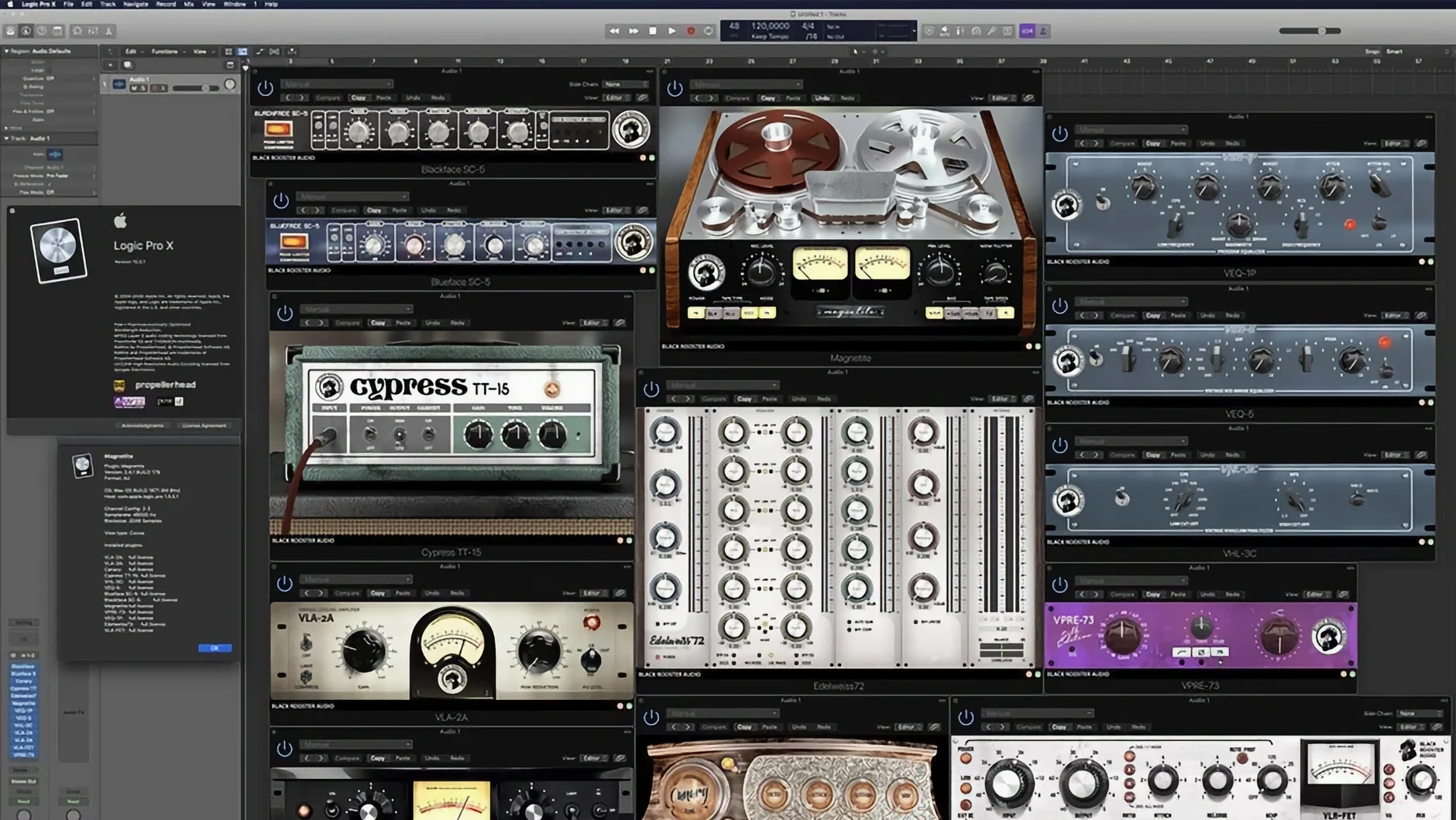
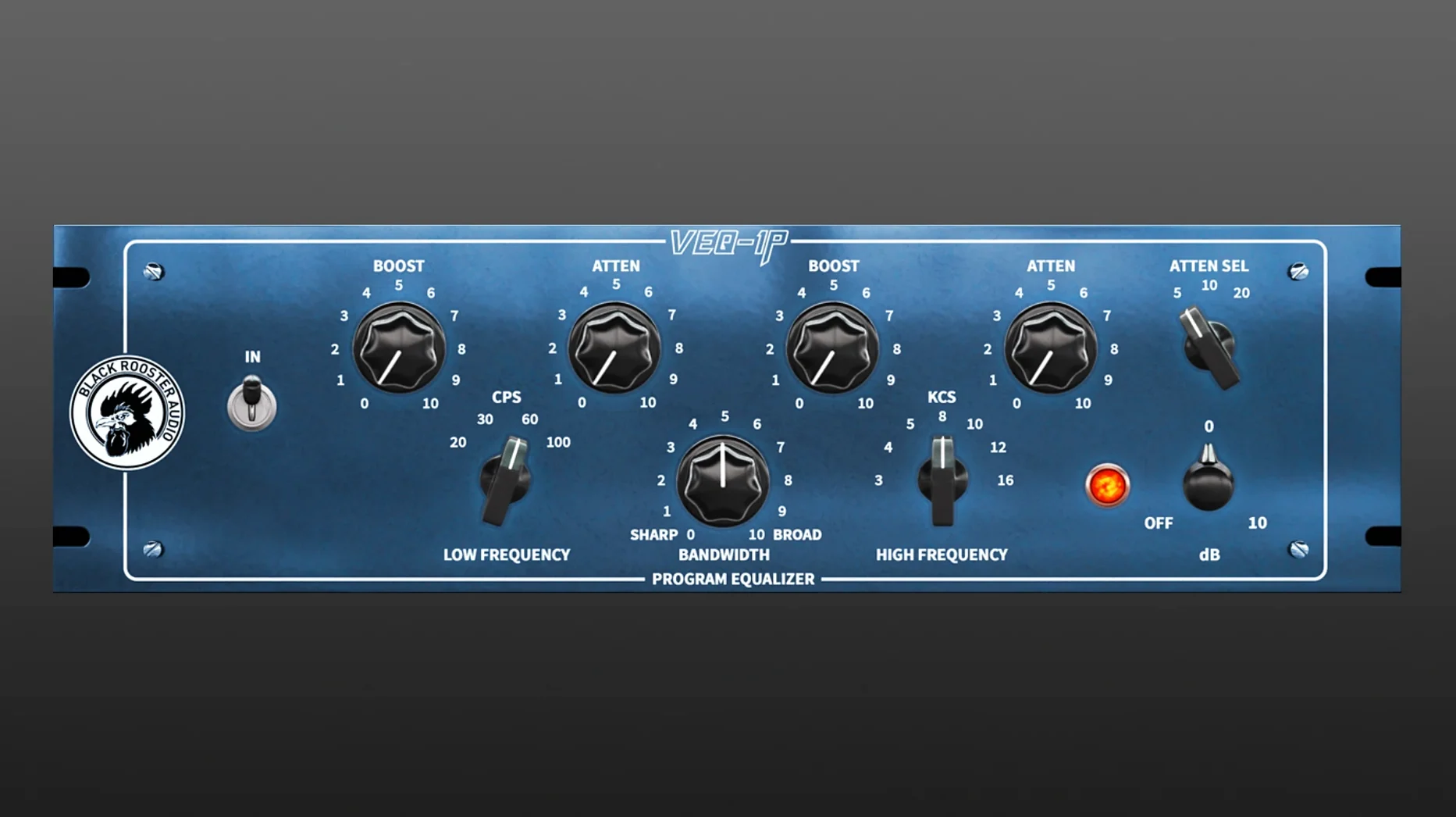
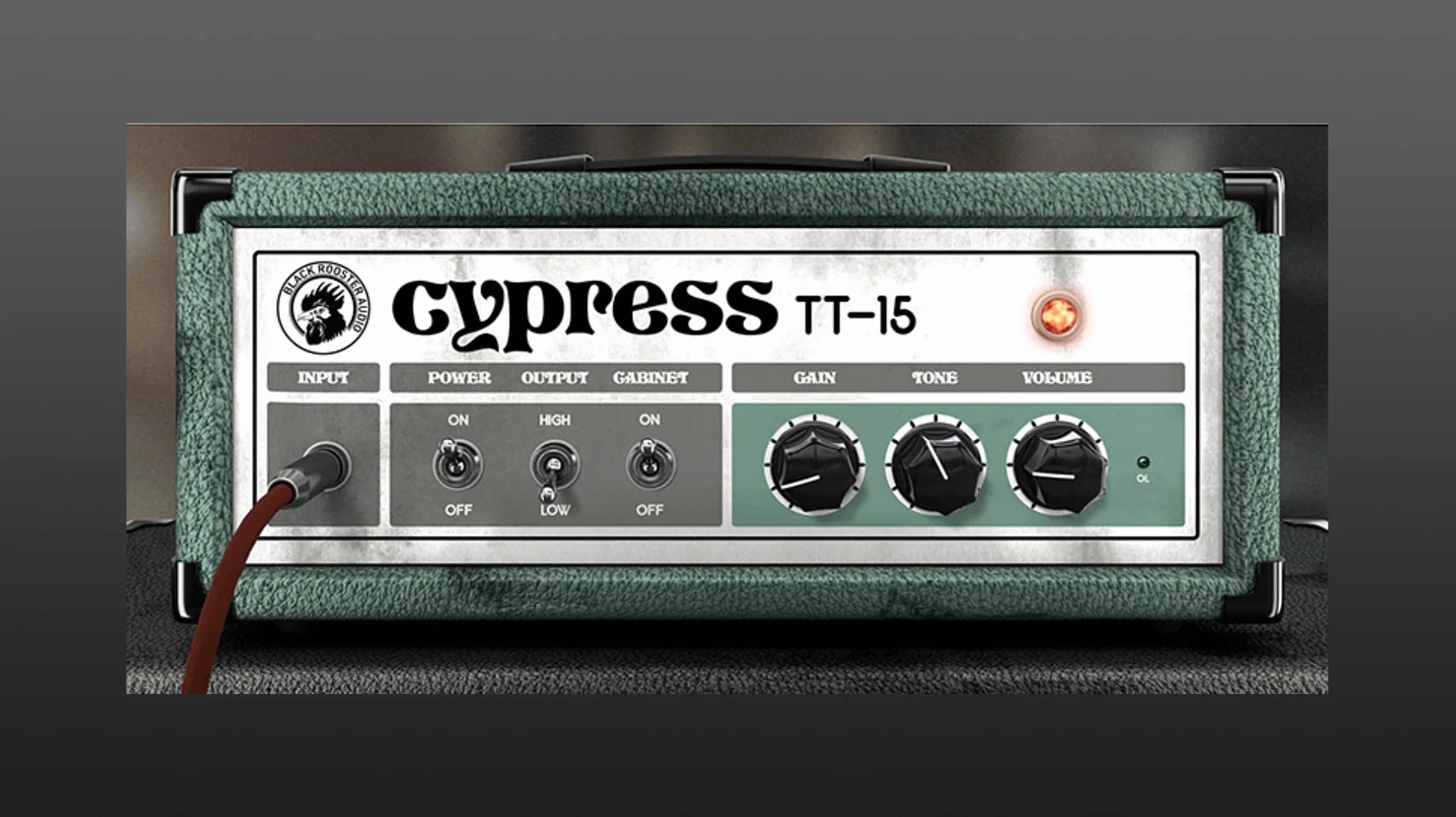
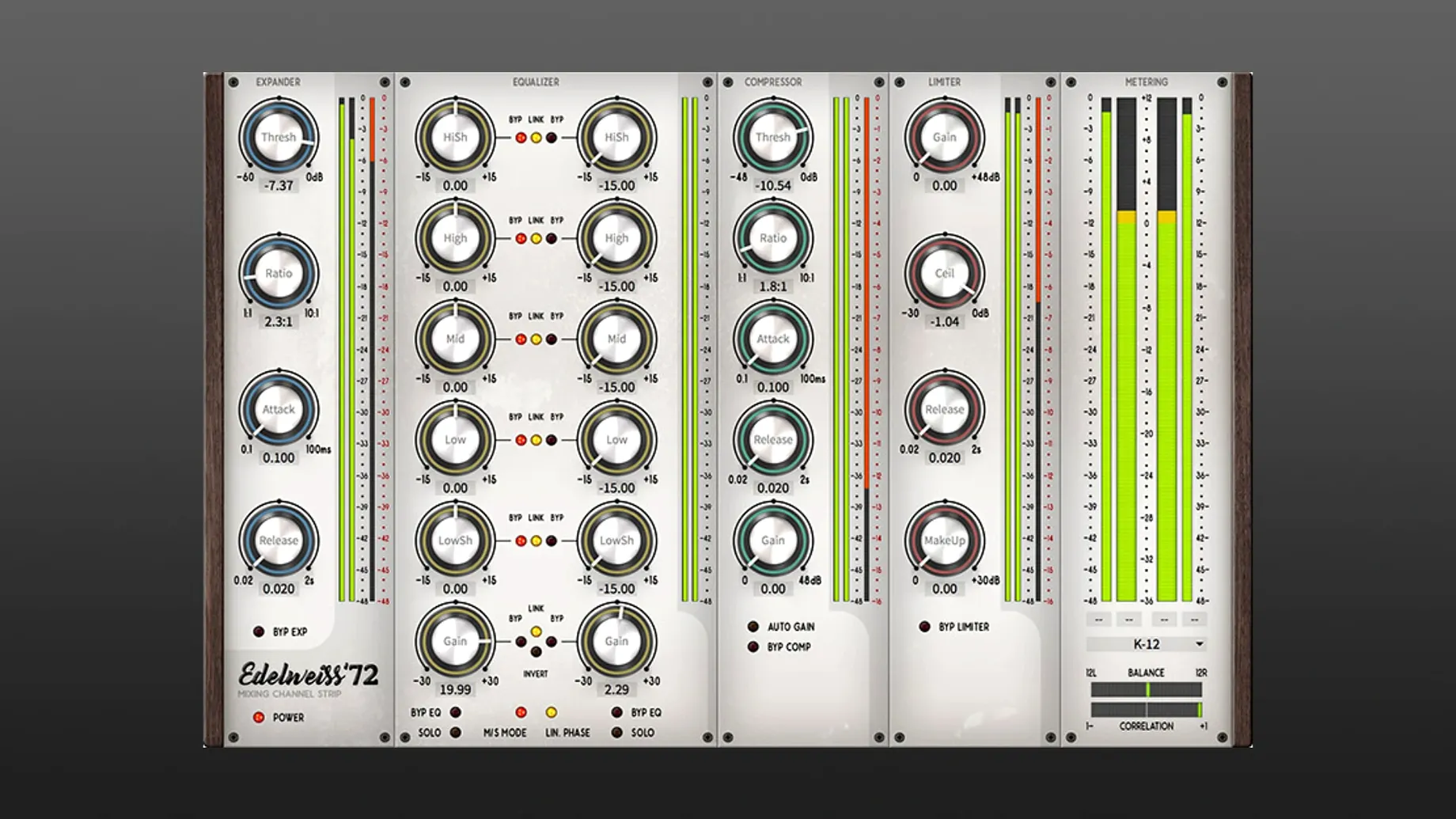
...the Dolph-Chebyshev polyphase oversampling kicks in, auto-adjusted to your session's sample rate. That's the kind of detail you notice across The ALL Bundle, a collection of Black Rooster Audio's mixing tools that leans hard into faithful circuit modeling. We're talking audio transformers, tube stages, and passive filter networks modeled from the original hardware, not just broad-strokes approximations. Aliasing stays low thanks to that linear-phase design, and DSP operations run through a pipelined SSE2 engine to keep things snappy.
| What | Details |
|---|---|
| Formats | VST, VST3, AU, AAX |
| macOS | 10.13 or later, Intel & Apple Silicon |
Having all four plugin formats in one bundle means you're covered whether you live in Logic Pro, Pro Tools, Ableton Live, or another DAW entirely. VST3 support landed in version 3.0.0 and it's tight — no wrapper weirdness, just the console-style saturation and EQ curves doing their thing with minimal latency. The interface stays in English across every plugin, and the whole package feels built for someone who wants the desk sound without the desk footprint. If you mix across multiple hosts and want one set of color tools that slot in everywhere, this bundle makes that easy.
Barely 8% CPU on a Loaded Drum Bus
I was pleasantly surprised by how light these plugins run in daily use. On an Apple Silicon Mac, loading a full drum bus with MAGNETITE, the VLA-2A, and the KH-EQ1 barely nudged the meter — we're talking 6–8% CPU total. That SSE2 pipelining they mention isn't marketing fluff; the processing threads spread evenly across cores without the single-core bottlenecks I've seen in other modeled emulations. Intel Macs show a slightly hungrier footprint, but not enough to disrupt a dense mix session.
Stability holds up, too. Across Logic Pro and Ableton Live, I haven't caught a single crash tied to the Black Rooster plugins, even when swapping presets mid-playback or duplicating tracks with active instances. The auto-adjusted oversampling keeps latency predictable — no random spikes when your session hops from 44.1 to 96 kHz. Recovery from sleep on a MacBook Pro is equally clean, with the plugins reconnecting to their DAW hosts without the "missing license" hiccups some bundles trigger.
Saturation Sneaks Up When You Crank Input Gain
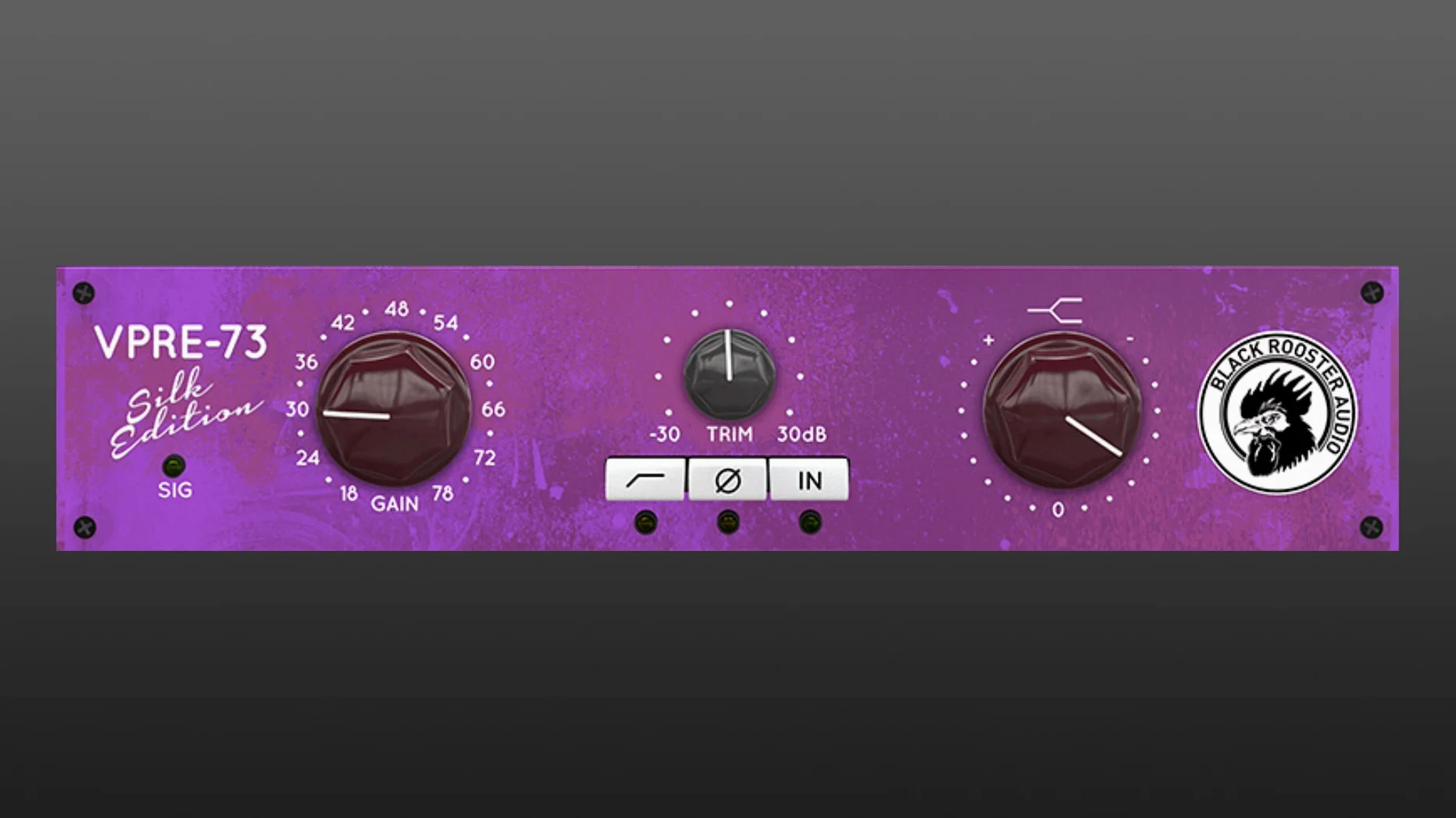
The biggest beginner mistake I see is cranking the input gain on the VLA-FET or VPRE-73 and calling it a day. These aren't clean gain stages — they're modeled with transformer saturation, and pushing them hard without checking the output trim slams your next plugin's headroom. Back off the output knob first, then dial in the color you actually want. Another gotcha: ignoring the oversampling indicator. On older Intel machines running high track counts, leaving oversampling at max on every instance can add up; pick your "character" plugs for oversampling and let the cleaner EQs run lean.
Some users also sleep on the sidechain filtering in KH-COMP1, treating it like a standard bus compressor. Flip on the internal high-pass and suddenly the low end stops pumping the whole mix — it's a simple toggle, and missing it is what makes early attempts sound mushy. And if you grabbed the Black Rooster Audio The ALL Bundle Mac torrent and just started clicking through presets, take ten minutes with the VLA-2A MARK II in manual mode instead. The presets are useful references, but the real texture lives in the attack and release interplay, which varies noticeably from one modeled revision to the next.
- macOS 10.13 or newer
- Intel or Apple Silicon Mac
- Host that supports VST, VST3, AU, or AAX
Also on readers' docks
Sign in or create an account to leave a comment.
No comments yet. Tell me how it got on with your other devices.
More in VST Plugins
See all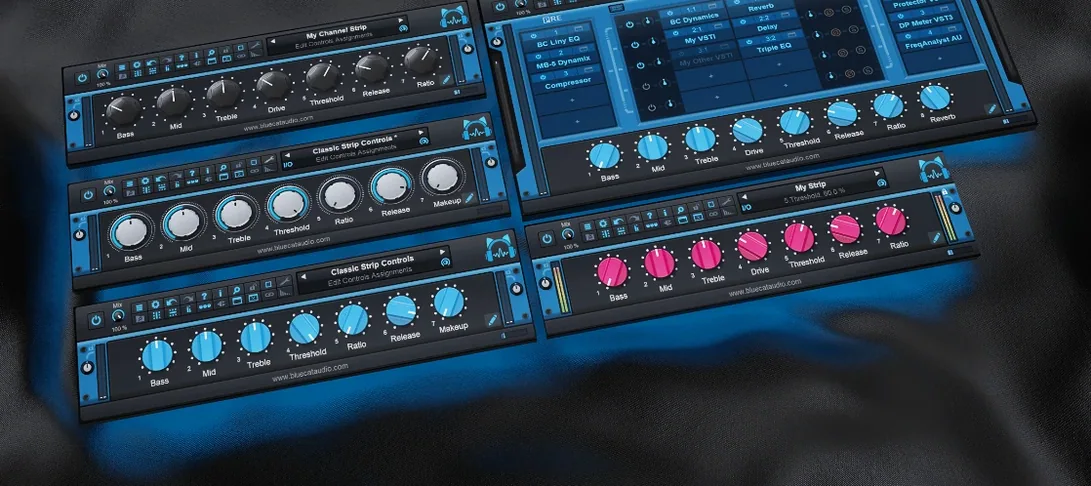 Blue Cat Audio Blue Cats PatchWork
2.7.5 VST Plugins
587 MB
Blue Cat Audio Blue Cats PatchWork
2.7.5 VST Plugins
587 MB
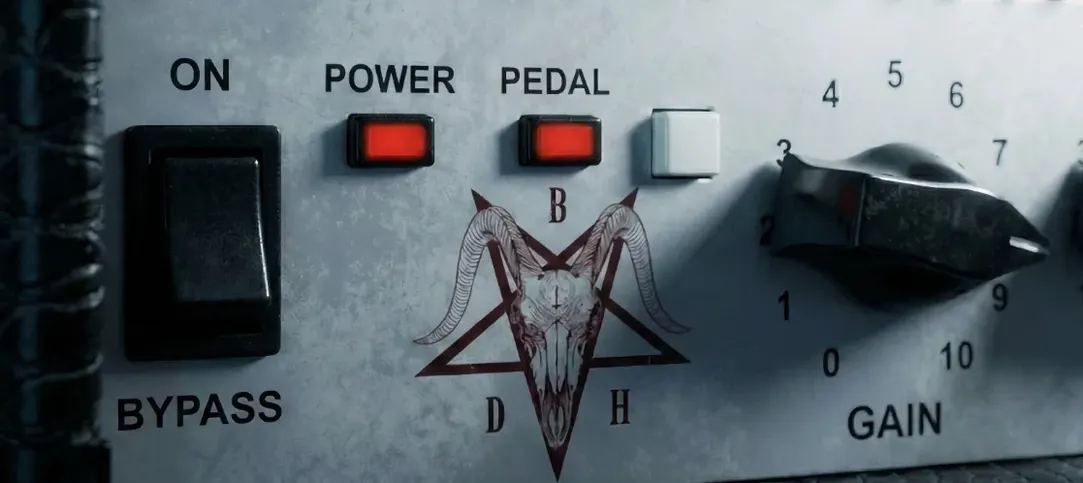 Bogren Digital Ampknob BDH 66o6 Plus
1.2.118 VST Plugins
253 MB
Bogren Digital Ampknob BDH 66o6 Plus
1.2.118 VST Plugins
253 MB
 Cableguys Snapback
1.1 VST Plugins
37 MB
Cableguys Snapback
1.1 VST Plugins
37 MB
 Arturia Rev LX-24
1.2.1-6567 VST Plugins
403 MB
Arturia Rev LX-24
1.2.1-6567 VST Plugins
403 MB
 Arturia Pigments
7.0.1-6772 VST Plugins
1.8 GB
Arturia Pigments
7.0.1-6772 VST Plugins
1.8 GB
 Arturia MiniFreak V
5.1.1 VST Plugins
468 MB
Arturia MiniFreak V
5.1.1 VST Plugins
468 MB
 Arturia Mellotron V
1.9.3 VST Plugins
2.1 GB
Arturia Mellotron V
1.9.3 VST Plugins
2.1 GB
 Arturia FX Collection
2026.02 VST Plugins
16.1 GB
Arturia FX Collection
2026.02 VST Plugins
16.1 GB