







Download Total War: WARHAMMER for macOS
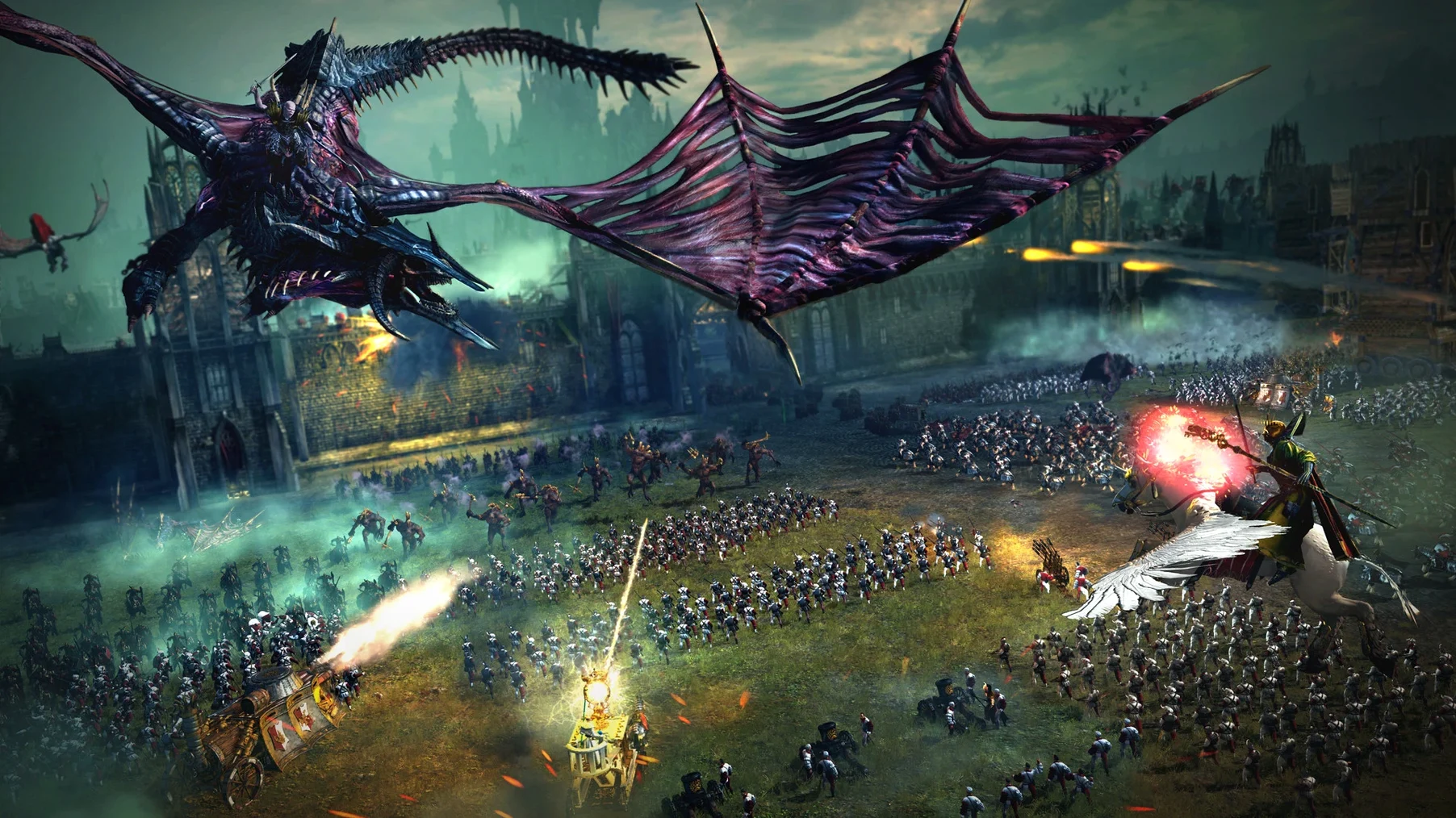
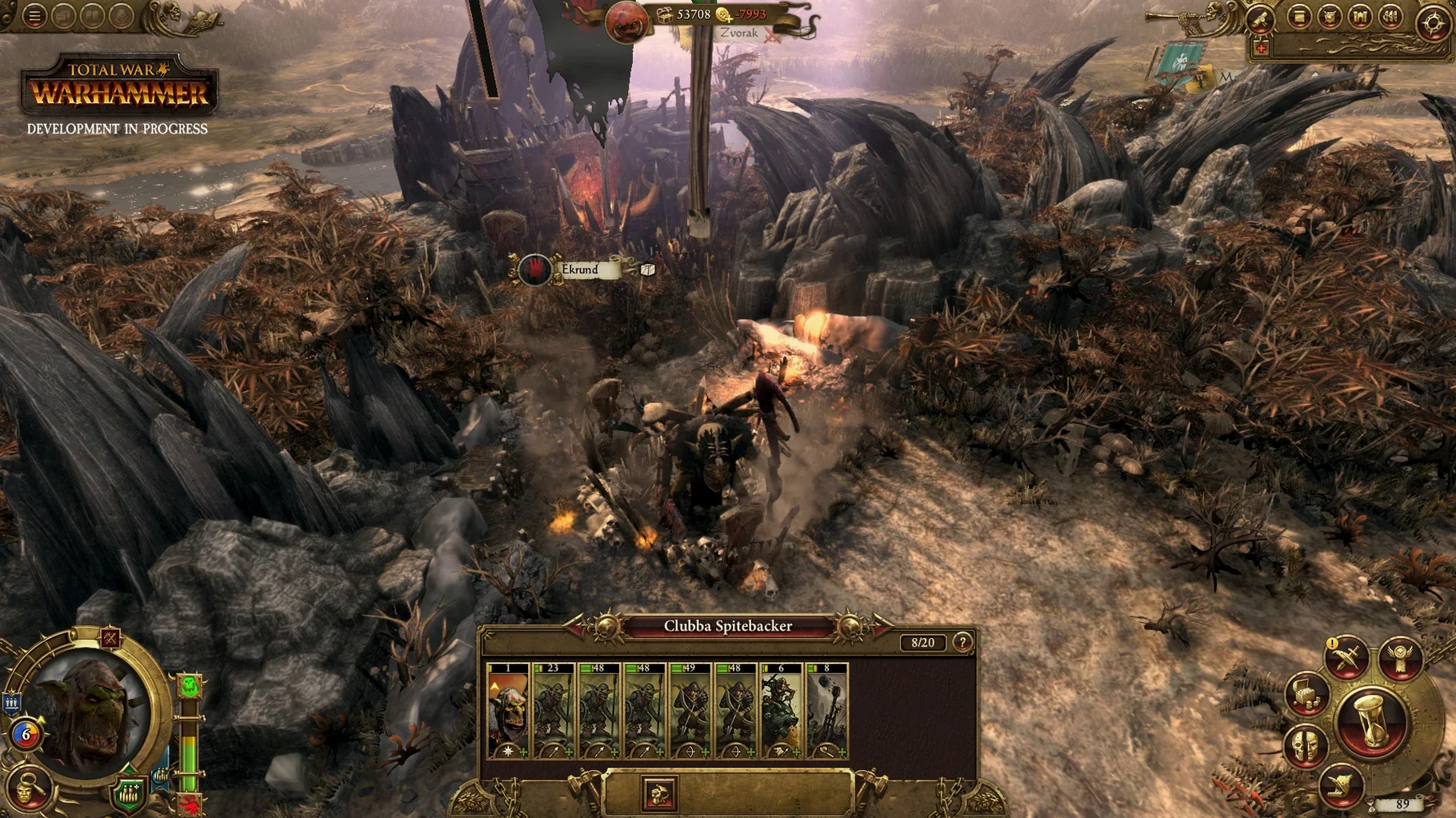
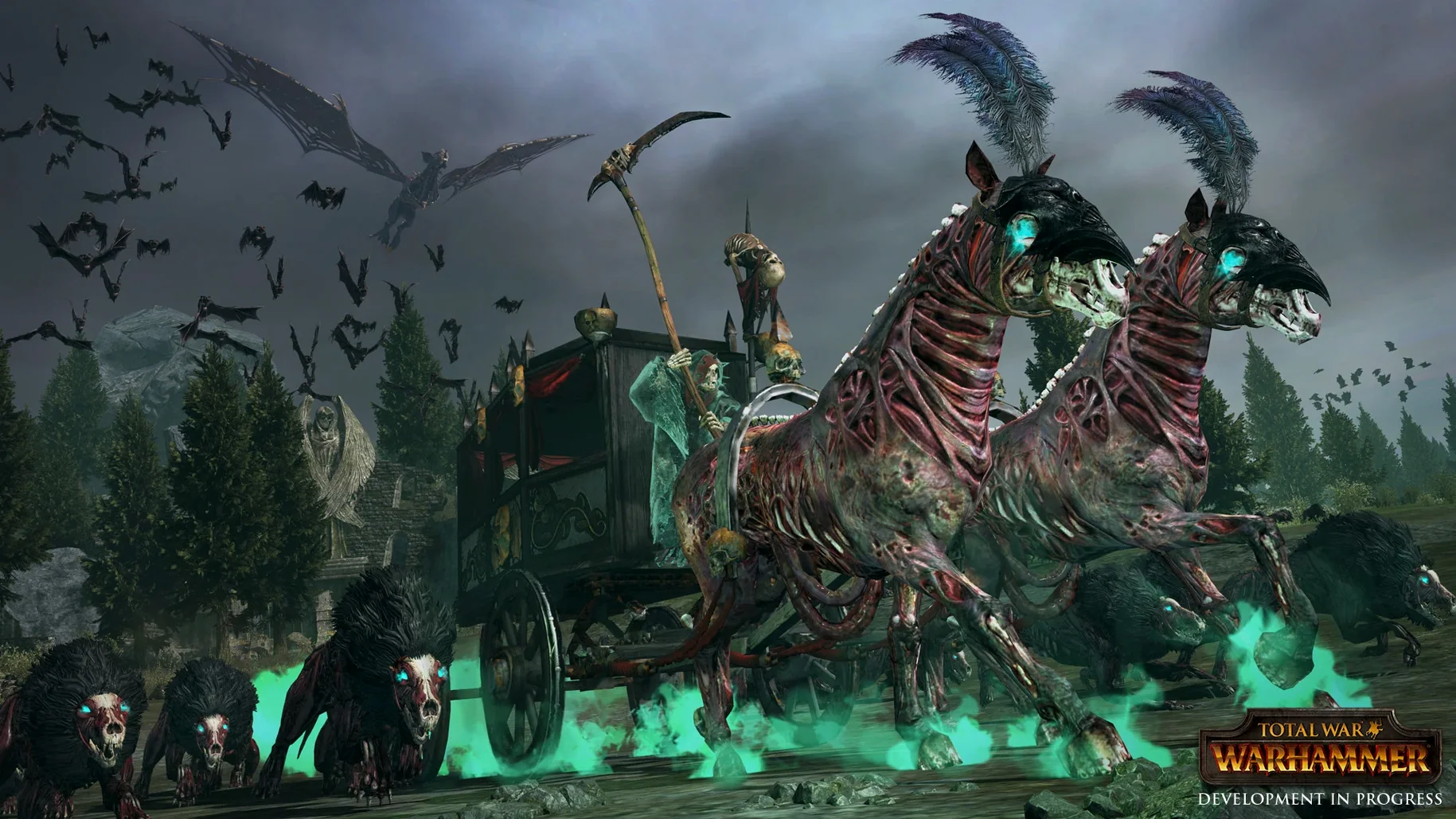
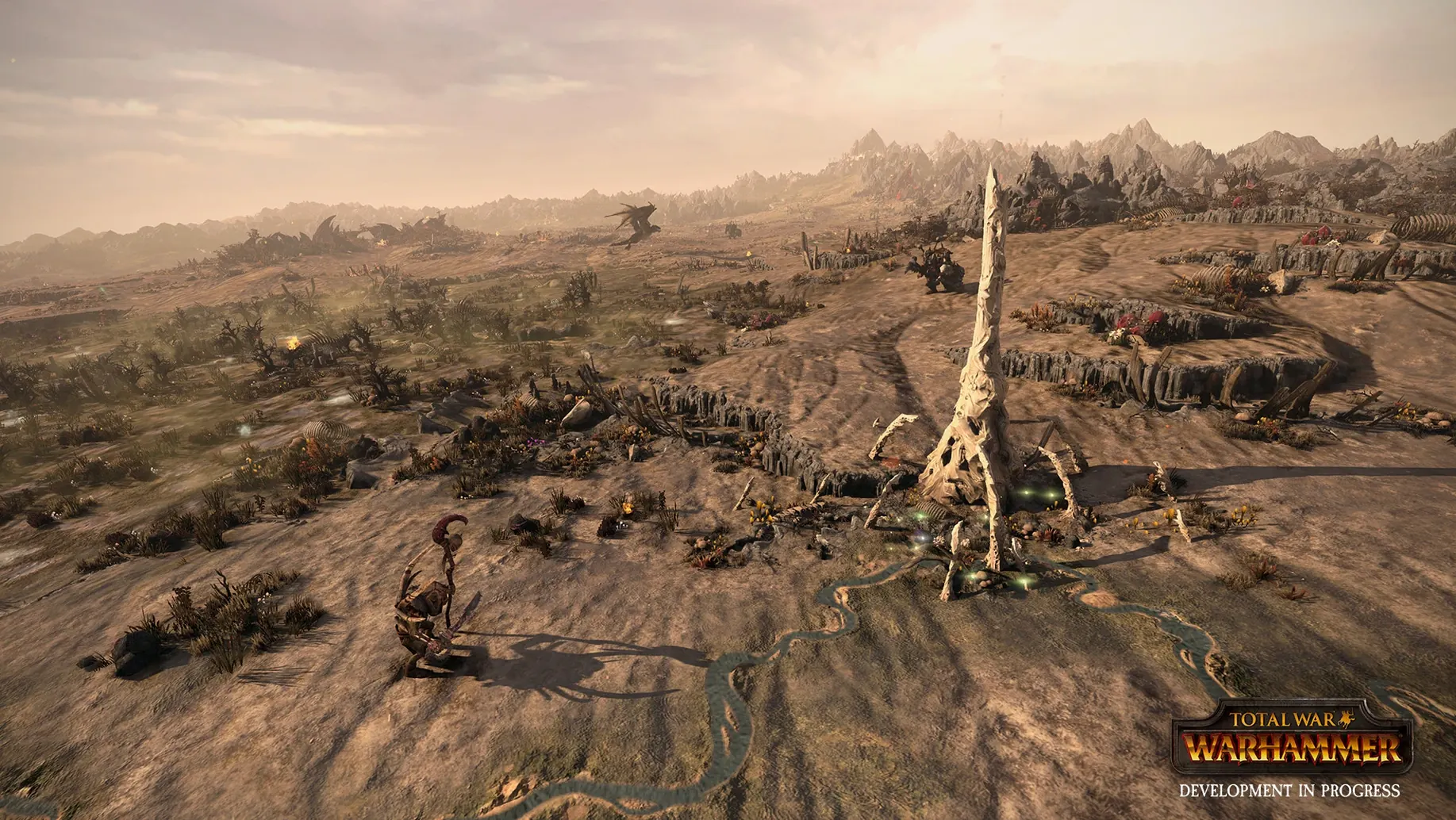
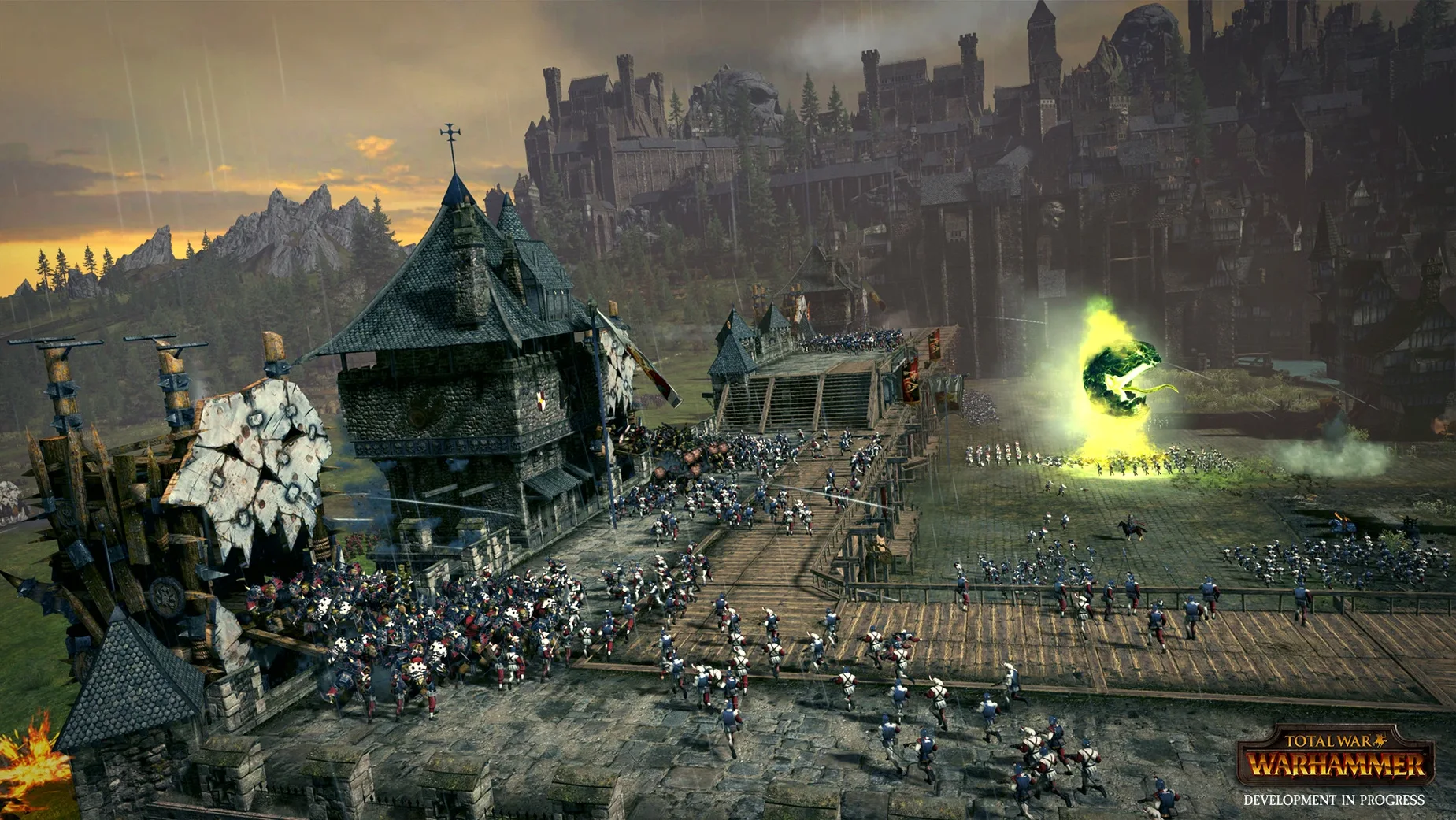
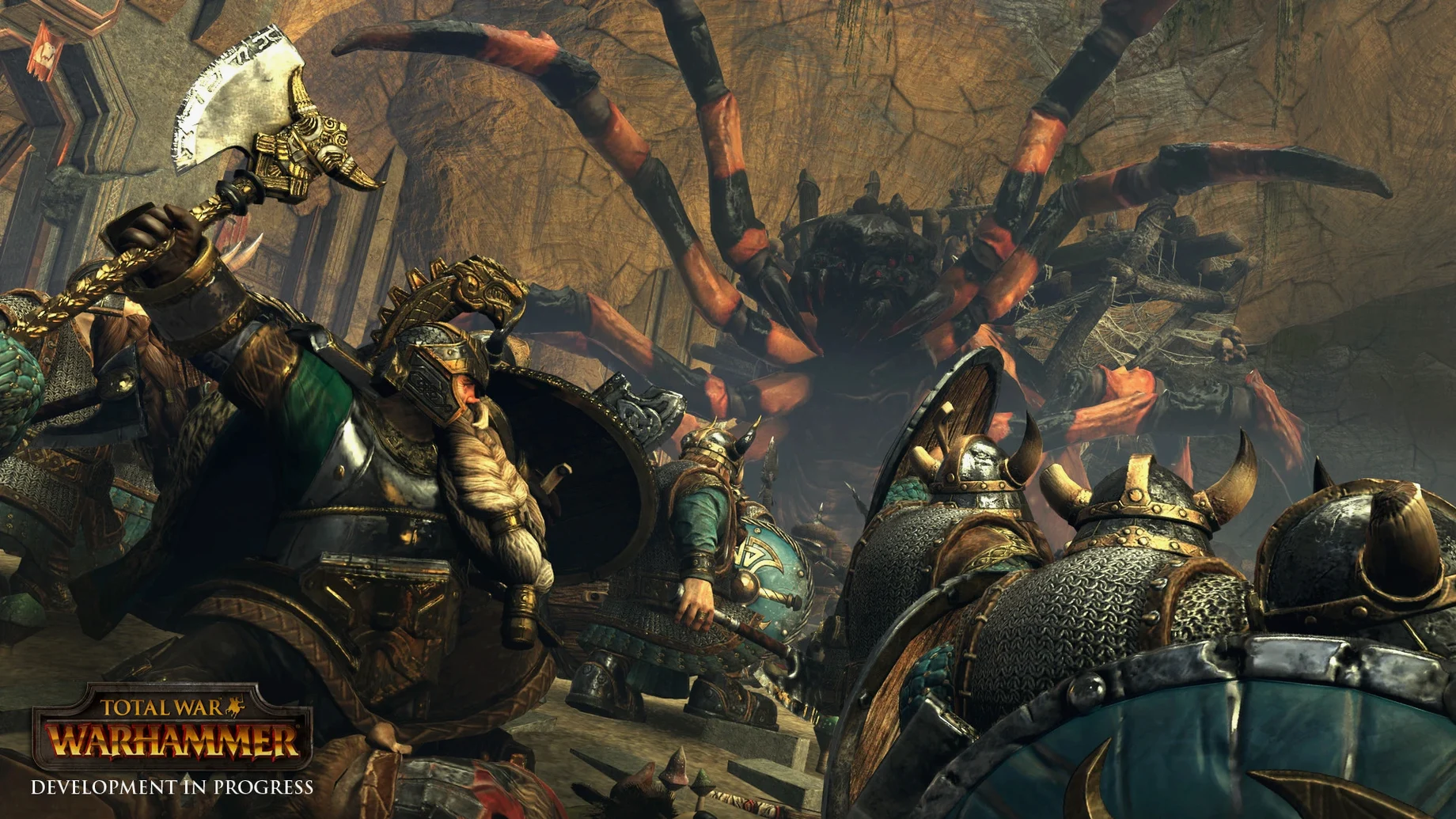
Total War: WARHAMMER on Mac drops the historical setting and dives into a world of griffons, magic, and legendary lords. It's Creative Assembly's grand strategy formula fused with Games Workshop's Warhammer Fantasy Battles, and the result is a game that cares more about spectacle and faction personality than spreadsheet-style balance.
- Campaign thinkers will thrive. The turn-based map is a sandbox of conquest where you manage provinces, diplomacy, and hero quests at your own pace.
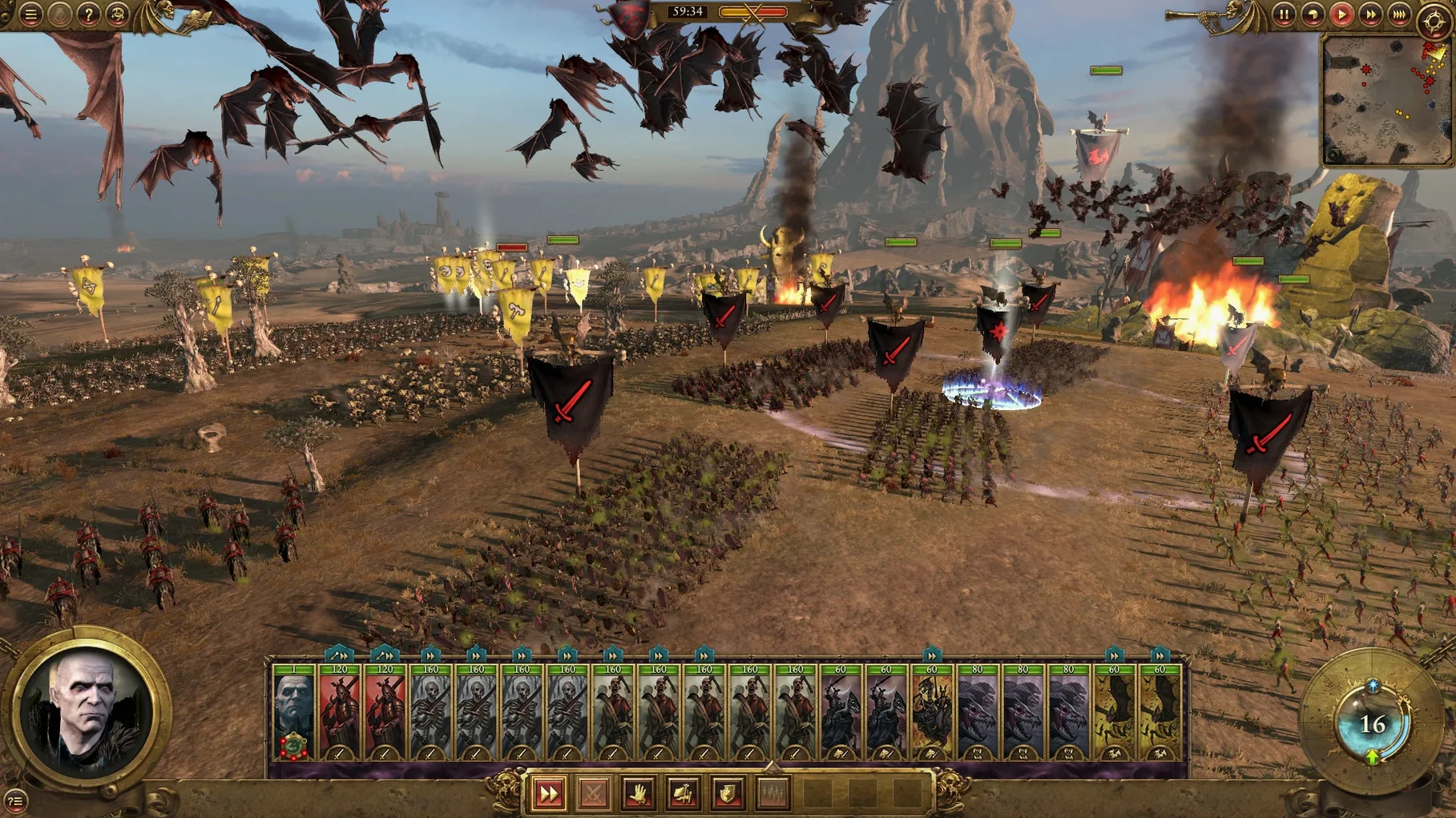
- Battle tacticians get a monster-filled toolbox. Real-time clashes add flying units, magic storms, and towering beasts that flip the usual rock-paper-scissors rules on their head.
- You enjoy narrative threads in strategy games. Quests for the 12 legendary lords send you across the map for unique weapons, armor, and combat spells — not just stat boosts.
- Pure history buffs might feel adrift. If you prefer line infantry and authentic cavalry charges, the giant spiders and necromancer lords here replace discipline with delightful chaos.
It's a game for players who want their empire-building seasoned with hero stories and a battle mode where a well-placed comet can win the day just as decisively as a flanking maneuver.
Dropped Into a Fractured World, Not Building From a Settler
Total War: WARHAMMER sits in an interesting spot on macOS. Compare it to Civilization VI, and the biggest difference hits you immediately: Civ is all about building from a single settler, while WARHAMMER drops you into a fractured world with established factions already snarling at each other. Civ's combat is tile-based and abstract; here you zoom right into the mud and blood. If you like the empire-building loop but crave a payoff that's more cinematic than pushing unit icons around, WARHAMMER scratches that itch.
Then there's XCOM 2, another turn-based strategy heavyweight on Mac. XCOM gives you tight, squad-level tactics with permadeath and a reverse difficulty curve. WARHAMMER flips the scale — you're commanding hundreds of soldiers and monsters, and losing a unit stings but rarely derails a campaign. The real-time battles also demand a different kind of thinking than XCOM's careful, grid-based planning. Where XCOM rewards caution, WARHAMMER often rewards aggressive use of flying units and magic to break enemy lines before they break yours.
Against Company of Heroes 2, the comparison is purely on the battle side. CoH 2 is squad tactics with cover and suppression; WARHAMMER adds fantasy units that ignore those rules entirely. A giant spider doesn't care about your machine-gun nest. If you enjoy CoH 2's tactical depth but wish it had dragons, this is the logical — and louder — next step.
Fewer Crashes During Hour-Long Siege Fights
Version 1.1.5 fix didn't rewrite the game, but it smoothed over a few friction points that long campaigns make glaring. Stability on Intel Macs got more predictable — fewer mid-battle crashes during those hour-long siege fights where you've already micro-managed three fronts and really don't want to replay the whole thing. Load times between campaign map and battles tightened up enough that hopping in and out of skirmishes feels less like a coffee break.
Feral Interactive also addressed some graphics quirks on older Intel hardware. Units that used to flicker during magic-heavy weather effects now render cleanly, which matters when you're trying to spot where that enemy wyvern just landed in a blizzard. The bug fixes didn't add new features, but for a game where one corrupted save or visual glitch can undo an afternoon of conquest, the stability work quietly improved every session.
Swiping Between the Campaign Map and Unit Stats
The game plays nicely with Mission Control — swiping between the campaign map and a browser full of unit stat references becomes muscle memory after a few sessions. It also respects macOS's full-screen mode without fighting the system, so you can keep a Notes window or a faction guide tucked in another space without the game minimizing on you.
If you use Discord during multiplayer or co-op campaigns, the overlay plays well with the Mac version. Screen sharing a battle for a friend who's weighing a total war warhammer mac download themselves is smooth enough for backseat generals to call out flanking opportunities. The game also sits comfortably alongside creative tools — I've had the campaign map open on one display while jotting lord quest notes in Bear or sketching battle plans in a separate window, and the Intel build handles the multitasking without stuttering.
One underrated macOS feature that pairs well: Quick Look. If you've stashed faction guides or unit stat sheets as PDFs in a folder, tapping the spacebar to glance at them mid-turn is faster than alt-tabbing through windows. It's a tiny thing, but in a game where turn times add up, those seconds shaved off checking a reference keep the flow moving.
- macOS 10.12.4 or newer
- Intel processor, 2.0 GHz Core i5 or better
- 8 GB RAM
- 2 GB Nvidia 680MX, 2 GB AMD R9 M290, or 1.5 GB Intel Iris Graphics 540 (or better)
Questions people ask
Does Total War: WARHAMMER on Mac include both turn-based and real-time gameplay?
Yes. You manage your empire on a turn-based campaign map and then fight real-time tactical battles against enemy armies.
How many legendary lords can I play in the game?
The game includes 12 legendary lords, each with unique quests that earn rewards like weapons, armor, and combat spells.
Do battles include magic and flying units?
Absolutely. Real-time battles feature flying units and magic storms you can unleash on enemy forces.
Also on readers' docks
Sign in or create an account to leave a comment.
No comments yet. Tell me how it got on with your other devices.
More in Games
See all Total War: THREE KINGDOMS
1.7.1 Games
27 GB
 Total War: ROME REMASTERED
2.0.5 Games
35 GB
 Total War: ROME II - Emperor Edition
2.4.1 Games
20 GB
 Transport Fever 2
35924.0 Games
21 GB
 Tropico
t6 1290 Games
40 GB
 Updated Two Point Museum
12.0.244870 Native Games
4 GB
 TMNT Splintered Fate
1.14.0 Games
1.7 GB
 Updated Timberborn
1.1.2.8.ffc2de0.gm Native Games
1.1 GB