








Download Total War: ROME II - Emperor Edition for macOS
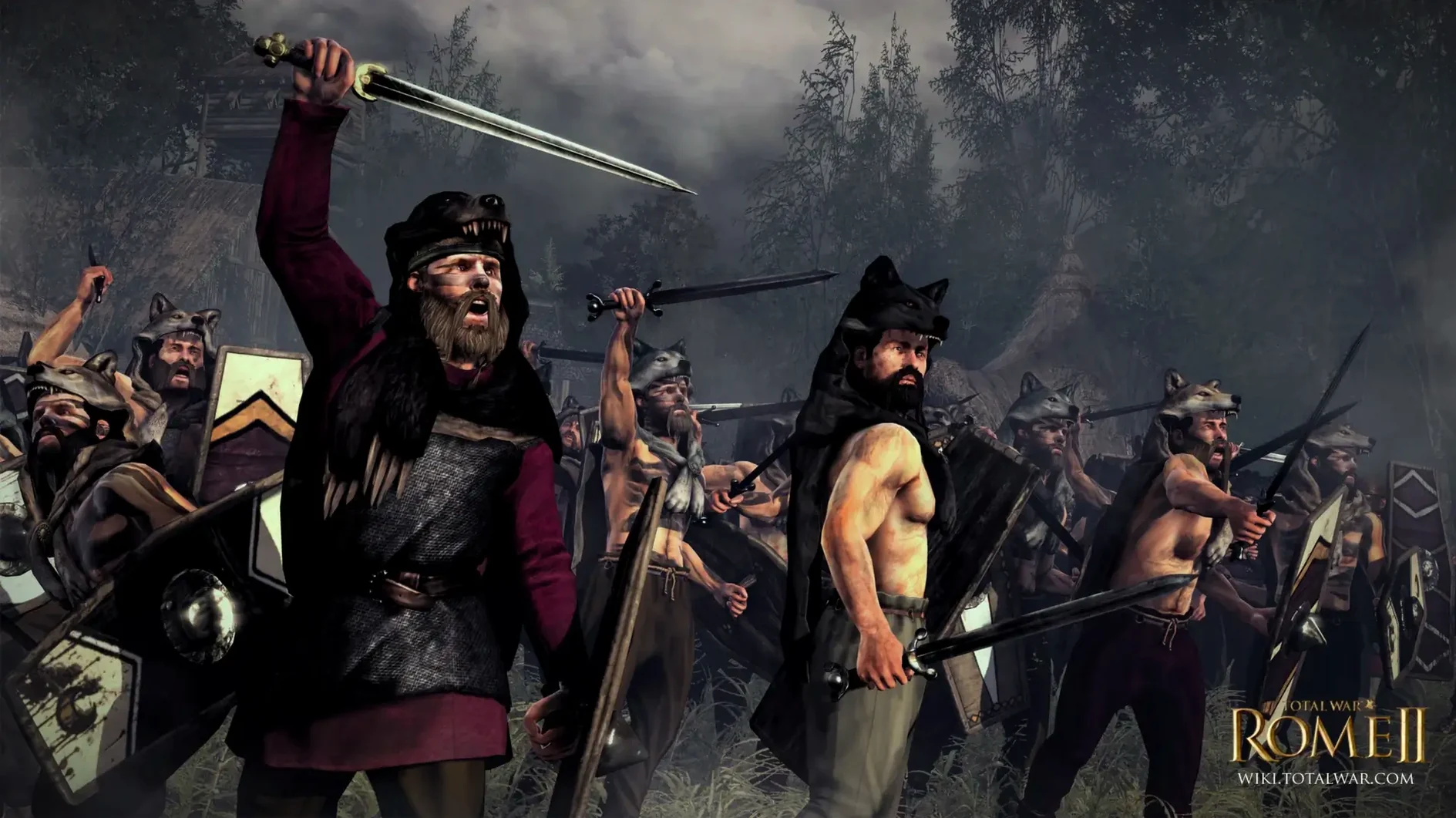
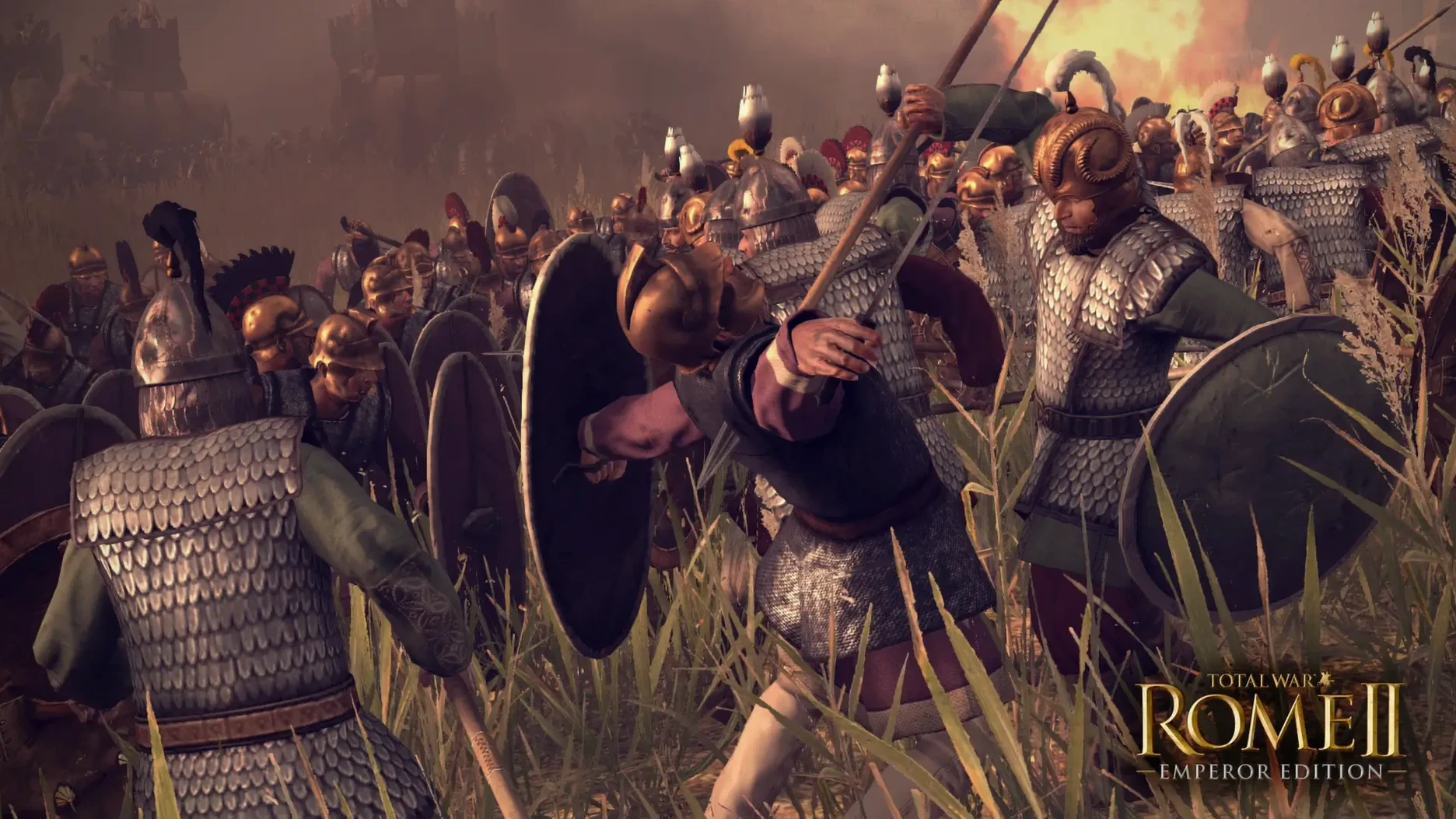
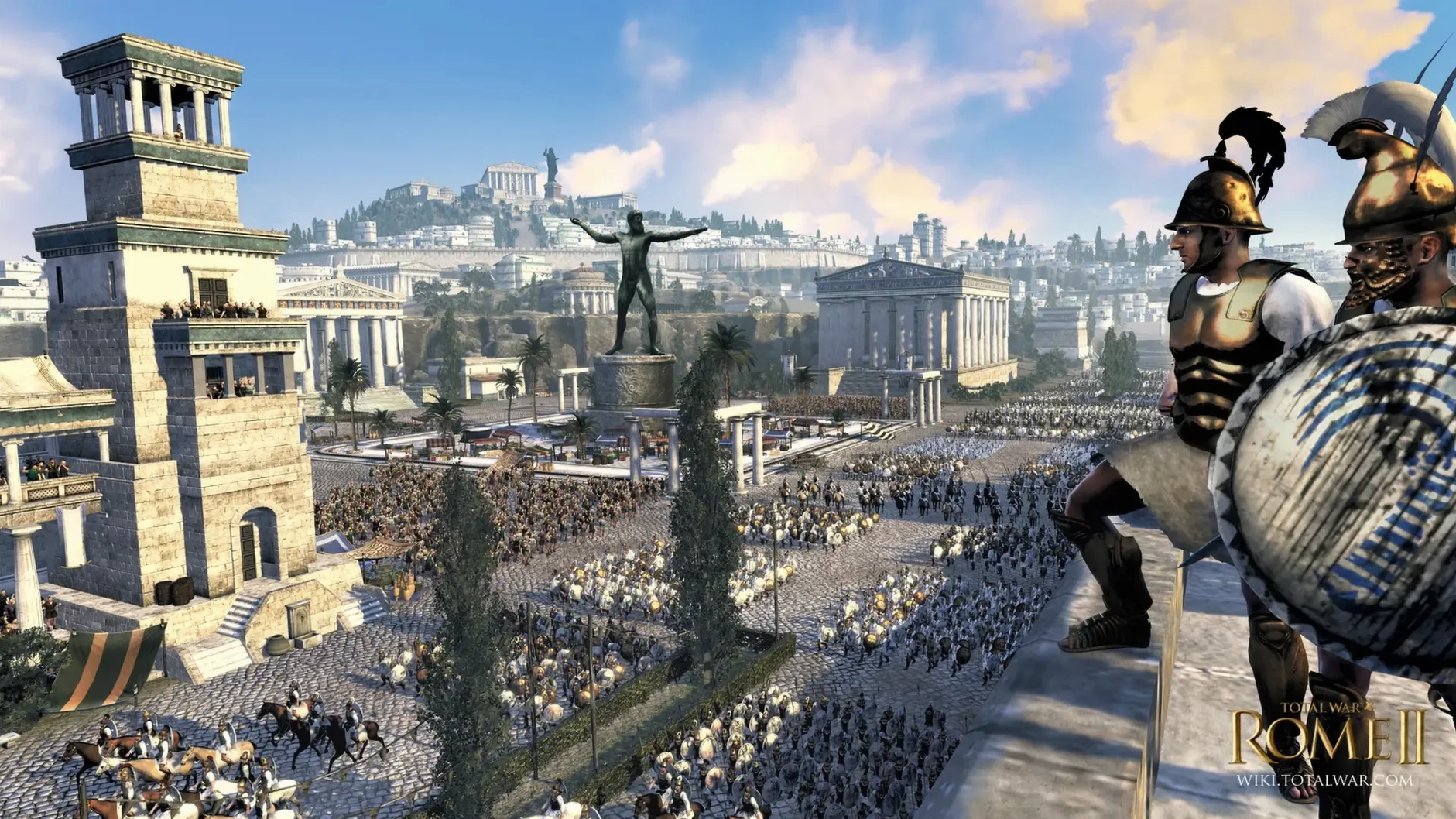
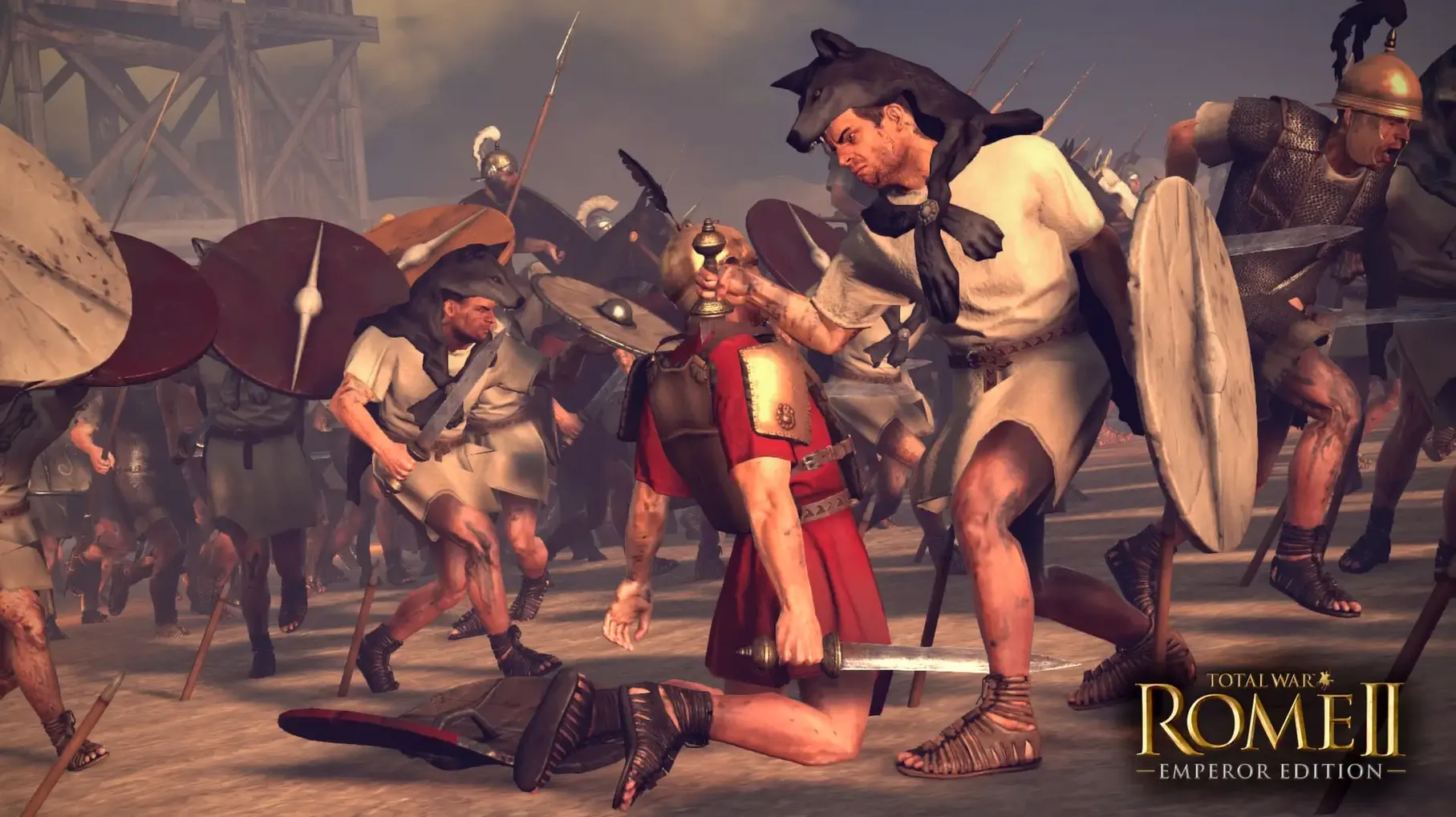
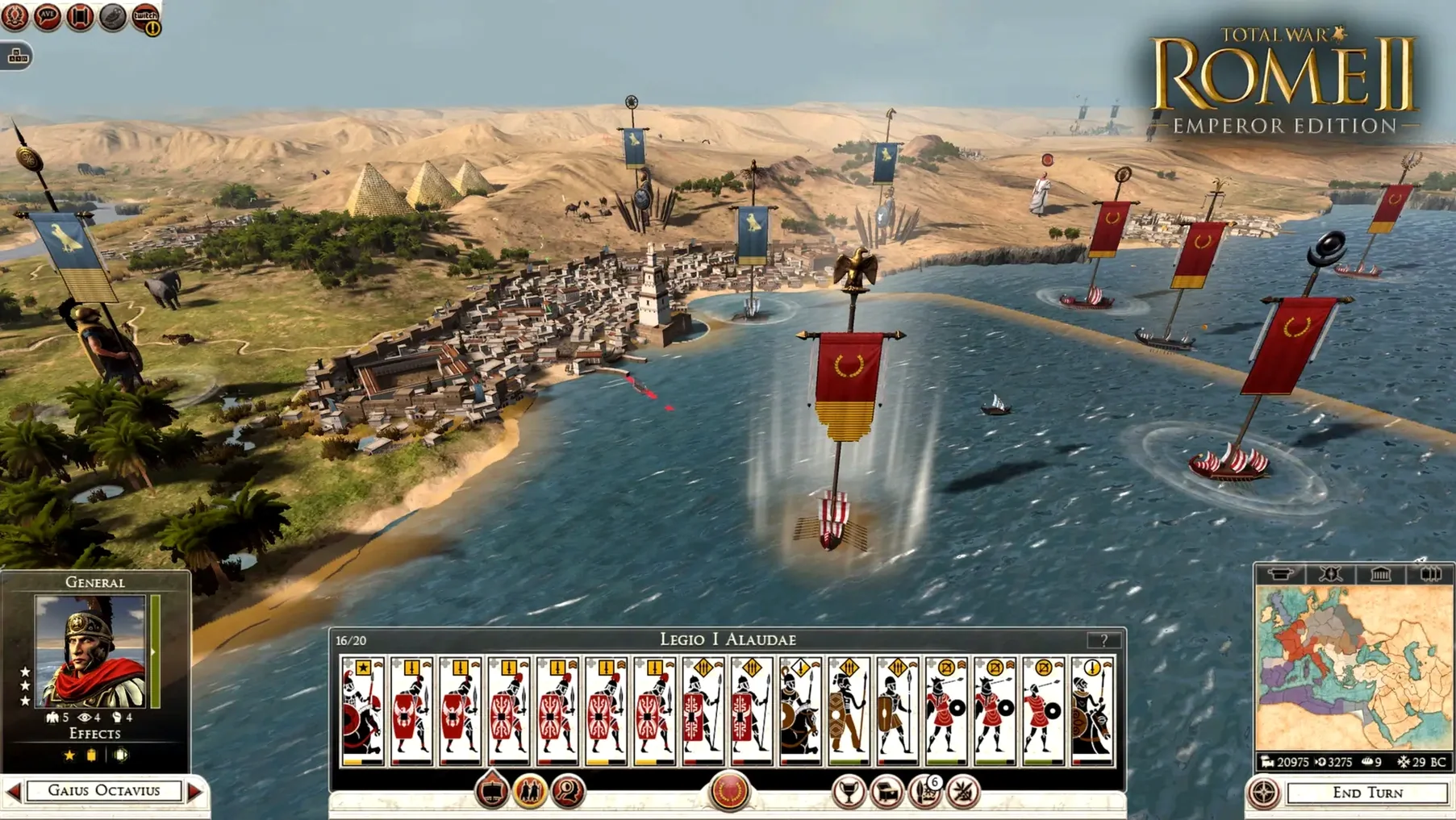
If you've ever played a game where a trusted ally turns on you at the worst possible moment, you'll feel right at home here. Total War: ROME II - Emperor Edition puts those themes of betrayal front and center, letting you decide whether to defend the republic or seize power as a dictator. It's a game about managing military, economic, and political power across a massive campaign map, then zooming into vast real-time tactical battles where your plans either hold or crumble.
- The Grand Campaign — Build a single state into a sprawling empire across the ancient world, commanding one of the strongest armies history has known.
- Imperator Augustus — A separate campaign beginning in 42 BCE, set after Julius Caesar's assassination. Alliances are fragile, and the republic's future hangs on your choices.
- Emperor Edition Content — Matches the latest Windows release, so you get the complete package of updates, balancing, and added campaign layers.
- Real-Time Tactics — Lead thousands of soldiers in huge 3D battles where terrain, morale, and your own orders decide the outcome.
- Political Depth — Manage rival families, senators, and generals. A loyal ally today may lead a coup tomorrow.
This is a full port brought to macOS by Feral Interactive, native for Apple Silicon, so the legions march smoothly on modern Macs. You can play the whole thing in English, German, or French voice-over, with interface text available in Russian, Spanish, Italian, Polish, Turkish, Czech, and more. Whether you're holding the line as a defender of the senate or marching on Rome itself, the tension between control and chaos never lets up.
Dialing In Smooth Battles on M1
On an M1 MacBook Air running macOS Sequoia, the game settles into a comfortable rhythm once you dial in the right settings. With unit sizes set to large and shadows eased back a notch, I routinely fought battles with three thousand soldiers on screen without the fanless chassis breaking a sweat. The real-time tactical layer stays responsive — dragging formations across the map and issuing flanking orders feels immediate, and the camera pans over the carnage without micro-stutter.
Memory use hovers around the 6 GB mark in longer sessions, so that 8 GB minimum is genuine rather than aspirational. The turn-based campaign map churns through AI faction turns briskly, even deep into a campaign when dozens of states are jostling across Europe and North Africa. Loading into a large siege battle takes about twelve seconds from the diplomacy screen, which is quicker than I remember from earlier Windows builds on mechanical drives. If you leave other heavy apps open — a browser with forty tabs, say — you'll notice the texture streaming lag a beat when the camera whips across a crowded street fight, so closing background apps before a session is worth the ten seconds it takes.
Language Swaps That Crash Mid-Battle
Switching languages trips up more players than anything else. The NemirtingasSteamEmu.json file inside Config/nsteame_settings handles that, but some language swaps (particularly to Russian) can cause crashes mid-battle. If the game drops to desktop during a fight, switch back to English and it stabilizes — this is a known quirk of the current build rather than a fault with your Mac.
Other issues are rarer but worth knowing about. The first launch after dragging the app to Applications can sit on a black screen for twenty seconds before the intro cinematic plays; it's not frozen, just patient. A few people report that the discrete GPU scheduler on certain M-series chips occasionally over-prioritizes the campaign map, causing the frame rate to dip when mousing over dense forests. Dropping terrain detail to medium clears that up without making the map look flat. If you're hunting for the full total war rome ii - emperor edition mac download and plan to sink a hundred hours into a single campaign, a quick trip through the graphics panel before you start saves frustration later.
This version catches the Mac release up with the latest Windows build:
- Adds the Imperator Augustus campaign, plunging you into the power vacuum after Julius Caesar's death.
- Includes all Emperor Edition content and updates, bringing over the complete set of improvements from the PC version.
- macOS 15.0 or later
- Apple Silicon (M1 or better)
- 8 GB RAM
- 50 GB free disk space
- Apple M1 7-core GPU or better
Questions people ask
Does the Mac version include the Imperator Augustus campaign?
Yes, the Emperor Edition includes the Imperator Augustus campaign set in 42 BCE after Caesar's assassination.
Is Total War: ROME II - Emperor Edition native for Apple Silicon?
Feral Interactive states the macOS release is Apple Silicon native, so it runs smoothly on M-series Macs.
What should I do if the game crashes during play?
If crashes appear, the instructions say to switch the language back to English, as some crashes are language-related.
Also on readers' docks
Sign in or create an account to leave a comment.
No comments yet. Tell me how it got on with your other devices.
More in Games
See all Total War: ROME REMASTERED
2.0.5 Games
35 GB
Total War: ROME REMASTERED
2.0.5 Games
35 GB
 Transport Fever 2
35924.0 Games
21 GB
Transport Fever 2
35924.0 Games
21 GB
 Tropico
t6 1290 Games
40 GB
Tropico
t6 1290 Games
40 GB
 TMNT Splintered Fate
1.14.0 Games
1.7 GB
TMNT Splintered Fate
1.14.0 Games
1.7 GB
 Updated Timberborn
1.1.2.8.ffc2de0.gm Native Games
1.1 GB
Updated Timberborn
1.1.2.8.ffc2de0.gm Native Games
1.1 GB
 Updated Two Point Museum
12.0.244870 Native Games
4 GB
Updated Two Point Museum
12.0.244870 Native Games
4 GB
 This War of Mine: Final Cut
6.0.8 Games
2.5 GB
This War of Mine: Final Cut
6.0.8 Games
2.5 GB
 The Universim
1.2.00.48216 Games
2.9 GB
The Universim
1.2.00.48216 Games
2.9 GB