









Download TMNT Splintered Fate for macOS
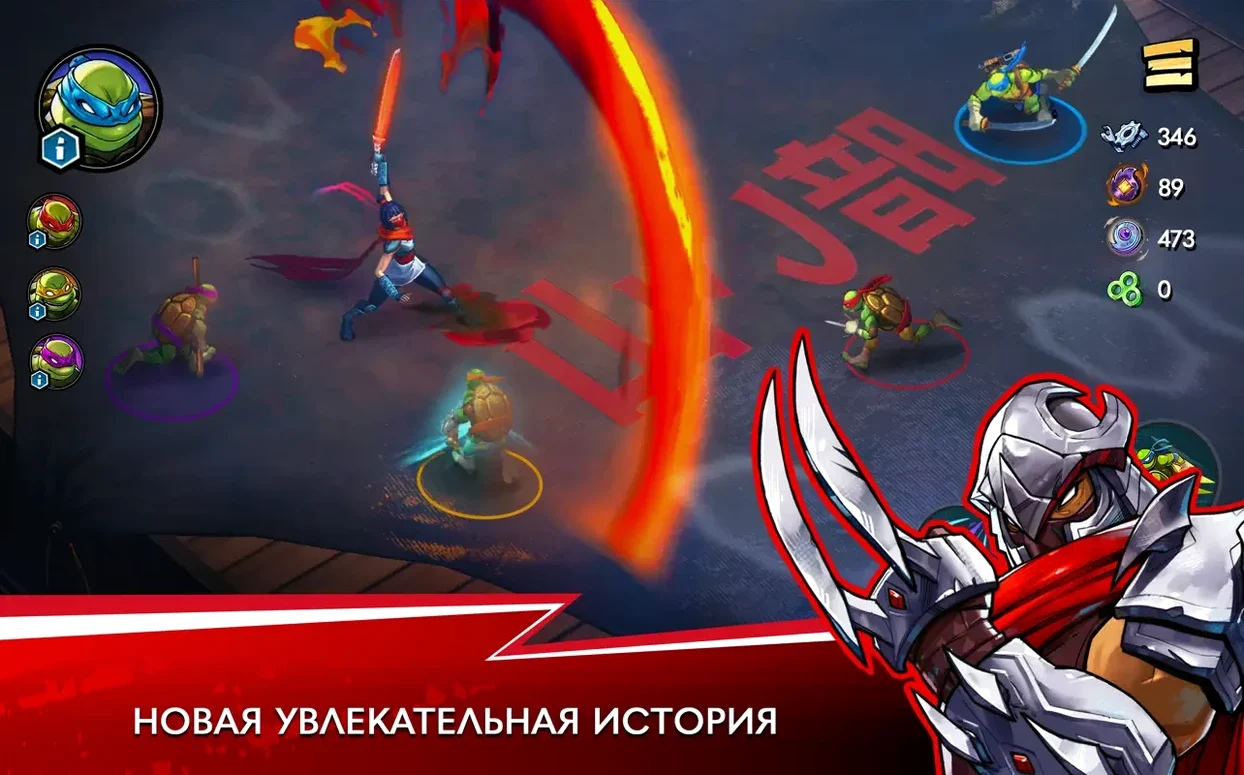
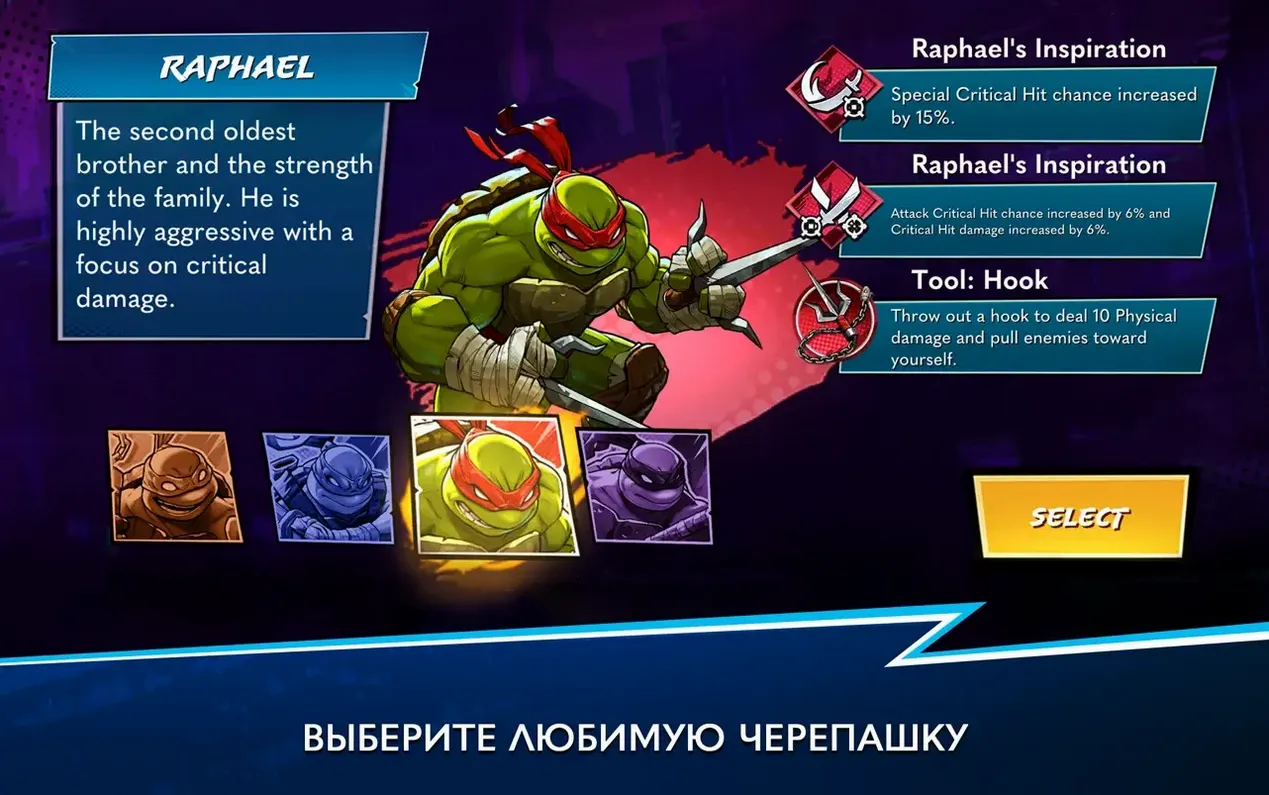
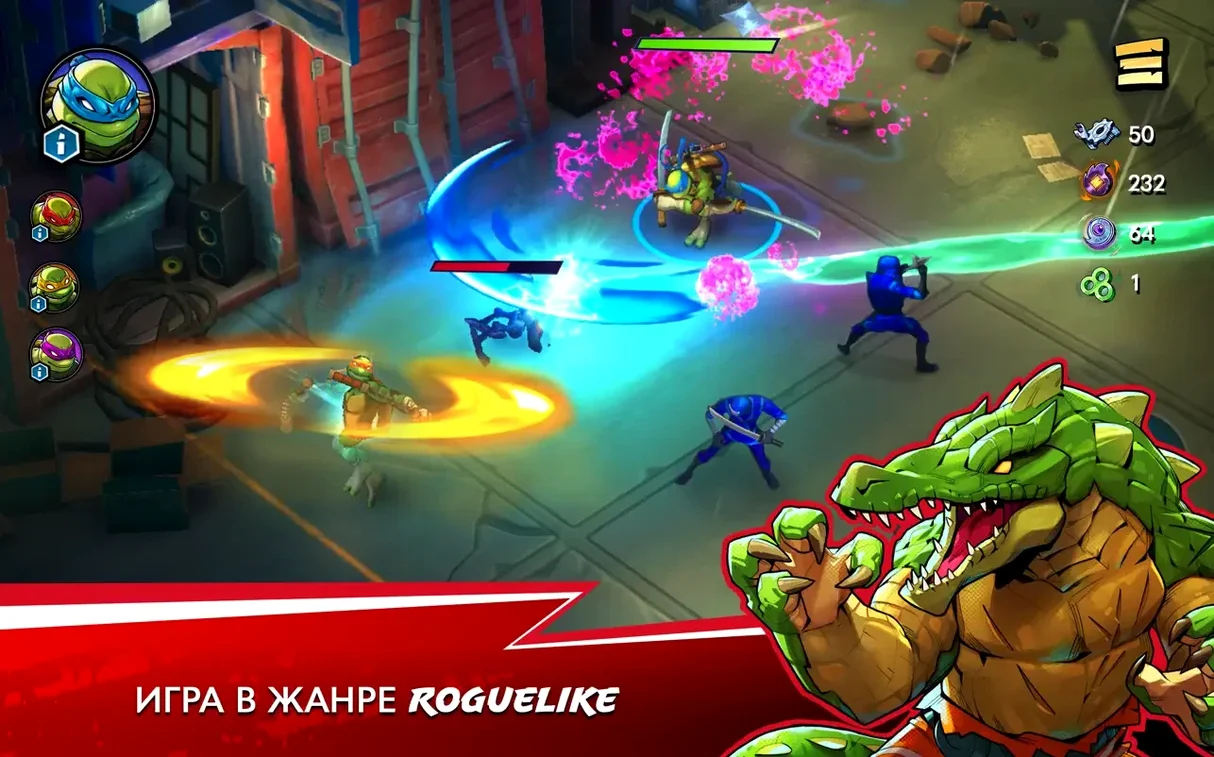
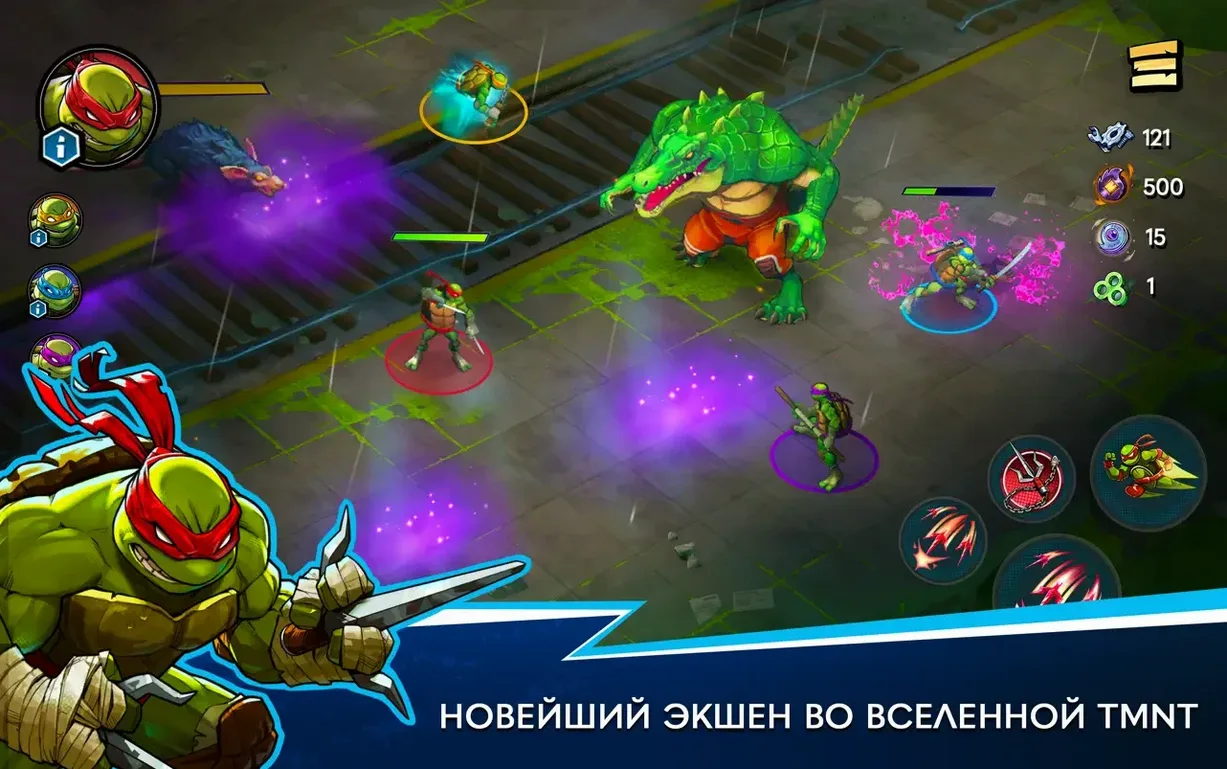
Version 1.14.0 brings the turtle action to macOS Tahoe, tested smooth on an M4 Mac mini, with no new mode changes but a solid foundation for jumping in.
Roguelike structure — each run shuffles level layouts and random power-ups, so no two rescue attempts feel the same.
Four playable turtles — Leonardo, Raphael, Donatello, and Michelangelo each fight as their own character with distinct styles.
Cooperative play — up to four players can team up locally to take on the Foot Clan together.
Story setup — portals have opened across New York City, and you are fighting to rescue Splinter from the Foot Clan.
Audio — the soundtrack is listed as musical accompaniment, setting the pace for every brawl.
Freeze on the loading screen and other launch-day snags
A few rough edges pop up often enough that they're worth flagging early. Most have quick fixes, so don't let them sour a first run.
Game freezes on the loading screen. This one trips up a lot of people right after a fresh install. The culprit is usually a network handshake that hangs. The workaround is simple — disconnect your Mac from the internet before launching, then reconnect once you're past the title screen. After the first successful boot, the issue rarely returns.
Terminal command needed on first launch. If the app bounces in the Dock and quits immediately, macOS Gatekeeper is blocking an unsigned component. Open Terminal and run the command included in the disk image's readme — it grants an exception without disabling system protections globally. Takes ten seconds and you won't need it again.
Controller not recognized. The game supports Bluetooth controllers, but pairing order matters. Connect your controller before launching the app. If it still doesn't register, toggle Bluetooth off and on while the game is running, then press any button. DualSense and Xbox Wireless controllers work best; third-party pads can be hit or miss.
Co-op dropouts mid-run. When a second, third, or fourth player joins locally and someone disconnects, the run sometimes fails to reassign characters properly. Pausing and resuming usually re-syncs everyone. If that fails, the host backing out to the main menu preserves the unlock progress earned so far.
Kill screen shake and other first-switch tweaks
The defaults are sensible, but a few tweaks make the game feel snappier on Mac hardware — especially if you're playing on a laptop or an older Intel machine.
- Screen shake: Turn it down to 30% or off entirely. The default intensity is punchy and cinematic for the first hour, then it starts fighting your ability to read enemy tells. You'll dodge more consistently with it dialed back.
- Damage numbers: Switch from "stacked" to "floating" or disable them if you find the screen too busy during four-player sessions. The visual clarity gain is immediate.
- Target frame rate: The game defaults to 60 fps cap. On Apple Silicon Macs, bumping it to 120 fps (if your display supports it) makes combat feel noticeably more fluid without stressing thermals. On Intel machines, leaving it at 60 avoids fan spikes during chaotic boss fights.
- Voice and music mix: The musical accompaniment is energetic, but it can drown out April and Metalhead's artifact analysis dialogue. Dropping music to 70% and keeping voice at 100% helps the story beats land without losing the fight energy.
- Auto-aim strength: For keyboard and mouse players, reducing auto-aim to "low" gives you finer control over who gets hit in a crowd. Gamepad players may prefer keeping it at "medium."
M4 Mac mini: no stutter, flat frame graph, under four seconds
On an M4 Mac mini running macOS Tahoe, the game loads runs in under four seconds from an internal SSD. There's no shader compilation stutter — something roguelikes on other platforms struggle with — and the frame graph stays flat even when four turtles and a screen full of Mousers are trading hits. The ARM-native build clearly does the heavy lifting.
Memory use hovers around 1.8 GB during solo play and climbs to roughly 2.4 GB with a full couch co-op session. That's modest for a game with this much on-screen action, and it leaves plenty of headroom for background apps. CPU usage is equally well-behaved: efficiency cores handle most of the idle menu logic, while performance cores ramp up smoothly during combat and settle back down between rooms.
On an Intel MacBook Pro from 2019, the experience is still perfectly playable at 60 fps with medium settings. The fans become audible during extended sessions, but the thermal throttling is gradual — you'll notice frame dips in the mid-50s during boss modifier explosions rather than hard stutters. The x86 build is clearly optimized, not an afterthought.
Stability has been rock-solid through dozens of runs. No crashes during co-op transitions, no corrupted save states after waking from sleep, and no memory leaks during marathon sessions. The only quirk worth repeating: that first-launch network hang is the gatekeeper oddity, not a runtime bug. Once past it, the game behaves like a native Mac citizen.
For anyone hunting a tmnt splintered fate mac download that respects the hardware it's running on, this build delivers. It doesn't tax thermals, loads fast, and stays stable where many roguelike ports stumble — particularly during four-player chaos with randomized boss modifiers stacking visual effects on top of each other. That kind of reliability keeps the focus where it belongs: on rescuing Splinter and figuring out what those portals are really doing to New York City.
- macOS 11.0 or later
- Apple Silicon or Intel Mac
Questions people ask
Can I play as all four turtles?
Yes, the turtles can be played as four separate fighters, each with their own feel in combat.
How does cooperative play work?
Cooperative play supports up to four players, letting you team up locally to fight through the randomized levels.
What is the main goal in the game?
The game centers on rescuing Splinter from the Foot Clan after portals open across New York City.
Also on readers' docks
Sign in or create an account to leave a comment.
No comments yet. Tell me how it got on with your other devices.
More in Games
See all Updated Timberborn
1.1.2.8.ffc2de0.gm Native Games
1.1 GB
Updated Timberborn
1.1.2.8.ffc2de0.gm Native Games
1.1 GB
 This War of Mine: Final Cut
6.0.8 Games
2.5 GB
This War of Mine: Final Cut
6.0.8 Games
2.5 GB
 The Universim
1.2.00.48216 Games
2.9 GB
The Universim
1.2.00.48216 Games
2.9 GB
 The Sims 4
1.127.41.1030 Games
78 GB
The Sims 4
1.127.41.1030 Games
78 GB
 The Medium
1.1.22 Games
35 GB
The Medium
1.1.22 Games
35 GB
 The Life and Suffering of Sir Brante
1.05.1 Games
1.4 GB
The Life and Suffering of Sir Brante
1.05.1 Games
1.4 GB
 Total War: ROME II - Emperor Edition
2.4.1 Games
20 GB
Total War: ROME II - Emperor Edition
2.4.1 Games
20 GB
 The Last Campfire
1.7 Games
1.3 GB
The Last Campfire
1.7 Games
1.3 GB