








Download Total War: ROME REMASTERED for macOS
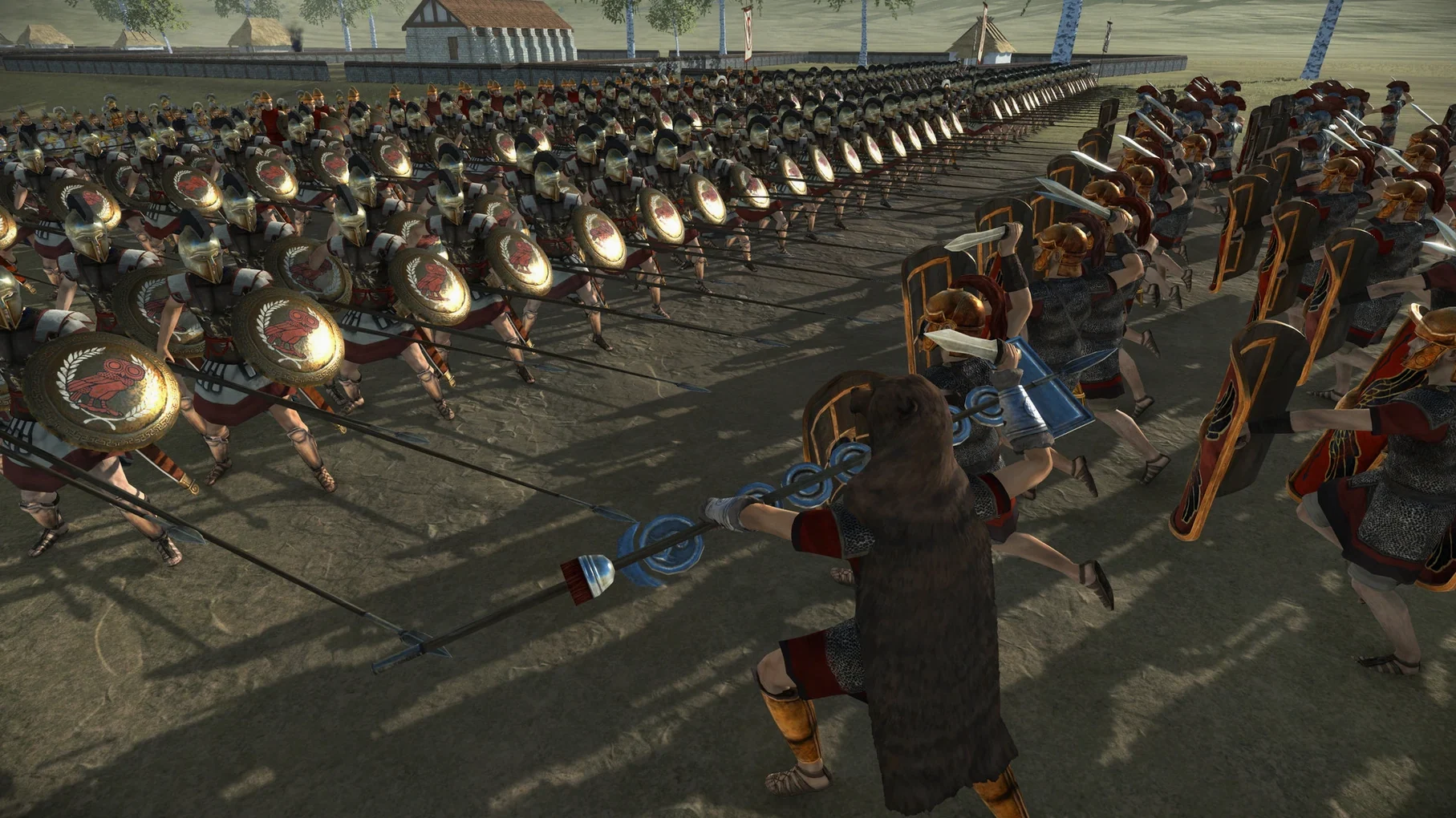
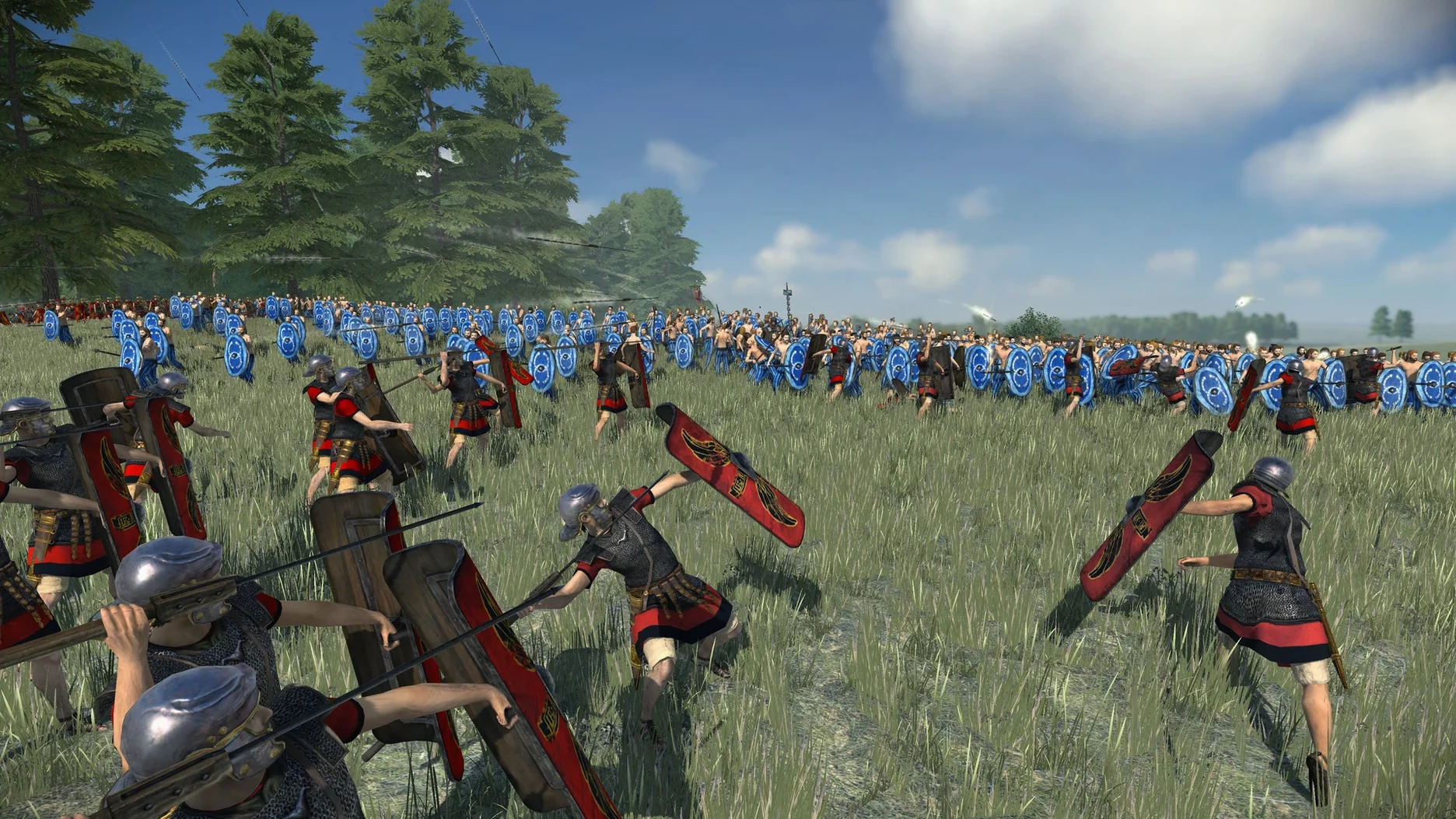
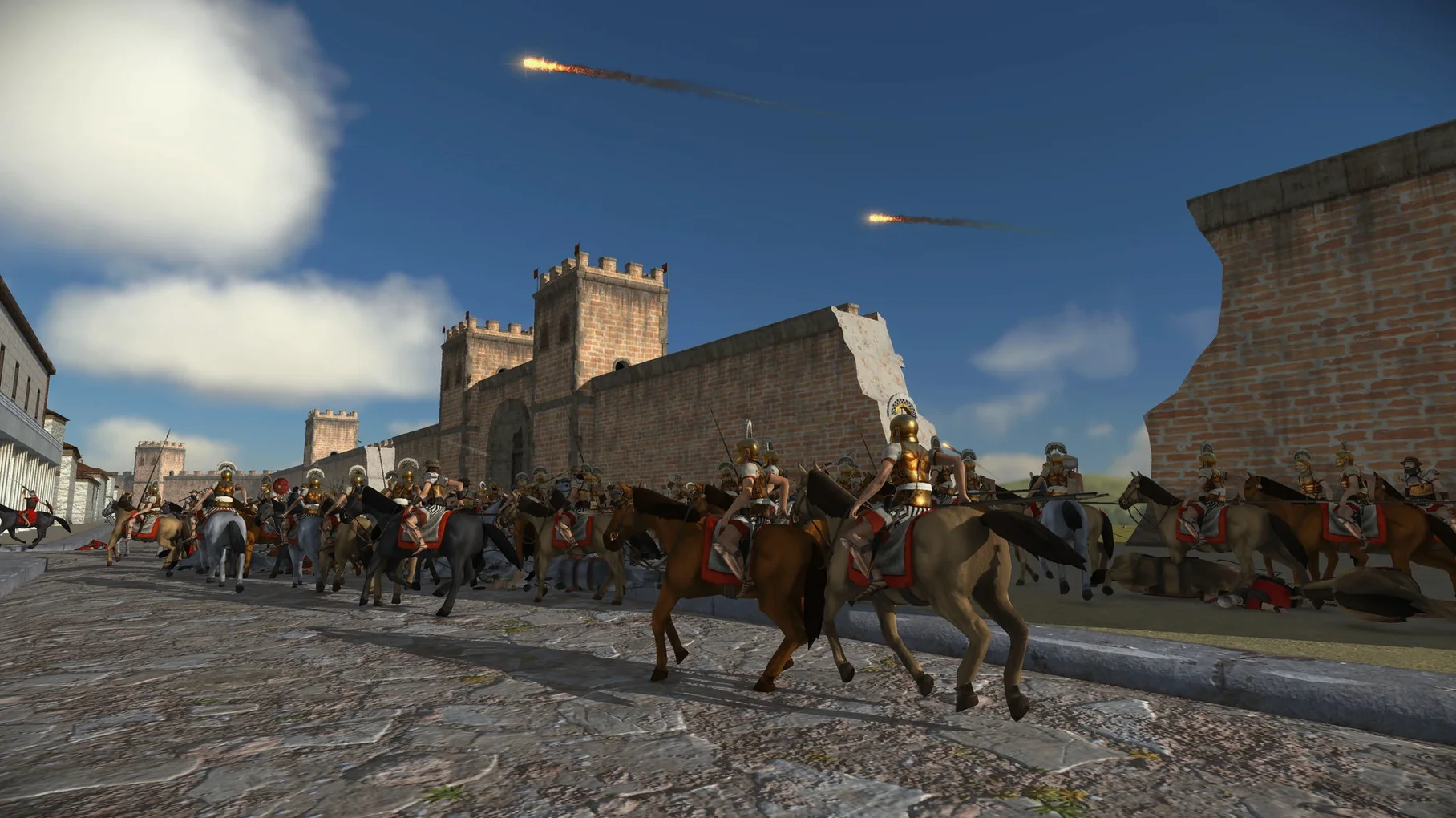
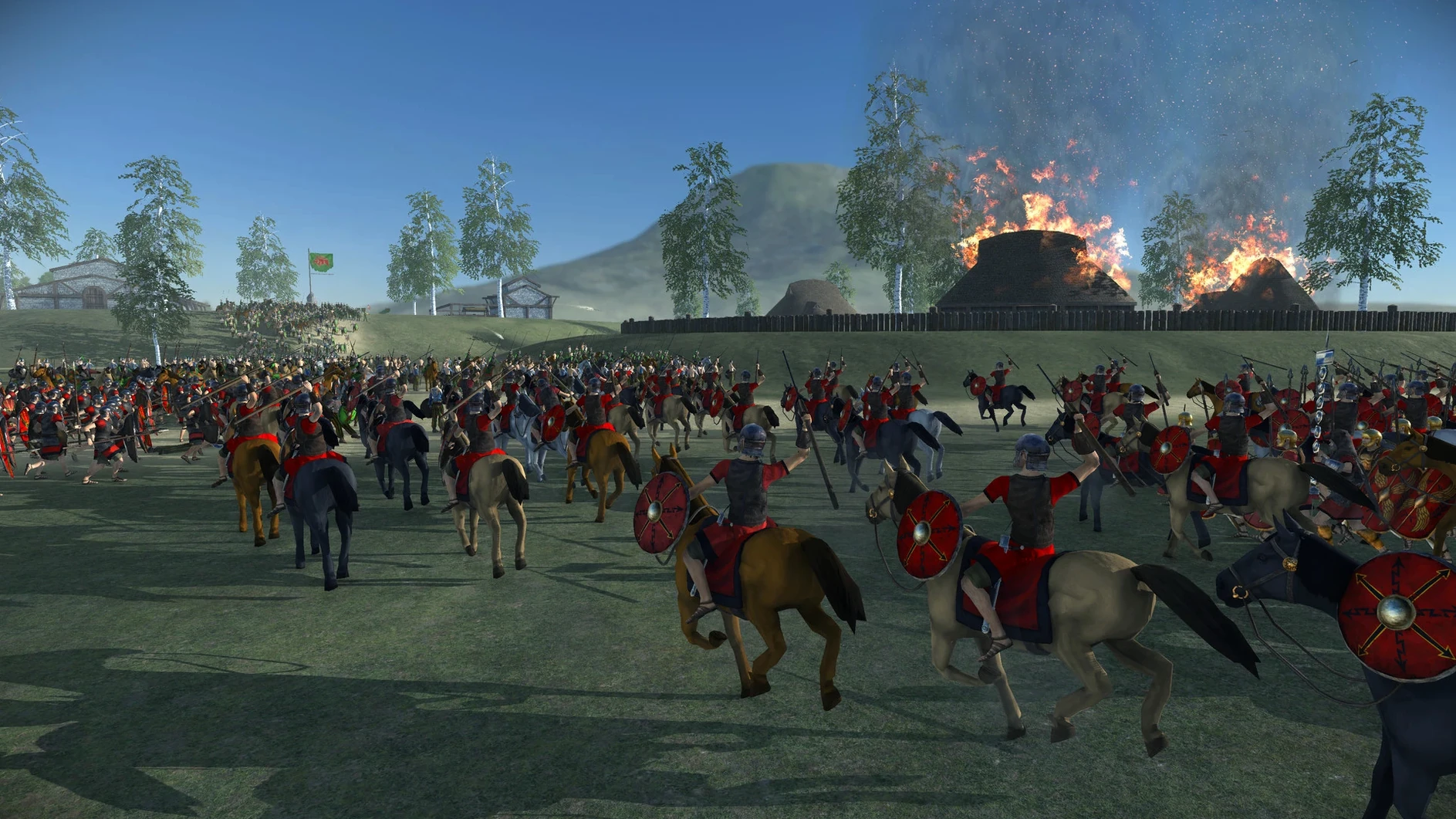
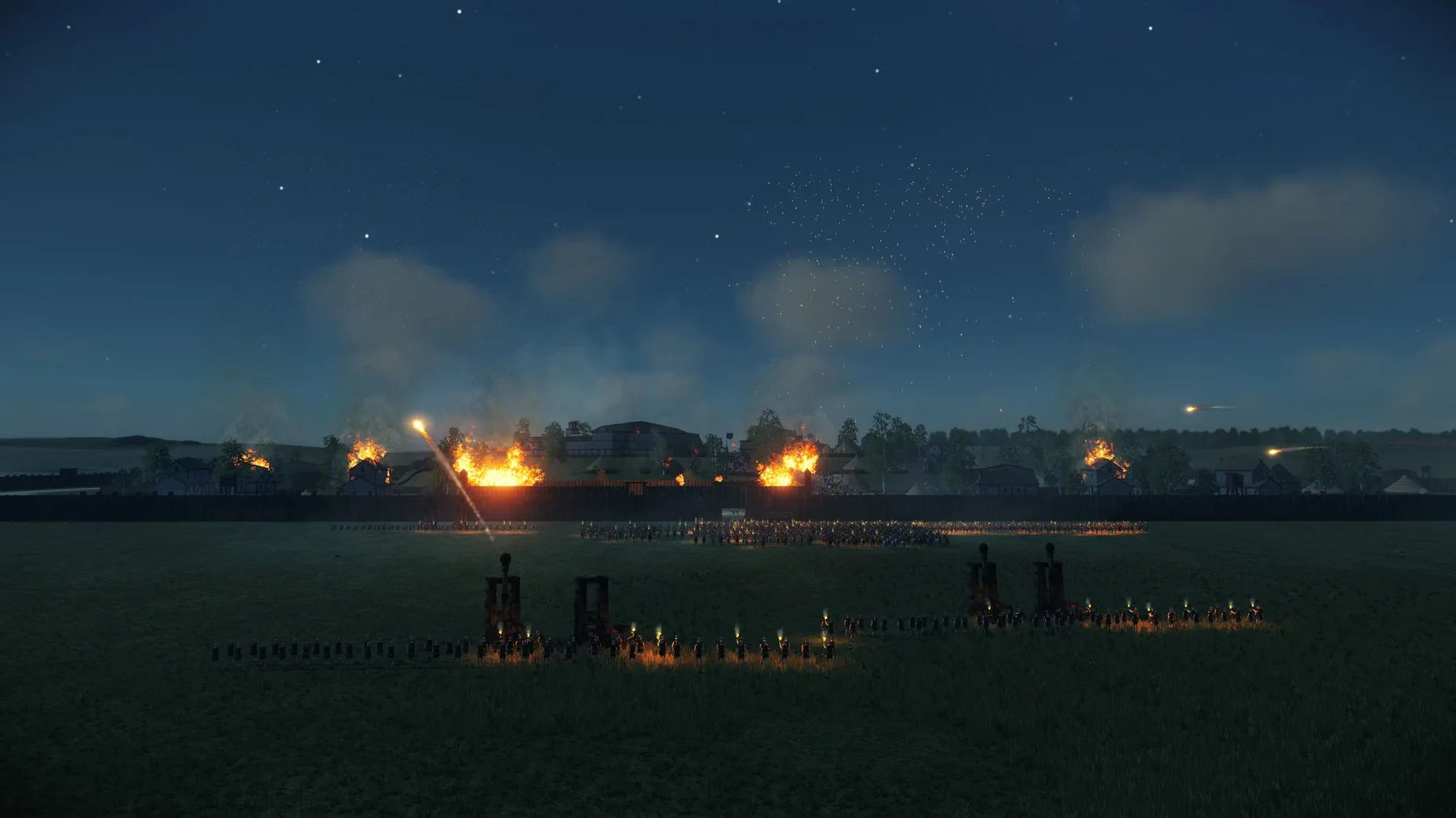
Version 2.0.5 tightens the whole experience with interface tweaks, gameplay polish, and a welcome fix for those high-frequency crashes that could interrupt a long campaign session. If you last picked up a legionary standard at launch, the current build feels much steadier on macOS, whether you’re running an Intel machine or Apple Silicon.
- Native support for both architectures. The app runs as a 64-bit ARM binary on M-series chips and as x86 on older Macs, so you’re not dragging through Rosetta on Apple Silicon.
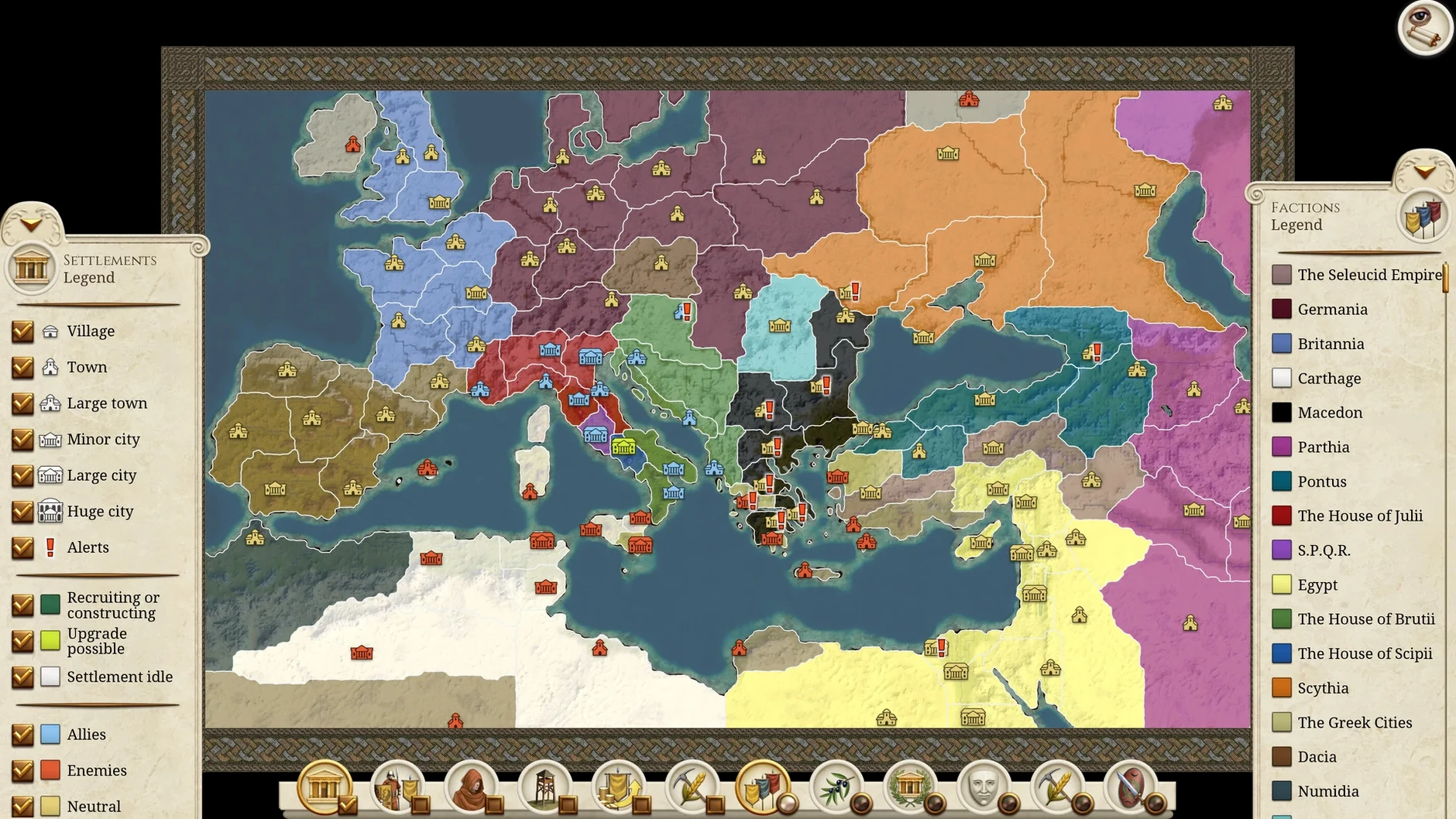
- 4K and ultra-widescreen out of the box. The remastered interface scales cleanly to big panels, and the campaign map finally rotates and zooms far enough to plan multi-front wars without squinting.
- Refreshed visuals that don’t demand a monster GPU. Updated unit textures and building models sit alongside reworked climate and weather effects—rain-soaked battlefields look the part—while heat maps and layer icons for diplomacy make the map screen much more legible.
- Voiceover coverage depends on your language. English, German, French, and Russian get full spoken dialogue; Spanish, Italian, and Mandarin Chinese include partial voiceover, with all seven languages available for text.
Performance expectations are sensible. On a recent M1 or M2 Mac, large battles hold a smooth frame rate at high settings, though you’ll want to drop shadows a notch when three full stacks collide. It won’t heat up a MacBook Air the way some newer strategy titles do, which makes it a solid pick for turn-based map work on battery. Fans who missed the original or want a definitive edition that actually respects Mac hardware will feel right at home.
Fixing campaign map stutter with one V-Sync toggle
Most hiccups people run into are the sort that feel baffling until you know the trick. If the campaign map stutters when you scroll across the Mediterranean, swapping the in-game V-Sync setting usually smooths things out—some Mac displays fight with the default frame pacing. A few players hit a blank screen after the launcher on Apple Silicon; that’s almost always a leftover preference file from an earlier build, and deleting ~/Library/Preferences/com.feralinteractive.romeremastered.plist clears it right up.
Mod subscriptions through Steam Workshop occasionally stall out on first launch, where the download sits at 0%. Restarting the Steam client forces a re-check, and after that the mod list populates properly. Another head-scratcher: unit voice lines dropping mid-battle after patching to 2.0.5. The fix is simply verifying the local files once, since the audio pack sometimes needs a nudge to re-index after the ambient sound scaling change.
RAM footprint and turn-time crunch on Apple Silicon
Running a full grand campaign eats about 6–8 GB of RAM on Apple Silicon, which leaves breathing room for a browser and music on an 8 GB MacBook Air. The turn times stay snappy through the mid-game; you’ll only feel a pause when forty factions all hit their end-turn scripts at once, and even then it’s under ten seconds. I’ve yet to see a crash in the 2.0.5 build during normal play—the high-frequency crash fixes mentioned in the patch notes genuinely delivered.
Battery drain is surprisingly gentle for a 3D title. On an M1 Air, the campaign map sips around 12–15% per hour, so a long train journey won’t kill your charge before you’ve repositioned three legions. The fanless design never throttles the map view, though a large siege battle will eventually warm the chassis. If you’re hunting something reliable after that total war rome remastered macos free download, this one settles into daily rotation without drama.
The 2.0.5 fix delivers a round of polish that long-time players will notice right away:
- UI and UX improvements across the campaign and battle layers
- Gameplay refinements that smooth out unit behaviour and pacing
- A fix for the most frequent crash triggers, making long sessions far more stable
- A handful of smaller bug fixes that tidy up edge cases
- macOS ? (runs on both Intel and Apple Silicon Macs)
- ARM 64-bit and x86 64-bit support
- Activation not required
Also on readers' docks
Sign in or create an account to leave a comment.
No comments yet. Tell me how it got on with your other devices.
More in Games
See all Total War: THREE KINGDOMS
1.7.1 Games
27 GB
Total War: THREE KINGDOMS
1.7.1 Games
27 GB
 Total War: ROME II - Emperor Edition
2.4.1 Games
20 GB
Total War: ROME II - Emperor Edition
2.4.1 Games
20 GB
 Transport Fever 2
35924.0 Games
21 GB
Transport Fever 2
35924.0 Games
21 GB
 Tropico
t6 1290 Games
40 GB
Tropico
t6 1290 Games
40 GB
 TMNT Splintered Fate
1.14.0 Games
1.7 GB
TMNT Splintered Fate
1.14.0 Games
1.7 GB
 Updated Two Point Museum
12.0.244870 Native Games
4 GB
Updated Two Point Museum
12.0.244870 Native Games
4 GB
 Updated Timberborn
1.1.2.8.ffc2de0.gm Native Games
1.1 GB
Updated Timberborn
1.1.2.8.ffc2de0.gm Native Games
1.1 GB
 This War of Mine: Final Cut
6.0.8 Games
2.5 GB
This War of Mine: Final Cut
6.0.8 Games
2.5 GB