









Download Transport Fever 2 for macOS
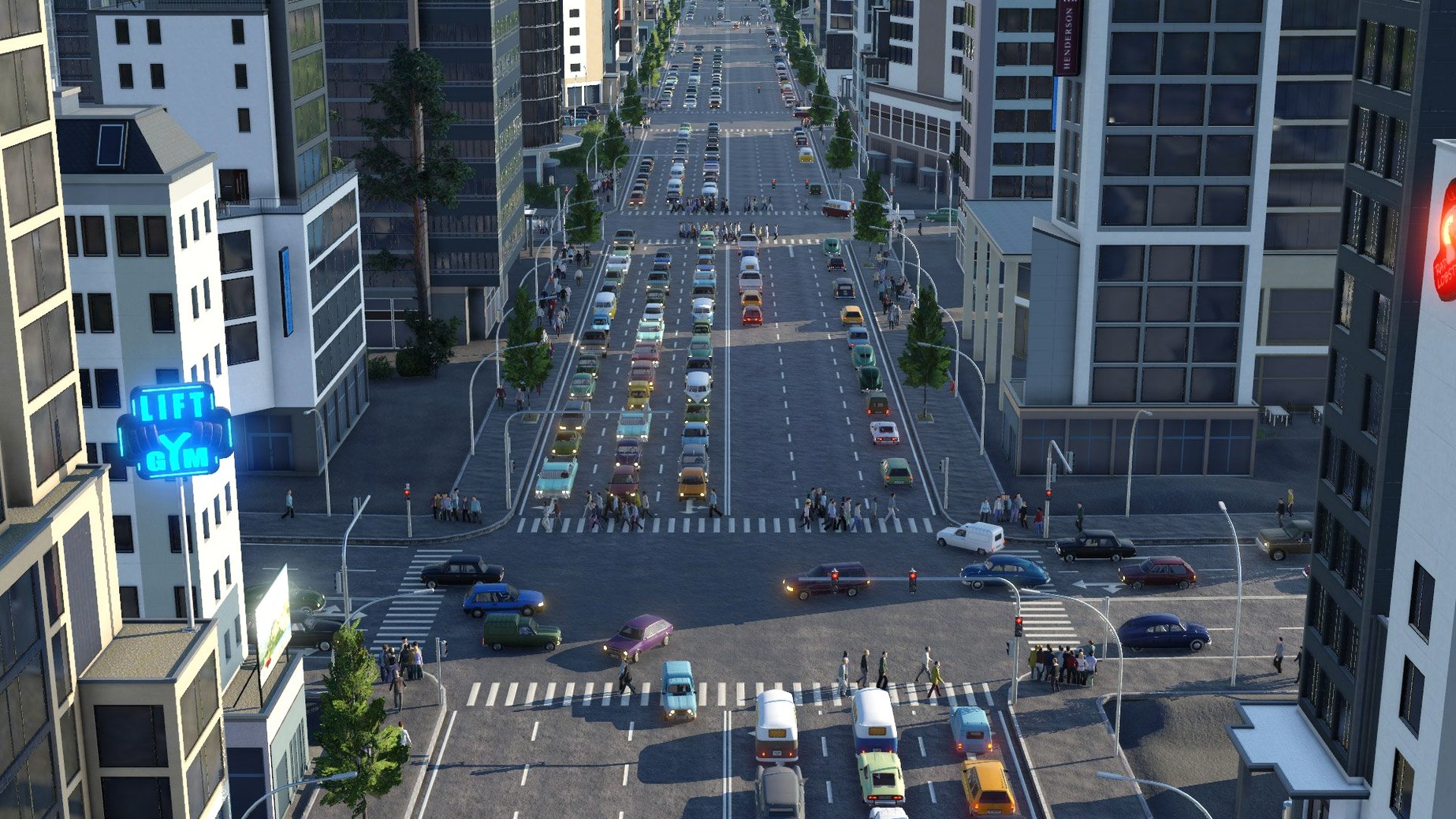
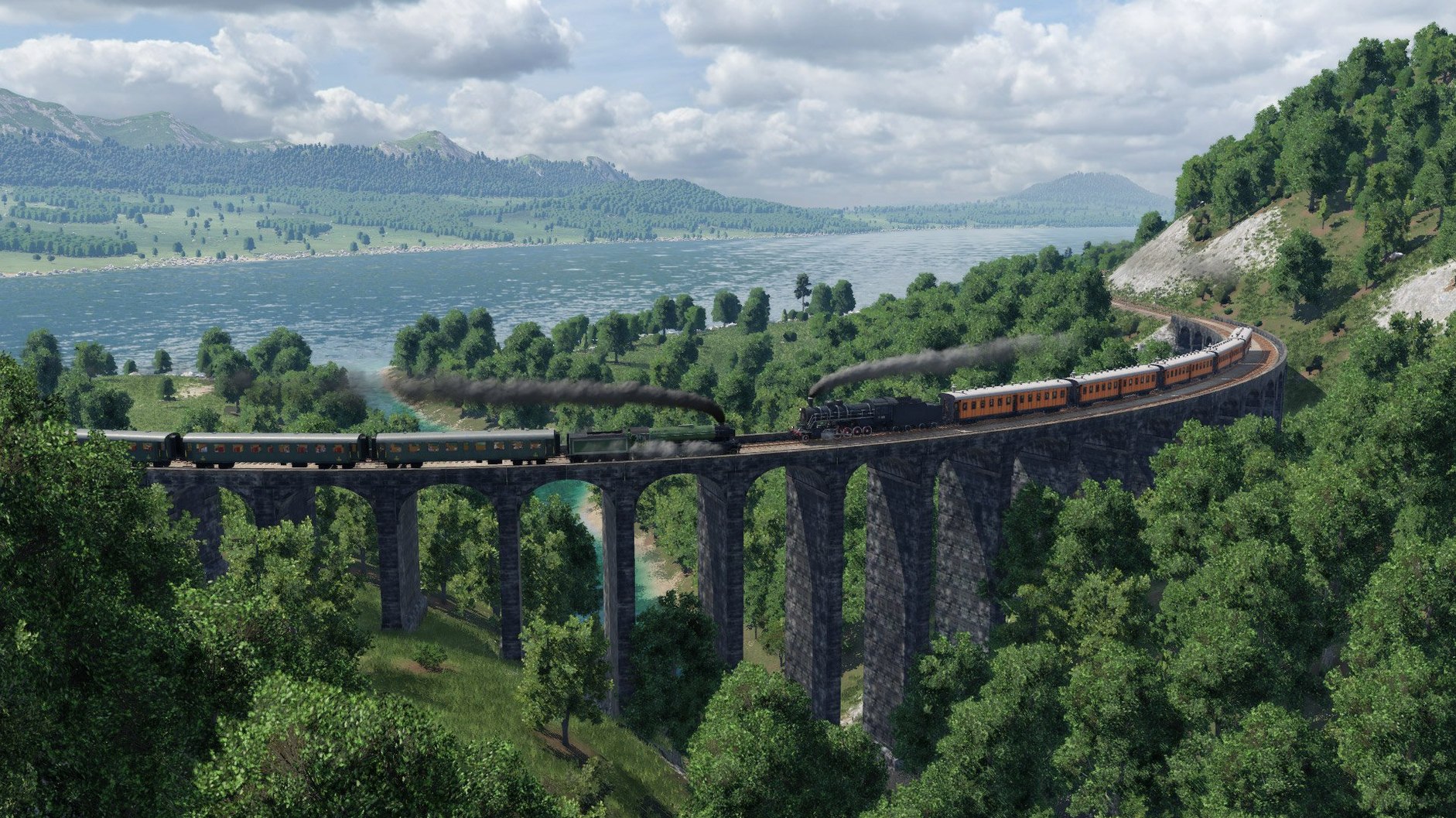
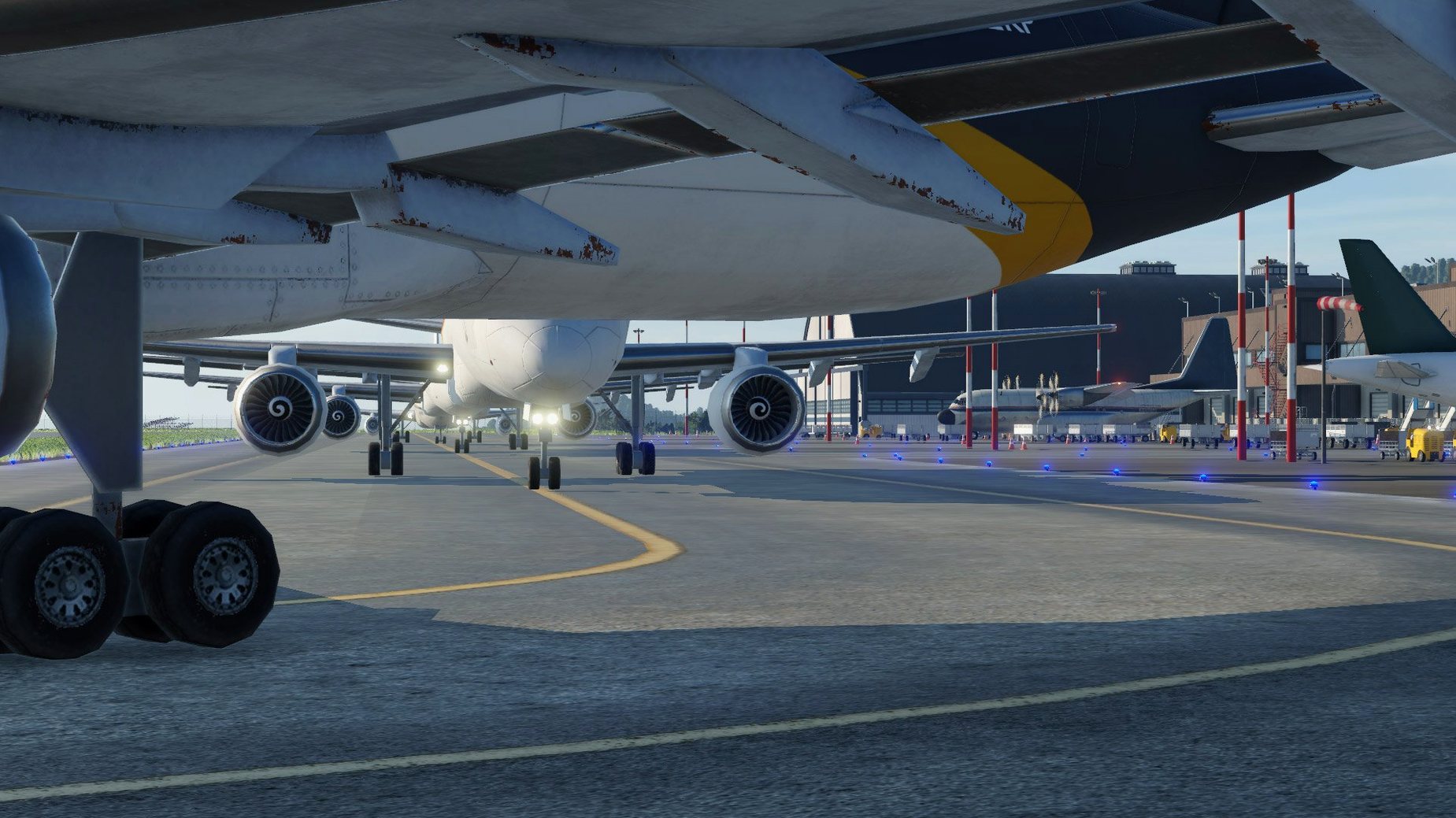
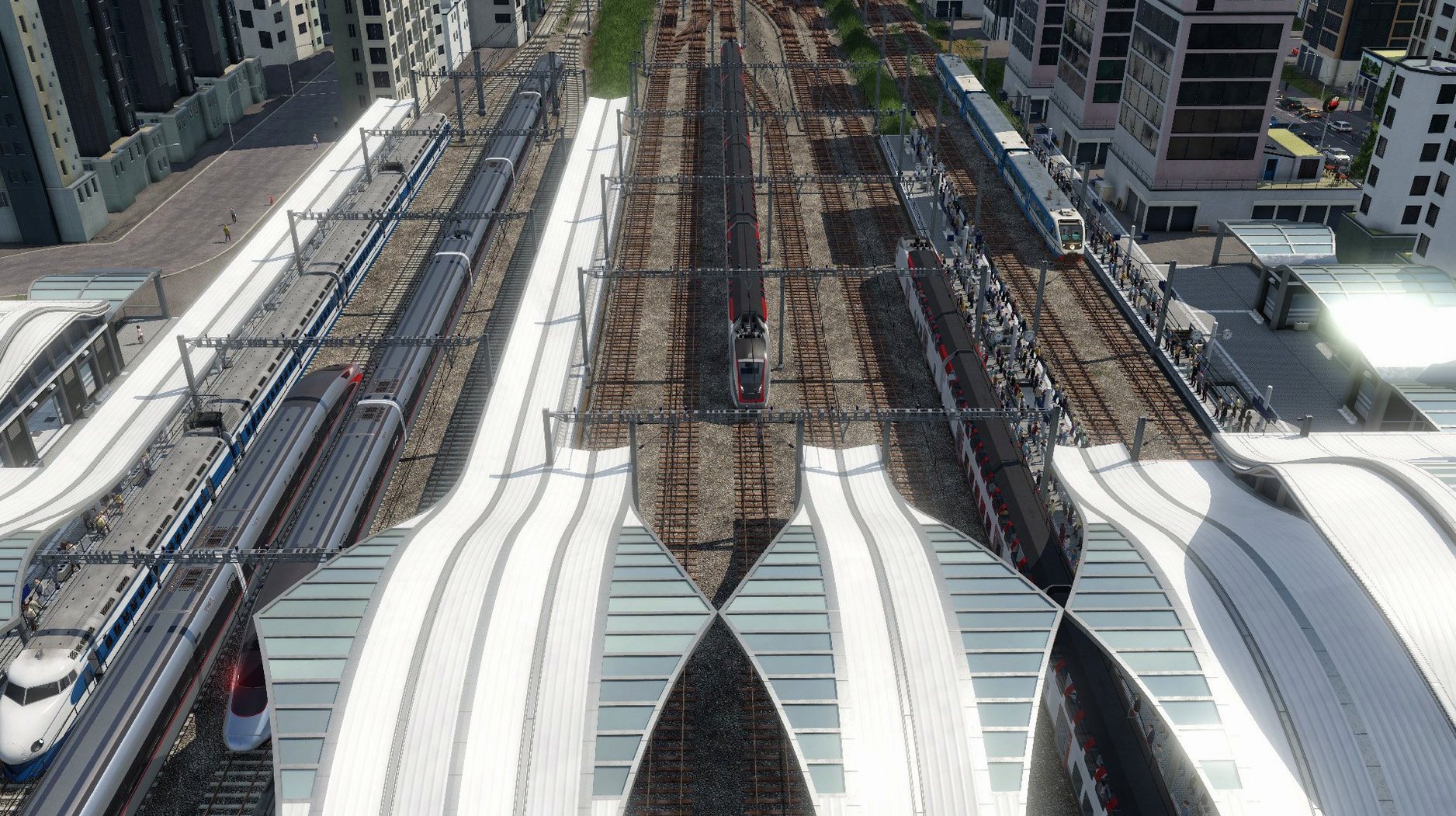
You start with a blank patch of land, a bit of seed money, and a demand line connecting two towns that need each other's goods.
Matching Logs to Planks: Demand, Route, Profit
Surveying demand — You click towns and industries to see what they produce and what they crave. A sawmill wants logs; a city wants planks. Your job is to close that gap.
Laying the route — You drag track and carve roads across the landscape. The tool snaps to gentle curves, but you still wrestle with hills and rivers. A tunnel or bridge adds cost, yet sometimes it's the only way.
Buying the wheels — You pick a vehicle from over 200 options—steam trains, cargo ships, early biplanes—and assign it to the line. It rolls out and the waiting game begins.
Watching the feedback loop — Goods move. Towns grow. You earn. Then a bottleneck appears: the station is too small, or a truck line can't keep up. You pause, re-route, upgrade, and watch the ripple effect.
Tweaking the economy — Every vehicle has a running cost. You adjust frequencies, swap out old models, and chase the profit margin while the simulated economy hums along in three campaign stories or open-ended free play across temperate, dry, and tropical zones.
Afternoon in Free Play: The Regional Rail Runner
Picture someone who loves the logistics side of city builders but gets bored once the skyline is complete. That player gravitates toward free play on a dry-climate map, medium size, starting around 1900. They aren't racing to a campaign goal; they're chasing a beautifully balanced rail corridor between three towns and a distant oil refinery. The first hour is all surveying—comparing wagon speeds, counting tiles between the refinery and the nearest depot, and squinting at the contour lines to avoid a grade that chokes a steam locomotive. By 1925 they're swapping out horse-drawn carts for early trucks on the feeder lines and laying double track where the mainline gets congested. The satisfaction isn't fireworks; it's the steady hum of a network that pays for itself while the towns quietly spread toward the station. That's when the game feels like an intricate model railway you can't reach out and touch, but can tweak every lever of.
Density Tweaks That Change the Whole Map
A few tweaks make the simulation feel more personal without burying you in menus. Head into the advanced settings when starting a free-play map and consider these:
- Town and industry density — Low density spreads out the challenge; high density creates a crowded sandbox where every route competes for space. I lean toward medium on a first map to learn the terrain rhythm.
- Vehicle breakdowns — Turned on by default. Disabling them doesn't cheat the economy, it just shifts your attention from maintenance queues to route design. Useful while learning a new climate's supply chains.
- Starting year — Earlier eras give you slower, characterful vehicles and a longer arc of upgrades. A 1950 start throws you straight into diesel and electric traction, which suits a shorter session.
- Automatic signal placement — Switch to manual if you enjoy fine-tuning block lengths on busy lines. The auto-placer works, but once you taste the precision of placing signals yourself, it's hard to go back.
Frame Rates After Vehicles Fill the World
On an Intel Mac meeting the macOS 10.14.6 baseline, the game launches cleanly and loads a medium map in under thirty seconds. Once a world fills with vehicles, frame rates stay playable—not silky, but consistent—even when you zoom into a busy industrial district with a dozen trains and a swarm of trucks. The simulation ticks along without micro-stutter during autosaves, which was a pleasant surprise given how much economic data it crunches. Memory use sits comfortably around 4 to 6 GB for large maps with hundreds of vehicles; closing other heavy apps before a long session is sensible but not strictly necessary. The build addressed several crash triggers—tunnels, bridges, hidden dot-files—and in daily play those fixes translate to a noticeable absence of the sudden quits that once punished ambitious track-laying. It's a stable transport fever 2 macos free experience that respects your time, whether you're in it for twenty minutes or an entire Sunday afternoon.
Version 35924.0 squashes a few specific crash bugs:
- Fixed a crash caused by hidden files starting with a dot.
- Fixed crashes when starting track segments at tunnel or bridge ends.
- Fixed rare crashes when building streets over track switches or when replacing bridges and tunnels.
- macOS 10.14.6 or later
- Intel processor (Apple Silicon via Rosetta 2)
Questions people ask
Does the game run natively on Apple Silicon?
The current version runs on Intel Macs and works via Rosetta 2 on Apple Silicon machines, requiring macOS 10.14.6 or newer.
What transport types can I manage?
You can build and manage networks for land, water, and air transport, connecting industries and cities with trucks, trains, ships, and aircraft.
Is there a creative mode or just campaigns?
Beyond the three historical campaigns, the game includes a free play mode with no financial pressure and a full map editor for building your own worlds.
Also on readers' docks
Sign in or create an account to leave a comment.
No comments yet. Tell me how it got on with your other devices.
More in Games
See all Tropico
t6 1290 Games
40 GB
Tropico
t6 1290 Games
40 GB
 Updated Two Point Museum
12.0.244870 Native Games
4 GB
Updated Two Point Museum
12.0.244870 Native Games
4 GB
 Total War: THREE KINGDOMS
1.7.1 Games
27 GB
Total War: THREE KINGDOMS
1.7.1 Games
27 GB
 Total War: ROME REMASTERED
2.0.5 Games
35 GB
Total War: ROME REMASTERED
2.0.5 Games
35 GB
 Total War: ROME II - Emperor Edition
2.4.1 Games
20 GB
Total War: ROME II - Emperor Edition
2.4.1 Games
20 GB
 Updated Vagrus - The Riven Realms
1.4201008y Native Games
3.6 GB
Updated Vagrus - The Riven Realms
1.4201008y Native Games
3.6 GB
 TMNT Splintered Fate
1.14.0 Games
1.7 GB
TMNT Splintered Fate
1.14.0 Games
1.7 GB
 Updated Valheim
1.0.20 fix Native Games
4.1 GB
Updated Valheim
1.0.20 fix Native Games
4.1 GB