









Download Len's Island for macOS
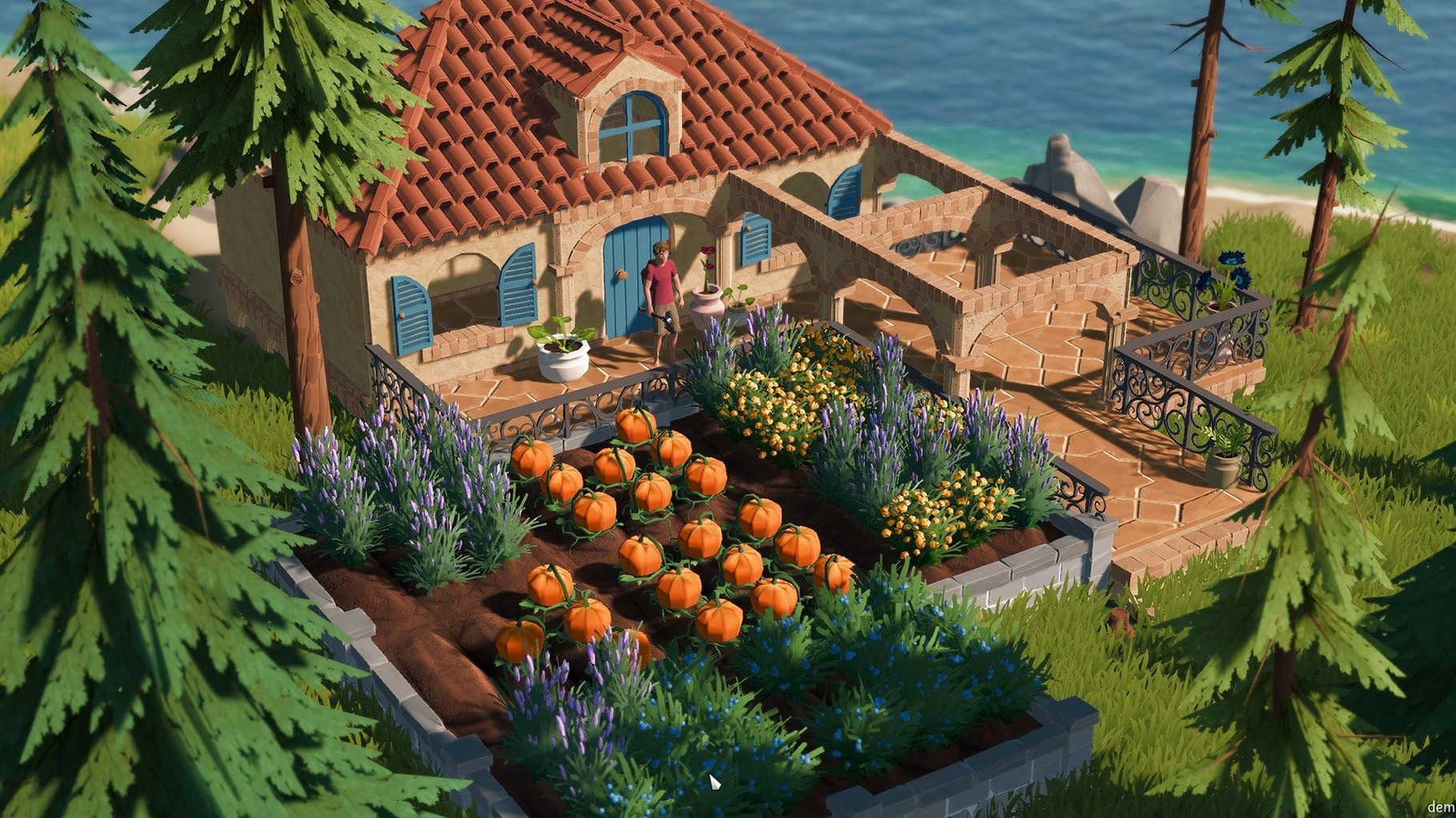
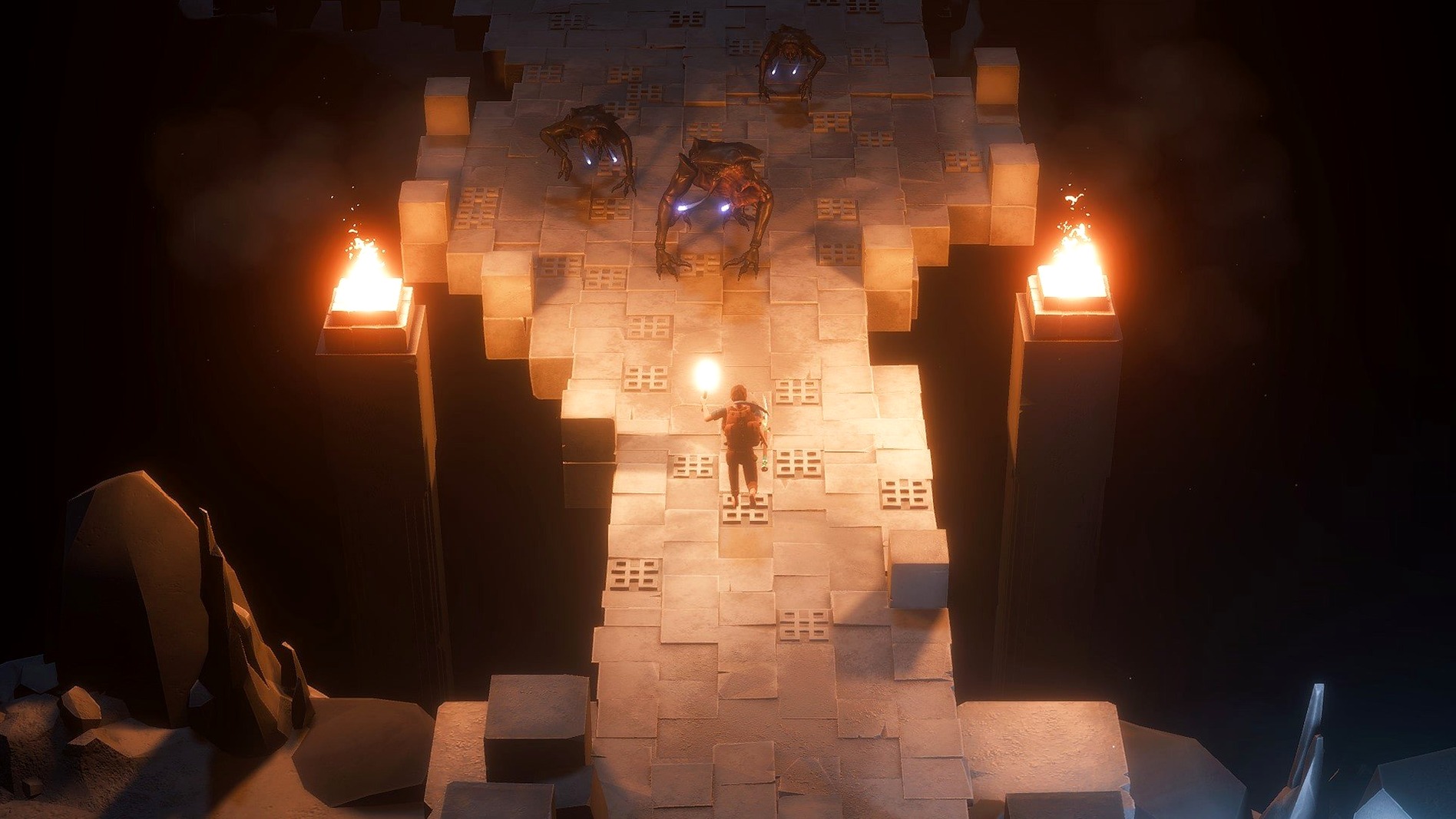
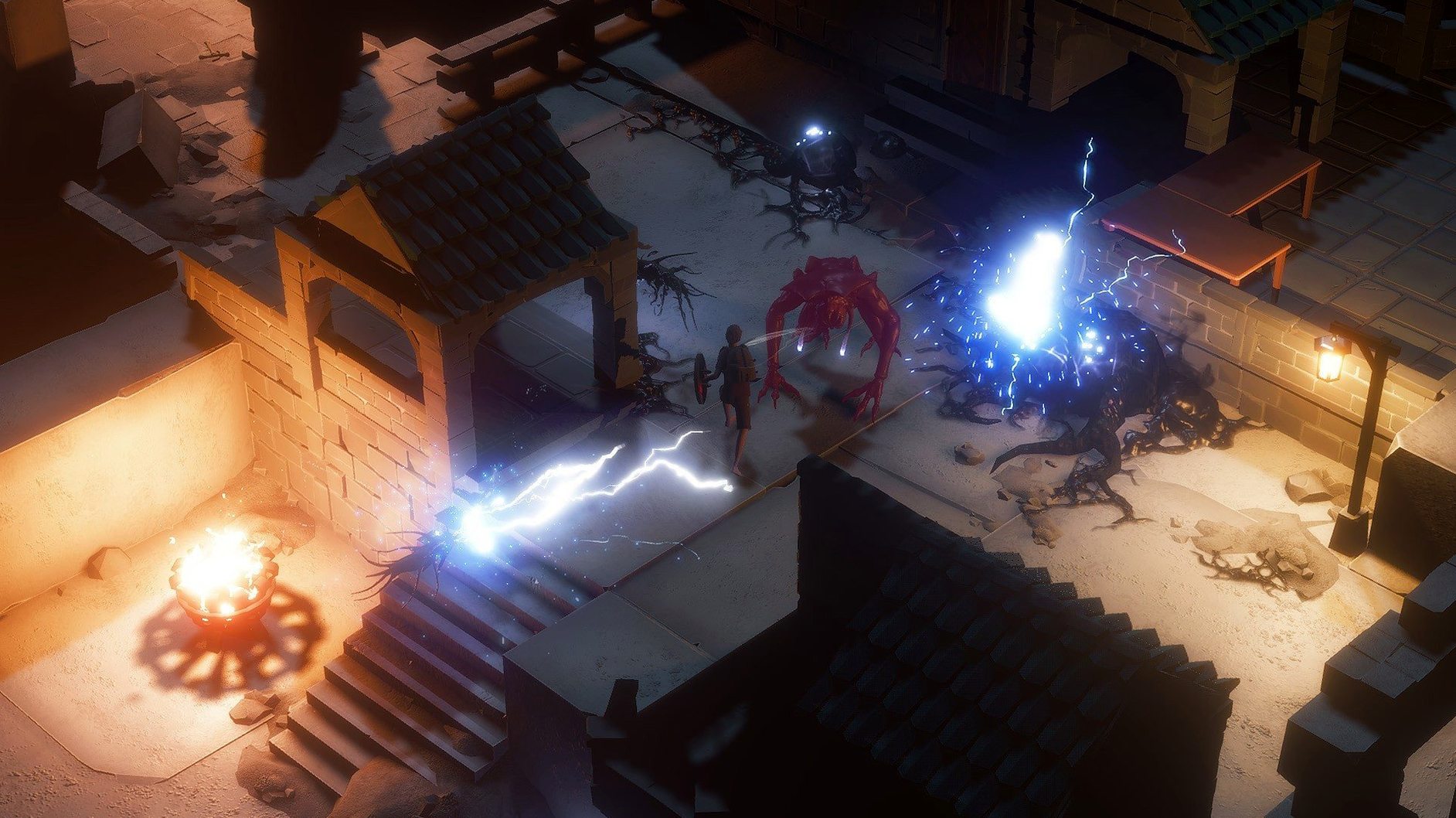
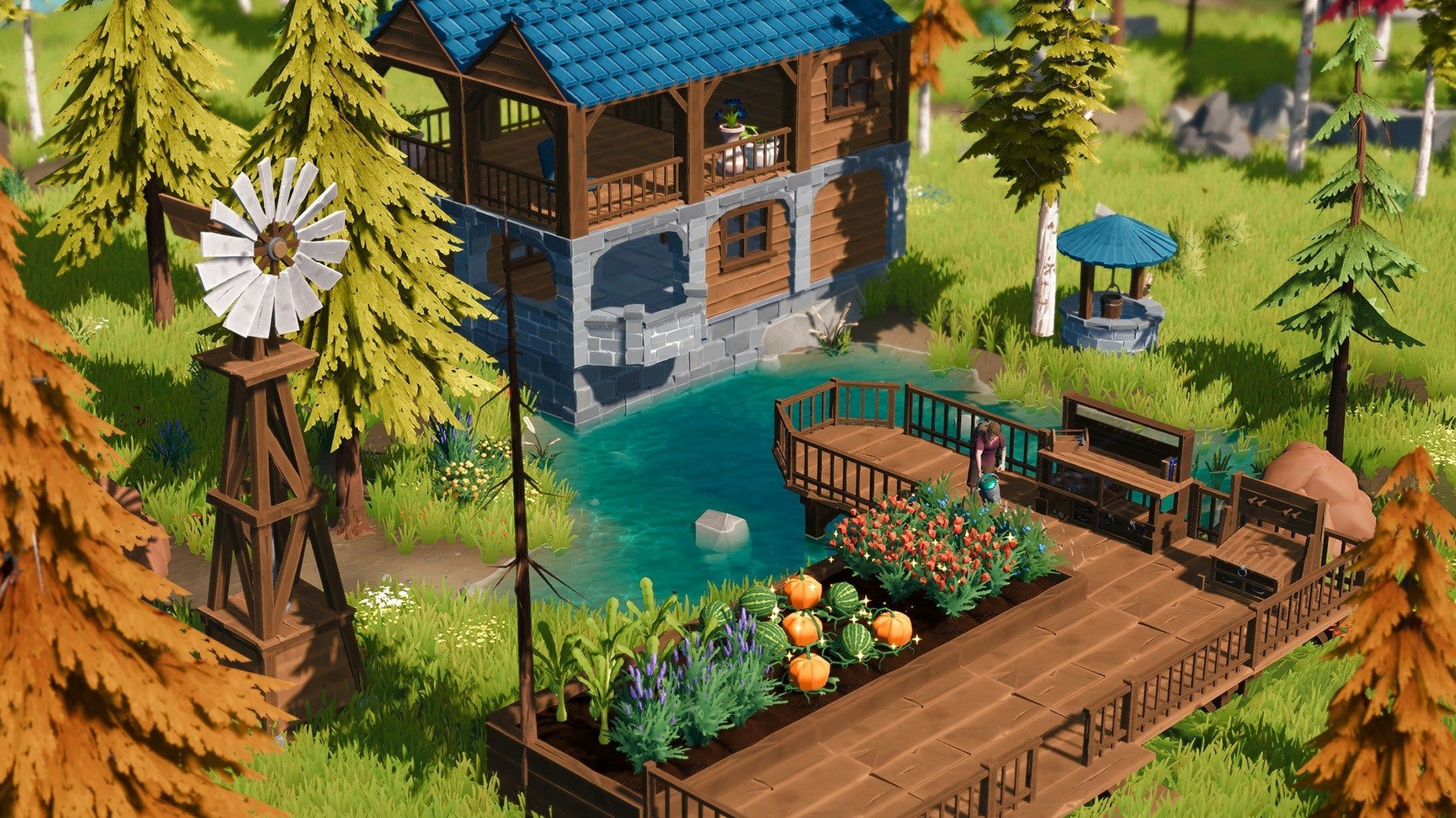
Mac players who love getting lost in a survival crafting loop will find plenty to dig into here. Len's Island drops you onto a sunny archipelago and then promptly asks you to build a life from scratch — farming crops, constructing a home, and fending off monsters in procedurally generated caves. The Mac version is a direct port of the PC title, and on an M4 Mac mini running macOS Tahoe, it cruises along without breaking a sweat.
How It Runs and Plays on a Mac
Performance expectations are solid. The game supports both Intel and Apple Silicon natively, so you aren't losing frames to translation layers. Combat feels snappy with a mouse and keyboard, leaning into skill-based swings and dodges rather than button-mashing. While the game fully supports controllers, the crafting menus and inventory management feel built for a cursor first. The interface handles nine languages, which is a nice touch for switching between English, German, or Simplified Chinese on the fly.
What You'll Actually Do
Beyond the sunny surface, the real pull is the cave system. Tunnels hide resources, secrets from past travelers, and plenty of things that want to fight you. Co-op multiplayer arrived with the 1.0 release, so you can drag a friend into the darker corners. The loop of gathering, building, farming, and dungeon-diving clicks best when you enjoy setting your own pace — there's no rush to finish the story when you'd rather spend an evening perfecting your orchard.
Solo Atmosphere Without Co-op
One of the first things people ask is whether the island feels lonely without co-op. Solo play is the way most hours get logged here, and honestly, the atmosphere leans into that quiet, self-reliant vibe. You wake up with a backpack of basics, and the island doesn't hand you a quest log — it lets you figure out what matters. Co-op is there when you want a friend to help clear a tough cave or just build something ridiculous together, but the pace stays yours either way.
Another common question is about grind. Resource gathering is central, but the game spreads it across biomes and depths so you're rarely stuck repeating one loop for hours. Farming and homestead building break up the dungeon runs, and the skill-based combat means a well-timed dodge matters more than your gear score. People also ask about Mac performance — the Apple Silicon build holds steady even when the screen fills with lantern light and cave critters, and Intel Macs handle it without fuss if you tweak shadows down a notch.
On the search side, plenty of folks stumble in looking for len's island macos free — and what they find is a game that asks for patience and curiosity, not just button presses. It rewards the kind of player who enjoys poking around forgotten corners just to see what grows there.
Faster Inventory and Sharper Caves
Version 1.1.45 arrives with the polish you'd expect after a full 1.0 launch that brought co-op into the fold. The daily rhythm hasn't been upended, but small quality-of-life fixes make a difference. Inventory sorting feels snappier, and cave generation got a quiet tune-up so dead ends are less frequent and loot placements feel more intentional. Farming plots behave more predictably when you're planting in bulk, which is a relief if you've ever lost a row of seedlings to a weird placement glitch.
Combat balance nudges are subtle but welcome — enemy tells are slightly clearer, and the dodge window feels a touch more forgiving without making fights easy. The interface languages remain the same nine, and the music-only audio stays atmospheric rather than intrusive. For anyone who played earlier builds, the 1.1.45 experience is simply smoother. The mystery of the island hasn't changed, but the edges around it are sanded down in the right places.
- Runs natively on both Intel and Apple Silicon Macs
Questions people ask
Does Len's Island have multiplayer on Mac?
Yes, co-op multiplayer was included in the 1.0 release, so you can explore caves and build together with friends on Mac.
Also on readers' docks
Sign in or create an account to leave a comment.
No comments yet. Tell me how it got on with your other devices.
More in Games
See all Lolipop Chainsaw RePOP
1.16 Games
14 GB
Lolipop Chainsaw RePOP
1.16 Games
14 GB
 Lucky Tower Ultimate
1.0.8 Games
1.3 GB
Lucky Tower Ultimate
1.0.8 Games
1.3 GB
 Kona
14034 Games
2 GB
Kona
14034 Games
2 GB
 Kingdom Rush Vengeance - Tower Defense
1.16.03 Games
1 GB
Kingdom Rush Vengeance - Tower Defense
1.16.03 Games
1 GB
 Jackal
1.0.1 Games
1.2 GB
Jackal
1.0.1 Games
1.2 GB
 Mafia III
1.0.0 Games
45.2 GB
Mafia III
1.0.0 Games
45.2 GB
 Is this Game Trying to Kill Me?
1.0.11 Games
1 GB
Is this Game Trying to Kill Me?
1.0.11 Games
1 GB
 Updated inZOI
0.11.1 Native Games
30 GB
Updated inZOI
0.11.1 Native Games
30 GB