








Download CULTIC for macOS
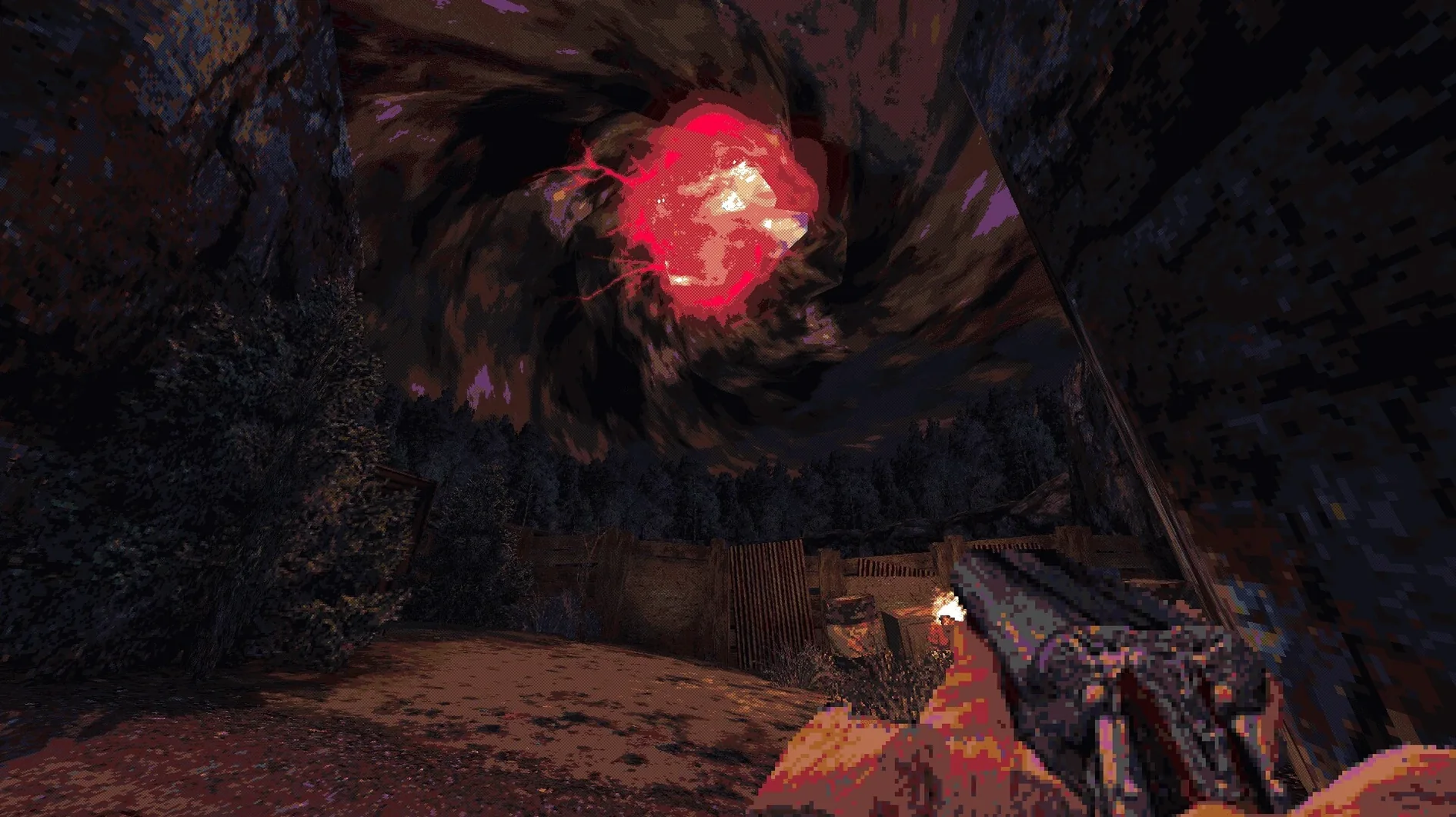
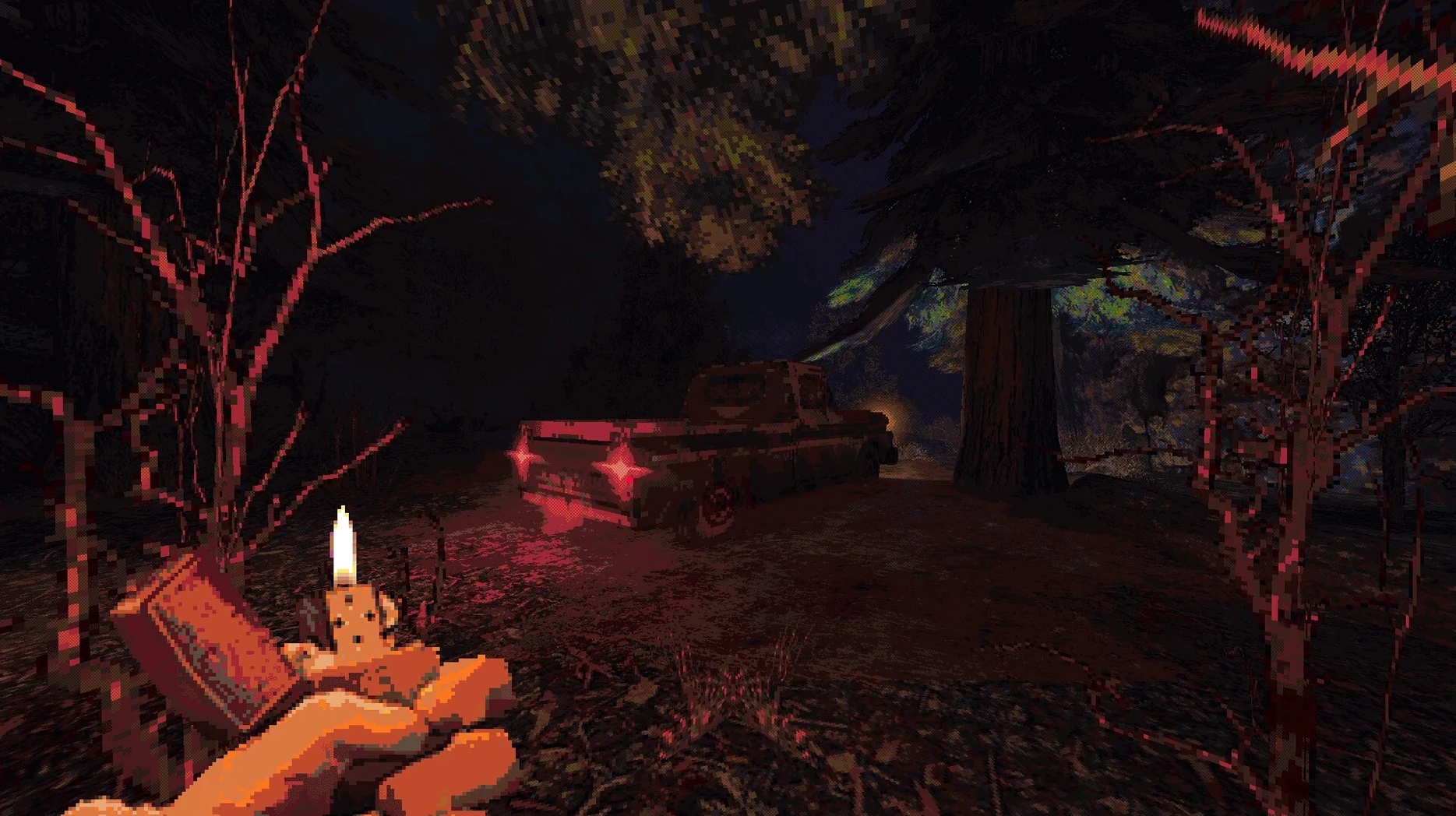
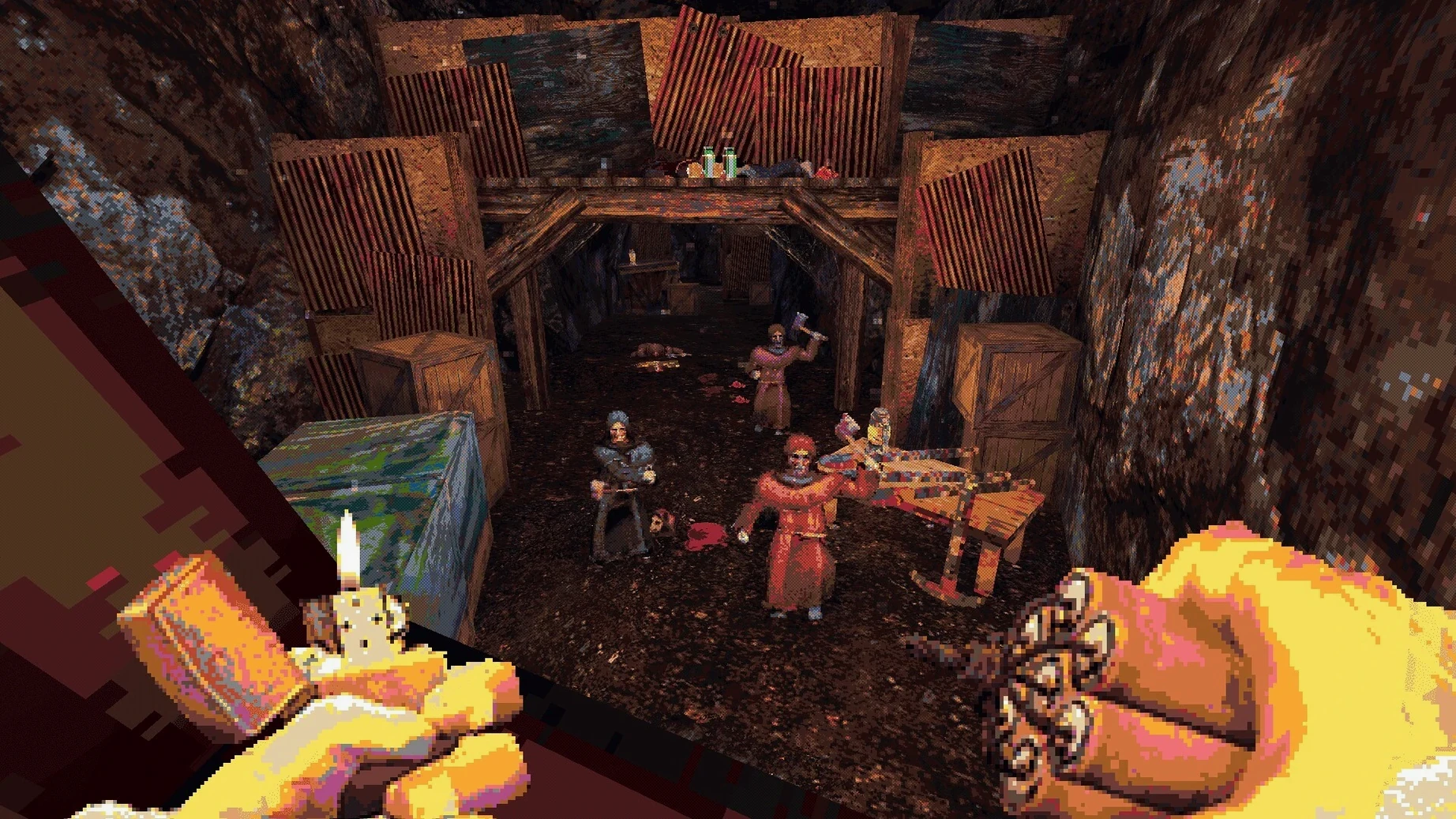
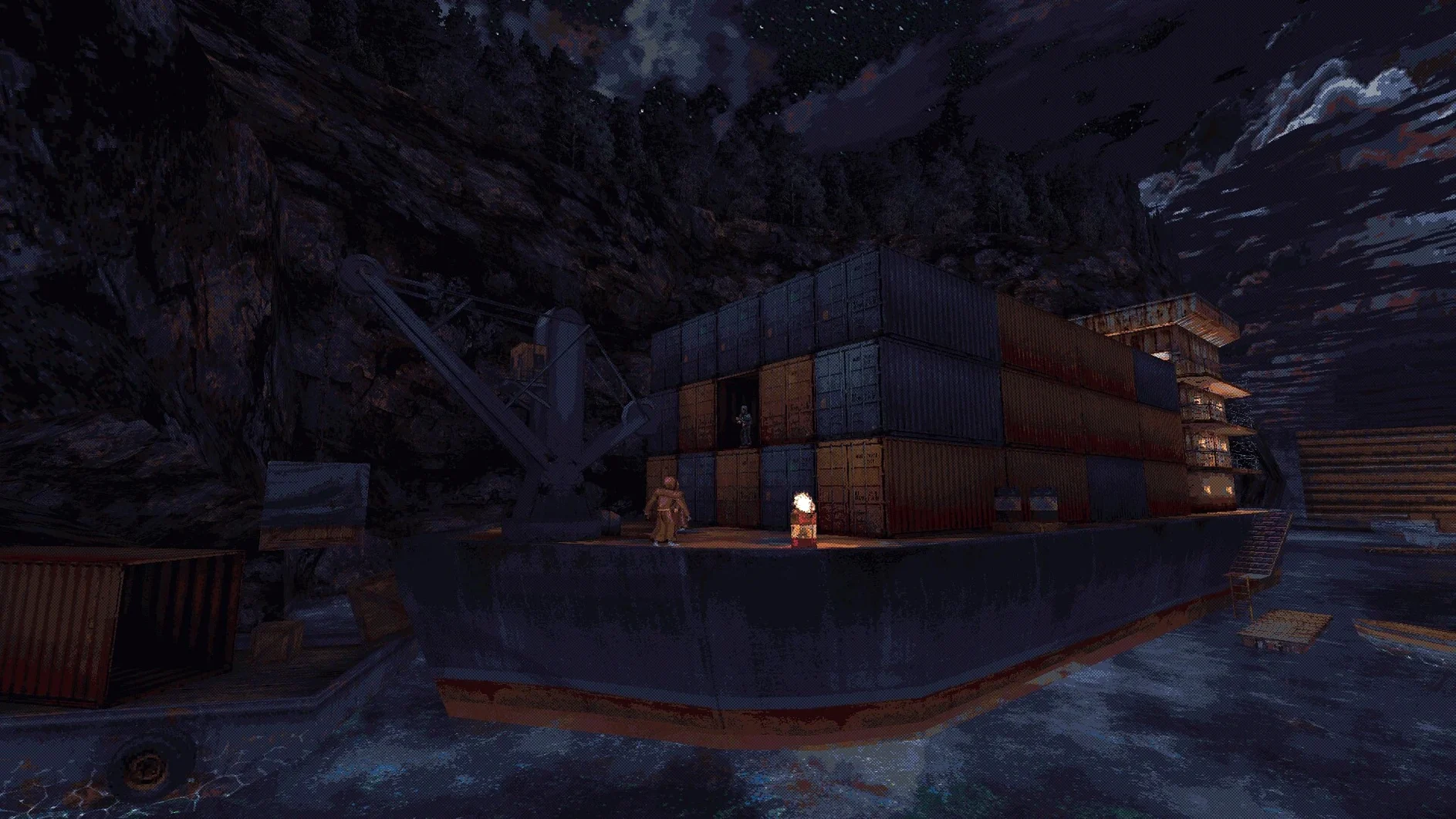
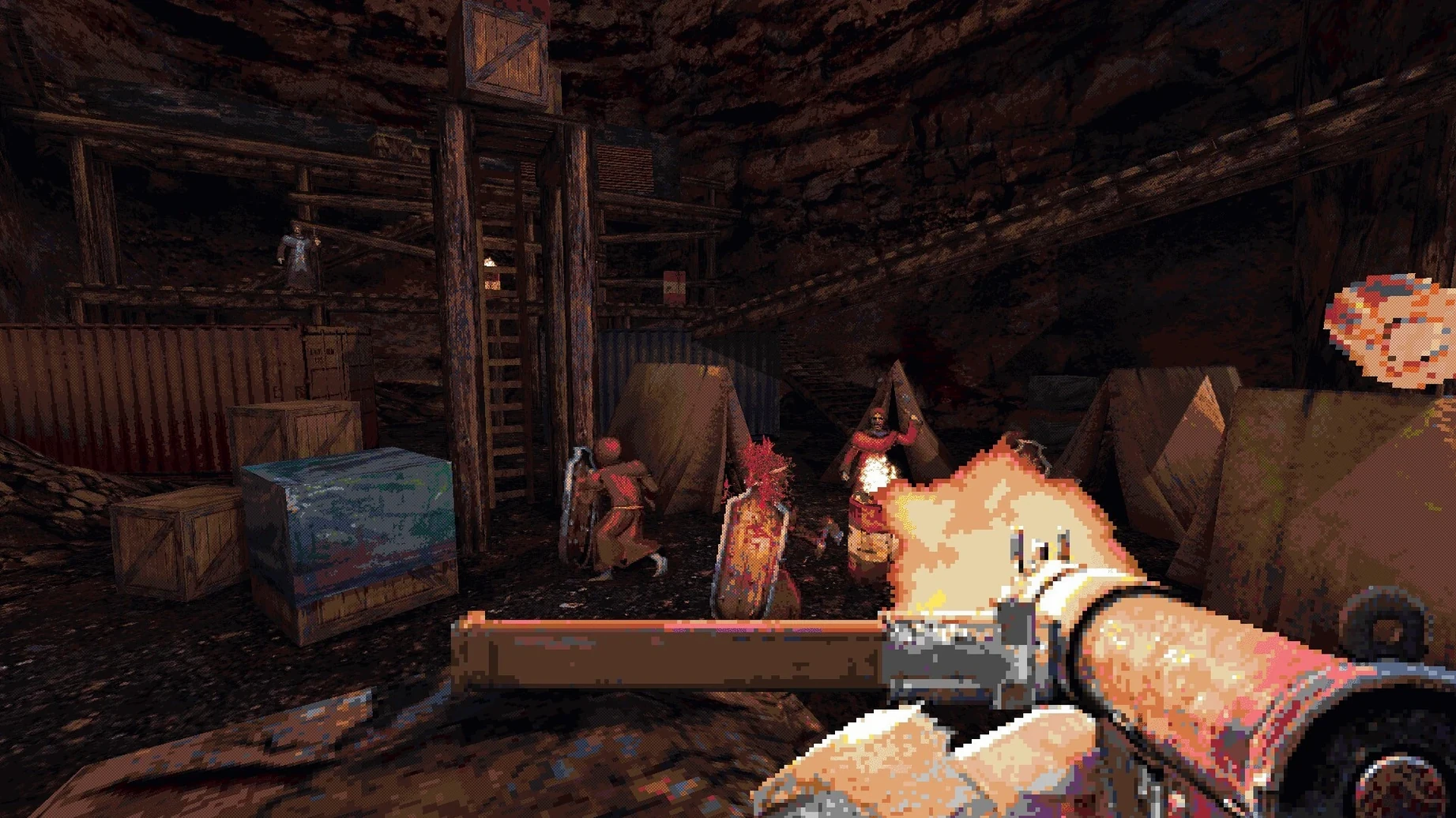
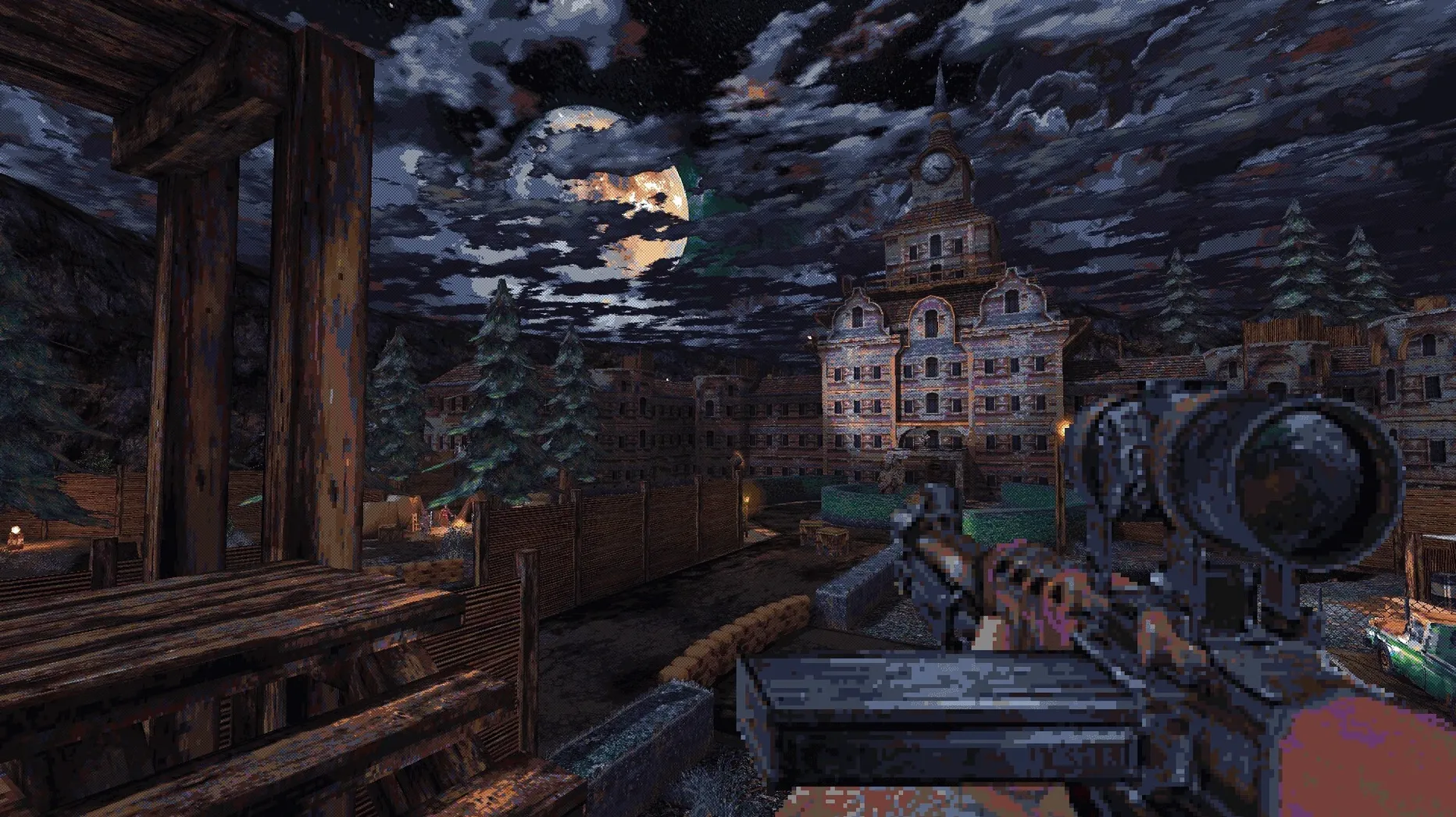
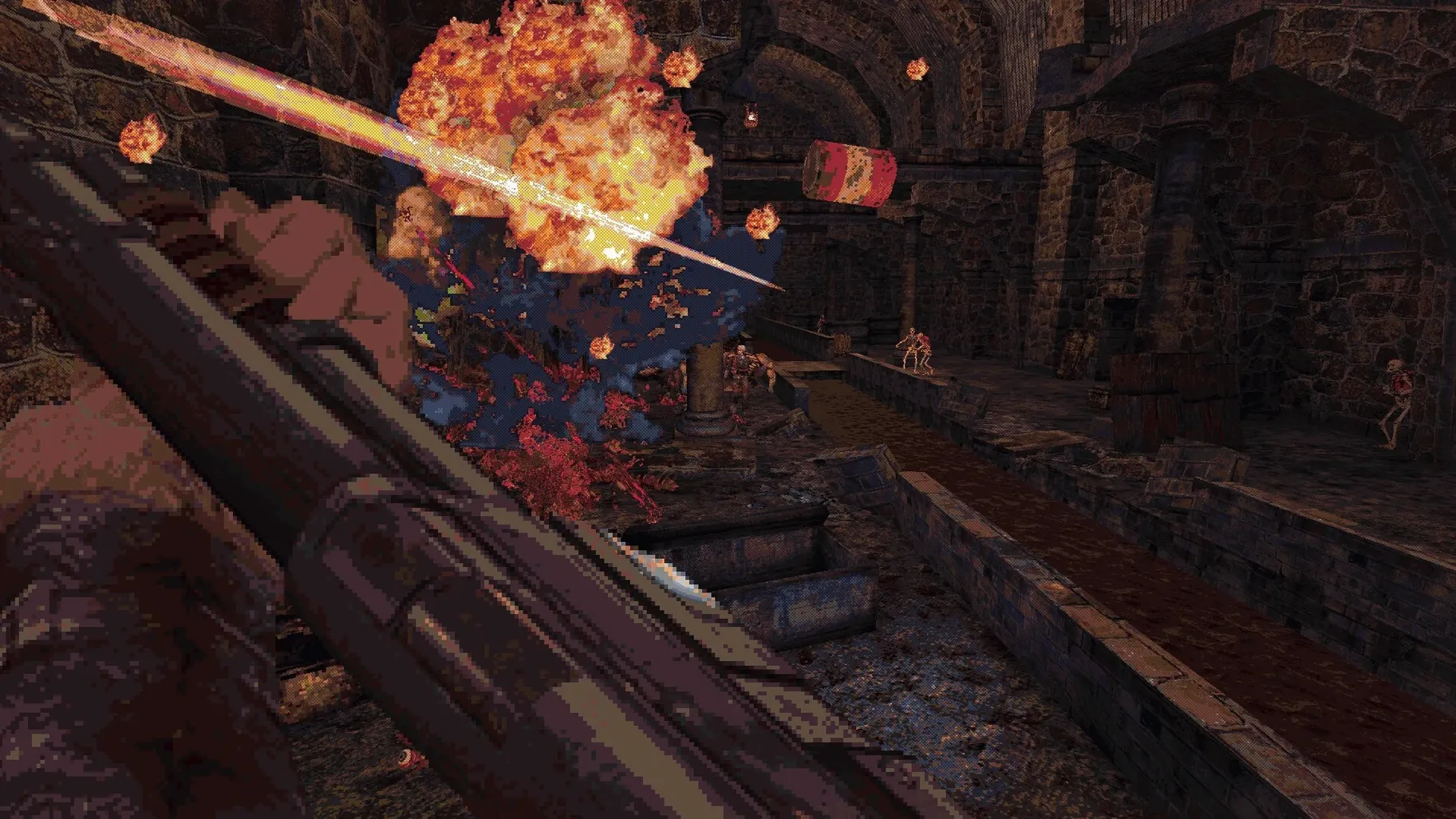
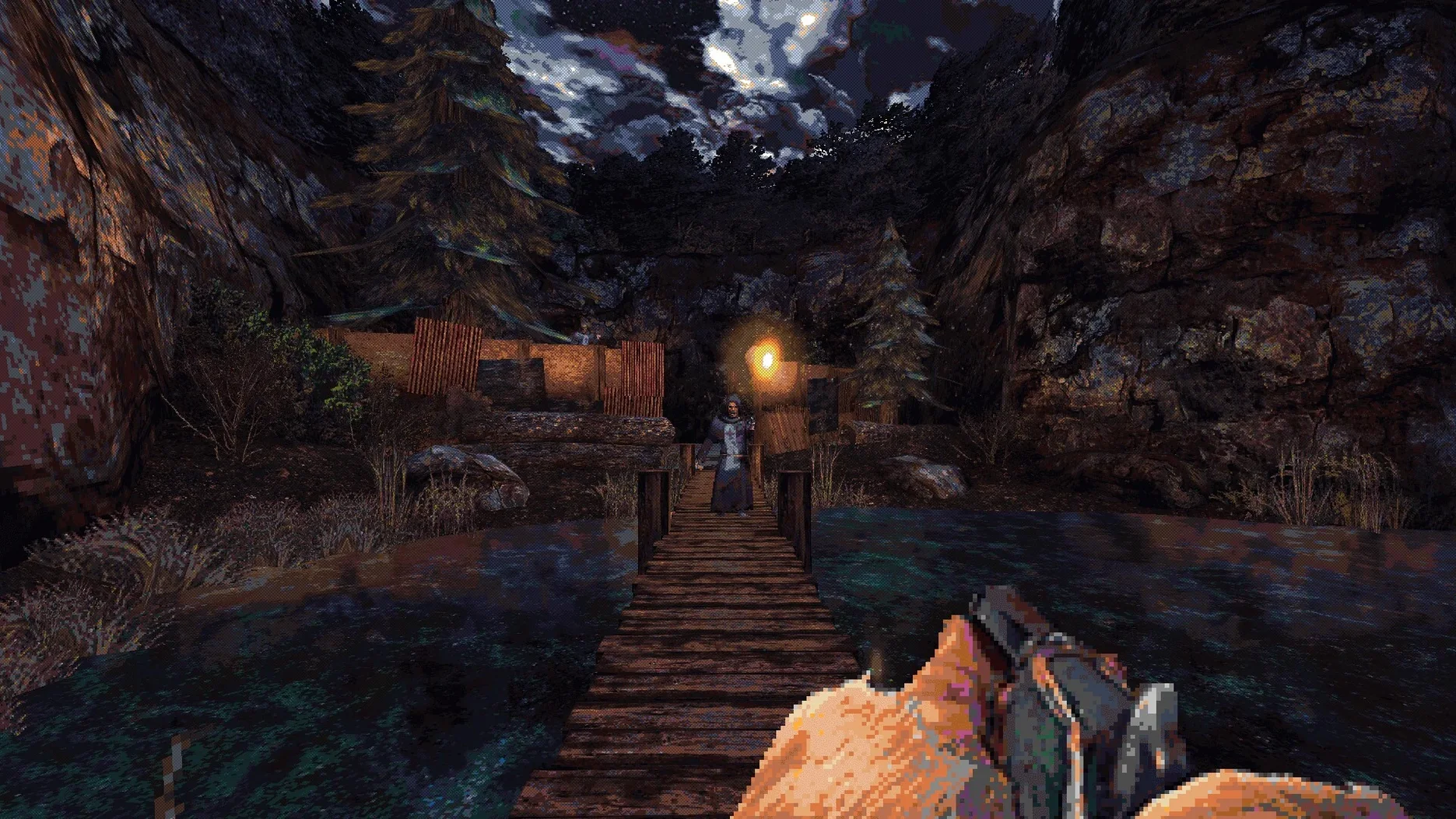
If you’ve ever tinkered with a Wineskin wrapper to get a Windows game running on macOS, the CULTIC build will feel familiar. Jasozz Games’ grimy first-person shooter arrives on Mac via a community-style Wineskin package—no native port, just a wrapped-up version that runs surprisingly well on an M4 Mac mini with macOS Tahoe.
What kind of shooter is it?
CULTIC is a love letter to late-90s FPS design, built on a modern engine. Chapter One packs ten maps of gritty, fast-paced combat and a wave-based Survival Mode, all tied together with full English voice acting.
What’s the Mac performance like?
On an Apple Silicon Mac, the Wineskin translation layer handles the game without breaking a sweat. Don’t expect a native Metal experience, but frame rates stay smooth and controls feel responsive with a standard keyboard and mouse setup.
Where does it stash my saves?
Progress lives inside the app bundle itself, tucked away under AppData/LocalLow/Jasozz Games/CULTIC. Worth knowing if you ever need to back up your campaign or move it to another machine.
Any launch quirks to know about?
If you see an error on first launch, don’t panic—just run the Fix file included in the disk image. After that, the game should fire up without further fuss.
Hugging cover will get you killed
CULTIC rewards aggression, but it punishes carelessness just as quickly. The most common stumble is treating it like a cover shooter—hugging walls and waiting for enemies to peek. That works in plenty of modern FPS games, but here it just gives cultists time to flank you or lob a dynamite stick behind your position. Keep moving.
Another trap: ignoring the slide. It isn't just a flashy move for style points. Sliding under low obstacles lets you reposition during firefights and, more importantly, gives you a moment of lowered profile while reloading. New players often forget they even have it.
Also, don't hoard explosives. CULTIC hands you dynamite, molotovs, and grenade bundles fairly often—use them to clear clustered enemies or to knock down a troublesome gunner before they pin you. Saving everything for a boss fight that might not come for three more levels is a recipe for frustration.
Who clicks with CULTIC fastest
Players who grew up on Blood, the original Doom engine games, or early Build engine shooters will feel right at home within the first level. The movement cadence, the weapon-switching rhythm, and the way enemies telegraph attacks all follow that same design language.
Mac users who already keep a library of Wineskin-wrapped titles get an extra layer of comfort here—the installation flow and occasional quirk won't faze them. But even if this is your first wrapped game, the payoff is strong: CULTIC runs lean enough that you're not constantly reminded you're playing through a translation layer. Fans of single-player campaigns with secrets tucked into every corner also tend to stick around longer, because the level design rewards curiosity far more than linear corridor shooters do.
Fix the narrow default field of view
- Field of view. The default is a touch narrow for widescreen displays. Bumping it up to 90 or 100 makes tracking fast-moving cultists much easier without fisheye distortion.
- Mouse sensitivity. The Wineskin wrapper sometimes interprets macOS mouse acceleration differently than a native Windows install would. Drop sensitivity a few notches in the game's settings, then fine-tune from there—you want snappy 180-degree turns without overshooting.
- Toggle crouch. If you're used to hold-to-crouch from other shooters, switch this early. The slide flows better when you're not fighting the keybind mid-combat.
- Audio balance. The English voice acting is solid, but gunfire can drown out dialogue during scripted moments. Pull the SFX slider down a few points and keep voice volume maxed.
The Wineskin wrapper itself doesn't need much tweaking on Apple Silicon—it ships with sensible defaults—but if you're sensitive to input lag, disabling VSync inside the game's video options often yields a snappier feel, even if it introduces minor screen tearing here and there.
This build is labeled 2.02i Rev 1 and ships as a Wineskin-wrapped package for macOS.
- macOS Tahoe
- Apple Silicon (tested on Mac mini 2024 M4)
Questions people ask
Is Chapter Two included?
No, Chapter Two is planned as paid DLC for a future date—this build covers the Chapter One campaign and Survival Mode.
Also on readers' docks
Sign in or create an account to leave a comment.
No comments yet. Tell me how it got on with your other devices.
More in Games
See all Cuphead
1.3.3 DLC Games
Cuphead
1.3.3 DLC Games
 Updated Crusader Kings III
1.20.1.2 Native Games
9.4 GB
Updated Crusader Kings III
1.20.1.2 Native Games
9.4 GB
 Cronos: The New Dawn
356600 Games
22 GB
Cronos: The New Dawn
356600 Games
22 GB
 Updated Crimson Desert
2.03.02 Native Games
101 GB
Updated Crimson Desert
2.03.02 Native Games
101 GB
 Crime Scene Cleaner
4.0.6a Games
21 GB
Crime Scene Cleaner
4.0.6a Games
21 GB
 Craft The World
1.11.012 Games
565 MB
Craft The World
1.11.012 Games
565 MB
 Control Ultimate Edition
1.33.1 Games
26 GB
Control Ultimate Edition
1.33.1 Games
26 GB
 Dead Cells
1.26.0 Games
1.9 GB
Dead Cells
1.26.0 Games
1.9 GB