Download Cat Quest for macOS
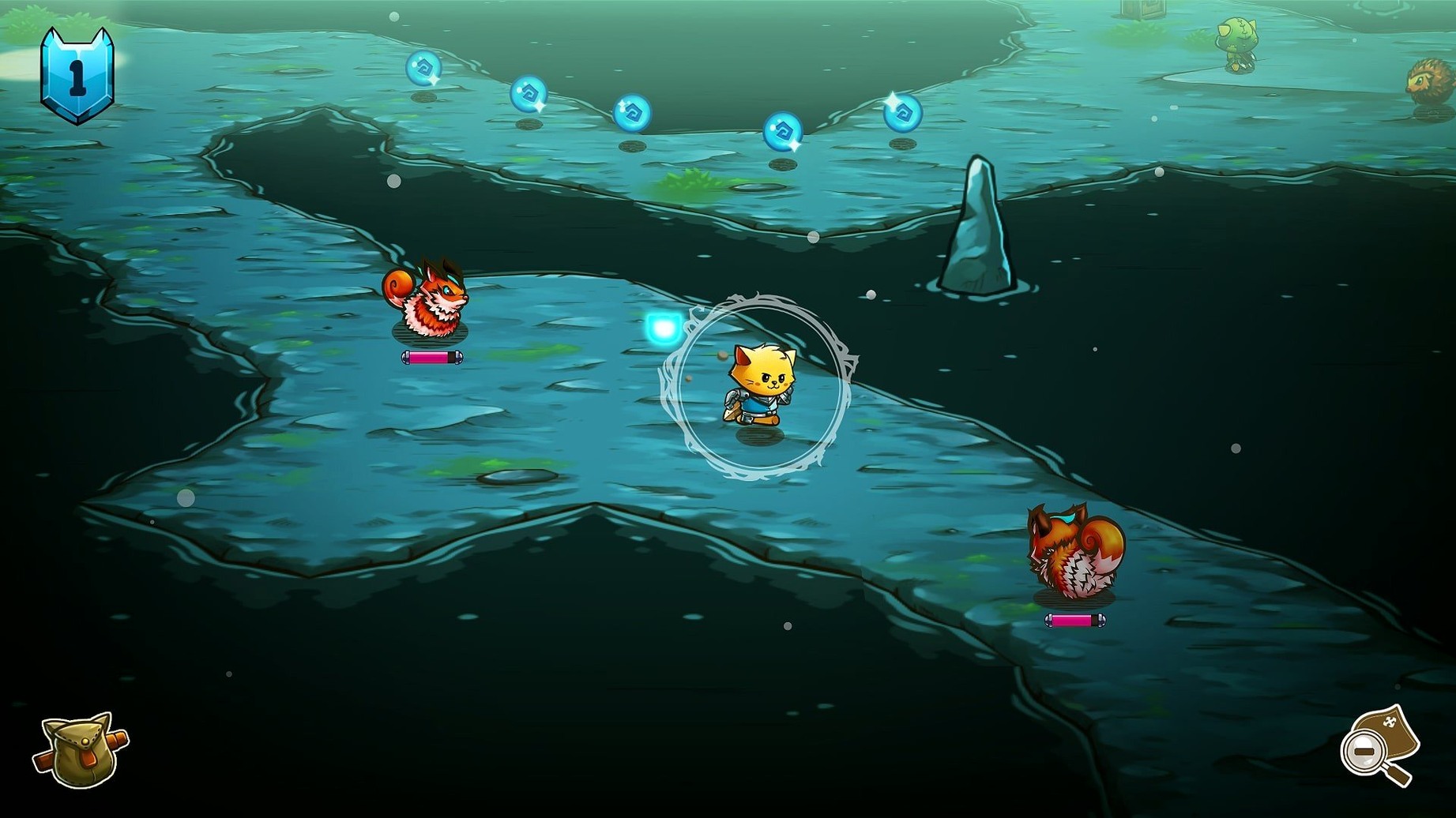
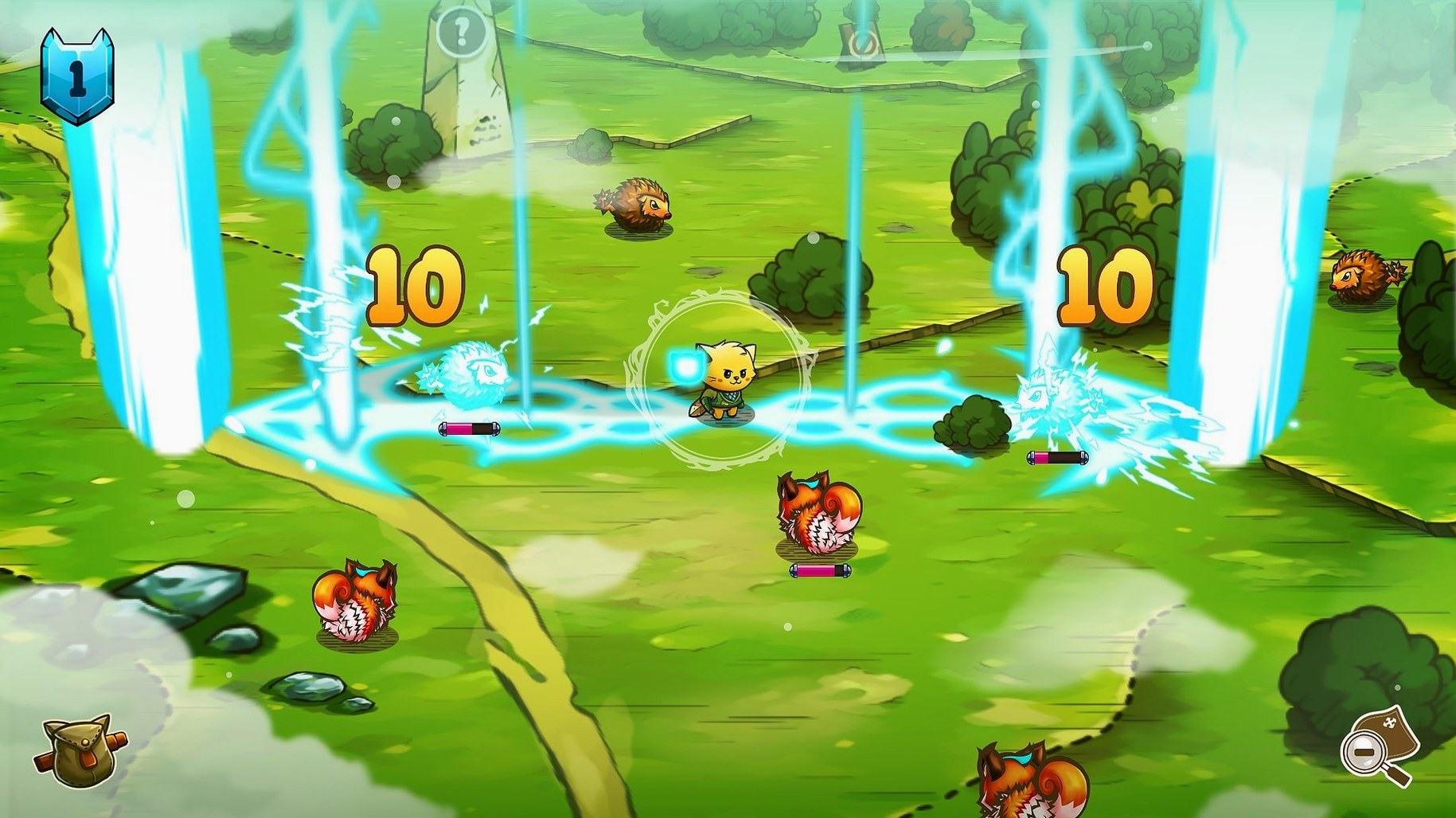

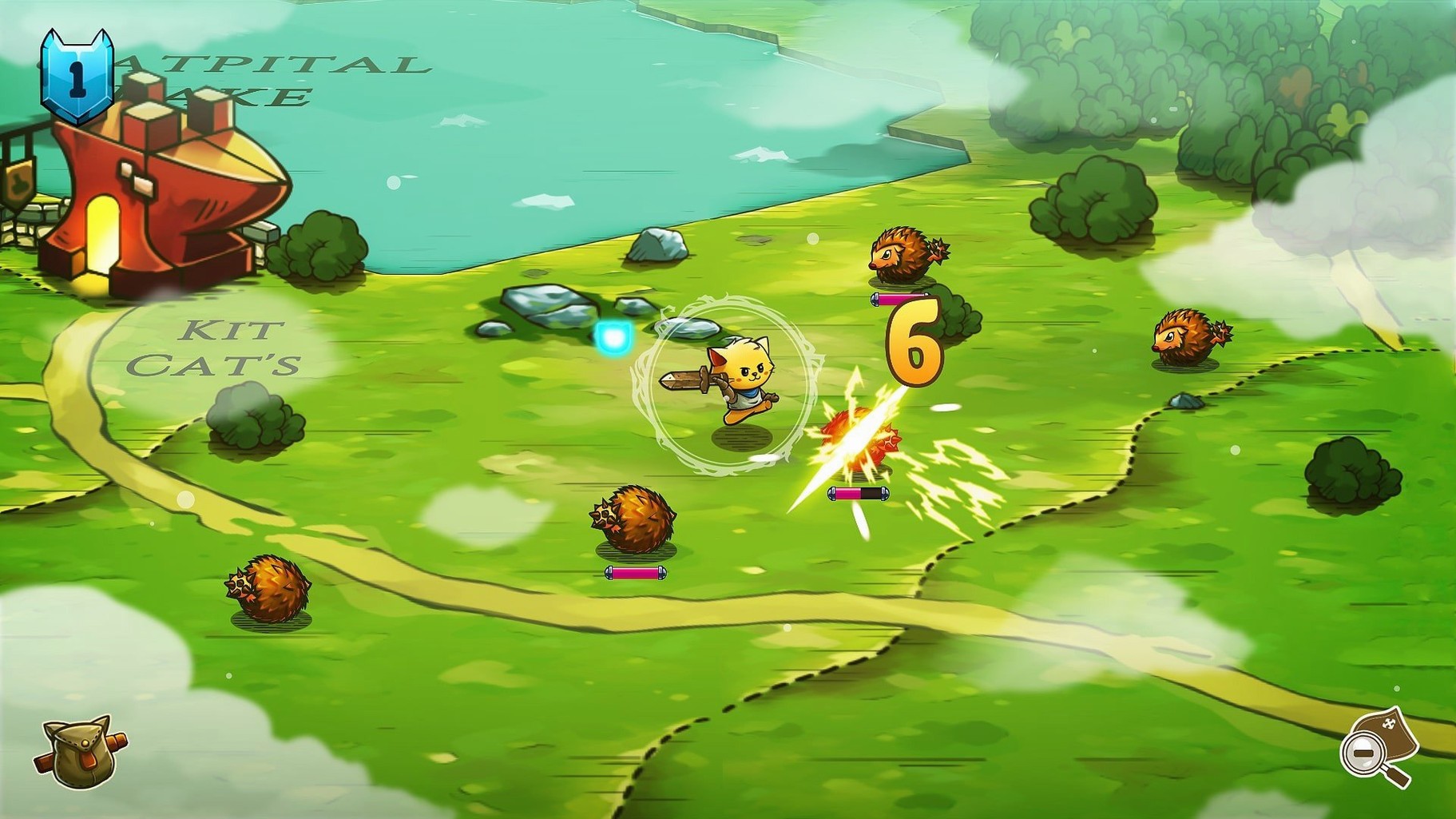
Cat Quest is a game for anyone who wants a lighthearted action RPG that doesn't take itself too seriously. You play as a cat on a mission to rescue your sister from the villainous Drakoth, and the adventure unfolds across the open-world map of Felingard in real time. Combat is snappy and responsive, with a mix of melee attacks, spells you can equip, and a dodge roll that keeps fights lively. You'll poke around dungeons, scoop up loot, and piece together gear combinations that change how you play — chain mail boosts health and protection, while a wizard outfit pushes your mana higher. You can even find and befriend new cat companions along the way.
Breezy Open Worlds & Spell-Timed Combat
- Open-world exploration with a breezy, humorous tone.
- Real-time combat that rewards quick dodges and spell timing.
- Mixing weapons, armor, and spells to suit different play styles.
- Collecting loot and uncovering secrets in dungeons.
Watch That Healing Cooldown
- Healing is handled by a named ability — Лечебная лапка — so you'll want to keep an eye on its cooldown.
- Felingard is an open map, but progression still follows quest lines and level-gated areas.
- Companions help in a fight, but you can't directly control them.
How Cat Quest stacks up against similar Mac action RPGs
If you've spent time with Hyper Light Drifter, you'll recognize the top-down, dodge-heavy rhythm — but Cat Quest trades that game's brooding silence for puns and pastel-colored fields. Both lean on tight real-time combat, yet Cat Quest layers on loot-driven gear swapping and companion characters, which gives it more of a classic RPG loop. Hyper Light Drifter is a tighter, moodier experience; Cat Quest wants you to roam and giggle.
Next to Oceanhorn, the difference is largely tonal. Oceanhorn aims for a Zelda-like sense of wonder and puzzle-dense dungeons. Cat Quest keeps its dungeons snappier and its world map wide open from the start. Oceanhorn guides you through a story with scripted beats, while Cat Quest lets Felingard's quest markers pull you wherever your curiosity (or current gear set) takes you. If you prefer reading silly cat jokes over deciphering ancient runes, the choice is clear.
And then there's CrossCode, which sits somewhere in between — faster-paced, more mechanically deep, and packed with twin-stick ranged combos. Cat Quest never asks for that level of precision, which actually works in its favor after a long day. It's the kind of game where you can knock out three side quests over coffee and feel genuinely accomplished.
Rotate Gear Often to Read Enemy Telegraphs
Once the installer finishes (just mount the disk image and drop the game into Applications — it's straightforward), a few habits will make the opening hours smoother.
- Rotate your gear often. Don't marry your first sword. Enemy types telegraph their weaknesses pretty openly, and swapping between a high-damage blade and a mana-boosting staff mid-quest keeps combat from feeling repetitive. Chain mail is a solid default, but that wizard outfit pays off the moment you unlock spells like Огнемур and Пламяу.
- Mark dungeons you're under-leveled for. Felingard won't stop you from wandering into high-level caves early. Instead of banging your head against an enemy that one-shots you, drop a mental pin and loop back after two or three quest completions. The loot will still be there.
- Let Лечебная лапка set the pace. Its cooldown effectively dictates how aggressive you can be. When it's down, play defensively and lean on your dodge roll. Treating every fight as a race to the next heal is the fastest way to burn through potions you'll wish you had saved for a boss.
- Talk to side quest cats immediately. Companion characters often unlock through these shorter missions, and having an extra set of claws in battle changes your survivability more than most armor upgrades do.
- macOS (64-bit only)
- Intel processor
Also on readers' docks
Sign in or create an account to leave a comment.
No comments yet. Tell me how it got on with your other devices.