
Download Civilization V for macOS
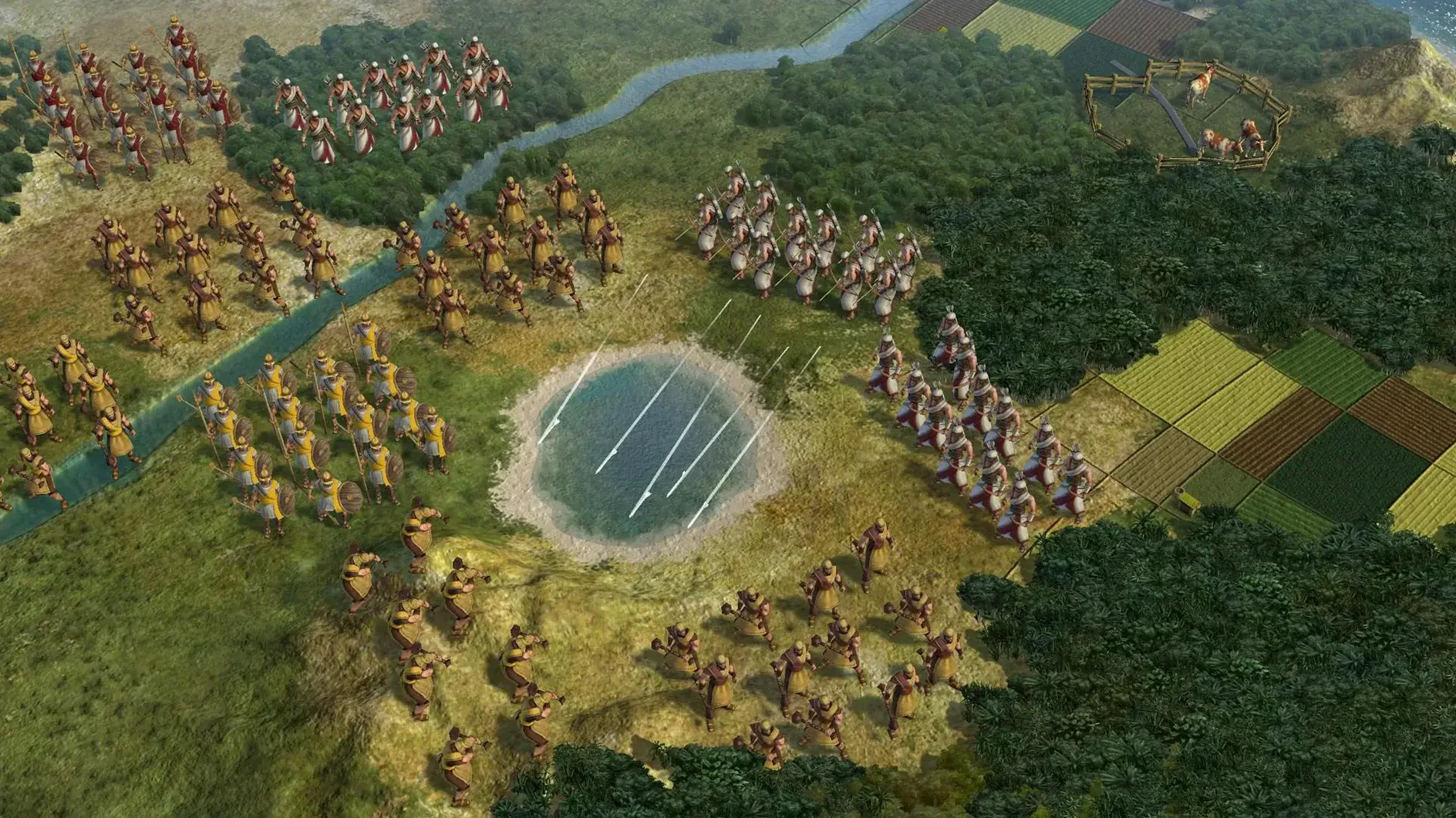
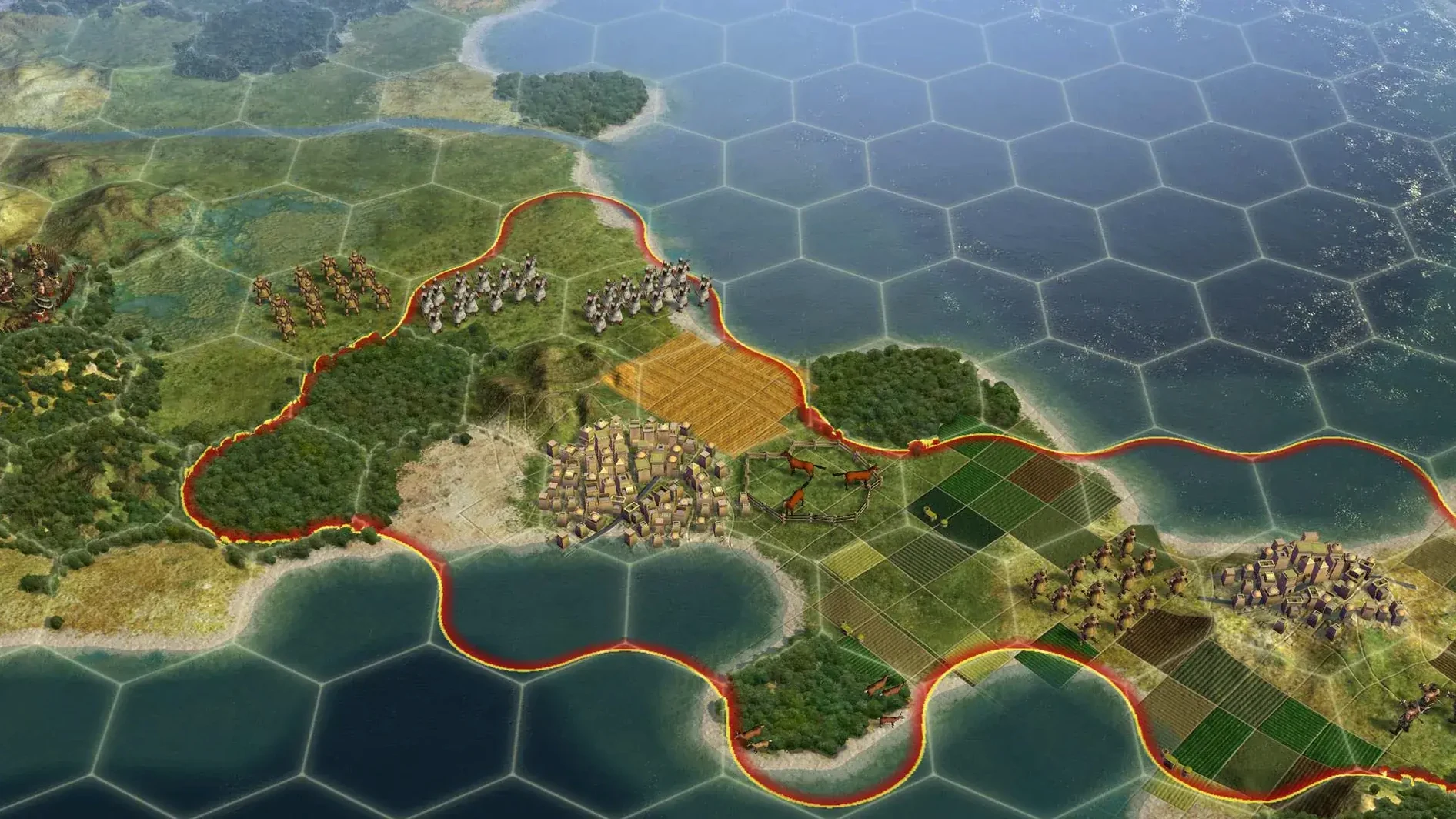
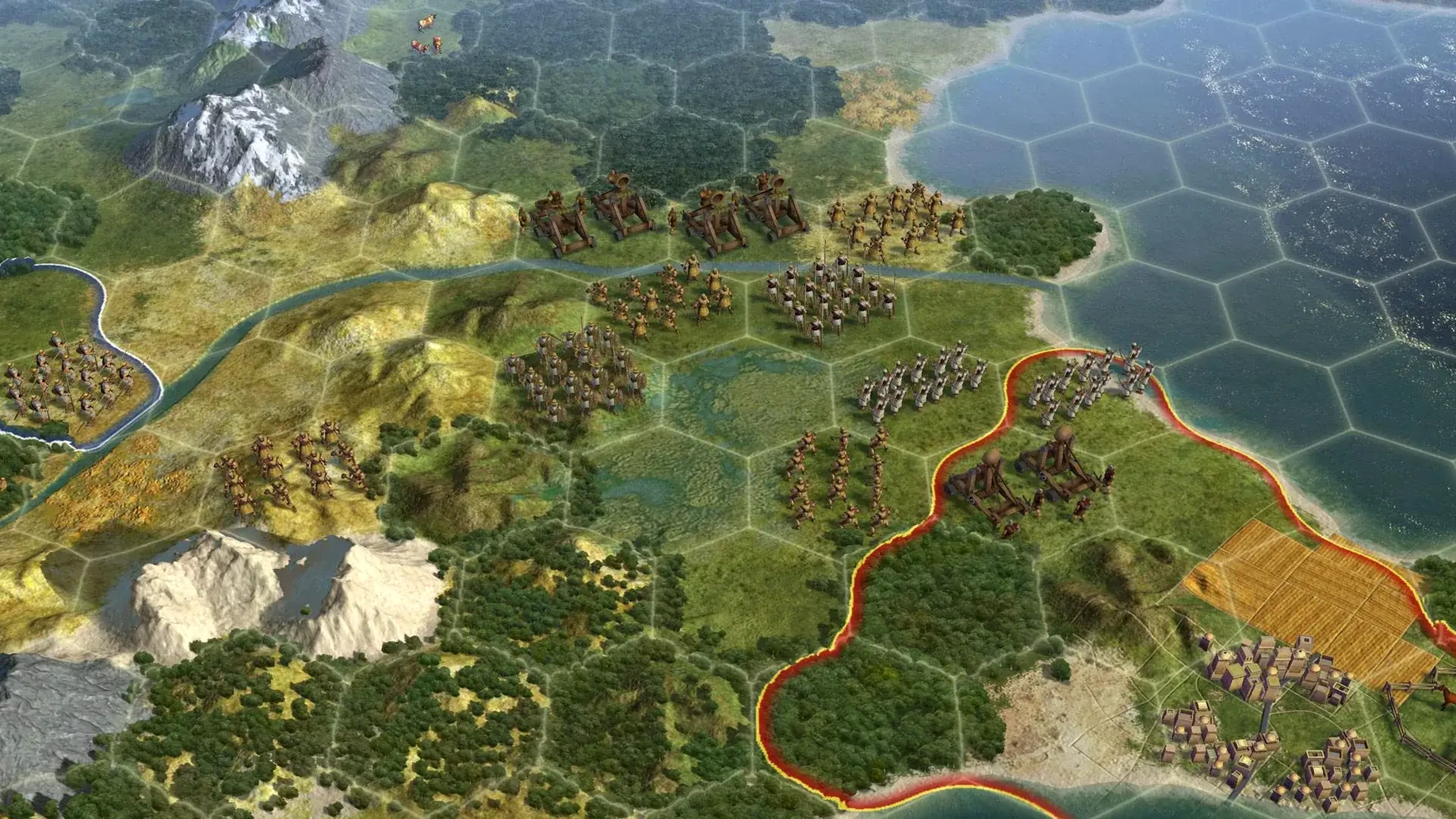

This is a game for the long-distance thinker, the person who enjoys plotting a win not in minutes but across eras of human history.
Original Capitals — the heart of a civilization. You can capture them, but you can never, ever burn them to the ground. They stand as permanent trophies or thorns in your side.
Puppet Cities — a hands-off management style. They pay taxes to your empire and expand their own borders, but you don't get to choose what they build. They're useful buffers that don't increase your policy costs.
The Three-Hex Rule — how a city feeds itself. Citizens can work any tile within a three-hex radius, turning raw terrain into food, production, and gold. This ring defines a city's potential from the moment you found it.
Annex, Puppet, Raze, or Liberate — the four fates of a captured city. Annexing gives you full control but more unhappiness. Razing removes a city over several turns, but only if it isn't an original capital or a city-state. Liberating a conquered city-state or a friend's city grants a massive diplomatic boost.
This is a slow-burn game about incremental advantage. It will frustrate anyone who wants instant action or clear, simple goals. But for those who love seeing a border grow one tile at a time, or calculating the exact moment to switch from building a wonder to training an army, it's an entire world in a disk image.
Late-Game Map Performance on M1
One question that keeps popping up on forums is whether the Mac port handles large maps late in the game without turning into a slide show. The Aspyr port is 64-bit, which helps, and on an M1 MacBook Air under Rosetta 2 you can expect perfectly playable turns even when the map is crowded with units. Late-game waits won't vanish — that's Civ — but they're entirely reasonable.
Another common concern is whether the Civilization V torrent version floating around the web includes the full set of leaders and scenarios. The build carries everything the base game shipped with, and multiplayer across Hot Seat and LAN works as expected. People also ask if it plays nicely with Steam friends who are on newer releases. The short answer is yes for LAN, no for cross-platform matchmaking with the current Steam branch — but a Hot Seat session around one Mac remains the purest way to play.
Russian speakers often wonder whether the interface or just the text got localized. Both the UI and the full voiceover — every advisor, every narrated wonder quote — come through in Russian in this build. Switching languages from the in-game menu drops you straight back into the action without restarting.
The Note-Taker’s Strategy Sandbox
This is a game that rewards the note-taker. If you catch yourself keeping a mental ledger of which city-state wants a trade route and which neighbor is two techs away from cannon, you're the person it was designed for. It's also a quiet gift for history nerds who don't mind that Ghandi sometimes behaves questionably — the Civilopedia entries are genuinely readable, not filler.
Mac users who keep a second screen around will appreciate that Civilization V behaves beautifully in windowed mode. You can slide it onto a secondary display, keep an eye on your empire between other tasks, and still have full control over notifications. It suits the kind of player who wants a deep game open in the background for a lazy Sunday, dipping in and out between other apps.
Multiplayer enthusiasts shouldn't sleep on the Hot Seat mode. It turns one Mac into a shared board, and it's still one of the best ways to introduce a friend to 4X without the pressure of online matchmaking. Pass the laptop back and forth — or crowd around an iMac — and suddenly the whole afternoon is gone.
Swiping Between Empire and Notes
The game runs as a standard windowed or fullscreen app, which means Mission Control handles it like any other Mac program. Swipe between your empire and a notes app where you're keeping a rough tech-path outline — it's a natural workflow on a trackpad. Stage Manager treats it as its own space too, so you can pair it with a Safari window showing the Civ wiki without everything turning into a mess.
Because the Aspyr port is a straightforward disk image install, Time Machine backs it up like any other app bundle. If you're the type who archives working builds before updating macOS, the entire game lives in one place in your Applications folder. There's no hidden launch daemon, no background helper; it opens when you double-click and quits completely when you're done.
Voice chat is outside the game's scope, so it plays nicely with whatever macOS microphone routing you already use. If you're running Discord or FaceTime audio in the background for multiplayer coordination, the game doesn't fight for audio focus. The built-in soundtrack — those sweeping strings that kick in as you enter a new era — stays at whatever volume you set in preferences.
A Sunday Morning in the Life of a Diplomatic Player
You're on a continents map as Maria Theresa, coffee in hand, and you've just spotted that Austria's unique ability lets you marry into city-states instead of conquering them. The plan isn't domination — it's a diplomatic victory, and you've been quietly funnelling gold to every maritime city-state on the map.
Your neighbor to the north, Askia, has been massing units near your border for three turns. You don't want a war — it'll drain the treasury you're saving for city-state alliances. So you open the diplomacy screen, offer him open borders and a small lump of gold, and he backs off. The border tension evaporates. Meanwhile, you notice a barbarian encampment has spawned near a coastal city-state you've been courting. You dispatch a single cavalry unit to clear it, earning a permanent influence boost.
By lunchtime you've married into two city-states, your borders now covering a solid chunk of the continent without firing a shot at a major power. The game's audio cue for a new era plays — you've just hit the Industrial Age while most of the map is still in the Renaissance. That slow, quiet satisfaction of a plan coming together over hours is exactly what this Mac build delivers.
The latest build adds full Russian language support alongside the existing multilingual options.
- Russian language now included in the interface options.
- Build is labeled as the Russian version with multilingual support.
- macOS Sonoma
- Intel 64-bit processor (tested on M1 MacBook Air, 2020)
Questions people ask
Can I destroy an original capital?
No, original capitals cannot be razed, even if you capture them. They remain on the map as a permanent part of the game world.
What happens when I make a city a puppet?
A puppet city pays taxes to your capital and manages its own production, but you cannot directly control its build queue or citizen allocation.
How far away can a city's citizens work?
Cities can assign citizens to work any tile within a distance of three hexes from the city center, which defines the maximum workable area.
Also on readers' docks
Sign in or create an account to leave a comment.
No comments yet. Tell me how it got on with your other devices.