Download Chilla's Art Okaeri for macOS
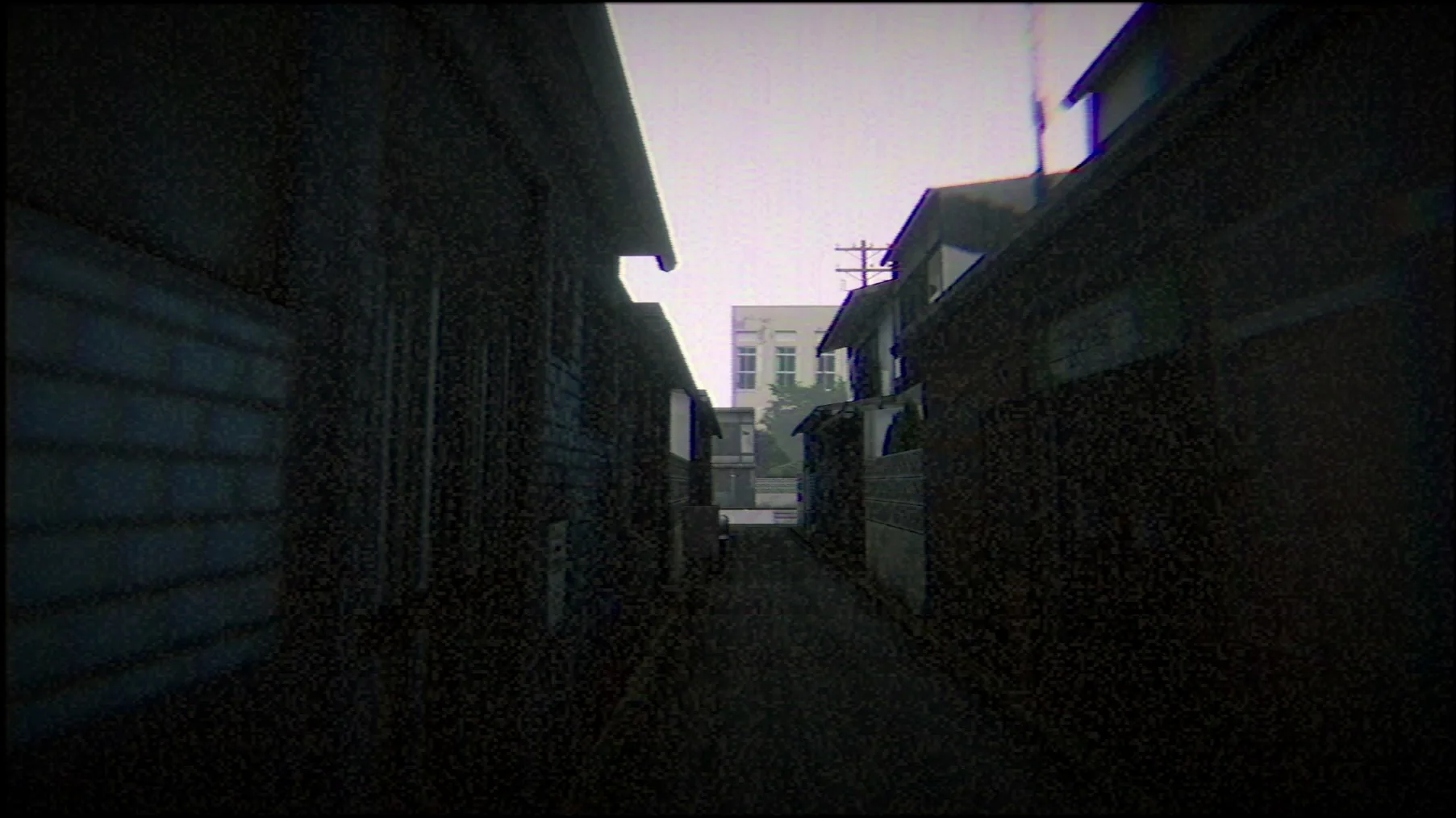
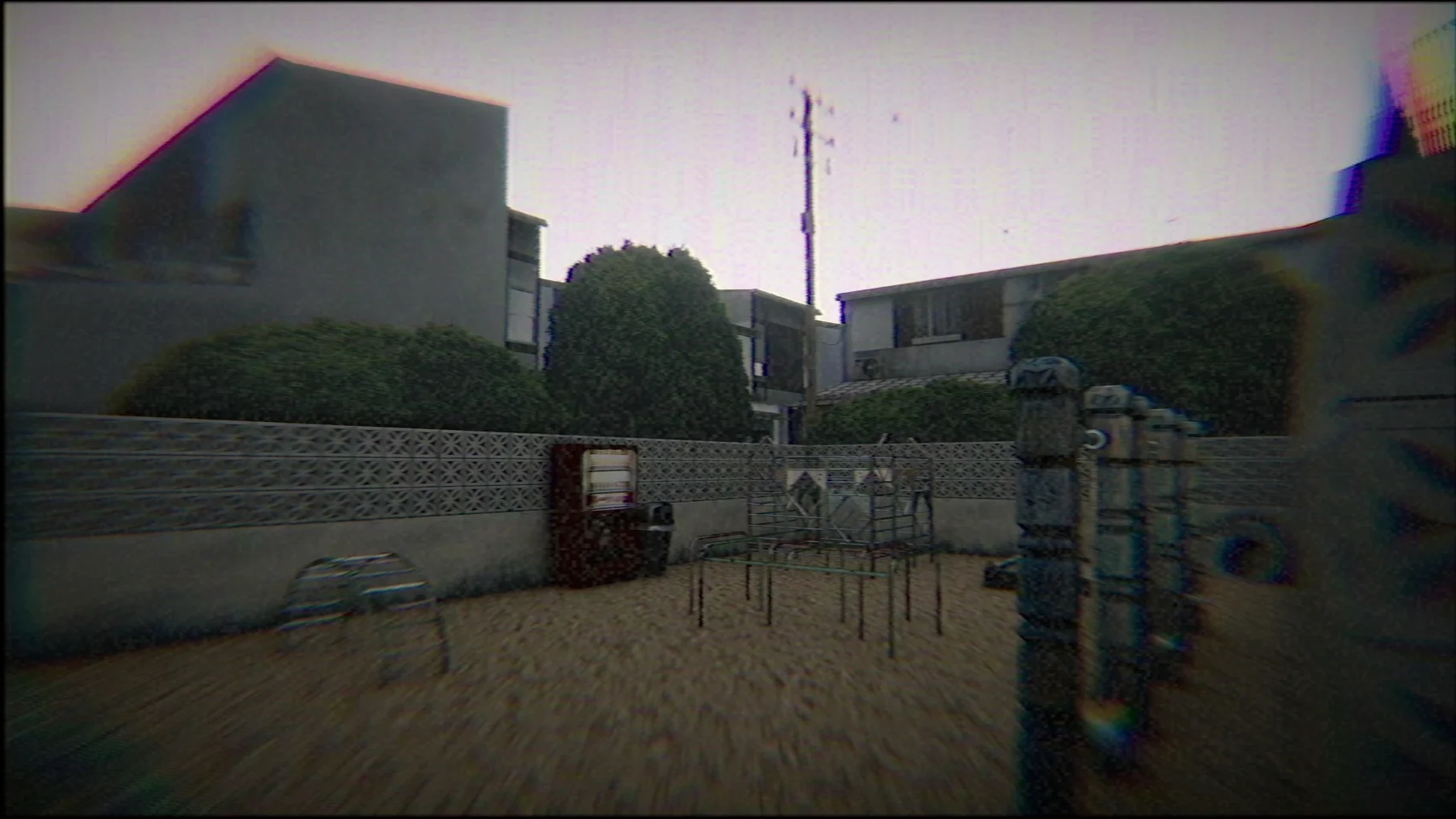
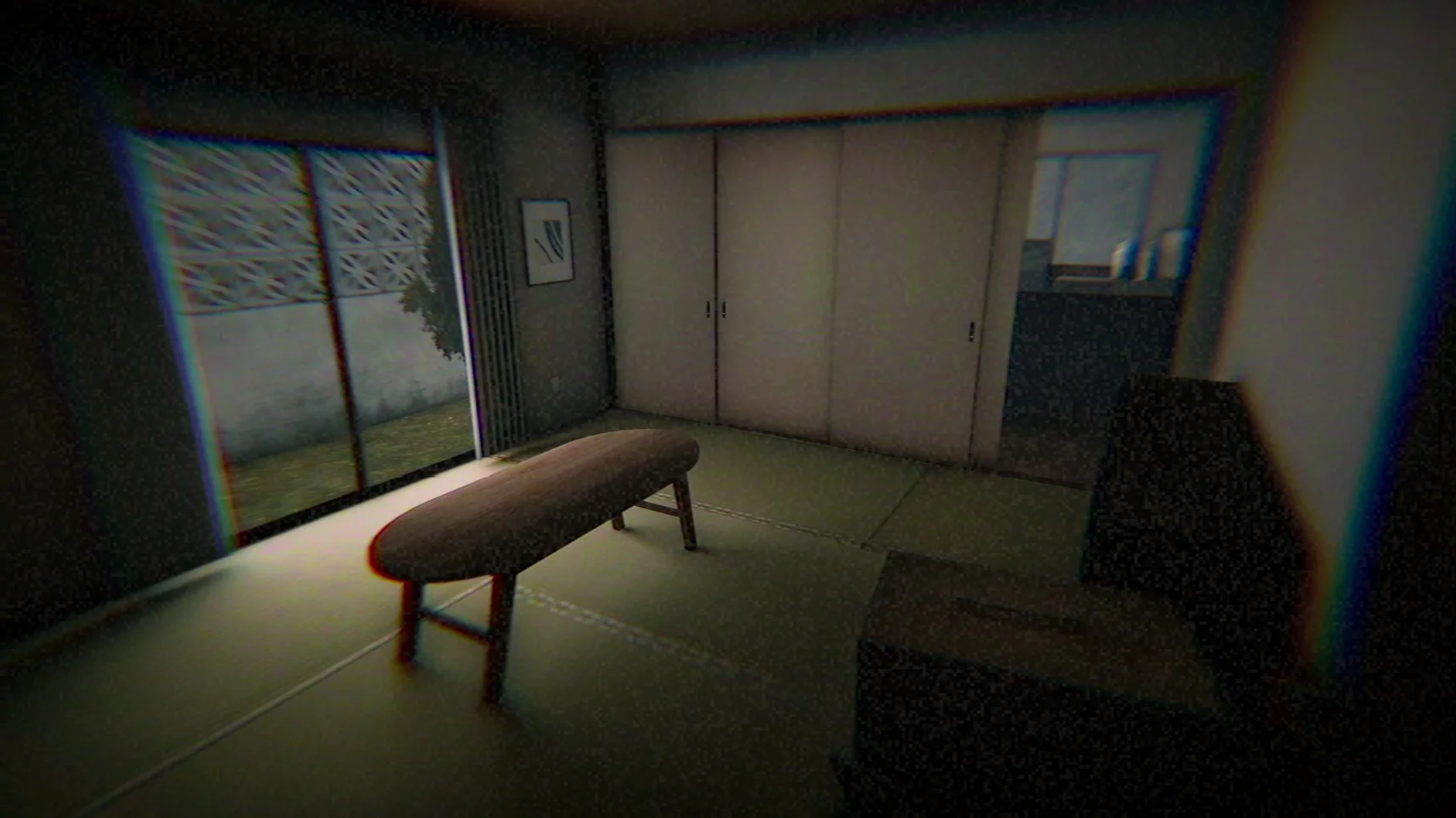
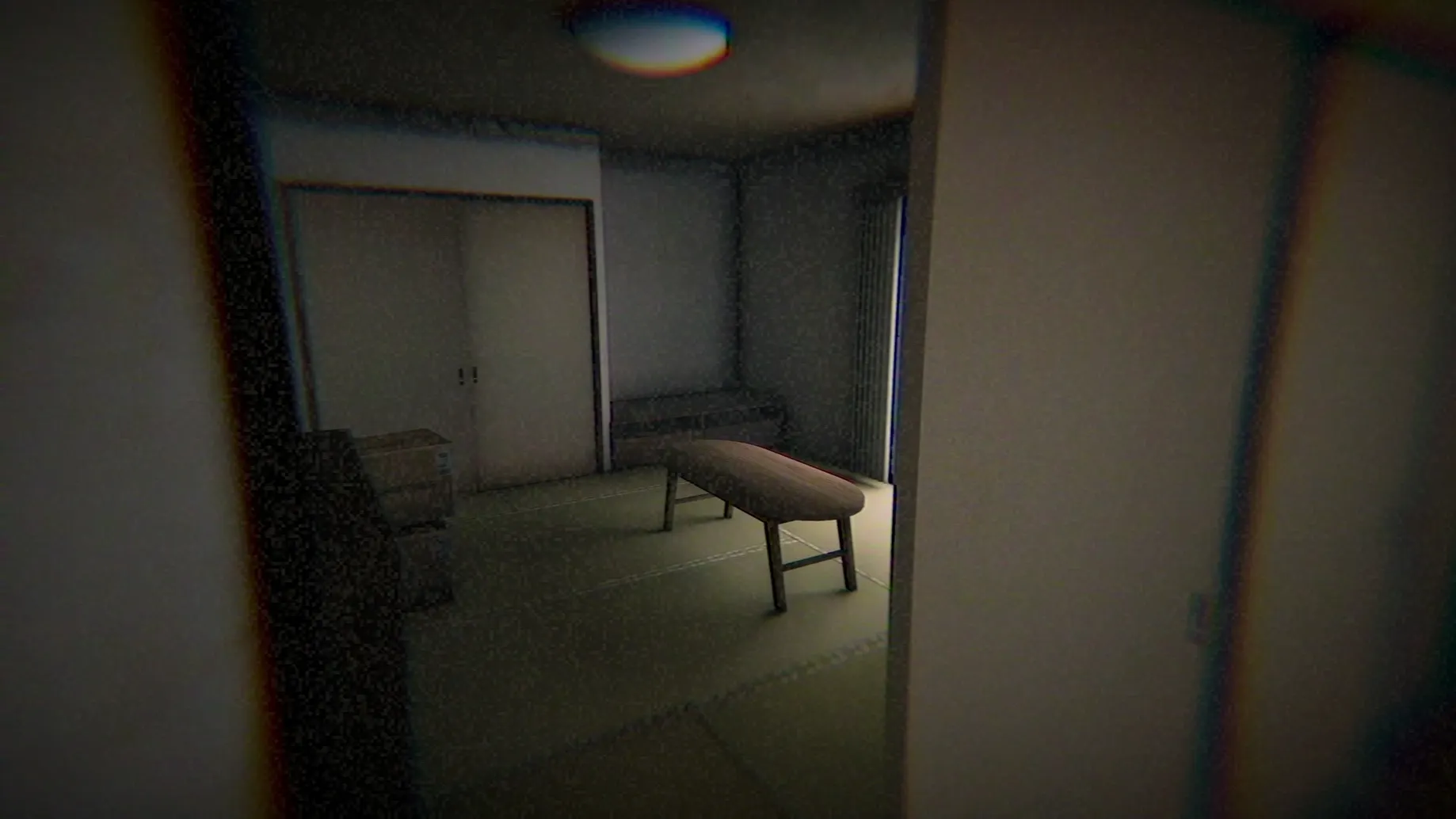
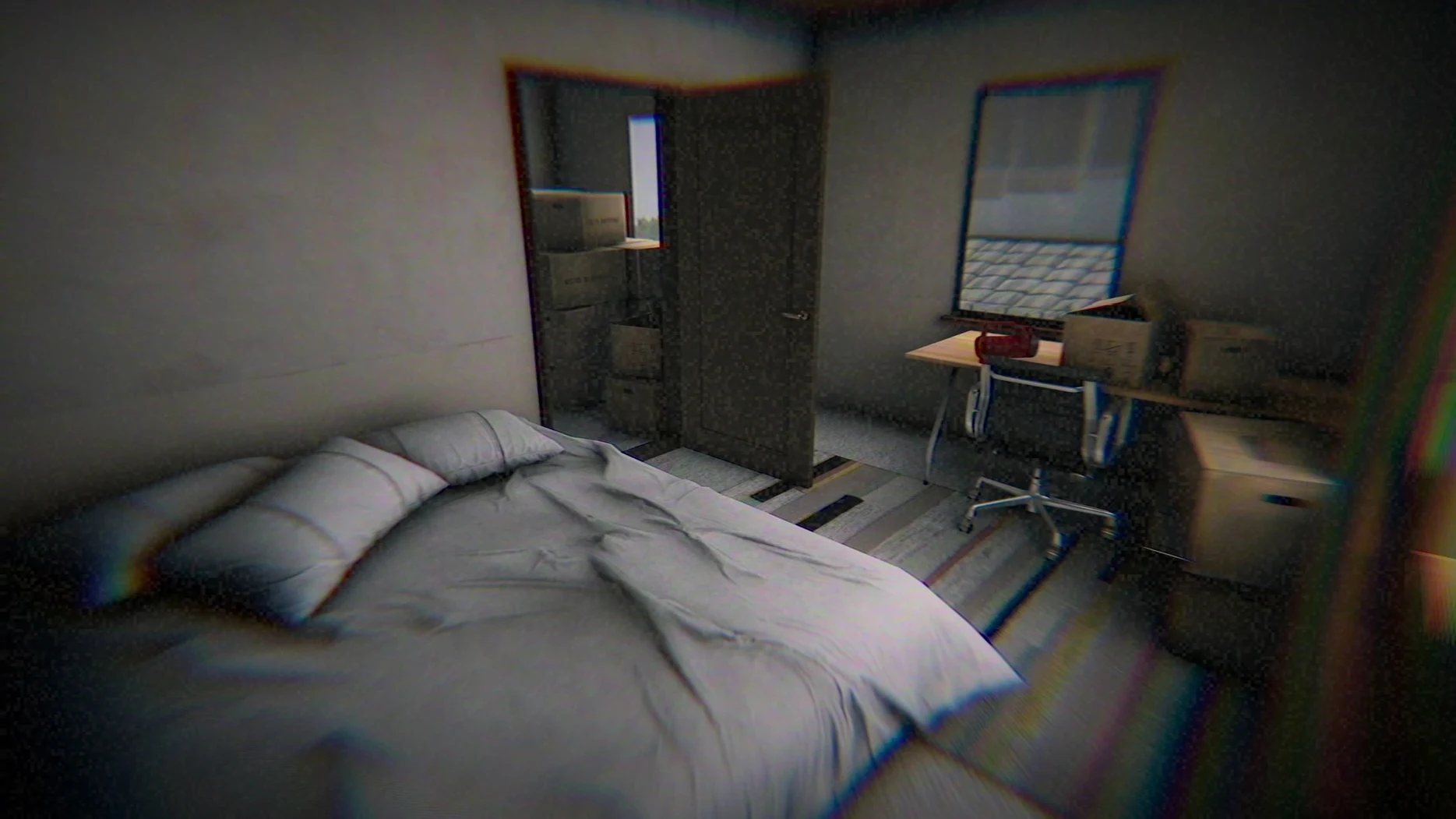
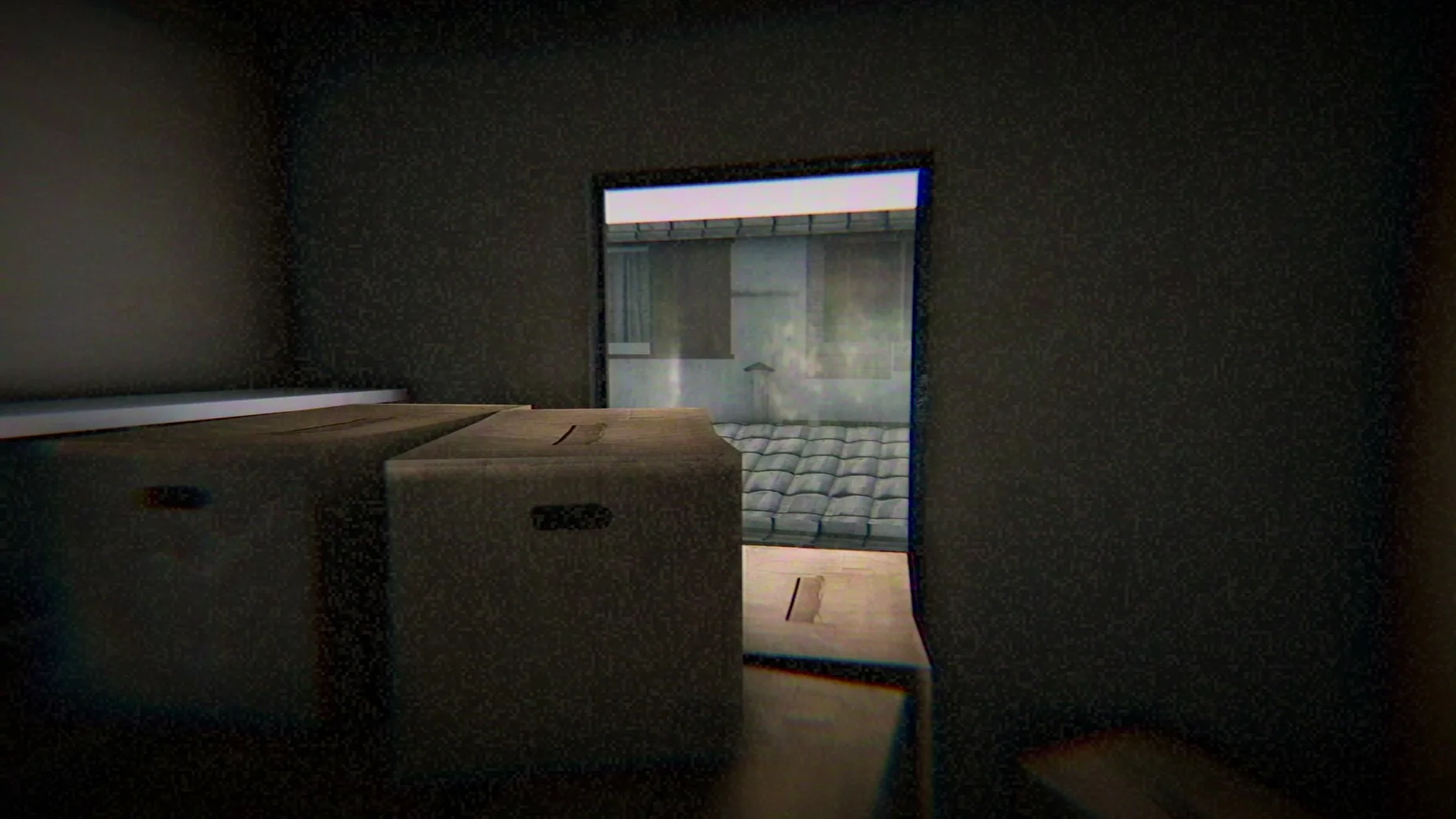
What's the story about?
A middle school girl and her mother have just moved into a new house. You play from her perspective, piecing together fragments of the past and present as an ordinary homecoming takes a darker turn.
What's the presentation like?
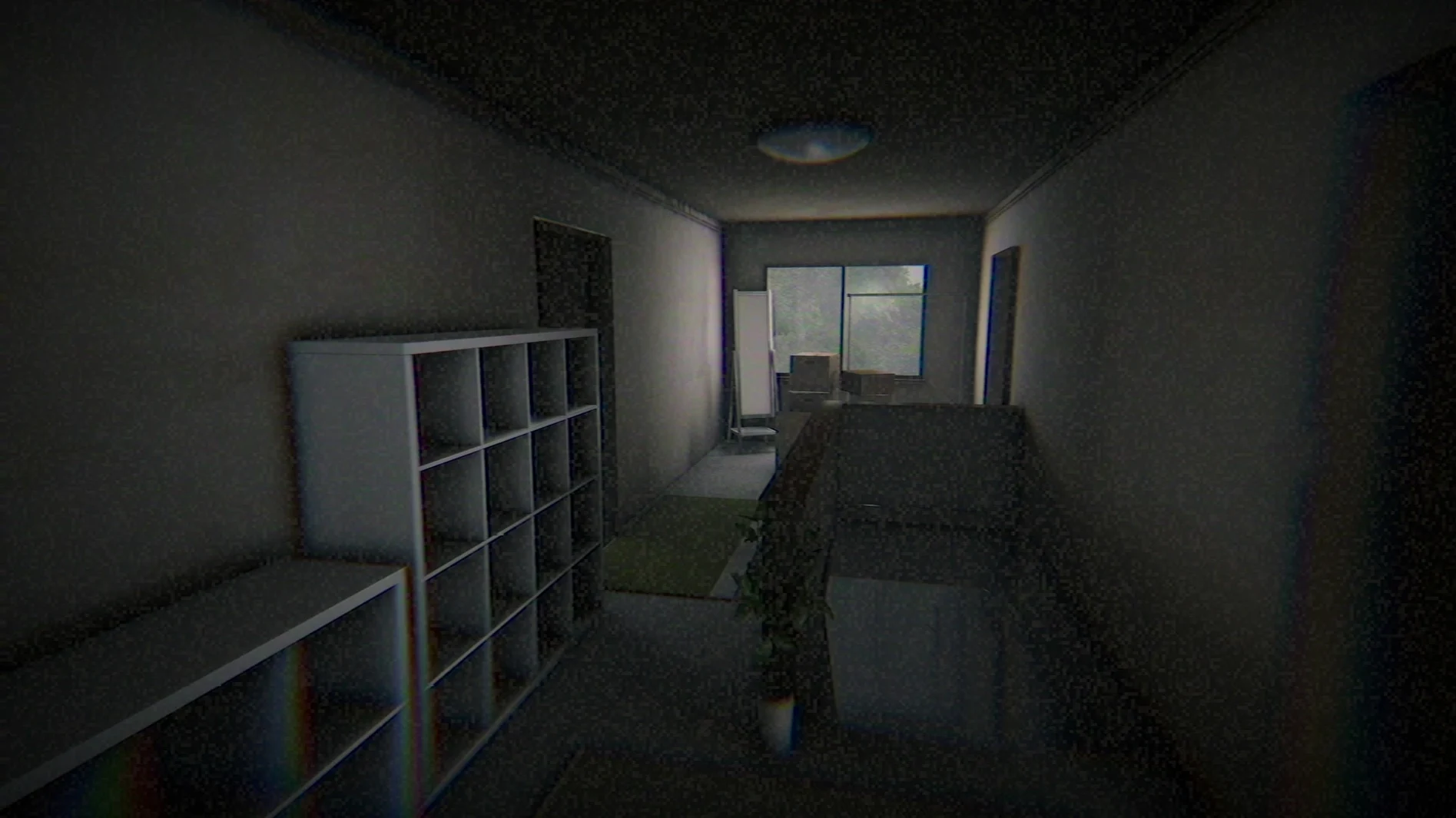
Okaeri leans hard into a grainy VHS aesthetic that gives everything a worn, slightly off-kilter feel. The voice acting is fully in Japanese, which pulls you deeper into the domestic dread without breaking the mood.
Apple Silicon wrapper needs a one-click fix
The build runs on Apple Silicon Macs and was packaged as a Wineskin wrapper. If you hit an error on first launch, just run the Fix file from the disk image — it clears right up. To quit, use Command+Option+Escape or Option+F4 since exit menus can be hidden.
Where does my progress live?
Tap the language button before you start
Before you step through the front door, tap the Language button at the top right of the launcher — it can save you fumbling through menus in a language you don't read. Japanese voice acting stays on no matter which text language you pick, so you're already getting the intended performance.
Once inside, the VHS effects are cranked up by default. If the constant tape noise or interlacing gives you a headache, you can dial them back. The game doesn't advertise this loudly, but keep your eyes open for a settings toggle tucked into the pause screen. Your first playthrough probably benefits from leaving the CRT jitter on, though — it masks certain things the developer wants you to miss on a first look.
Also worth noting: the app bundle stores its save data internally, so there's no cloud backup going on. If you think you'll revisit this one later, drag a copy of that save folder somewhere safe before you uninstall.
A short session from start to finish
Here's a concrete workflow for your first evening with Okaeri — one sitting, no distractions.
You've just dragged the app from the disk image and launched it. The title screen offers a language selector; choose your text language, then start. The game kicks off around 6:00 p.m. in-game, with the protagonist arriving at a slightly too-quiet house. You're holding nothing, and there's no inventory screen to check — just walk forward and let the environment tell the story.
Work through the ground floor rooms methodically. The kitchen, the hallway, the living room. Objects you can interact with glow faintly or shift the camera angle when you're close. Pick up notes, stare at photographs, linger on objects that seem out of place. The mother is supposed to be home, but the house doesn't feel like anyone's been in it for hours.
Eventually you'll trigger a sequence that breaks the domestic silence — a door that wasn't open before, a sound from upstairs. Follow it. The game wants you to move toward the unease, not away from it. A complete session runs about 20–40 minutes on a first playthrough, and the ending lands harder if you don't pause or alt-tab out. When the credits roll, exit with Command+Option+Escape.
Rushing past the quiet scares
The most common slip-up: rushing. Okaeri is short, and some players barrel through rooms assuming the scares will jump out on a timer. They won't. The horror is in details — an object that wasn't there a moment ago, a note that contradicts something you saw earlier. If you sprint past the quiet stuff, the final moments won't land the way they should.
Another one: quitting by closing the window. That often leaves the Wineskin process dangling. Always use Command+Option+Escape or Option+F4 to fully kill the session, otherwise you might corrupt the save tucked inside the bundle. And if you launched the app and got a cryptic error message, don't dig through forums — run the Fix file included on the disk image. That solves almost every startup hiccup on Apple Silicon Macs.
Your save data tucks itself inside the app bundle, under AppData\LocalLow\Yasuka Taira, Chilla's Art\Okaeri. Worth knowing if you ever want to back it up manually.
- Apple Silicon Mac
Questions people ask
What if the game won't start?
Run the Fix file included on the disk image — it resolves the launch error and the game should open normally afterward.
Is there English support?
Yes, the interface supports English alongside two dozen other languages, so you can follow the story without knowing Japanese.
Also on readers' docks
Sign in or create an account to leave a comment.
No comments yet. Tell me how it got on with your other devices.