









Download Big Ambitions for macOS

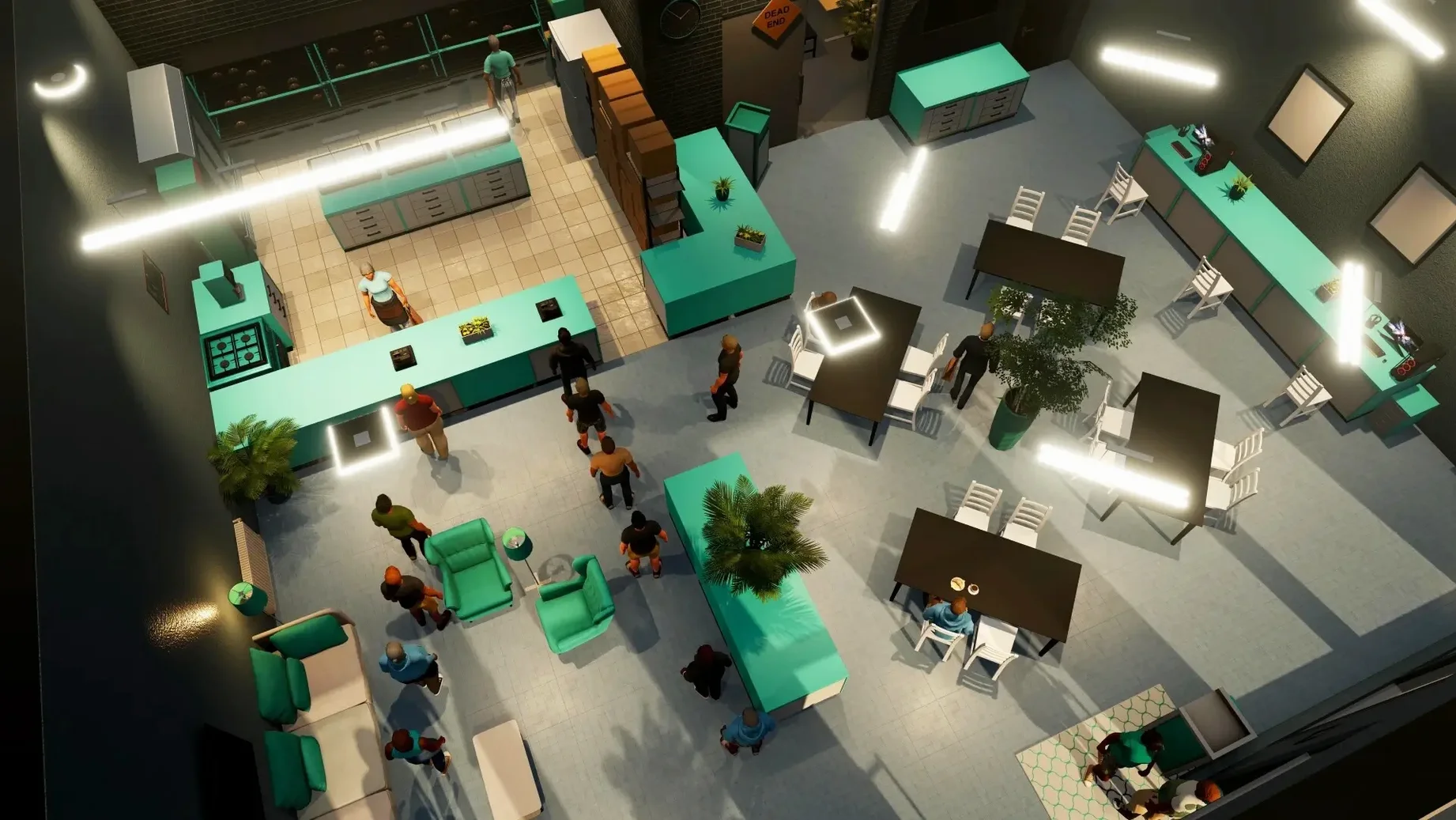
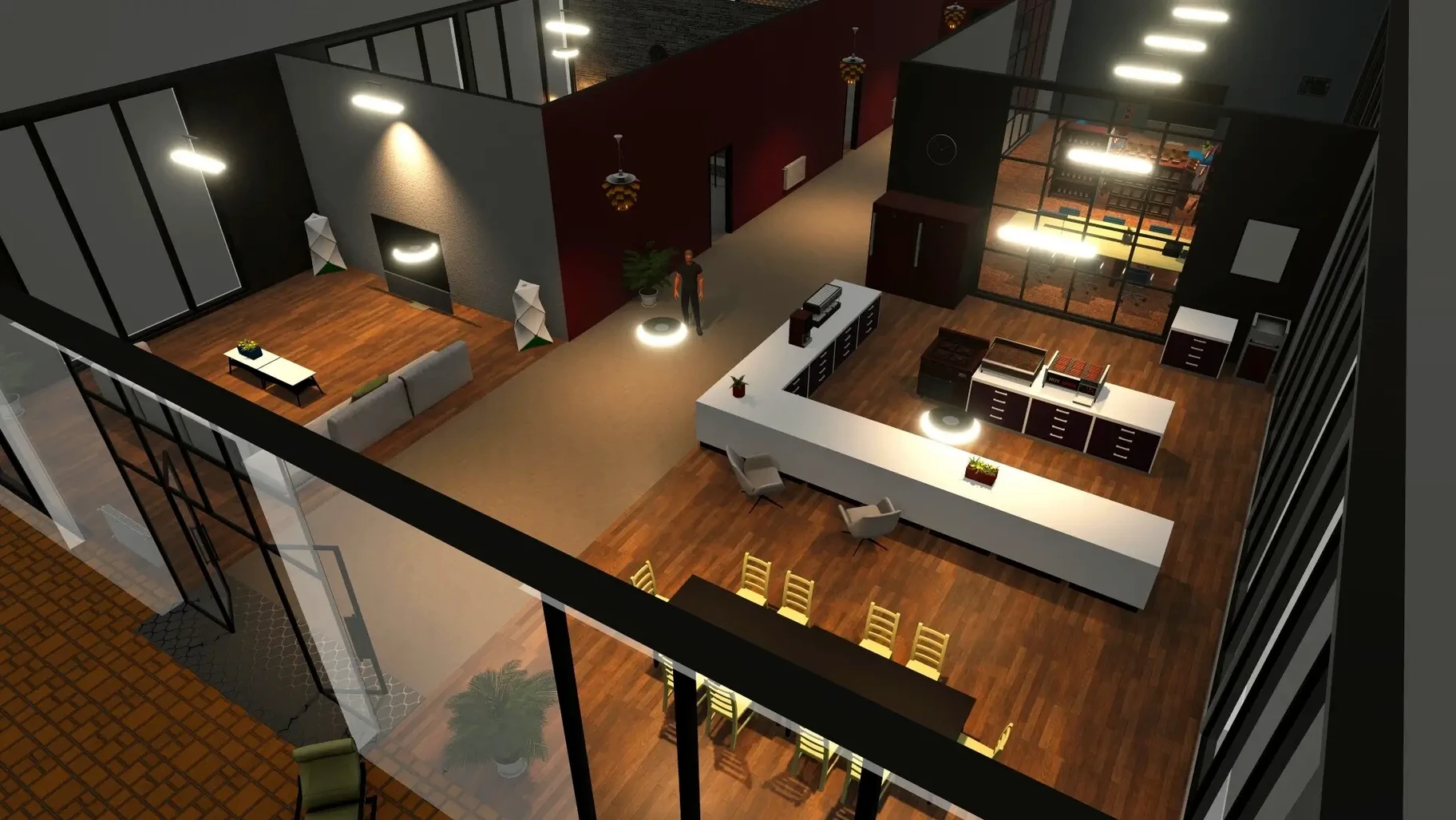
It runs natively on both Apple Silicon and Intel Macs, so you won't be left out whether you're on an M-series machine or an older 64-bit x86 model. That broad compatibility is a good sign before you even launch the game — and once you do, Big Ambitions makes a strong first impression.
Who should jump in
- Tycoon fans who miss depth. You don't just place a building and watch numbers tick up. You build companies from scratch, manage logistics, set prices, and slowly grow small ventures into large corporations across NYC.
- Players who enjoy slow-burn progression. The rags-to-riches loop here is genuinely satisfying. Starting with a cramped apartment and a small loan feels tense, and every new office or retail space you lease feels earned.
- Anyone who loves sims with personality. English voice acting and a light narrative thread give the city more character than a pure spreadsheet sim would.
Deliberately scrappy early hours
If you want instant action or a tight story, this isn't your game. It asks for patience. The early hours are deliberately scrappy — sleeping on a mattress in a bare room, running a tiny shop yourself because you can't afford staff. Similarly, if you dislike balancing multiple systems at once (inventory, employees, rent, rivals), the mid-game complexity might feel more like work than play.
Shift-snap furniture and other hidden shortcuts
After a few dozen hours, you start noticing little quality-of-life touches that the tutorial never mentions. Holding Shift while placing furniture snaps items to a grid, which saves enormous frustration when you're trying to make a boutique look presentable. Right-clicking any vehicle on the street lets you enter it instantly — no walking to the driver's door required. You can also drag inventory items directly onto staff portraits in the management panel to equip them, bypassing the clunky trade menu entirely.
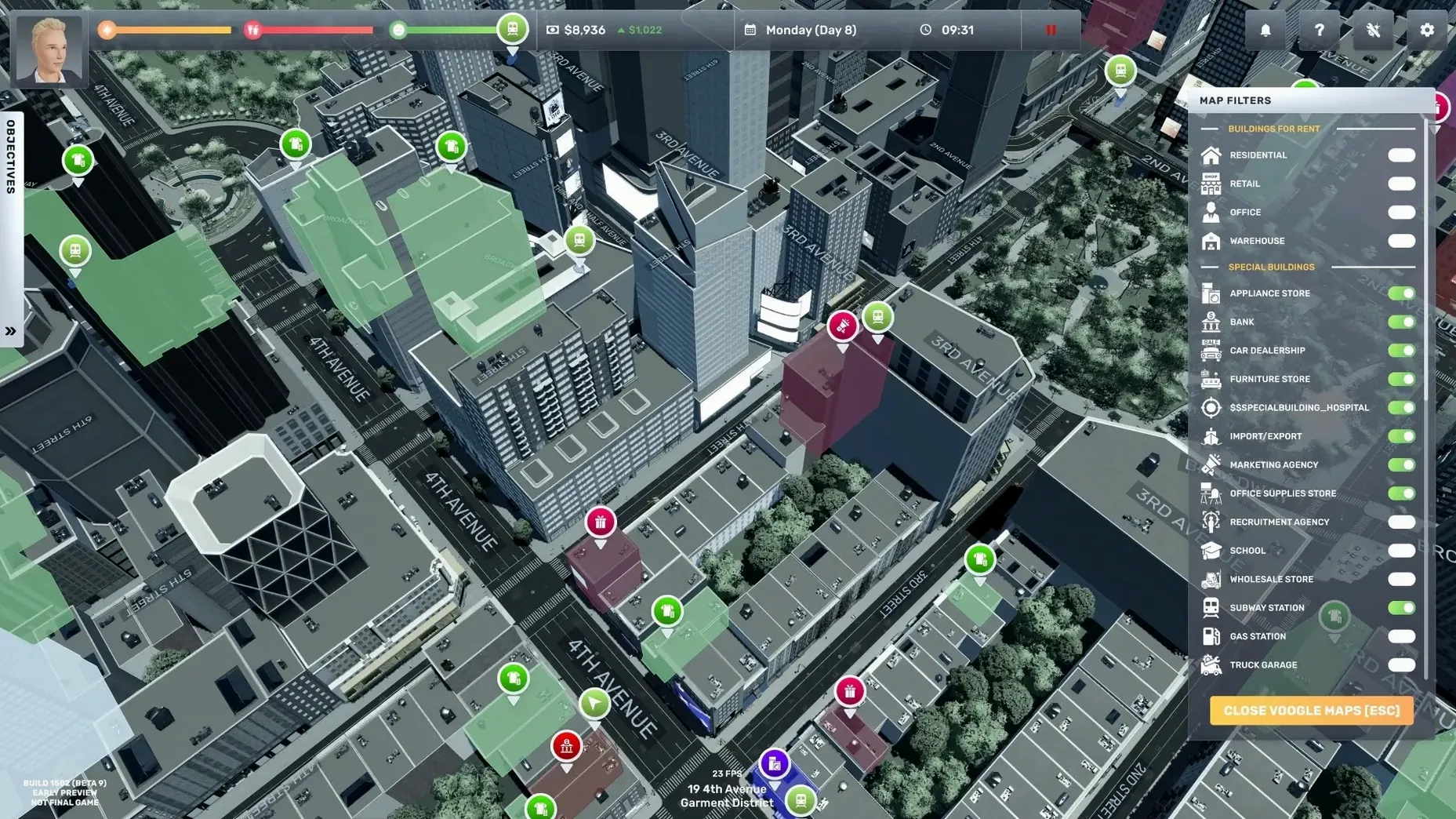
The map screen has a hidden trick too. Double-clicking any owned property marker zooms straight to street level, and the search bar accepts partial names, so typing "flow" finds your flower shop faster than scrolling through a list of fifteen identical icons. On Mac, pinch-to-zoom on a trackpad gives you a smooth overhead view of entire districts, which feels more natural than the scroll-wheel equivalent.
One of the best time-savers is the delivery scheduling system. You can set recurring orders for inventory restocks on specific weekdays, and logistics trucks will handle the runs without further input. Most new players waste hours manually driving shipments before they realize this exists. The game never pushes you toward it, but once you set it up, you'll wonder how you managed without it.
Fans stay quiet on M-series Macs
On an M-series Mac, the game runs surprisingly cool. Fans stay quiet even when you're zooming through Manhattan with traffic density set to high. Load times between interiors and the open world hover around three to four seconds, which keeps the rhythm snappy. Intel Macs with dedicated graphics handle the simulation fine too, though integrated GPUs on older machines will want the shadow and reflection settings dialed back.
Memory usage sits around 2 GB during normal play, climbing closer to 3 GB once you own multiple large warehouses and a fleet of trucks. That's modest for a simulation of this scope. Autosave triggers are frequent but unobtrusive — a brief icon flash in the corner, no stutter. I've left the game running for six-hour sessions without a crash, and the only slowdown I've noticed comes when the city spawns an unusually dense cluster of pedestrians outside a popular store. Dropping pedestrian density by one notch eliminates it entirely.
Battery drain on MacBooks is worth a mention. Uncapped frame rates will chew through a charge in under two hours, but turning on vsync and capping at 60 fps stretches that closer to three and a half. The game remains perfectly playable at 30 fps if you're on a long flight and need to conserve power.
Turn on auto-sort before your first store
The defaults aren't bad, but a few tweaks make the experience noticeably smoother. Head into the options menu before your first real play session and consider these:
- Enable "Auto-sort inventory" on every new store you open. It's off by default, and without it your stockrooms become chaotic messes that confuse employees and slow down restocking.
- Turn off "Camera shake" for driving. The effect is immersive for about ten minutes, then it just gets in the way of reading street names and spotting rival businesses.
- Set employee wages to "Auto-adjust" early. Manual wage tweaking is a distraction from expansion, and the automatic formula keeps staff happy enough to prevent walkouts while you focus on bigger problems.
- Bind a hotkey for the business overview panel. The default requires two clicks through menus. Mapping it to F1 or a thumb button on your mouse cuts a repetitive action down to nothing.
- Lower music volume but keep ambience high. The city soundscape — distant horns, subway rumbles, sidewalk chatter — grounds the simulation. The background music loops are shorter than they first appear and can grate after a few hours.
None of these are game-changing alone, but together they strip away the small frictions that make the early game feel slower than it should. If you grabbed the download big ambitions build to see whether the simulation clicks, these adjustments help you reach the good parts faster — the point where you're managing three stores, a law firm, and a logistics hub without the interface fighting back.
- macOS (Apple Silicon and 64-bit Intel supported)
Questions people ask
Does Big Ambitions run on Apple Silicon Macs?
Yes, it has native support for ARM Macs as well as 64-bit Intel models, so it runs smoothly on modern M-series machines.
What languages does the game interface support?
The interface is available in eleven languages, including English, Russian, German, Spanish, French, Italian, Portuguese, Turkish, Korean, Traditional Chinese, and Simplified Chinese.
Also on readers' docks
Sign in or create an account to leave a comment.
No comments yet. Tell me how it got on with your other devices.
More in Games
See all Besiege
1.91 Games
2.4 GB
Besiege
1.91 Games
2.4 GB
 Batman: Arkham City - Game of the Year Edition
1.2.1 Games
11.3 GB
Batman: Arkham City - Game of the Year Edition
1.2.1 Games
11.3 GB
 Barotrauma
1.13.4.0 Games
1.1 GB
Barotrauma
1.13.4.0 Games
1.1 GB
 Baldur's Gate: Enhanced Edition
2.7.3.0-s Games
4.3 GB
Baldur's Gate: Enhanced Edition
2.7.3.0-s Games
4.3 GB
 BAD END THEATER
1.6.5 Games
90 MB
BAD END THEATER
1.6.5 Games
90 MB
 Castle Crashers
3.3 Games
236 MB
Castle Crashers
3.3 Games
236 MB
 Cat Quest
1.2.13.11 Games
109 MB
Cat Quest
1.2.13.11 Games
109 MB
 Assassin's Creed Shadows
1.0.35 Games
145 GB
Assassin's Creed Shadows
1.0.35 Games
145 GB