









Download Assassin's Creed Shadows for macOS
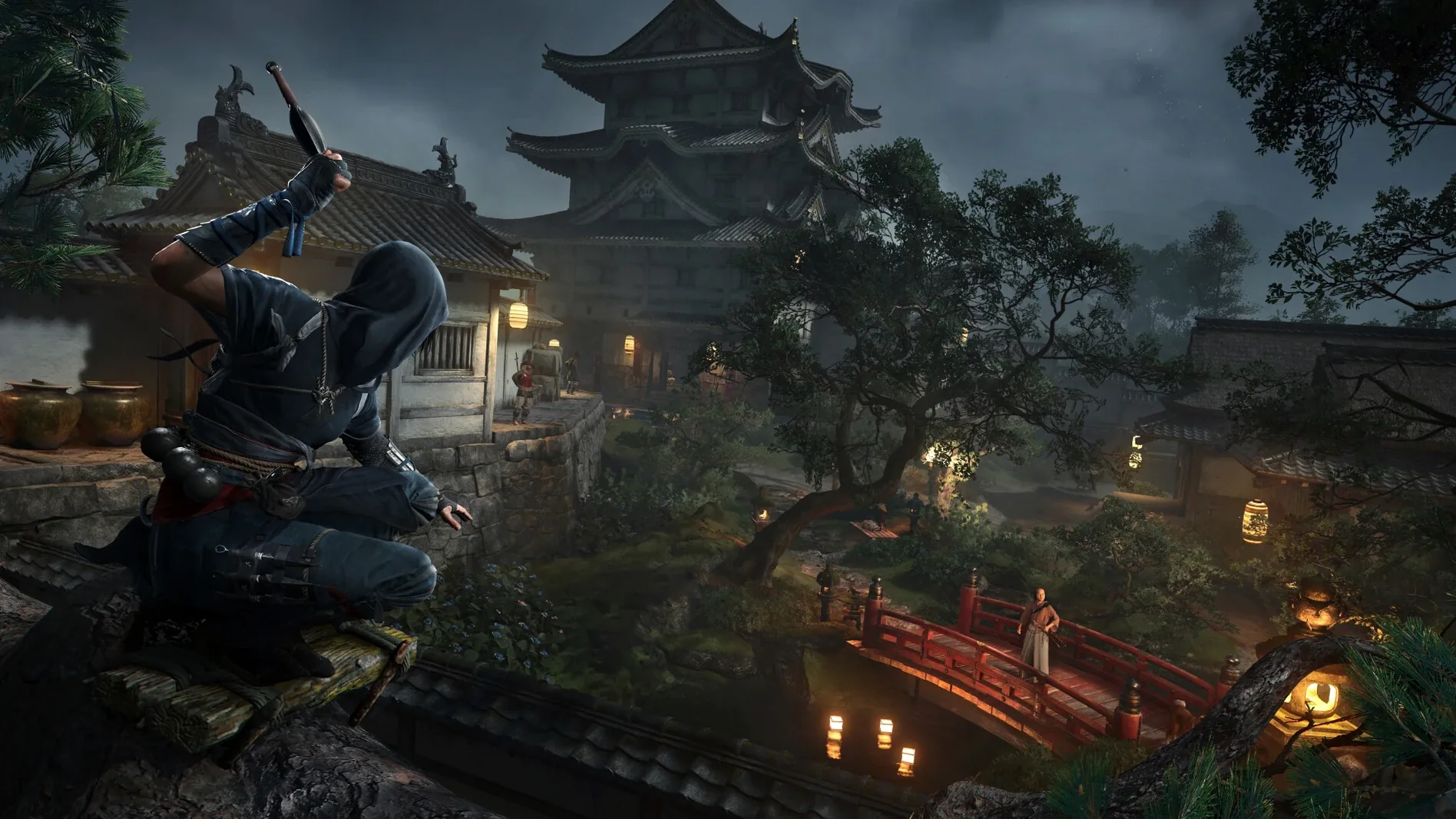
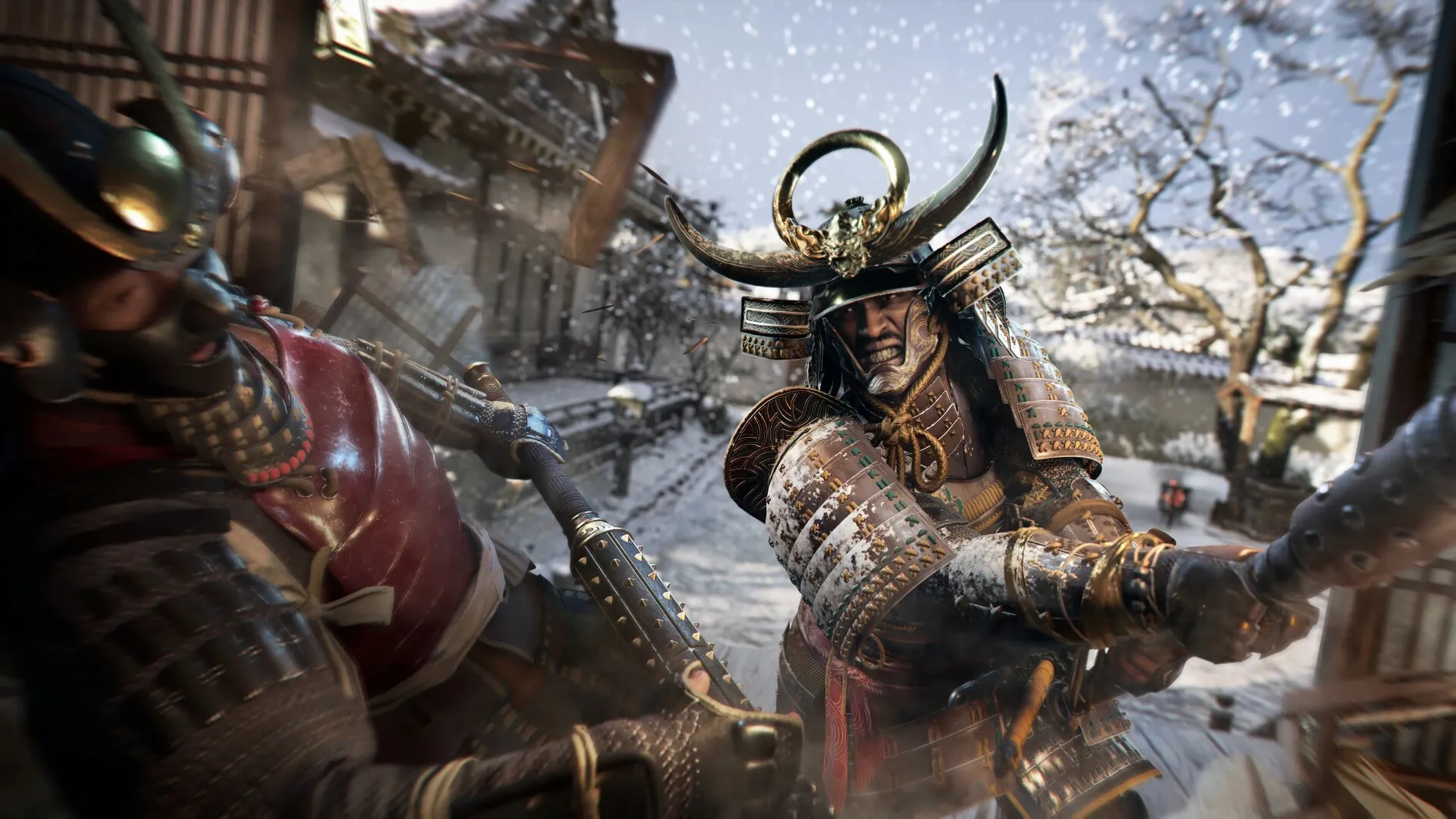
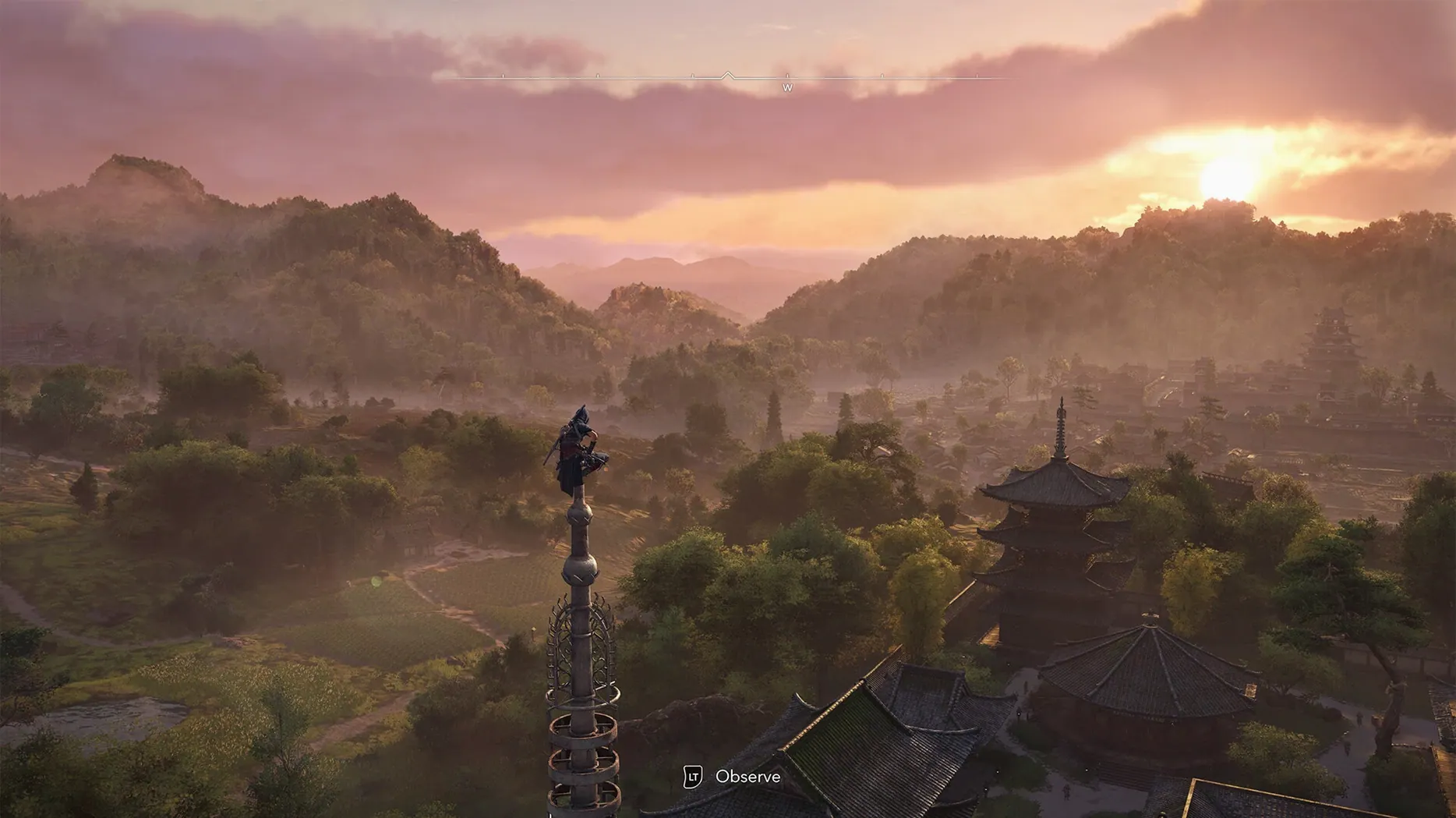
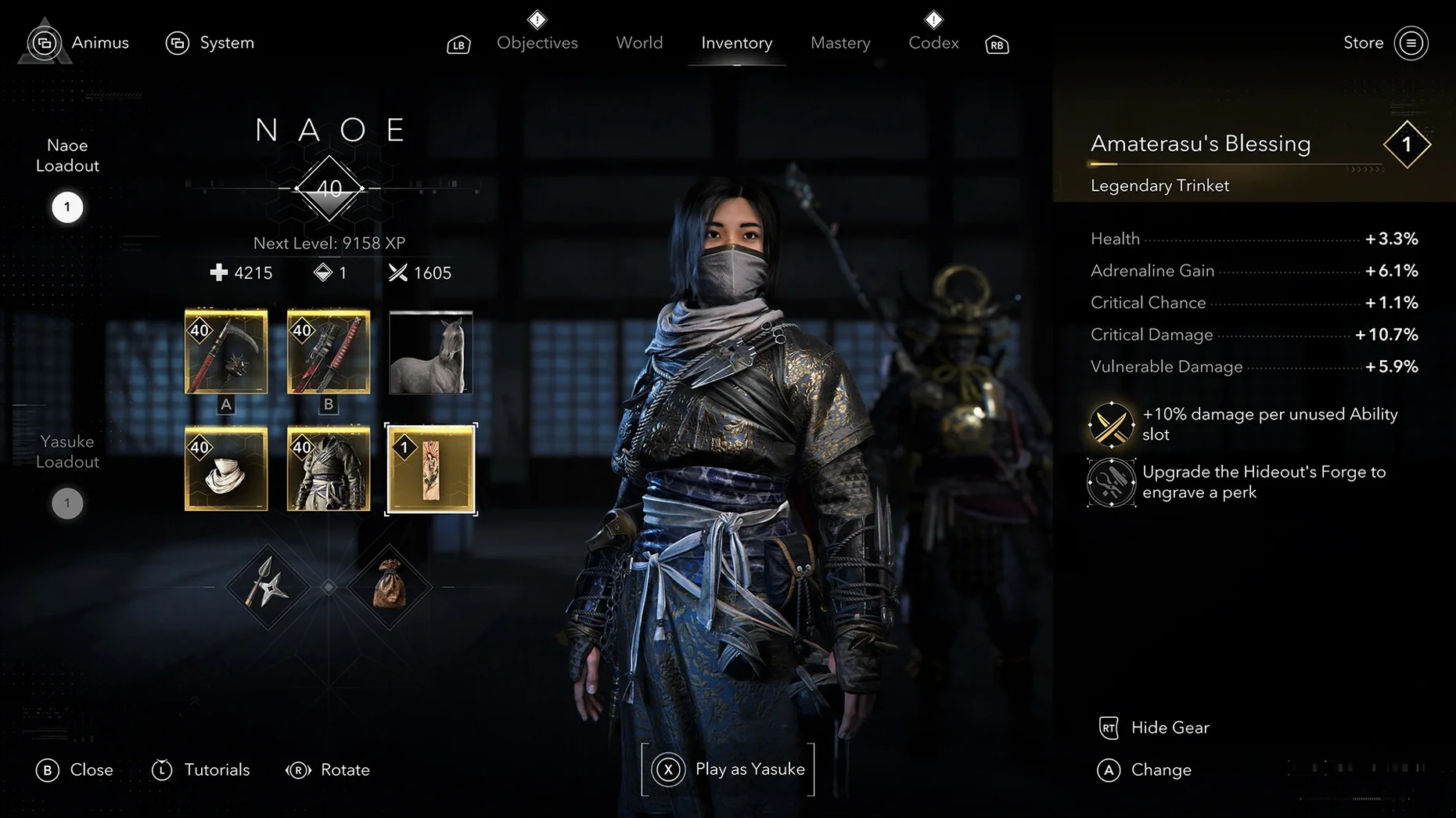
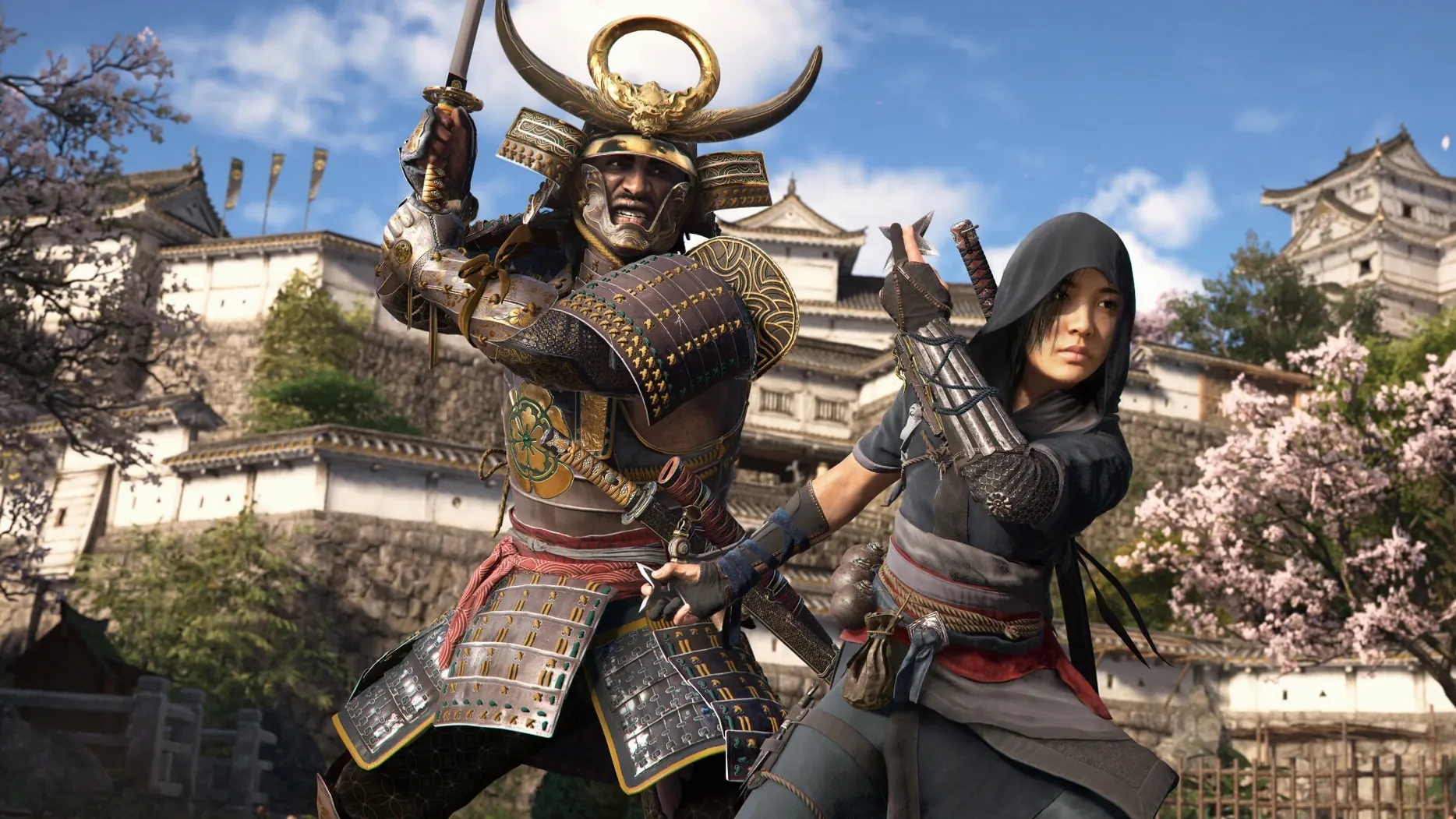
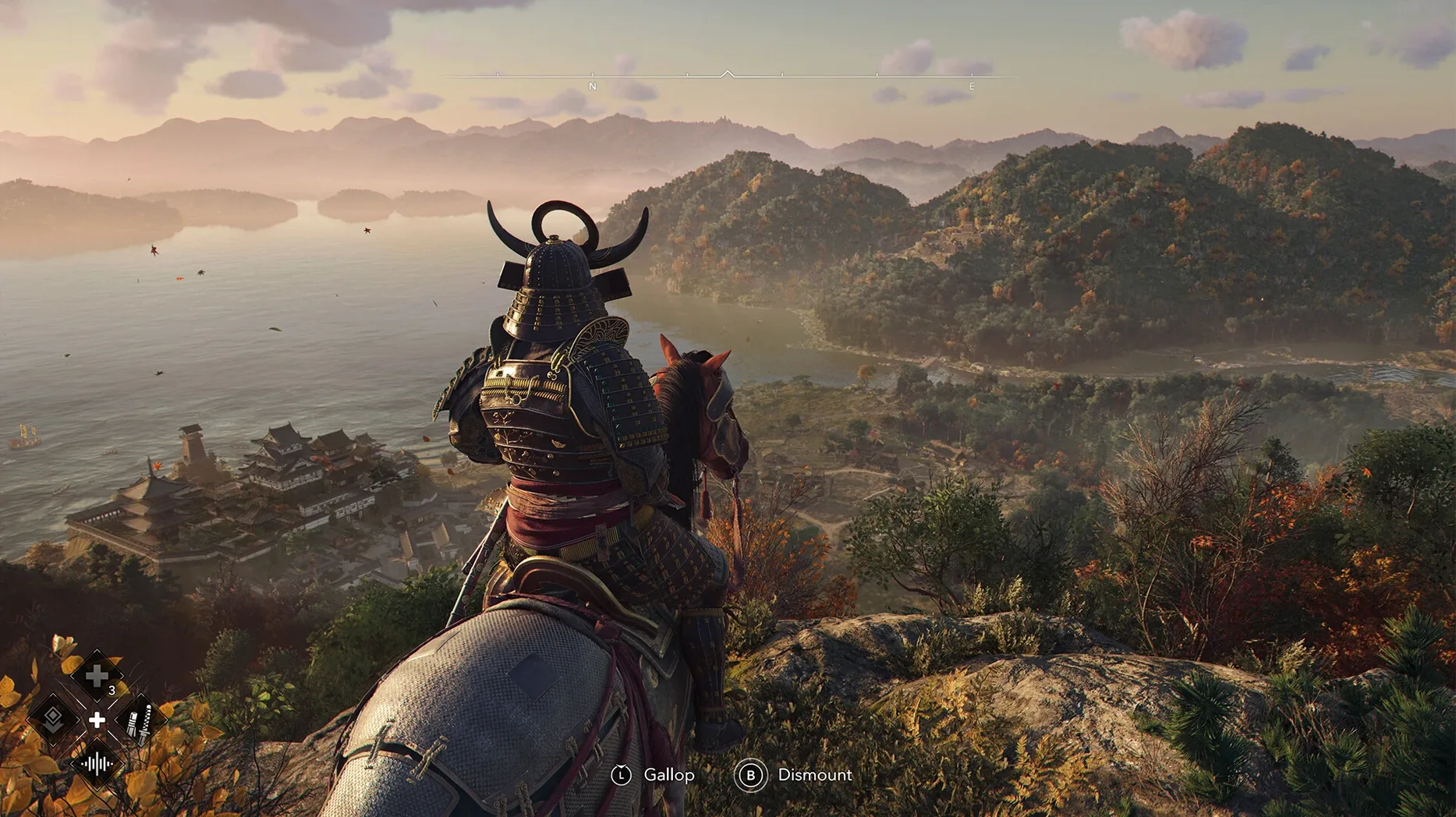
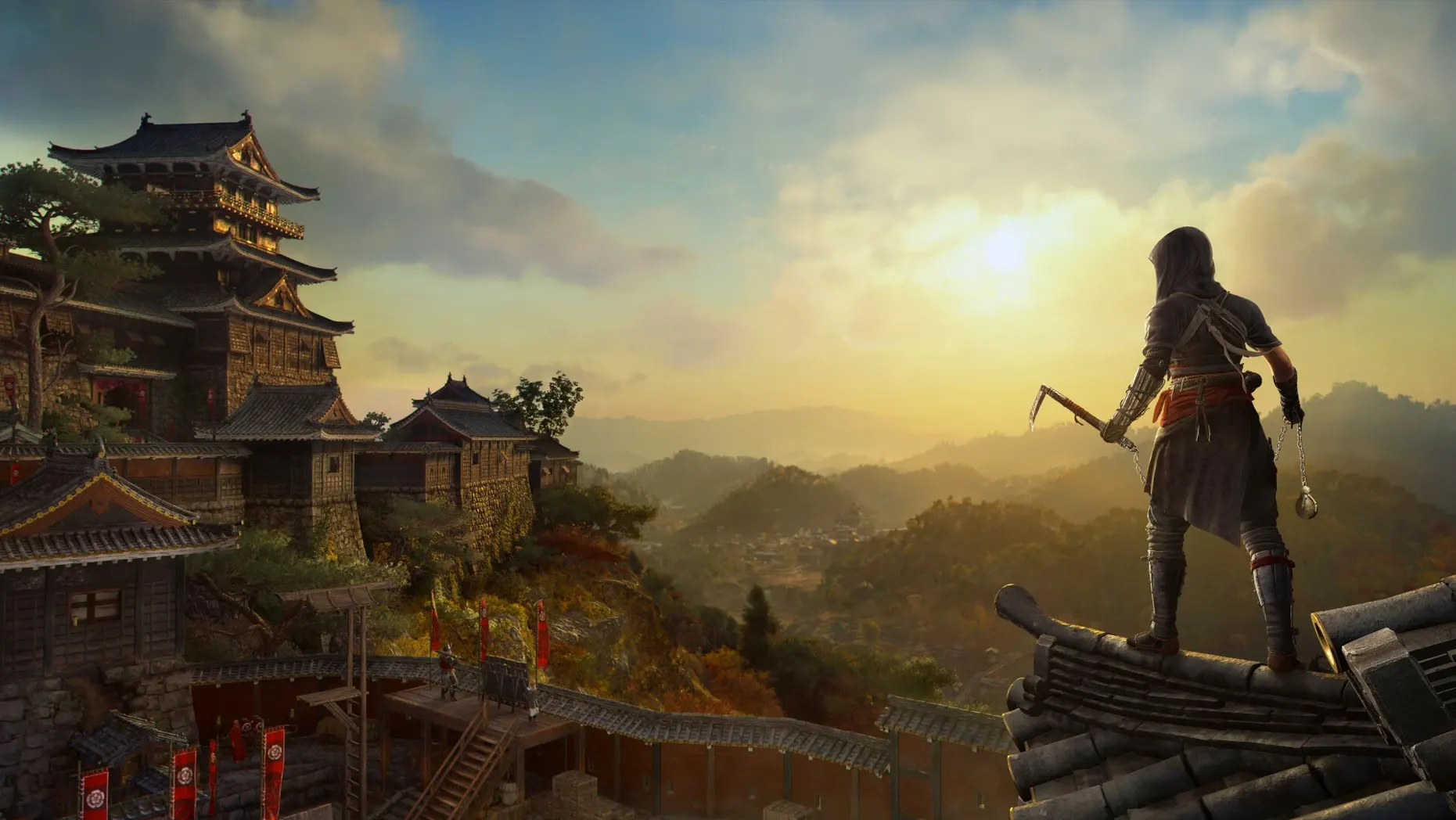
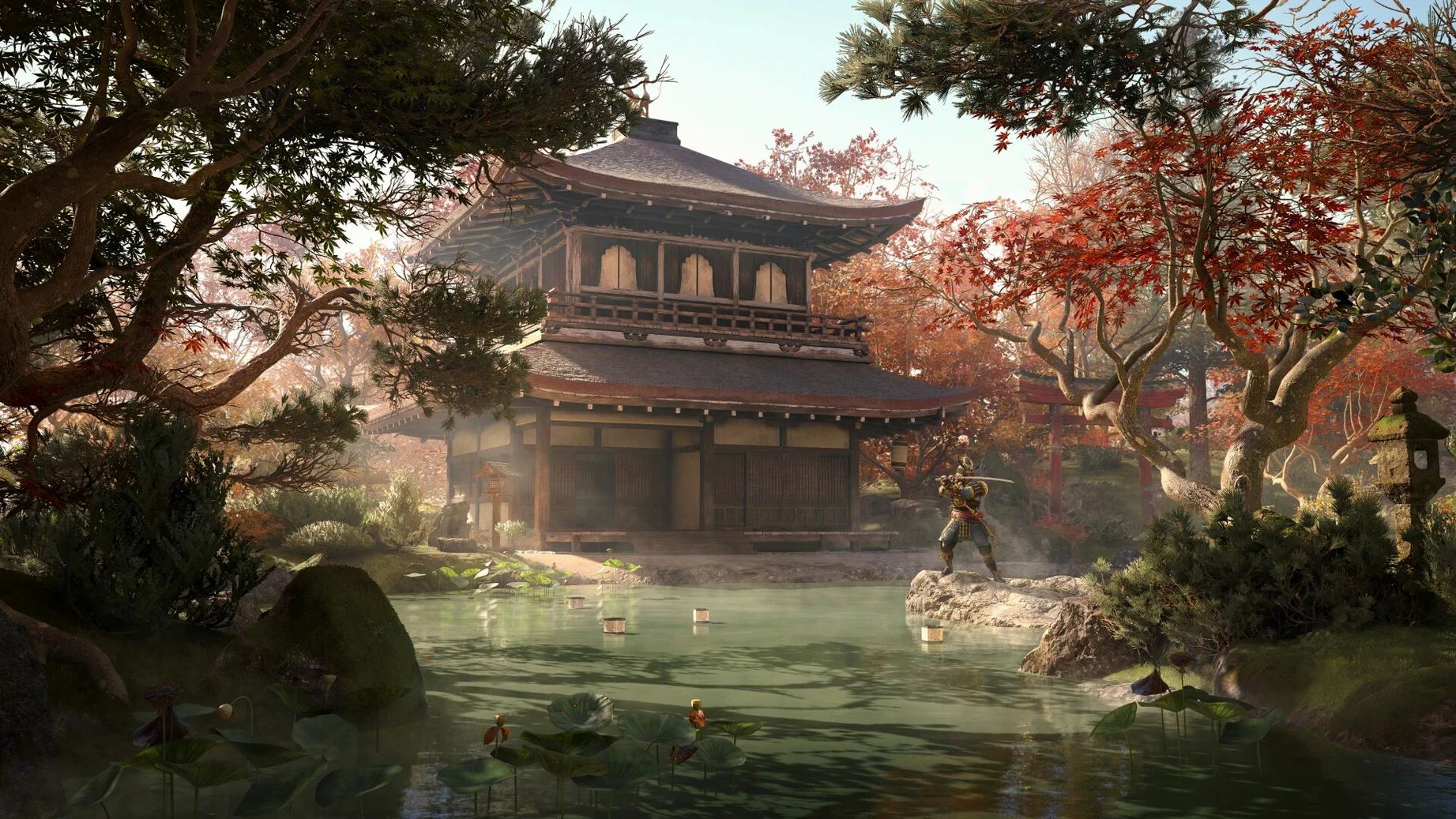
You boot up the game on your Mac mini, register your Ubisoft account, and the world of 16th-century Japan opens around you. Here’s what’s in the box.
Dual protagonists — you switch between Naoe, a shinobi assassin, and Yasuke, each with their own skills and story threads.
Open world with seasons — the landscape shifts through spring, summer, autumn, and winter. Snow slows movement, ponds freeze over, and the environment itself reacts to what you do.
The hideout — a customizable base where you build your shinobi alliance. You train allies here, upgrade rooms, and shape a headquarters that feels like yours.
Action-adventure core — stealth, parkour, and direct combat weave together across castles, villages, and countryside. The time period means tools like the grappling hook and kusarigama sit alongside classic hidden-blade techniques.
An explorer who chases landscapes, not just objectives
Some players rush the map markers, but the feudal Japan Ubisoft built here rewards a different pace entirely. I know someone — let’s call him a virtual photographer with a sword — who treats each session as a landscape hunt. He doesn’t open the scout network until he’s already wandered a province for an hour, watching bamboo groves catch morning light or tracking how frost spreads across a shrine roof after a sudden weather shift. For that kind of player, the open world isn’t a checklist between missions. It’s the main event, and the changing seasons make sure no two visits to the same valley look identical.
He’ll spot a pagoda through drifting petals in spring, then return in winter to find the same path iced over, guards huddled near braziers, and the whole infiltration approach rethought by the weather alone. That’s where the game clicks for someone less interested in min-maxing gear and more in soaking up atmosphere.
M4 Mac mini boots straight to feudal Japan
Here’s how a typical evening plays out on an M4 Mac mini. First, you launch the app — the Ubisoft account prompt flashes briefly, then you’re in. No fiddling with graphics presets beyond what the Mac version sets by default; the Metal 3 pipeline does its work and you let it. You pick up where you left off: Naoe crouched on a castle-town rooftop, autumn leaves skittering across the tiles.
You spend ten minutes just surveying. The scout network pings a merchant convoy to the west, but a closer target catches your eye — a samurai patrol circling a port warehouse. You switch to Yasuke because the direct approach feels right tonight. You drop into the street, shoulder through a crowd of townsfolk, and the combat rhythm takes over: heavy strikes, a parry that staggers two guards at once, then a quick finisher. The weather shifts mid-fight. Rain slicks the cobblestones, and the framerate holds steady even as puddles reflect torchlight and sword sparks.
After the skirmish, you retreat to the hideout. This part of the session slows way down. You rearrange the main hall layout, install a new training dummy for an ally you recruited two missions ago, and craft a gear upgrade from materials gathered earlier. You notice a key character waiting near the garden — a short dialogue scene unlocks a side thread you’d missed. By the time you save and quit, the session has spanned combat, exploration, base-building, and story, all without a loading screen pulling you out of the world.
Safari stays snappy on a second display while you play
The game plays nicely with the Mac ecosystem in small but practical ways. Because it runs natively on Apple Silicon, you can keep Safari open on a second display with a map guide or a community thread without the system grinding to a halt. I’ve had Notes open in a floating window to jot down scout locations while the game hums along — something that feels natural on macOS but still catches me off guard with a title this heavy.
Mission tracking pairs well with Reminders if you’re the type to plan a play session in advance: drop a quick note like “clear the port warehouse” and it sits alongside your real-world tasks. The hideout customization loop also echoes the kind of base-building you’d find in a dedicated management sim, so if you enjoy apps like Frostpunk or even lighter settlement builders, the crafting and ally-training rhythm here scratches a similar itch without leaving the action-adventure frame.
For anyone who grabbed the ac shadows mac torrent route or went the direct download path, the installation is the same: open the disk image, drag the app to Applications, launch, and register the Ubisoft account. Once it’s in place, Spotlight finds it instantly, and the game sits in your Launchpad like any other native Mac app — no wrapper, no translation layer, just Metal 3 pushing pixels to an HDR-capable display if you’re on an M3 or M4 machine.
- macOS 15 Sequoia or later
- Apple Silicon Mac
- 16 GB RAM
- 130 GB available storage
- Ubisoft account required to launch
Questions people ask
Do I need a Ubisoft account to play?
Yes, launching the game requires you to register or log into a Ubisoft account.
What languages are the voices in?
Voice languages include English, German, Spanish, Italian, Portuguese, French, and Japanese.
Also on readers' docks
Sign in or create an account to leave a comment.
No comments yet. Tell me how it got on with your other devices.
More in Games
See all Assassin's Creed Revelations
1.03 Games
6.4 GB
Assassin's Creed Revelations
1.03 Games
6.4 GB
 BAD END THEATER
1.6.5 Games
90 MB
BAD END THEATER
1.6.5 Games
90 MB
 Baldur's Gate: Enhanced Edition
2.7.3.0-s Games
4.3 GB
Baldur's Gate: Enhanced Edition
2.7.3.0-s Games
4.3 GB
 Barotrauma
1.13.4.0 Games
1.1 GB
Barotrauma
1.13.4.0 Games
1.1 GB
 Batman: Arkham City - Game of the Year Edition
1.2.1 Games
11.3 GB
Batman: Arkham City - Game of the Year Edition
1.2.1 Games
11.3 GB
 Besiege
1.91 Games
2.4 GB
Besiege
1.91 Games
2.4 GB
 Big Ambitions
1.0.3682 Games
2.3 GB
Big Ambitions
1.0.3682 Games
2.3 GB
 Angry Birds Reloaded
4.2 Games
431 MB
Angry Birds Reloaded
4.2 Games
431 MB