









Download 7 Days To Die for macOS
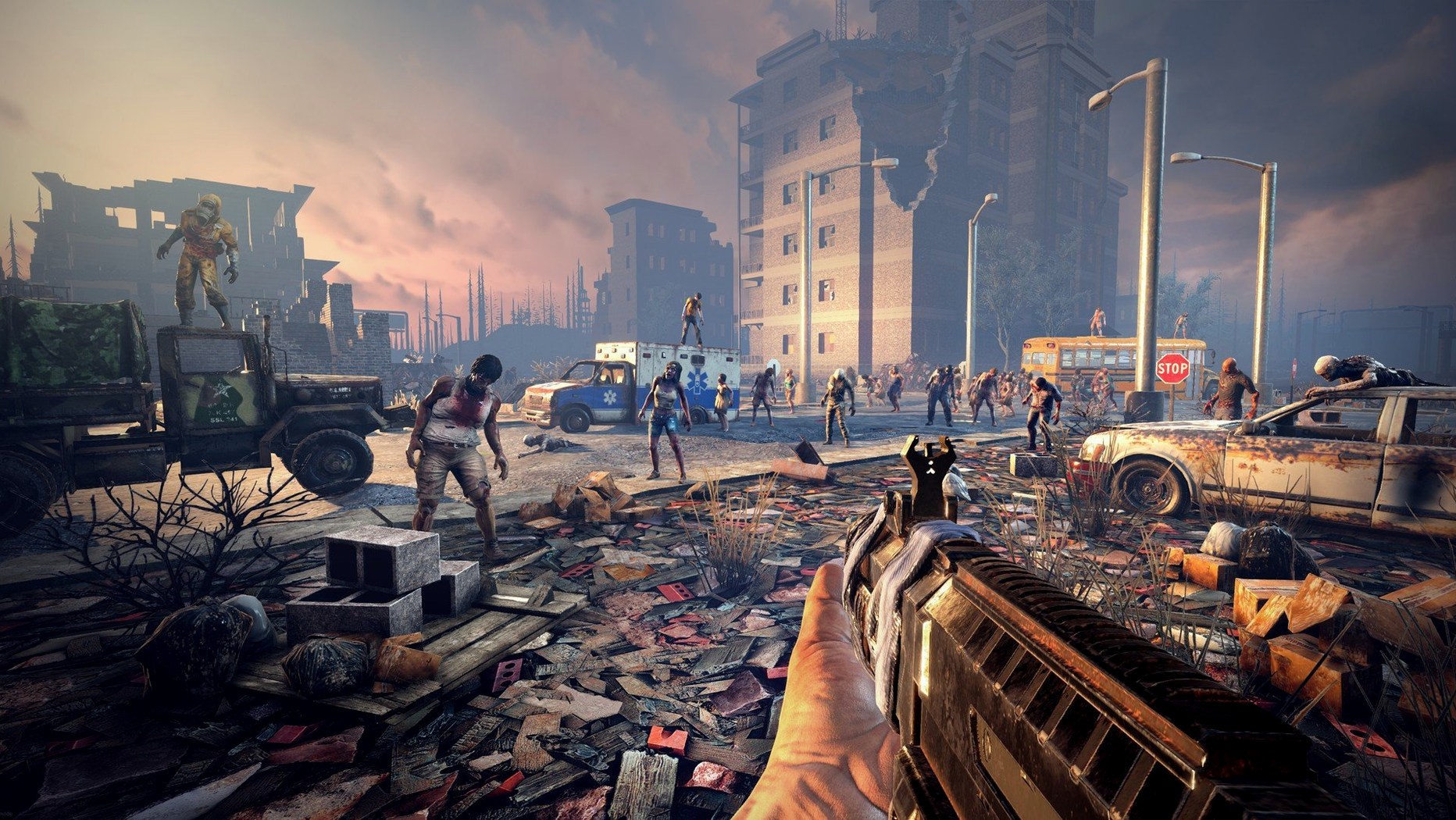
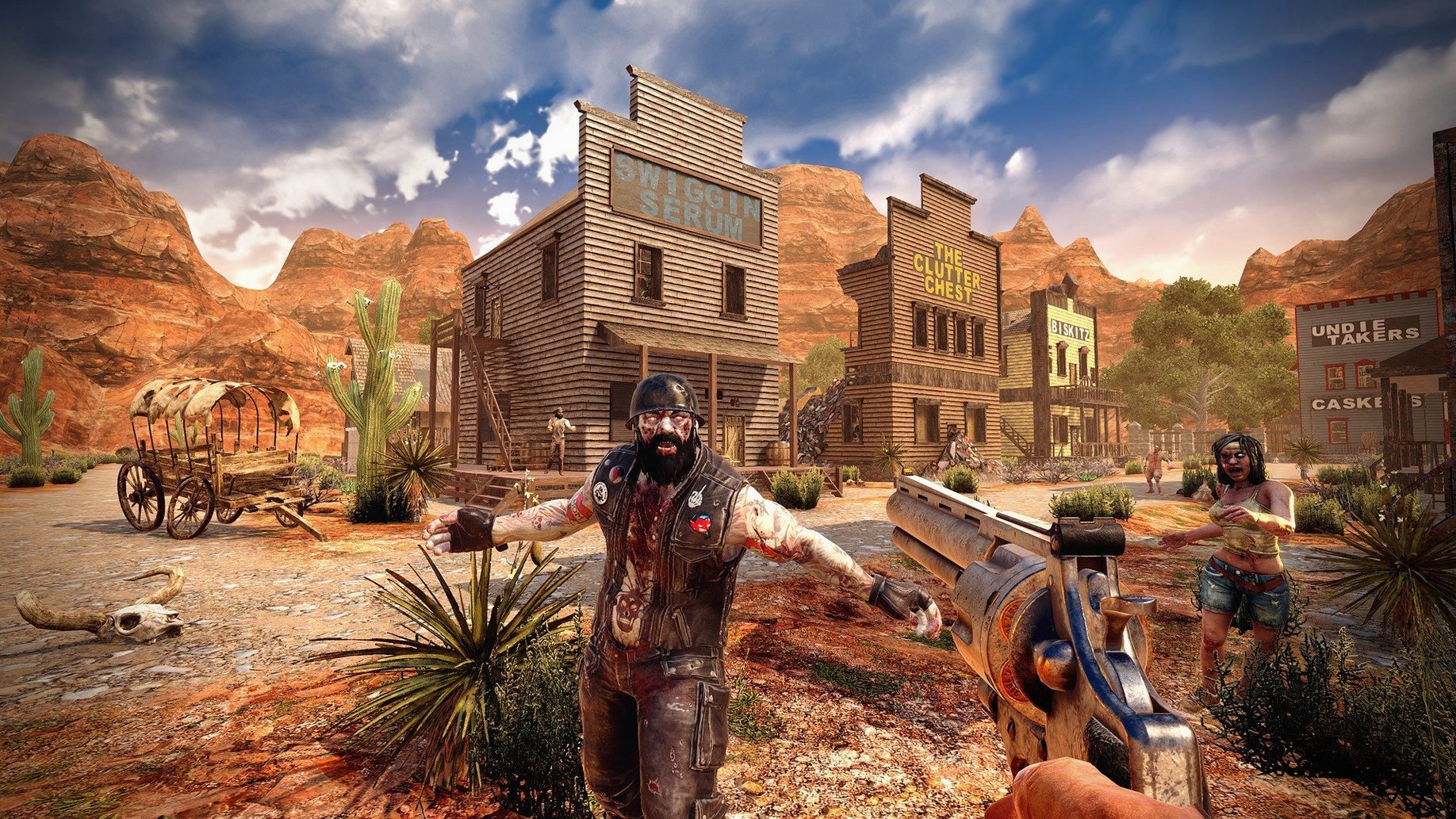
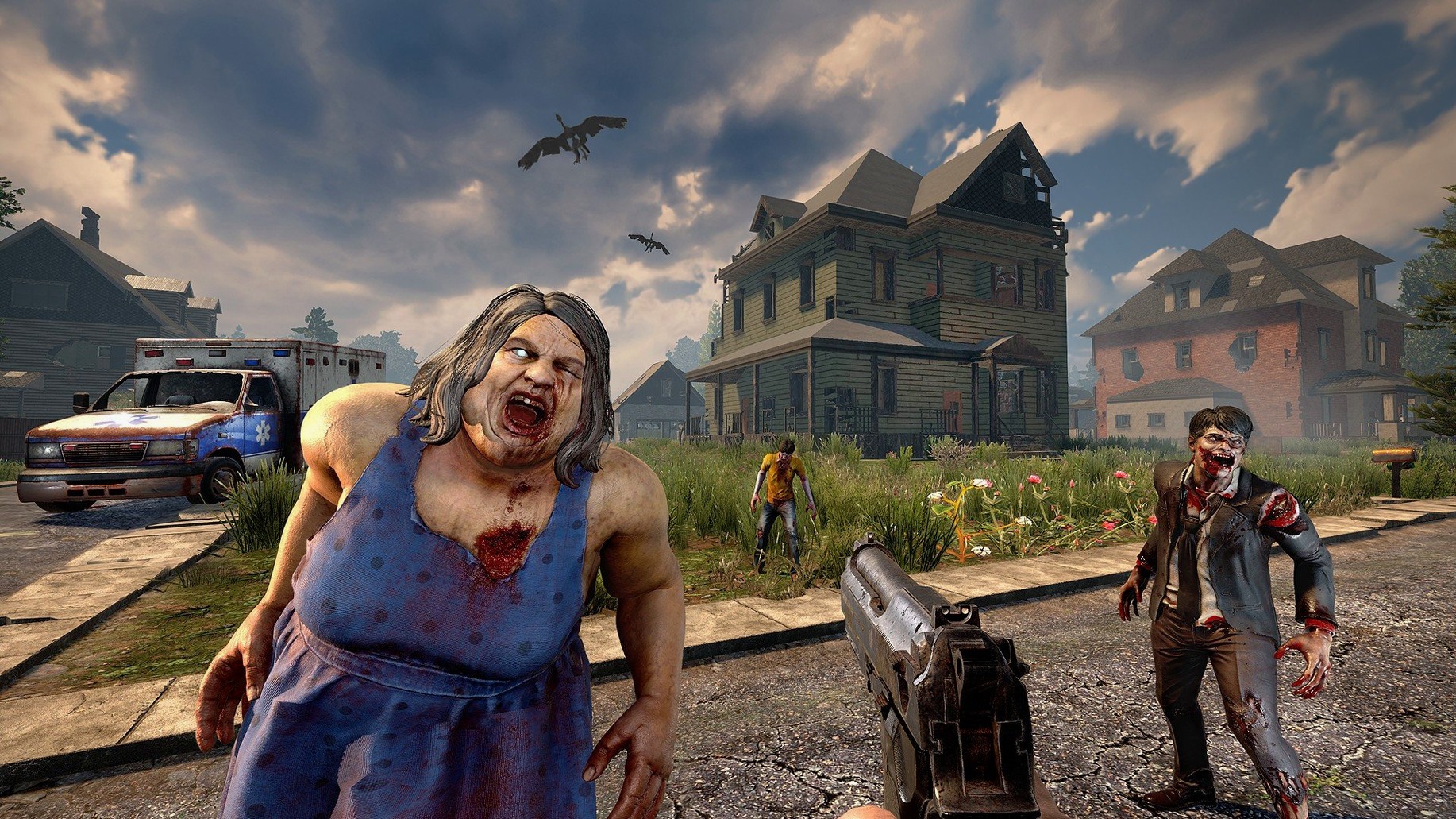
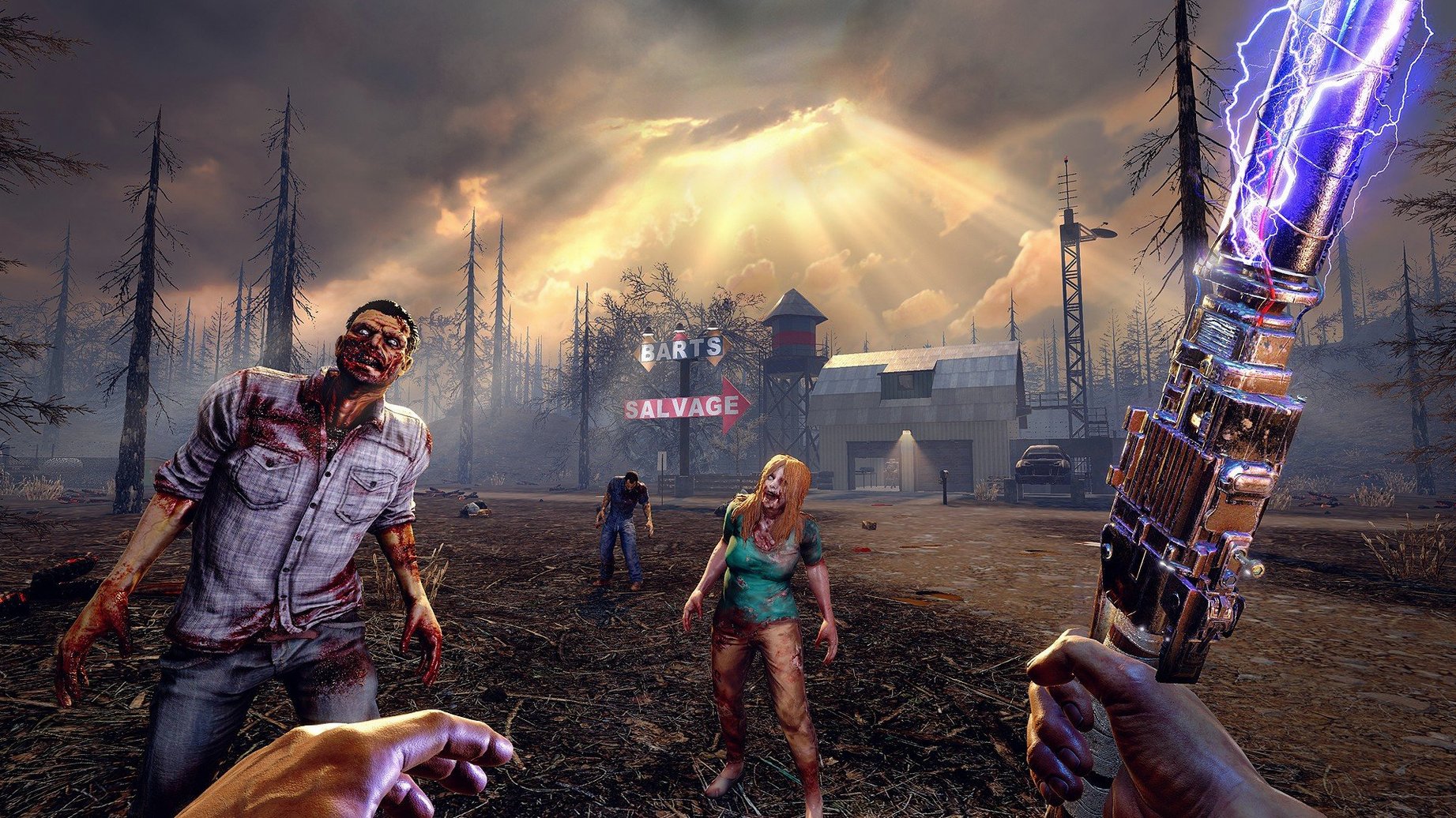
You crouch behind a reinforced wooden frame as the sky bruises purple. In the distance, a guttural moan signals the start of the seventh night. Your stash of arrows is low, but the concrete base you spent the last six in-game days pouring might just hold. That’s the rhythm of 7 Days to Die—long stretches of quiet scavenging and building punctuated by absolute chaos.
This isn’t a run-and-gun shooter. It’s a survival sim that rewards patience and punishes slapdash planning. Here’s who tends to click with it:
- The obsessive builder. With over 1,300 building blocks and a structural integrity system where buildings can collapse under their own weight, you’ll think like an engineer, not just a decorator.
- The long-haul survivalist. Managing nearly 50 buffs and illnesses while reading over 100 skill books to improve five core attributes makes character growth feel earned over weeks, not minutes.
- The tinkerer. Collecting parts to build and customize a bicycle, minibike, motorcycle, 4x4 truck, or gyrocopter turns transportation into a project.
- The explorer. Worlds can reach 100 square kilometers, whether you pick a hand-crafted campaign map or let the game generate a random wasteland for you.
If you want a quick adrenaline fix or a tightly scripted story, this won’t be your jam. The Fun Pimps built a sandbox where the fun comes from setting your own goals—building a fortress, mastering crafting with over 800 items, or just surviving one more night. It’s clunky, it’s demanding, and for the right player, it’s impossible to put down.
Rebind the Quick-Drop Key Before You Accidentally Toss Your Weapon
The default settings in 7 Days to Die are fine for a first look, but a few tweaks early on save frustration later. I always head straight into the controls menu and rebind the quick-drop key—it defaults dangerously close to the interact key, and nothing stings like tossing your only firearm into tall grass during a night raid. While you're there, bump the mouse sensitivity down a notch; the default feels slightly floaty on Mac, especially when aiming down sights in cramped prefab houses.
Under the video tab, turn off motion blur immediately. It softens the already gritty visuals into a smeary mess during sprinting and melee combat. If your Mac has an Apple Silicon chip, switch the renderer to Metal in the launcher before the game boots—OpenGL still works but introduces occasional hitching when the horde spawns. I also drop shadow distance to medium even on newer hardware; the framerate gain is real, and you'll still spot silhouettes against the moonlight just fine.
The audio menu deserves attention too. Crank ambient sounds down to about 40% and leave enemy footsteps at full volume. Over sixty zombie types roam each 7 days to die world, and several special infected have subtle audio tells—hearing a spider zombie skitter before you see it keeps you alive. One more thing: enable the UI option that shows food and water percentages as numbers. Guessing hydration from a tiny icon while sprinting through the burnt forest biome is a recipe for an early grave.
30-Second Map Loads, Even With Dozens of Storage Crates
After dozens of hours across multiple saves, version 3.2.0.B10 holds up surprisingly well on a Mac mini. Load times into a fresh procedurally generated map sit around thirty seconds; returning to an established base with dozens of storage crates and electrical wiring adds maybe ten more. Once you're in, the framerate stays smooth during exploration and looting—even inside the larger tier-five POIs with multiple zombie spawns and collapsing floors.
Stability is solid but not flawless. I've had one crash-to-desktop in roughly forty hours, and it happened while rapidly cycling through trader inventories. The recent texture memory fix in this build is noticeable: gear no longer causes a brief stutter when equipping a full set of military armor. RAM usage hovers around 6 GB on medium settings, leaving breathing room even on 8 GB machines. The real test, however, is Blood Moon night. With twenty-plus zombies pathing toward a fully electrified base, the engine dips into the mid-30s but never freezes. That's impressive given the structural integrity calculations happening in real time as blocks take damage.
One quirk worth knowing: the gyrocopter controls feel laggy on keyboard input, likely a deadzone tuning issue. Stick to the motorcycle for overland travel until you've practiced in a creative test world. Farming, hunting, and the reworked combine station UI all click along without hiccups—the interface overhaul makes merging items feel less like spreadsheet work and more like actual crafting.
Spending Three Evenings on an Underground Auto-Turret Bunker
This game sinks its hooks deepest into players who treat a single save like a long-term project. If the idea of spending three real-world evenings building an underground bunker with automatic turrets, motion sensors, and a backup generator sounds like a great time, you'll thrive. Co-op groups get an extra layer: splitting roles into builder, scavenger, and farmer turns the grind into a shared operation. Competitive servers add betrayal and base-raiding tension that solo play can't replicate.
It's less suited for anyone who wants directed action. There's no final boss, no evacuation cutscene—just the next sunrise and a list of repairs to make. But for survival game veterans who bounced off more forgiving titles, the structural collapse mechanics and illness system bring stakes that keep every decision meaningful. Fans of deep crafting trees will lose themselves in the 500-plus recipes, and anyone who loves terraforming a 7 days to die world into something uniquely theirs will find the painting system and block variety addictive. It rewards the kind of player who keeps a notebook beside the keyboard, jotting down where they stashed spare engine parts three towns over.
- Apple Silicon or Intel 64-bit Mac
Questions people ask
Does 7 Days to Die work on Apple Silicon Macs?
Yes, the game runs on both Intel and Apple Silicon Macs through Rosetta 2, and requires macOS 10.13 or later with 8 GB of RAM.
Can I play 7 Days to Die on a Mac with integrated graphics?
It’s not recommended. The game requires a dedicated graphics card with at least 2 GB of memory and DirectX 11 support to run properly.
What changed in the latest 7 Days to Die update?
Version 3.2.0 lets you open trader doors with a vehicle horn, reworked the combine station interface, and fixed some player gear textures that were using too much memory.
Also on readers' docks
Sign in or create an account to leave a comment.
No comments yet. Tell me how it got on with your other devices.
More in Games
See all A Dance of Fire and Ice
3.3.1 Games
725 MB
A Dance of Fire and Ice
3.3.1 Games
725 MB
 Age of Empires II: Definitive Edition
1.2 Games
75 GB
Age of Empires II: Definitive Edition
1.2 Games
75 GB
 Alien: Isolation
1.0.1 Games
19.3 GB
Alien: Isolation
1.0.1 Games
19.3 GB
 Alto's Odyssey — Remastered
1.1.8 Games
150 MB
Alto's Odyssey — Remastered
1.1.8 Games
150 MB
 Angry Birds Reloaded
4.2 Games
431 MB
Angry Birds Reloaded
4.2 Games
431 MB
 Assassin's Creed Revelations
1.03 Games
6.4 GB
Assassin's Creed Revelations
1.03 Games
6.4 GB
 Assassin's Creed Shadows
1.0.35 Games
145 GB
Assassin's Creed Shadows
1.0.35 Games
145 GB
 BAD END THEATER
1.6.5 Games
90 MB
BAD END THEATER
1.6.5 Games
90 MB