









Download Alto's Odyssey — Remastered for macOS

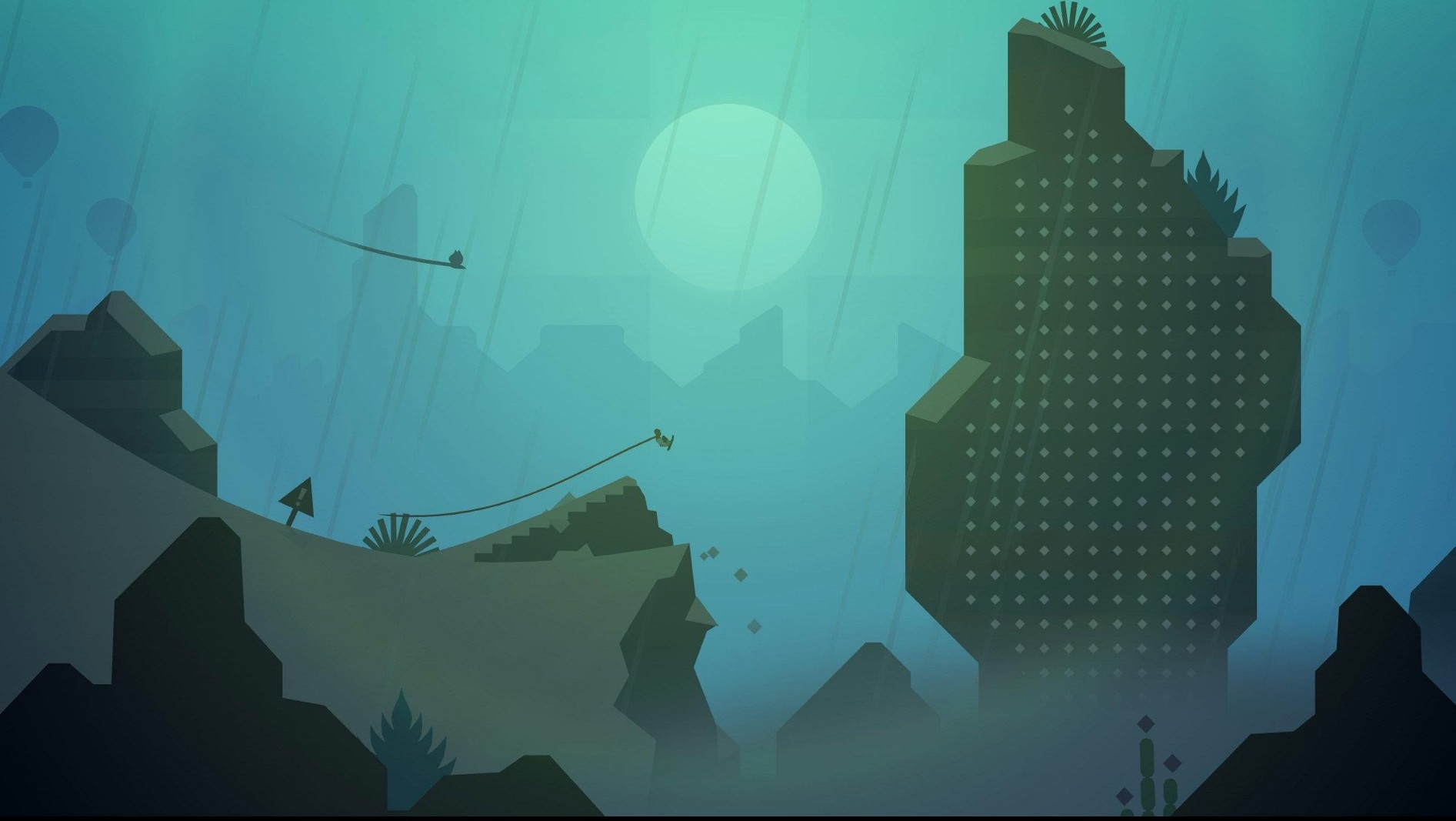
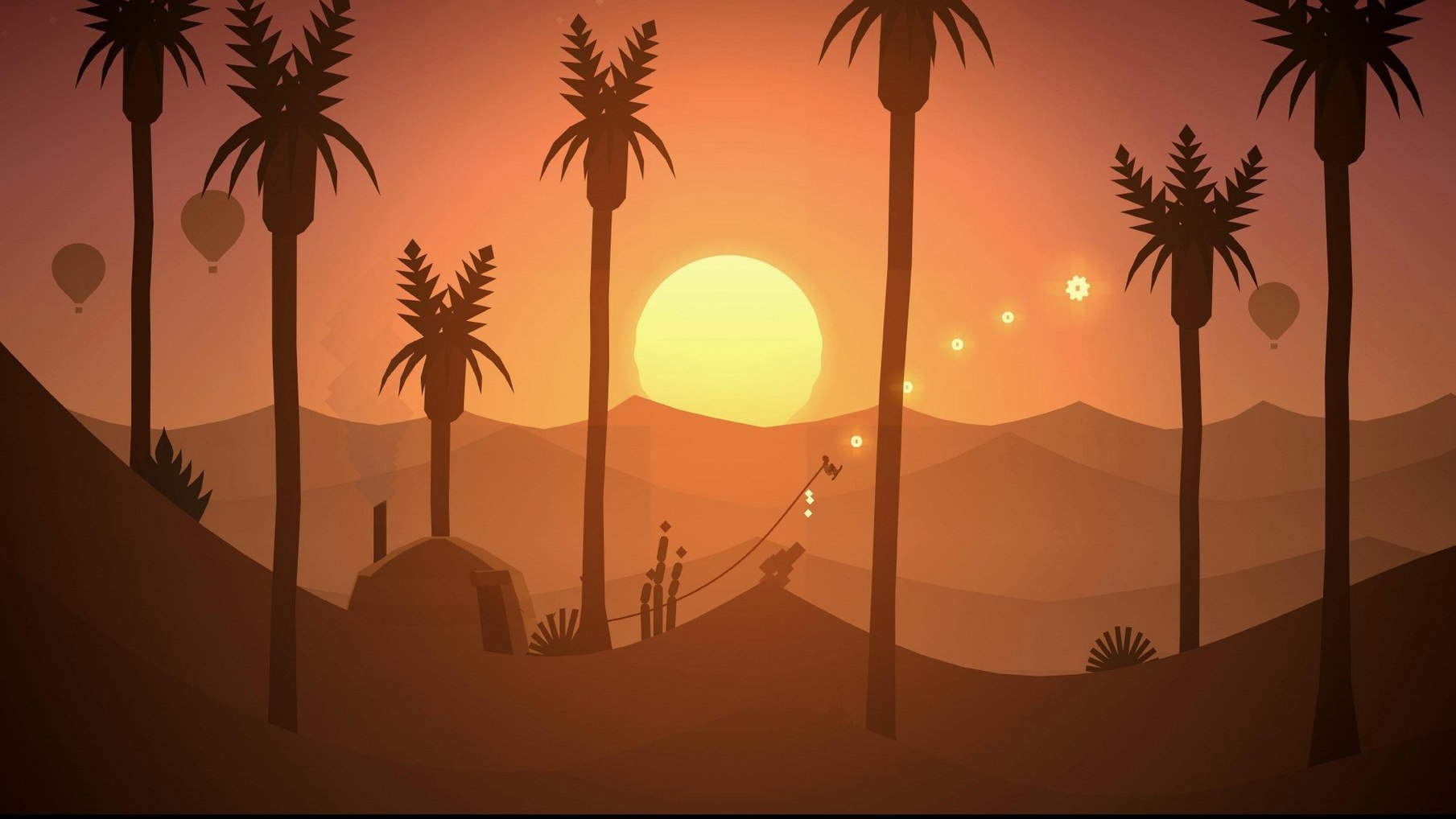
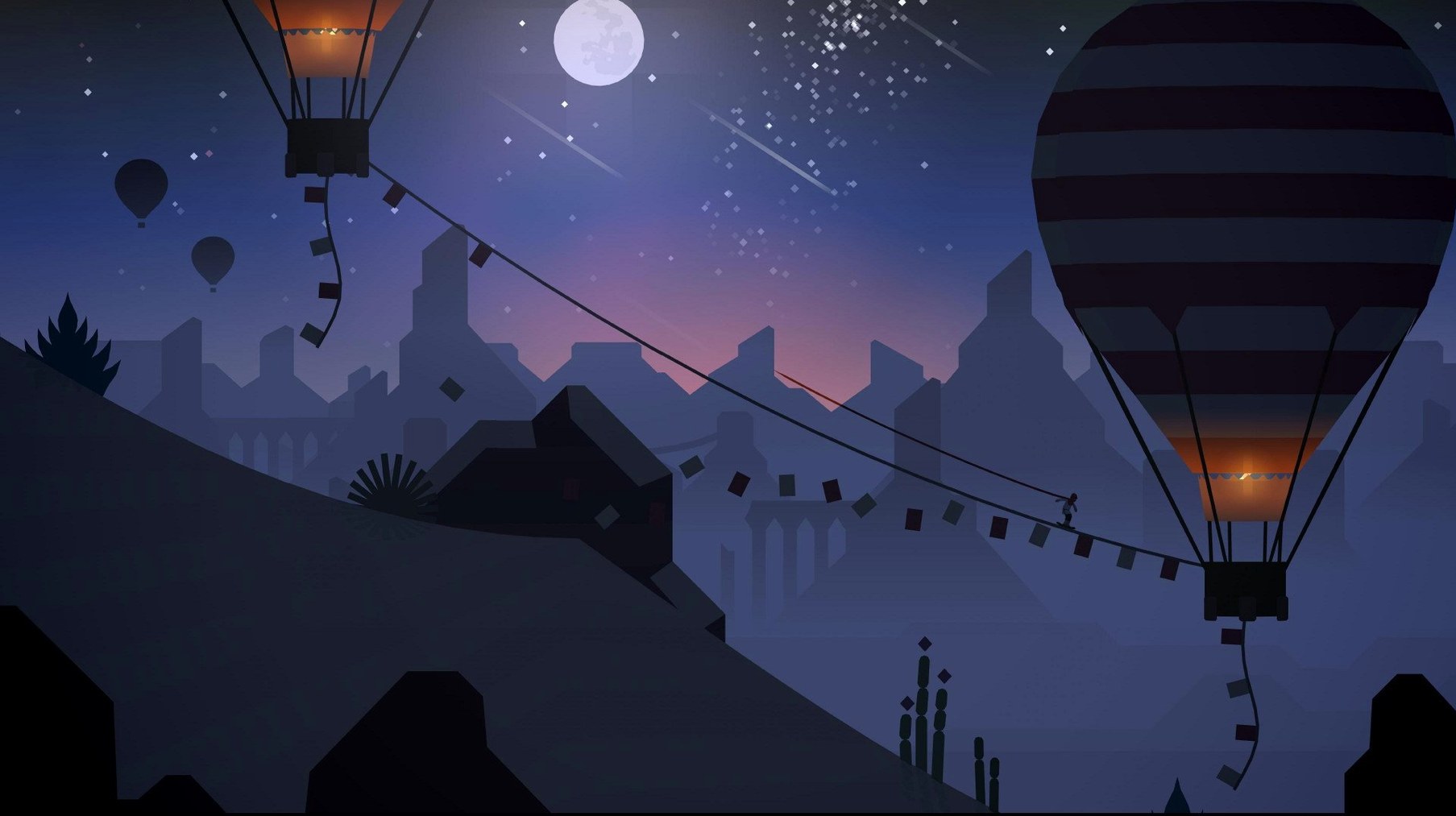
...catch that low-hanging vine line and the world becomes a fluid grind down a crumbling stone wall, wingsuit snapping open the moment you leave the surface. Alto's Odyssey — Remastered brings that quiet desert adventure to macOS with a build that feels right at home on Apple Silicon and Intel Macs alike. The controls are simple enough — a click to jump, a hold to flip — but the real performance story is how smoothly the endless dunes, ancient temple ruins and vast underground caves scroll past. Hidden challenges are tucked into the new biome, while the music-only audio keeps the focus on the journey across the sands with Alto and his friends, still searching for the Lost City.
When Your Controller Won't Register
Even a game this polished can throw a curveball now and then. Here are the hiccups I've bumped into and what actually helps.
- Controller won't register. If your Bluetooth gamepad is connected but Alto just stands there, try turning the controller off and back on after the game has launched. The remastered build sometimes grabs input during the splash screens and misses a late connection. A quick reconnect almost always sorts it.
- Progress not syncing between devices. The iCloud sync relies on the same Apple ID being signed in across your Mac, iPhone, or iPad, and Game Center needs to be active. If you've just installed on a new Mac, open the game once, quit fully, then relaunch — that nudges the sync into gear. Give it a minute on the title screen before diving in.
- Stuttering on Intel Macs with Retina displays. The default resolution can be ambitious. Head into the graphics settings and drop the resolution scaling a notch. The game's painterly desert vistas lose almost nothing, but frame pacing tightens right up, especially in the stormy canyon sections.
- Wingsuit won't deploy. You need a bit of air and a long press — a quick tap only does a standard jump. If you're hugging the ground, the suit simply won't trigger. Find a dune lip or a hot air balloon and hold that click firmly.
No Subscription Needed to Run
A few things come up again and again when someone is eyeing this remastered edition. Here's the straight talk.
Does this work without an Apple Arcade subscription? The Remastered build runs as a standalone app once installed — no ongoing subscription check, no sign-in prompt nagging you on launch. It's the full game, not a trial.
Can I pick up where I left off on my iPad? Absolutely, as long as you're using the same Apple ID and have iCloud enabled for the game. Your high scores, unlocked characters, and challenge progress travel between devices. It's genuinely one of those cross-device setups that just works once it's synced.
Is a controller better than keyboard and mouse? That's a matter of rhythm. The keyboard (click to jump, hold for tricks) is perfectly responsive, but something about a gamepad's shoulder buttons makes chaining wall rides and wingsuit glides feel more organic. Try both — the game switches input on the fly without any menu diving.
Late Evening Desert Glide
It's late evening, the kind where you want something absorbing but not demanding. I double-click the icon and the desert fades in, warm oranges and dusky purples stretching to the horizon. The title screen hums with that low, wind-through-canyons ambience — music only, no voices, just the sound of the sands.
I start a new run. Alto pushes off and immediately I'm carving down the first dune, clicking to jump just as the slope crests. A hot air balloon drifts into view and I angle toward it, bounce off the canopy, then hold the click for a backflip that lands cleanly on a vine line. The grind carries me through a crumbling archway and into a cave system where the light shifts to deep blues and the walls narrow. I miss a jump, Alto tumbles, and the run ends — but the restart is instant, no loading screen, no break in the mood.
Next run I'm more deliberate. I notice a challenge tracker pop up — "grind three vine lines in one run" — so I adjust, seeking out the temple ruins where vines drape naturally between stone pillars. Two down, then a third appears just past a chasm. I commit, wingsuit out over the gap, land on the vine, and the challenge completes with a satisfying chime. The Lost City still feels far off, but tonight I've unlocked a new character and that's enough. I quit from the pause menu, knowing my progress is already waiting on my iPad for tomorrow's commute.
- macOS 11.0 or later
- Apple Silicon or Intel Mac
Questions people ask
Does Alto's Odyssey — Remastered run on Apple Silicon Macs?
Yes, the build supports both ARM (Apple Silicon) and 64-bit x86 architectures, so it runs natively on M-series and Intel Macs.
How do the controls work on a Mac?
You use simple clicks and holds to jump, flip, grind vines, and deploy the wingsuit — no complex keyboard shortcuts needed.
What makes the Remastered version different?
It adds a new biome filled with hidden challenges while keeping the original's sandboarding across dunes, canyons, temples, and caves.
Also on readers' docks
Sign in or create an account to leave a comment.
No comments yet. Tell me how it got on with your other devices.
More in Games
See all Alien: Isolation
1.0.1 Games
19.3 GB
Alien: Isolation
1.0.1 Games
19.3 GB
 Angry Birds Reloaded
4.2 Games
431 MB
Angry Birds Reloaded
4.2 Games
431 MB
 Age of Empires II: Definitive Edition
1.2 Games
75 GB
Age of Empires II: Definitive Edition
1.2 Games
75 GB
 Assassin's Creed Revelations
1.03 Games
6.4 GB
Assassin's Creed Revelations
1.03 Games
6.4 GB
 Assassin's Creed Shadows
1.0.35 Games
145 GB
Assassin's Creed Shadows
1.0.35 Games
145 GB
 BAD END THEATER
1.6.5 Games
90 MB
BAD END THEATER
1.6.5 Games
90 MB
 Baldur's Gate: Enhanced Edition
2.7.3.0-s Games
4.3 GB
Baldur's Gate: Enhanced Edition
2.7.3.0-s Games
4.3 GB
 Barotrauma
1.13.4.0 Games
1.1 GB
Barotrauma
1.13.4.0 Games
1.1 GB