
Download macOS High Sierra for macOS
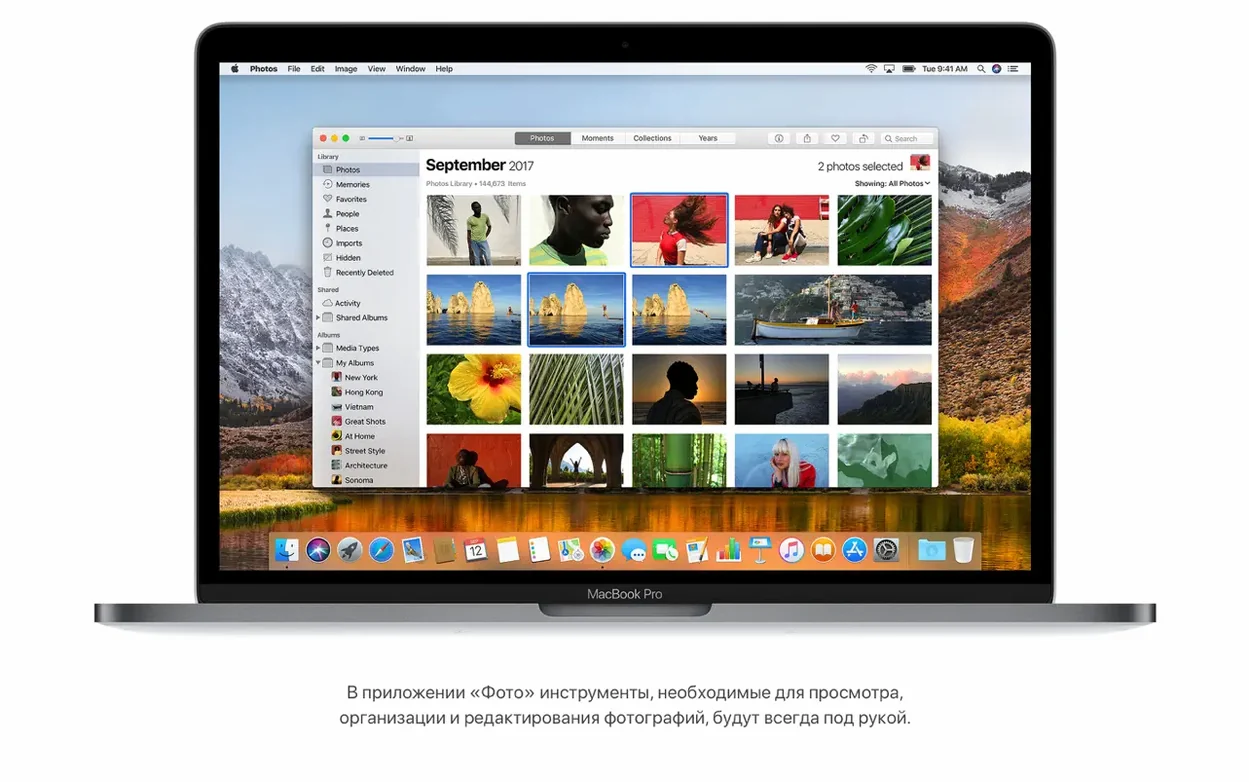
Before you dive in, let's check the guest list. High Sierra runs on Macs going back quite a ways: the late 2009 MacBook and iMac, mid 2010 MacBook Pro, MacBook Air, Mac mini and Mac Pro, plus everything newer. If your machine is on that list, you're good to go.
Good for a first run
- Catch a flight from Spotlight. Hit Command-Space and type an airline and flight number. You'll see a live card with departure time, delays, gate info and even a little flight map — no need to dig through email.
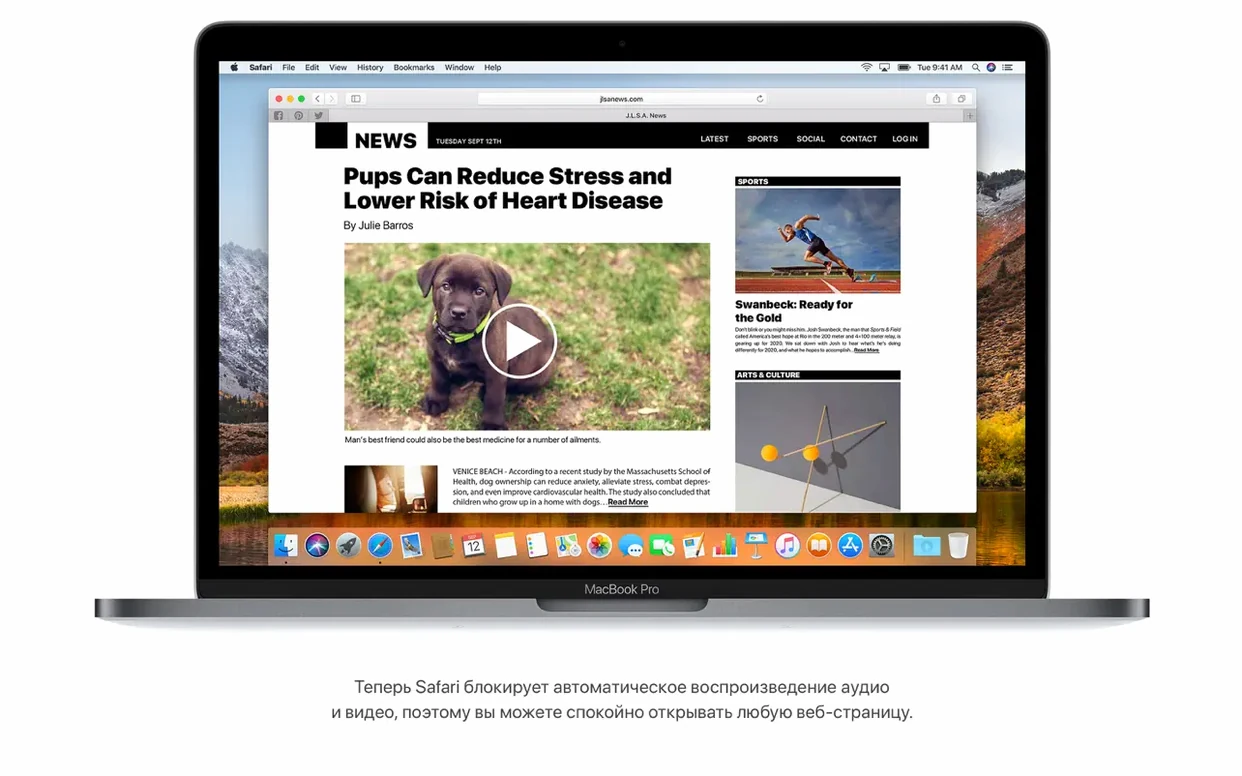
- Let Safari quiet down. High Sierra's Safari stops autoplay audio in its tracks. Pop open a news site and notice the blessed silence until you choose to press play.
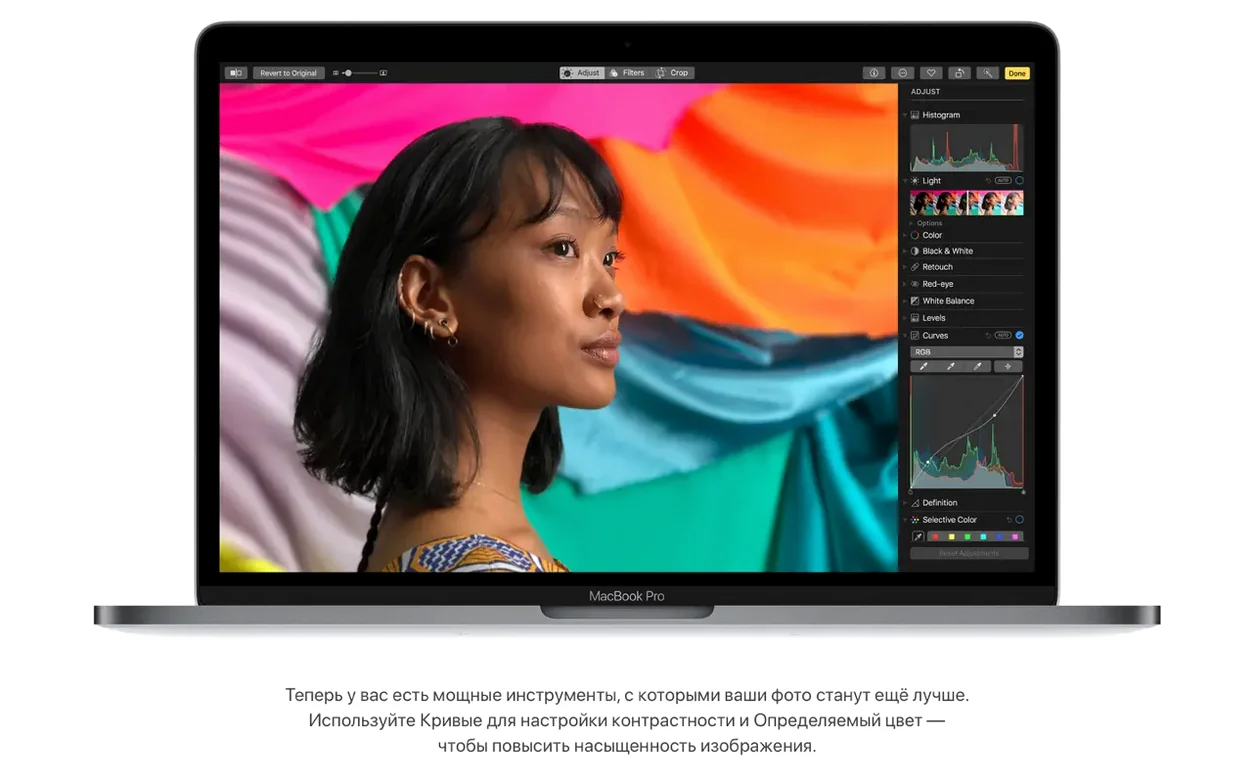
- Try the new Photos tools. Open any picture, hit Edit, and find the Curves and Selective Color adjustments. They bring a level of fine-tuning that used to require a separate app.
- Send music around the house. If you have multiple AirPlay 2 speakers, iTunes can now stream to several rooms at once. Pick your zones and fill the whole place.
SSD Encryption Gains, HDD Quirks with APFS
- This is a 64-bit Intel release. Apple Silicon Macs aren't part of the picture here.
- Apple File System (APFS) arrives with built-in encryption, so your SSD gets a modern foundation — but older hard drives behave a little differently during the upgrade.
- Metal 2 and VR content creation support are under the hood, aimed mostly at developers and creative pros. Everyday users feel the smoother graphics rather than seeing a button to press.
File Operations Feel Faster After the APFS Switch
High Sierra doesn't live in a bubble. The APFS switch quietly makes every file operation snappier — duplicating a large Final Cut library or copying a folder of raw photos feels less like waiting for a pot to boil. That speed shows up most when you're bouncing between apps that hammer the disk: Lightroom reads catalogs faster, Logic Pro scrolls through projects with fewer beach balls, and Xcode builds don't choke as often on a cluttered drive.
Mail's Top Hits feature learns which threads you actually open, so the message from your accountant surfaces above the newsletter you've ignored for six months. That same intelligence feeds into Spotlight, which now pulls flight status, sports scores and Wikipedia snippets without opening a browser. It's a quiet link between system search and your daily apps — type once, get context from everywhere.
Photos leans harder on Metal 2 for rendering edits, so dragging a Curves point updates the preview in real time. If you also use Pixelmator or Affinity Photo, you'll notice the system-wide Metal improvements carry over: brushes feel more responsive, zooming is fluid, and the whole graphics stack benefits from the update even in third-party software.
Sony AVCHD Import Finally Fixed in 10.13.6
Imagine you just got back from a trip with footage from a Sony camera that shoots AVCHD. The 10.13.6 update fixed a recognition bug that used to leave those clips invisible, so you connect the camera and Photos actually sees everything. Here's how a full pass works:
- Import into Photos. Plug in the camera or SD card. Photos opens automatically and displays every clip, AVCHD included. Pick the ones you want and hit Import All New.
- Trim and tweak in QuickTime. Right-click a clip in Finder and open it with QuickTime Player. Use Edit > Trim to cut the boring bits. Save. The HEVC support means playback is smooth even on 4K footage, and the files stay compact.
- Fine-tune in Photos. Pull a still frame from the video by pausing and dragging to the Photos sidebar. Open the image, click Edit, and use Selective Color to make the sky pop without affecting skin tones. Curves can lift the shadows just enough.
- Share with AirPlay 2. Create a shared album or just queue the video in iTunes. From there, stream it to the living room and kitchen speakers simultaneously — no extra hardware needed beyond AirPlay 2-compatible receivers.
The whole chain — import, edit, export, share — stays inside Apple's built-in tools, and APFS keeps the file duplication steps from dragging.
Restoring Sound to Trusted Sites Blocked by Safari
Safari stays silent when you want sound. The autoplay blocker is aggressive. If a site you trust never plays audio, click Safari > Settings for This Website and change Auto-Play to Allow All. That setting sticks for that domain only.
APFS conversion stalls on a spinning hard drive. The installer offers APFS for SSDs by default, but if you're upgrading a Mac with a Fusion Drive or a plain HDD, it may stay on HFS+. Don't force it — APFS is optimized for solid-state storage, and spinning disks don't gain much. If the upgrade hangs, boot into Recovery and run Disk Utility First Aid on the volume before retrying.
Mail won't move Gmail messages. The 10.13.6 fix addressed exactly this. If it still happens after updating, remove the Gmail account in System Preferences > Internet Accounts, restart, and add it back. That forces a fresh IMAP connection and clears the routing hiccup.
Flight info doesn't show in Spotlight. Make sure Siri & Spotlight suggestions are enabled in System Preferences > Spotlight. The data also depends on macOS's internal list of supported airlines, so smaller regional carriers may not appear even if the flight number is typed correctly.
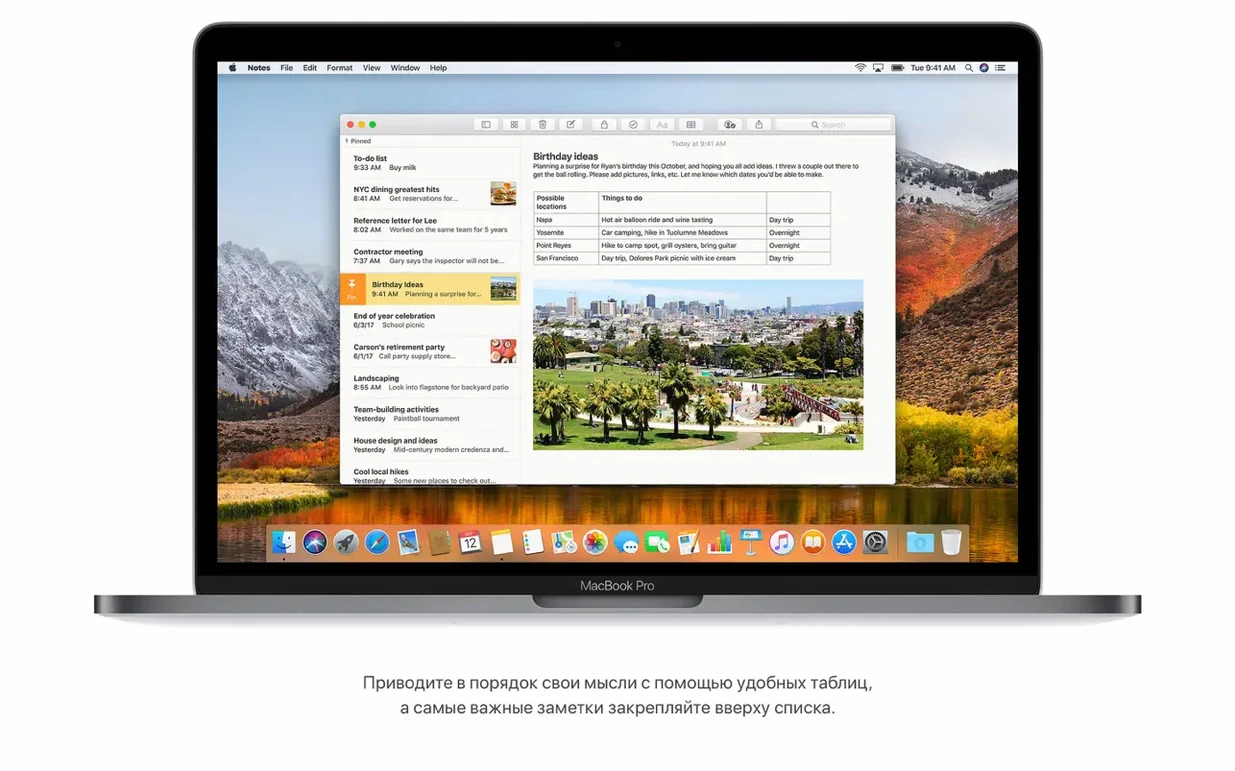
Notes tables feel limited. You can add rows and columns, but merging cells isn't a thing here. If you need more structure, build the table in Numbers and drag it into Notes — it lands as an embedded preview that opens in Numbers with a double-click, keeping the link alive without cluttering the note.
The 10.13.6 update tidies up a few rough edges and adds a welcome audio feature:
- AirPlay 2 multi-room audio comes to iTunes.
- General stability and security improvements for your Mac.
- Fixes an issue where Photos wouldn't recognize AVCHD media from some cameras.
- Fixes a Mail bug that stopped Gmail messages from moving to another account.
- macOS: 10.13.5 or later
- Architecture: Intel (64-bit)
- Memory: 2GB minimum
- Storage: 14.3GB of available space for the upgrade
Also on readers' docks
Sign in or create an account to leave a comment.
No comments yet. Tell me how it got on with your other devices.