









Download Stellaris for macOS
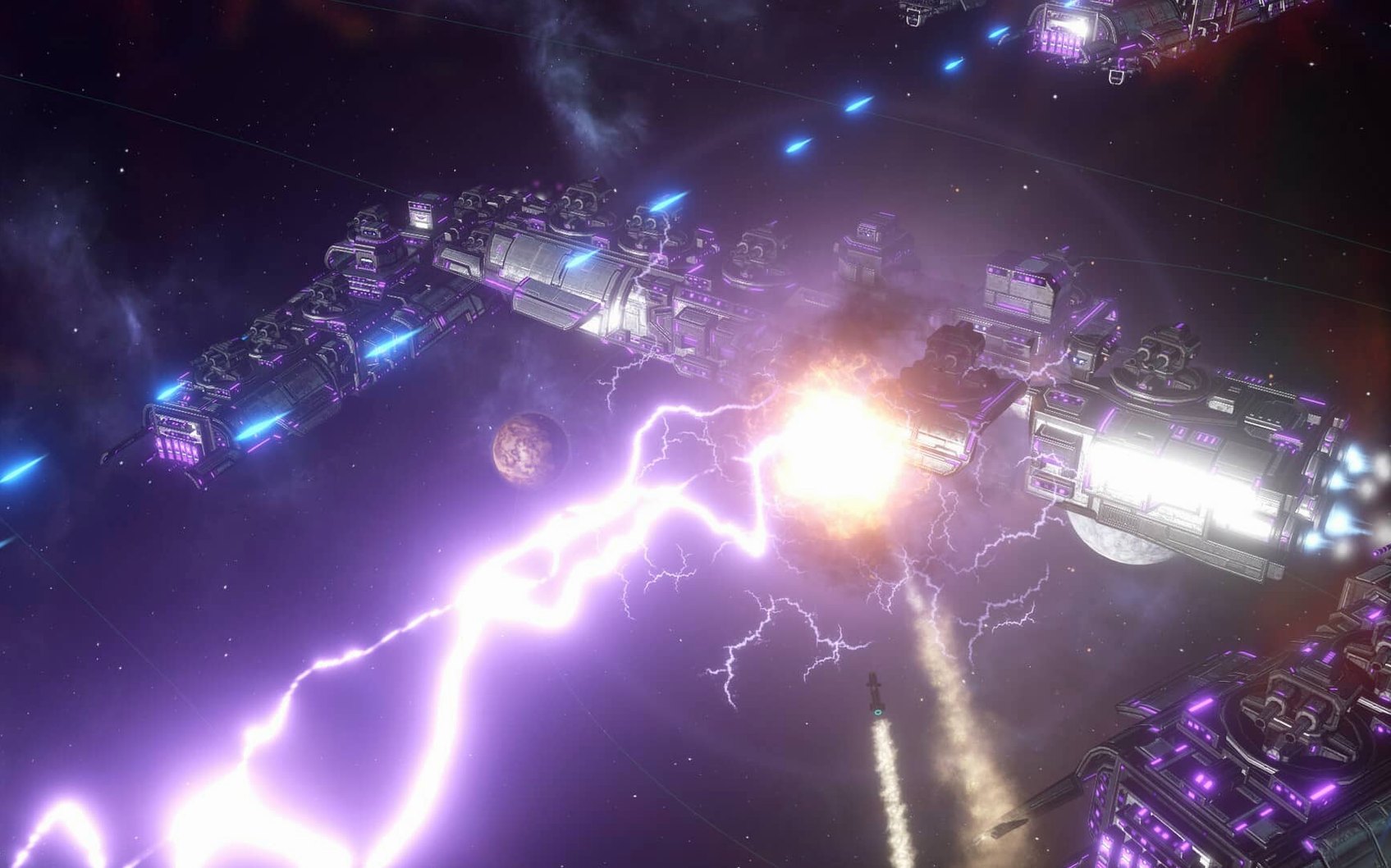
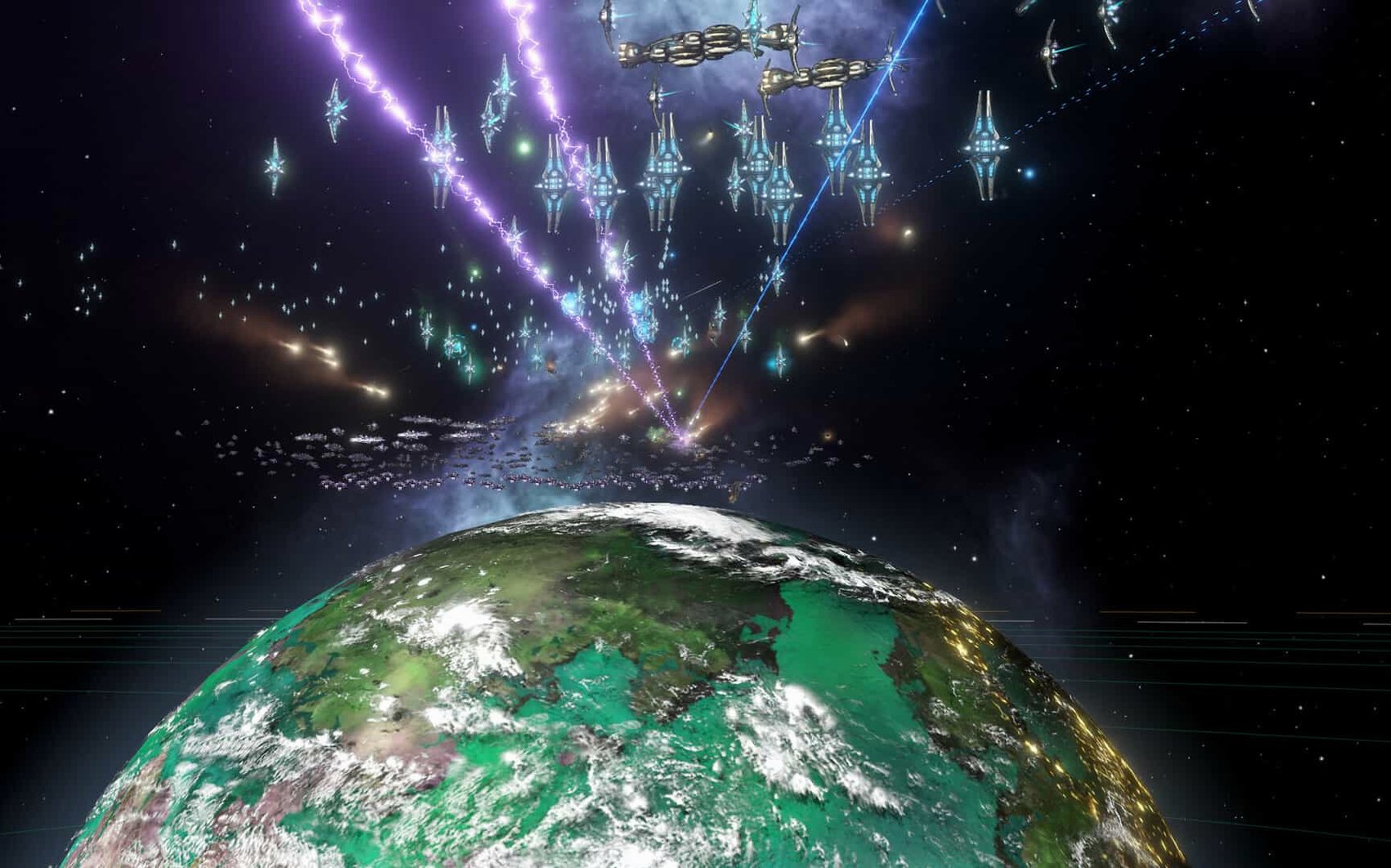
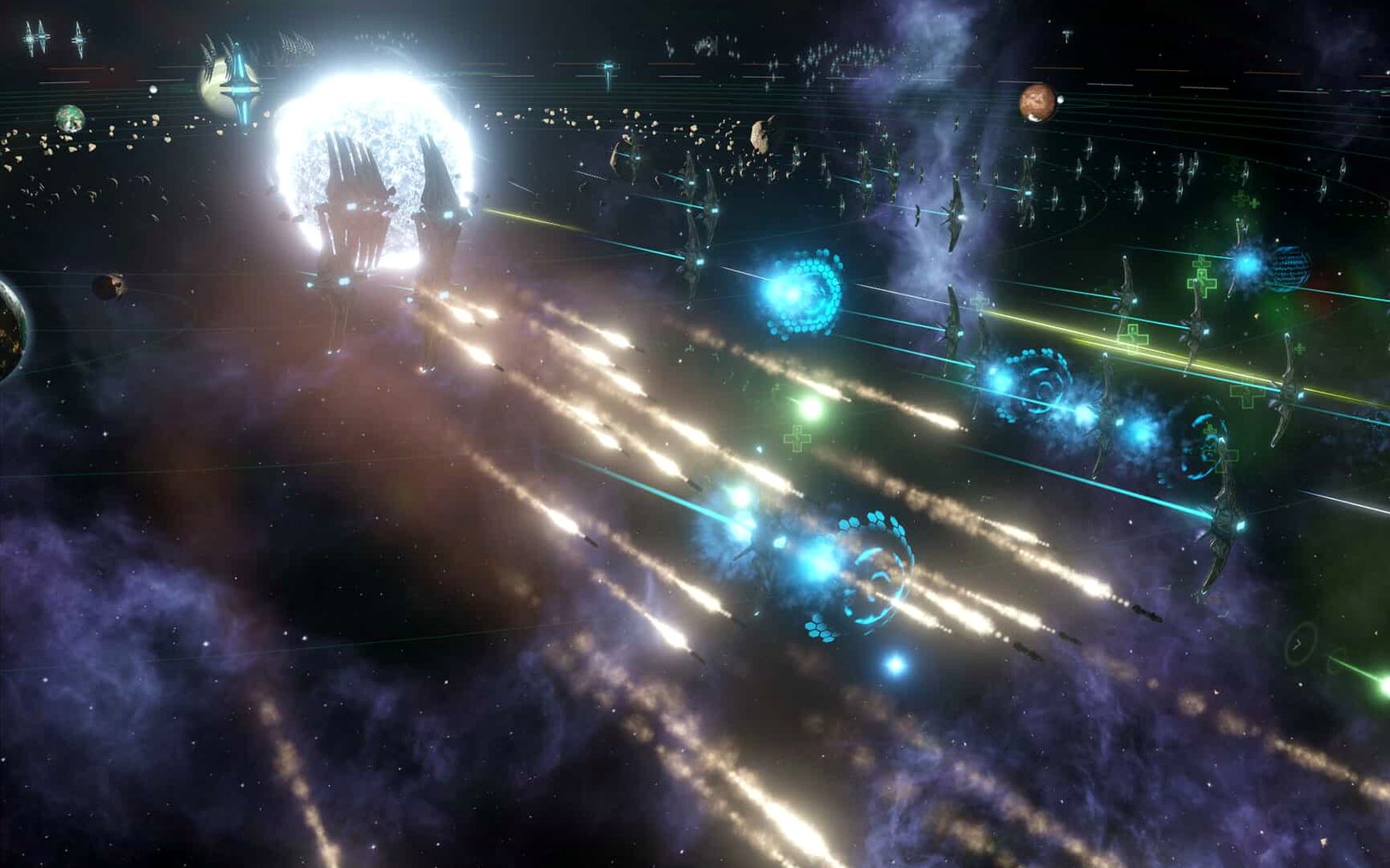
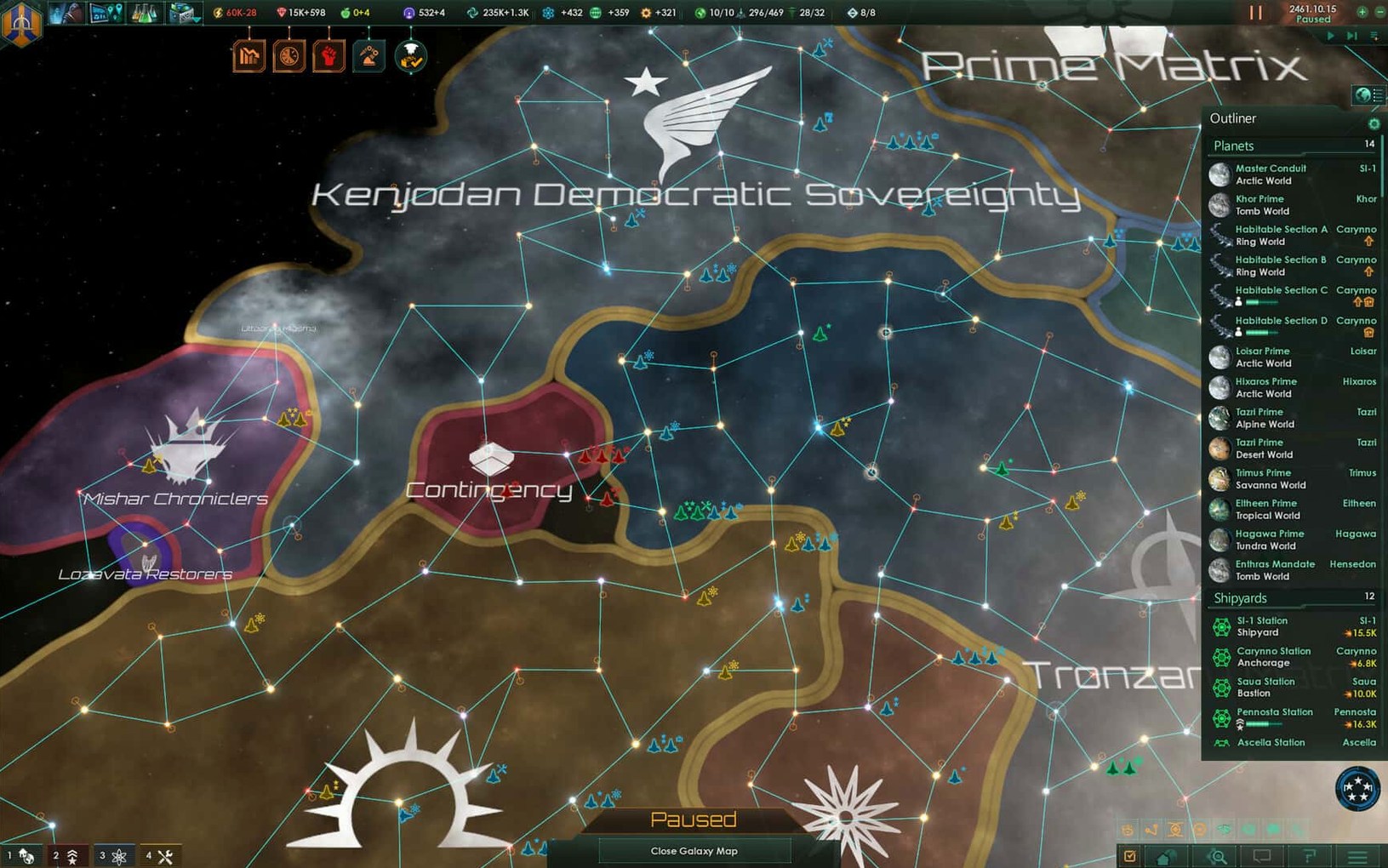
Before you start exploring distant stars, let's make sure your rig is up to the task. Stellaris requires a 64-bit Intel processor, so any reasonably modern Intel Mac should get you through the wormhole. Apple Silicon owners aren't left out entirely—the game runs under Rosetta 2, though it's built for x86. Once you're in, you leave Earth behind to found a colony, slowly researching the tech needed to reach distant worlds. The galaxy map is dense with space objects, alien races to fight, and planets demanding exploration. As your society expands, the internal pressure builds too—some regions will even push to become autonomous units with their own governors, adding a welcome layer of political friction alongside the usual base-building and industrial growth.
Living Colonies Fuel Fleets
| Detail | Info |
|---|---|
| Developer | Paradox Development Studio |
| Genre | Real-time 4X Grand Strategy |
| Current Version | 4.5.1 (Hotfix) |
| Architecture | 64-bit x86 (Intel) |
The whole loop feels very alive—successful colonies let you build bases and industrial facilities that feed your growing fleet, while the tech tree constantly tempts you to stretch further than your logistics can handle. It's a game about your empire's character as much as its borders, and running it on a Mac keeps the experience cozy for long sessions with the trackpad or a good mouse.
What the Hotfix Actually Changes in Practice
Version 4.5.1 isn't one of those sprawling content patches Paradox occasionally drops—it's a tidy hotfix that scrubs away some persistent annoyances. The big one for anyone messing with the Synaptic Lathe is that ownership bug finally got squashed. Before the fix, you could lose control of that structure under specific circumstances, which felt less like a feature and more like the game gaslighting you. Now it stays yours.
Fleet automation got a behavioral tune-up that's subtle but noticeable over a long campaign. Fleets actually follow the actions and options you select instead of occasionally doing their own thing, and Paradox quietly removed the Harvesting Agreements Automation sub-menu setting—one fewer toggle to misunderstand. They also disabled that odd auto-disengagement from battle after 15 days of inactivity, which used to pull your ships out of fights you absolutely wanted to finish. Less babysitting, more commanding.
Multiplayer stability sees real love here. The out-of-sync error tied to custom AI empires is gone, and the crash fixes cover a sprawl of triggers: startup, galaxy generation, alliances, wars, first contact events, federation law votes, and subject release events. If you bounced off a multiplayer run because desyncs kept breaking the session, 4.5.1 is the version to give another shot. The stellaris mac torrent is also a great way to grab a clean install if mods messed things up—this hotfix feels built for fresh starts.
Turn Off Auto-Pause Before You Unpause
Paradox games ship with defaults that make sense on paper but rarely match how people actually play. Before unpausing that clock in the upper corner, open the settings menu and tweak a few things. First, turn off Auto-Pause on Events unless you enjoy the game stopping every thirty seconds to tell you a mining station finished. Keep the major event pauses—first contacts, war declarations—but let the small stuff scroll by in the message log. You'll read it when you need a breather.
Next, drop the Galaxy Generation habitability slider from the default. The game tends to sprinkle habitable worlds too generously, and turning it down to 0.75× makes each green planet feel like a genuine find. On the interface side, switch Map Mode Details to show fleet power on the galaxy view. It saves endless clicking to check who's weak enough to pick on. And if you're on a MacBook, bind the Pause key to something you can hit with your thumb—the spacebar works, but only when no text field is active, so a dedicated keybinding saves frustration during diplomatic crises. Some players hunting down a stellaris 4.2.4 download might notice these quality-of-life bits got refined over time; 4.5.1 carries all that forward.
Surveying Bannor’s Green Glow in 2238
The game clock in the upper right reads 2238, and your science ship just finished surveying the Bannor system. Not every planet orbiting that orange star is habitable—two are barren rocks, but the third glows green in the colony planner. You queue up a colony ship back at the homeworld and unpause. While it builds, you send the science vessel deeper into the spiral arm, its sensors pinging unknown contacts. A message chimes: alien signals detected. First contact protocol starts, and you divert a construction ship to stake a nearby chokepoint with a starbase before whoever's out there gets ideas.
Twenty minutes later, the colony lands. The first thing you do is drop a mining district and assign a governor from the leader pool—someone with the Architectural Interest trait to speed up building. The planet's population ticks upward, and almost immediately the faction screen lights up. A new political group wants you to ban AI research. Letting them stew creates internal friction, so you throw them a small concession while quietly funding the tech they hate. Budget allocation pulls your attention next: energy credits are bleeding because the fleet expanded to deter a neighbor who's been massing corvettes two systems over. You tweak trade policy to cover the deficit, then open the diplomacy screen to send that neighbor a non-aggression pact. They accept. Crisis averted—for now.
An hour in, one of your older colonies crosses a population threshold and demands to become an autonomous sector. You let it. The AI governor handles the busywork of upgrading buildings while you focus on the bigger picture: a wormhole just stabilized near your border, and the tech to travel through it finally finished researching. The clock keeps ticking, and the galaxy just got a whole lot smaller.
Some players who grabbed a Stellaris torrent for the first time describe this exact flow—half planner, half crisis manager—and it's where the game truly shines. Every session writes its own story without you realizing it until you look up and three hours have vanished.
- Intel 64-bit Mac
Questions people ask
How can I switch the game's interface to Russian?
Launch the game once, close it after the menu loads, then go to Documents/Paradox Interactive/Stellaris, open settings.txt, change l_english to l_russian, and save.
Also on readers' docks
Sign in or create an account to leave a comment.
No comments yet. Tell me how it got on with your other devices.
More in Games
See all Updated Stick It to the Stickman
2026.10.22 Native Games
895 MB
Updated Stick It to the Stickman
2026.10.22 Native Games
895 MB
 Stoneshard
0.9.4.24 Games
808 MB
Stoneshard
0.9.4.24 Games
808 MB
 STORROR Parkour Pro
0.39.0 Games
25 GB
STORROR Parkour Pro
0.39.0 Games
25 GB
 Static Dread: The Lighthouse
1.2.1 Games
1.8 GB
Static Dread: The Lighthouse
1.2.1 Games
1.8 GB
 Stardew Valley
1.6.15.24357.8705766150 Games
467 MB
Stardew Valley
1.6.15.24357.8705766150 Games
467 MB
 Stardeus
0.14.45.2780 Games
875 MB
Stardeus
0.14.45.2780 Games
875 MB
 Suzerain
3.1.0.2.175 Games
1.2 GB
Suzerain
3.1.0.2.175 Games
1.2 GB
 Spark in the Dark
0.3.17.5 Games
4 GB
Spark in the Dark
0.3.17.5 Games
4 GB