Download Metro Exodus for macOS
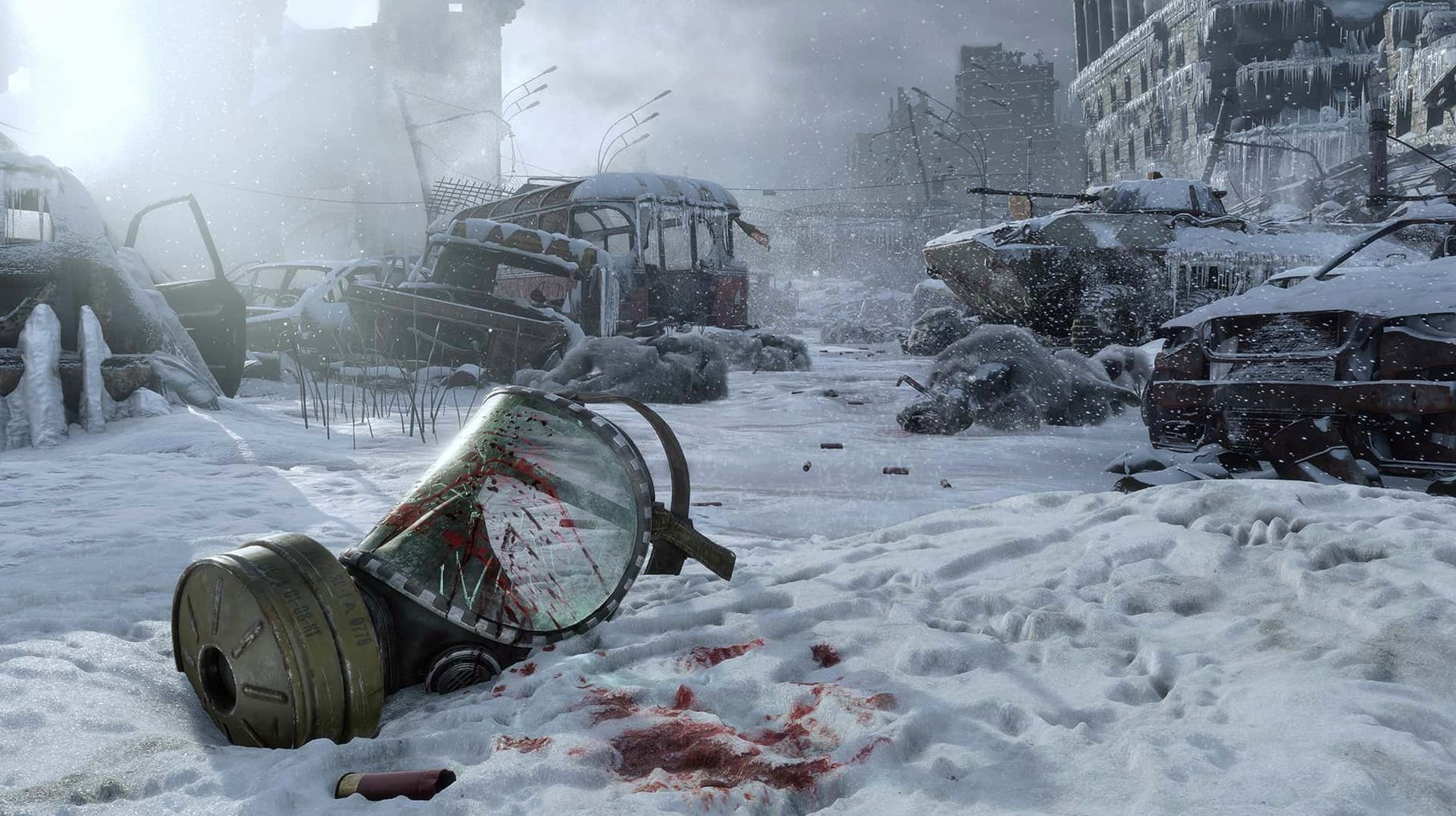
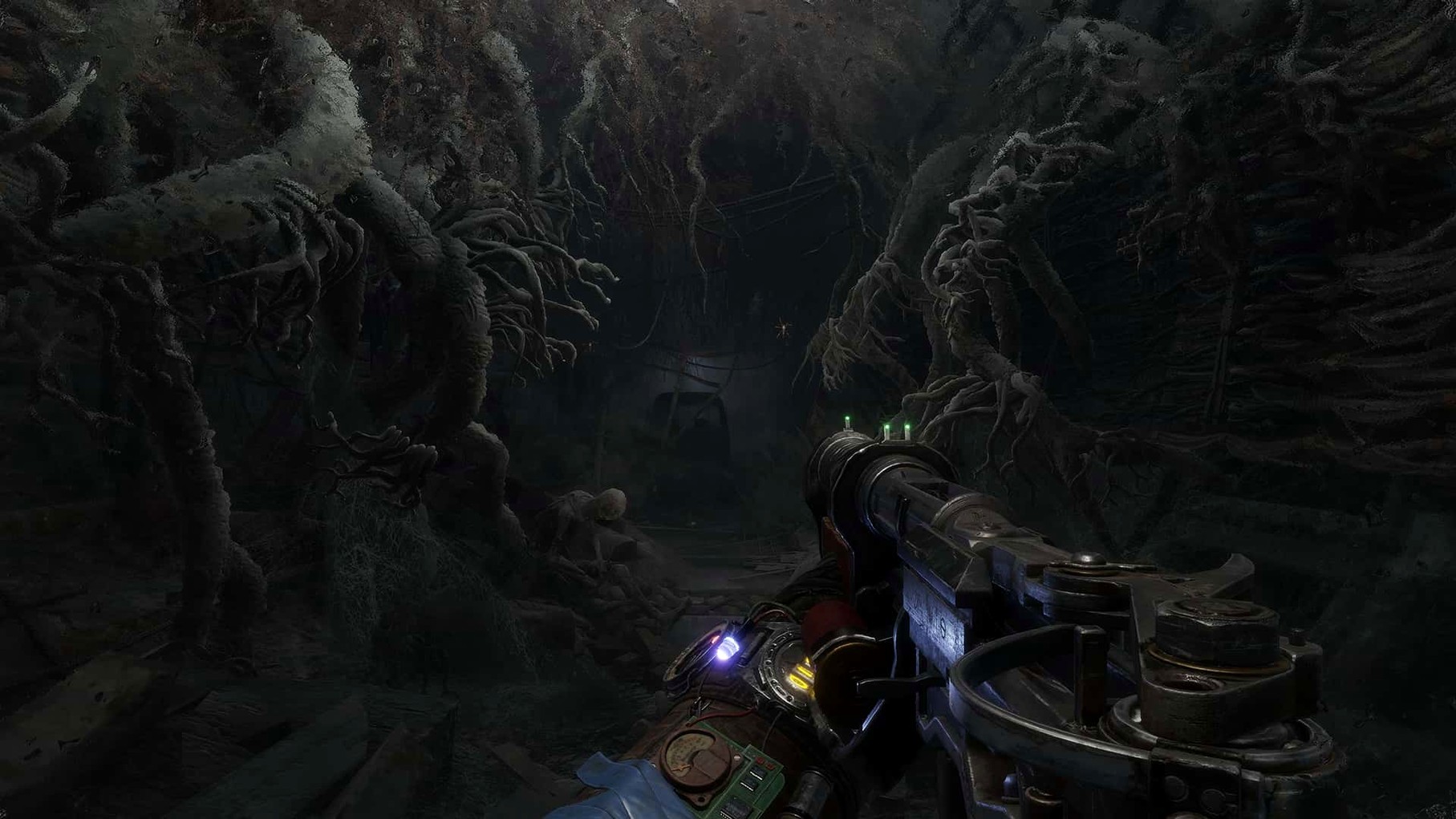
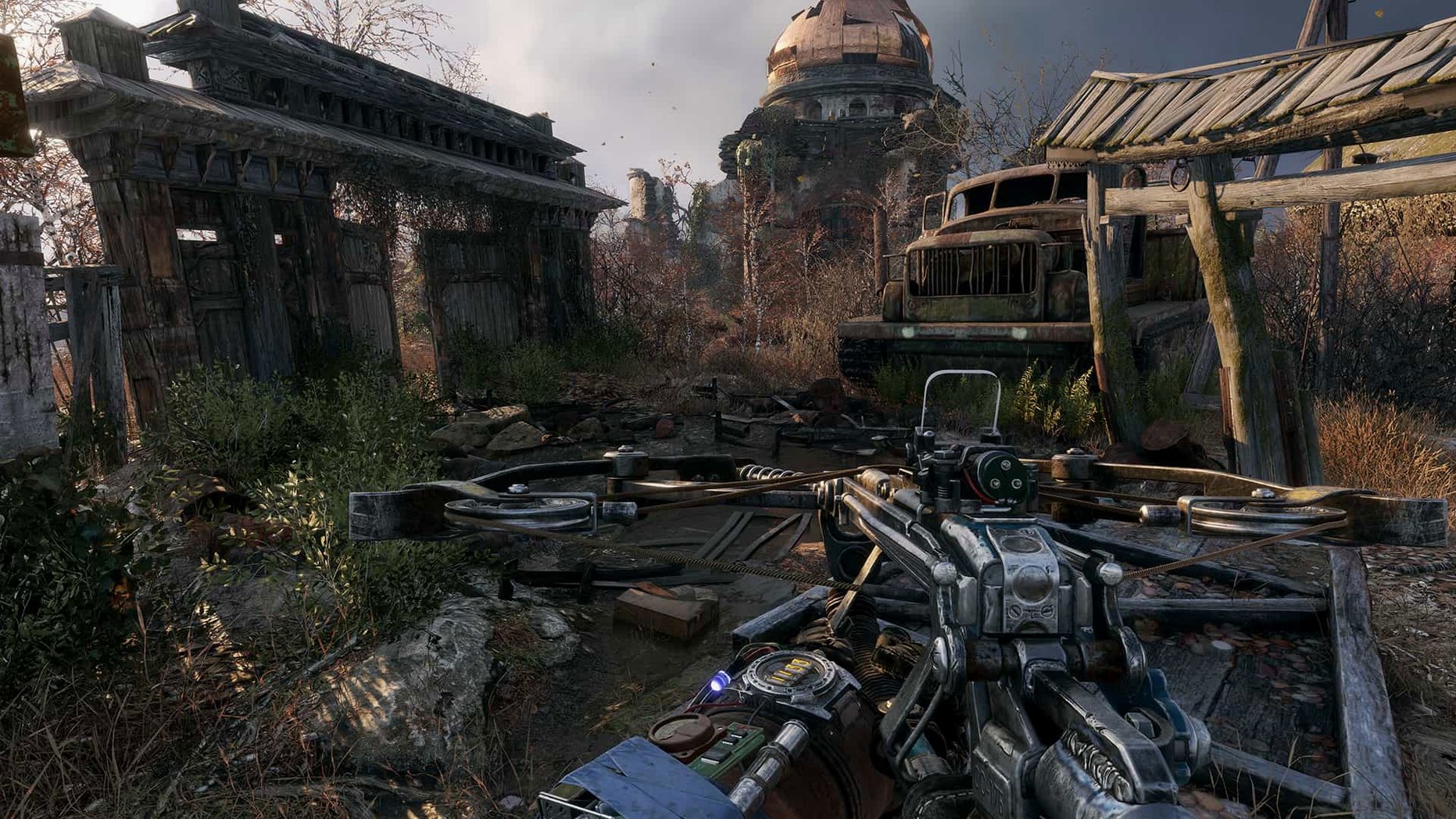
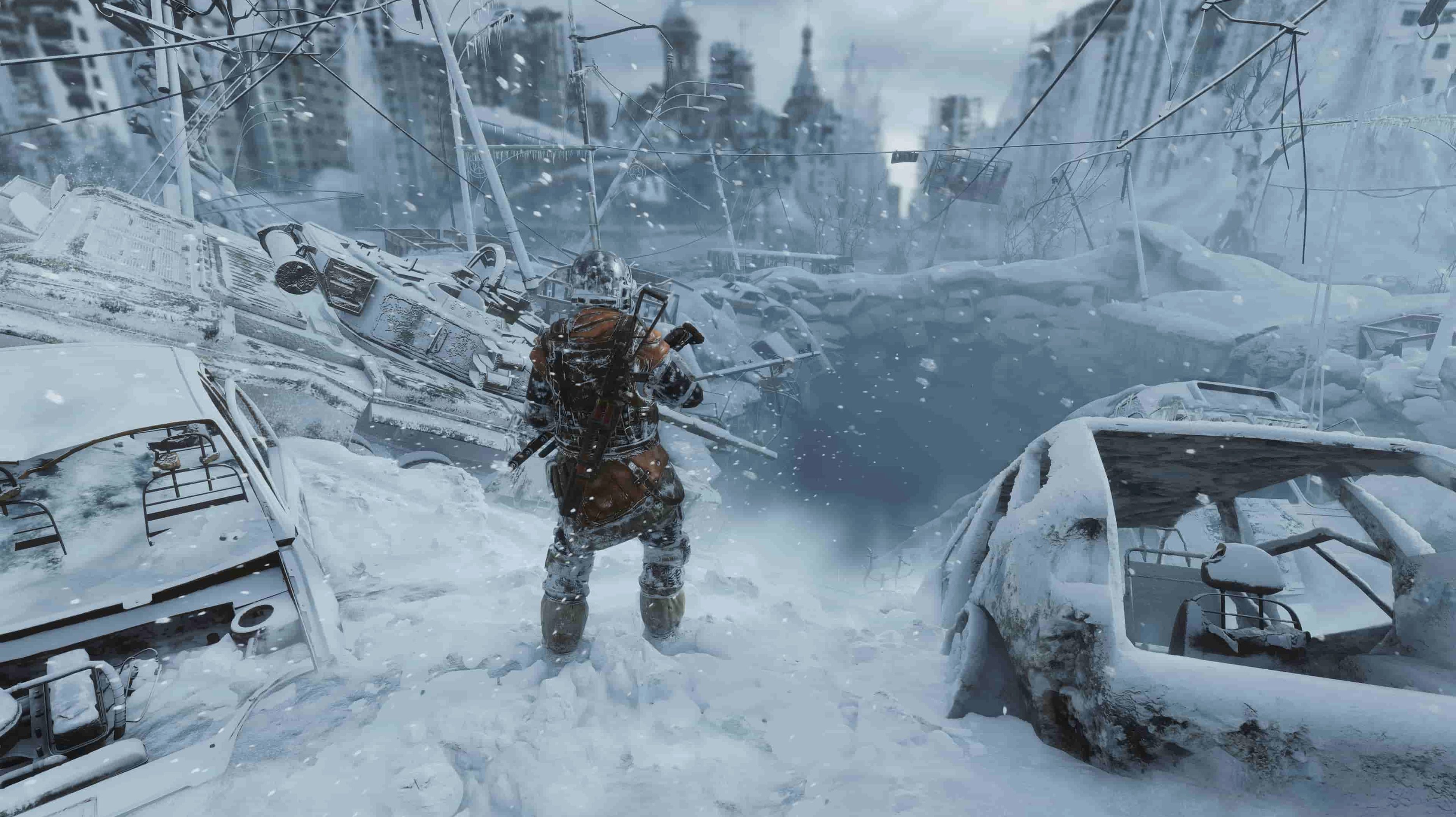
For fans of story-driven shooters who want to explore the ruins of post-apocalyptic Russia, the wait is over. Metro Exodus arrives as a native Mac title, dropping you into Artyom's boots on a journey away from the claustrophobic metro tunnels and across the sprawling, irradiated surface. The Mac version brings the series' signature blend of survival horror and stealth to Apple hardware, with large nonlinear levels where dynamic weather and day-night cycles constantly reshape your approach. Your choices matter here, too—decisions you make in the field can directly affect the fate of your companions.
- Runs natively on Mac, tested on an M1 MacBook Air with macOS Sequoia.
- Built for x86 (64-bit) architecture and requires macOS 10.15 Catalina or later.
- Progress through sandbox-like levels across a ruined Russian wilderness, not just dark tunnels.
- Dynamic weather and a full day-night cycle influence enemy patrols and your stealthy approach.
- A story where your split-second choices carry weight, altering the lives of your crew.
- Interface supports 14 languages, including English, Russian, Spanish, Japanese, and Korean.
Running this on a MacBook Air with an M1 chip sets a solid baseline for performance expectations. While the architecture is listed as x86 (64-bit), Apple Silicon machines handle the translation smoothly, delivering a gritty, atmospheric shooter that still feels demanding and immersive. If you crave a single-player FPS that trades tight corridors for open, hostile stretches of wilderness, this port finally delivers that bleak journey to the Mac.
Rookie Mistakes That Turn the Wasteland Into a Grave
Most newcomers walk into Metro Exodus treating it like a standard shooter, and the game punishes that quickly. The biggest slip I see is ignoring the gas mask mechanic. People charge into a rad zone without checking their filter timer, wipe a dirty mask on reflex, or forget to swap a cracked visor until their screen is half fogged. Filters are precious; don't waste them sprinting through toxic fog you could have skirted.
Another classic fumble is going loud on every encounter. Ammo is not plentiful here—especially on higher difficulties—and firing unsuppressed rounds in an open bandit camp draws every hostile within earshot. Stealth isn't just an option, it's a resource saver. Throw a can to redirect a guard, then knife them quietly. You'll keep your precious military-grade rounds for the mutants that don't give you a choice. And speaking of those rounds: never fire your dirty ammo unless you absolutely have to. The game separates clean, high-damage rounds from the grimy stuff. Fumbling that distinction mid-fight leaves you underpowered when a Watchman pack swarms.
Last thing—the backpack workbench is not a pause menu. I've watched friends get mauled while happily crafting medkits. Find cover first, listen for growls, then tinker.
What the Native Port Changed for Daily Play
The Mac version landed as a native port with version 1.0 fixed, bringing smooth Apple Silicon performance that the older Windows-via-wrapper setups could never match. What that means day to day: you launch the app from Launchpad after copying it from the disk image, and it just works. No fiddling with compatibility layers, no translation-layer stutter during the heavy weather transitions. On the tested M1 MacBook Air, the dynamic storms that sweep across the Caspian level actually feel playable rather than a slideshow.
The port also respects standard macOS conventions more than you'd expect for a shooter of this scale. The interface's 14-language support—Traditional Chinese, Czech, Polish, and others alongside the expected European set—makes switching languages straightforward. Voice acting covers eight of those, so you can pair English text with Russian voices for an extra layer of atmosphere without a separate mod. The x86 architecture requirement means Rosetta 2 does its thing on modern Macs, but after the initial launch translation, load times stay reasonable even on fanless machines.
Silencing Notifications via Shortcuts at Launch
Metro Exodus sits nicely alongside a few other Mac habits I have. The game's day-night cycle and stealth rhythm pair well with Shortcuts automations—I set a Focus mode that silences notifications automatically when the app launches, because nothing breaks immersion like a calendar alert while you're crawling through a spider den. The dual-language setup also means I can keep my system language English while the game runs its Russian VO, and macOS handles that keyboard layout switch mid-session without fuss.
For folks hunting down a metro exodus for mac experience that doesn't involve streaming services or clunky workarounds, this native release slots straight into a local library. If you previously went digging for a metro exodus torrent or metro exodus download torrent to get the game running on Apple hardware, the 1.0 fixed build is a great companion—just drag the disk image contents to Applications, launch it, and get the full, uncut journey. A metro exodus mac download that runs this clean on an M1 Air makes the whole metro exodus torent scene feel like a well-travelled path.
Where it really shines is on a machine that doubles as a work device. You can jump between crafting weapon mods in the Aurora's workshop and your actual desktop without the game fighting the window manager. It suspends and resumes gracefully, and I've yet to lose progress when I close the lid mid-session. For anyone balancing a Mac that handles spreadsheets by day and irradiated wastelands by night, that stability is the port's quietest win.
The Mac version was released as a native port.
- macOS 10.15 Catalina or later
- Architecture: x86 (64-bit)
Questions people ask
Is Metro Exodus playable on an M1 MacBook Air?
Yes, the developers tested the native Mac port on a 2020 MacBook Air with an M1 chip running macOS Sequoia, confirming it runs on Apple Silicon machines.
Also on readers' docks
Sign in or create an account to leave a comment.
No comments yet. Tell me how it got on with your other devices.