Download Minecraft for macOS
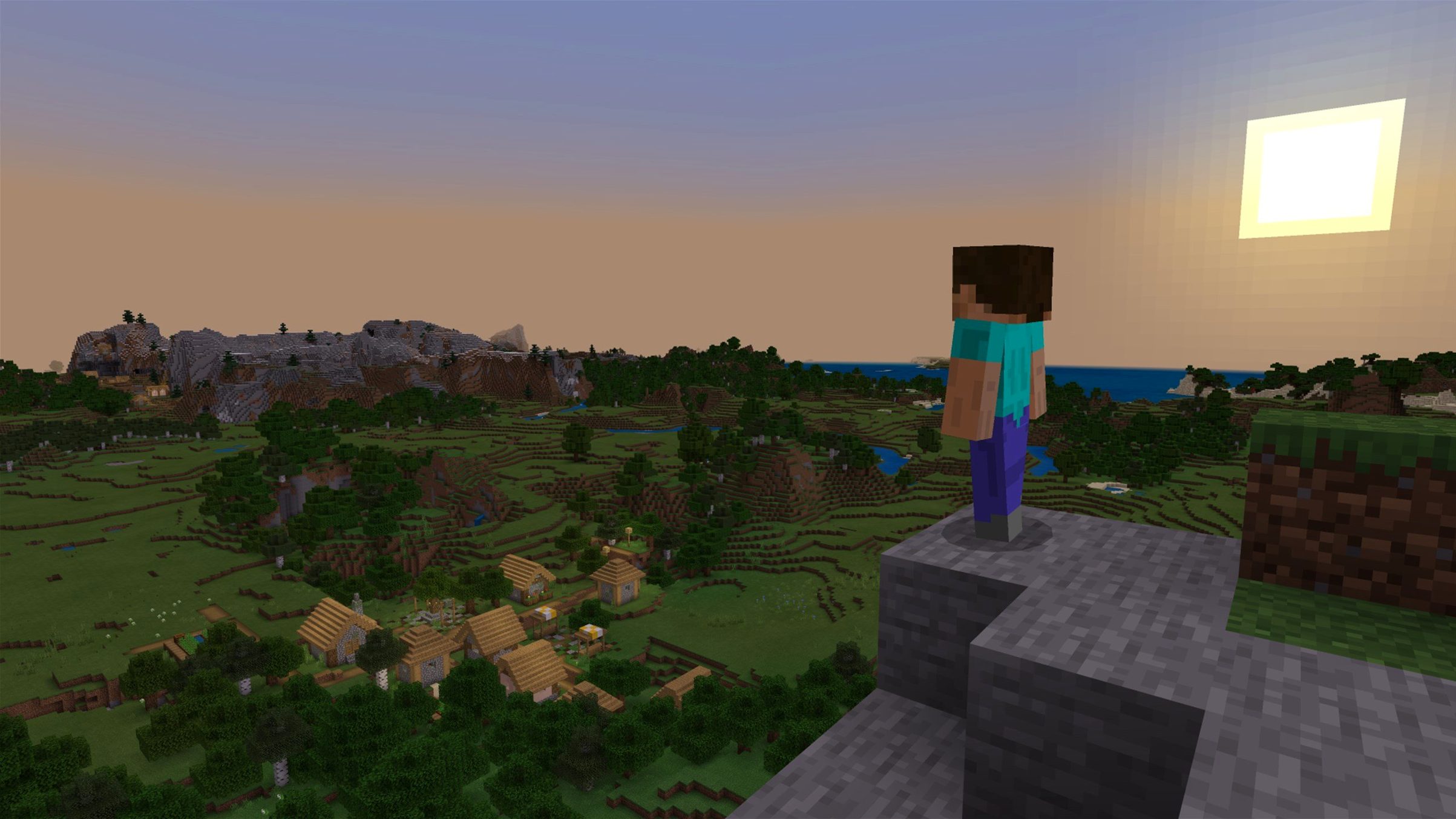
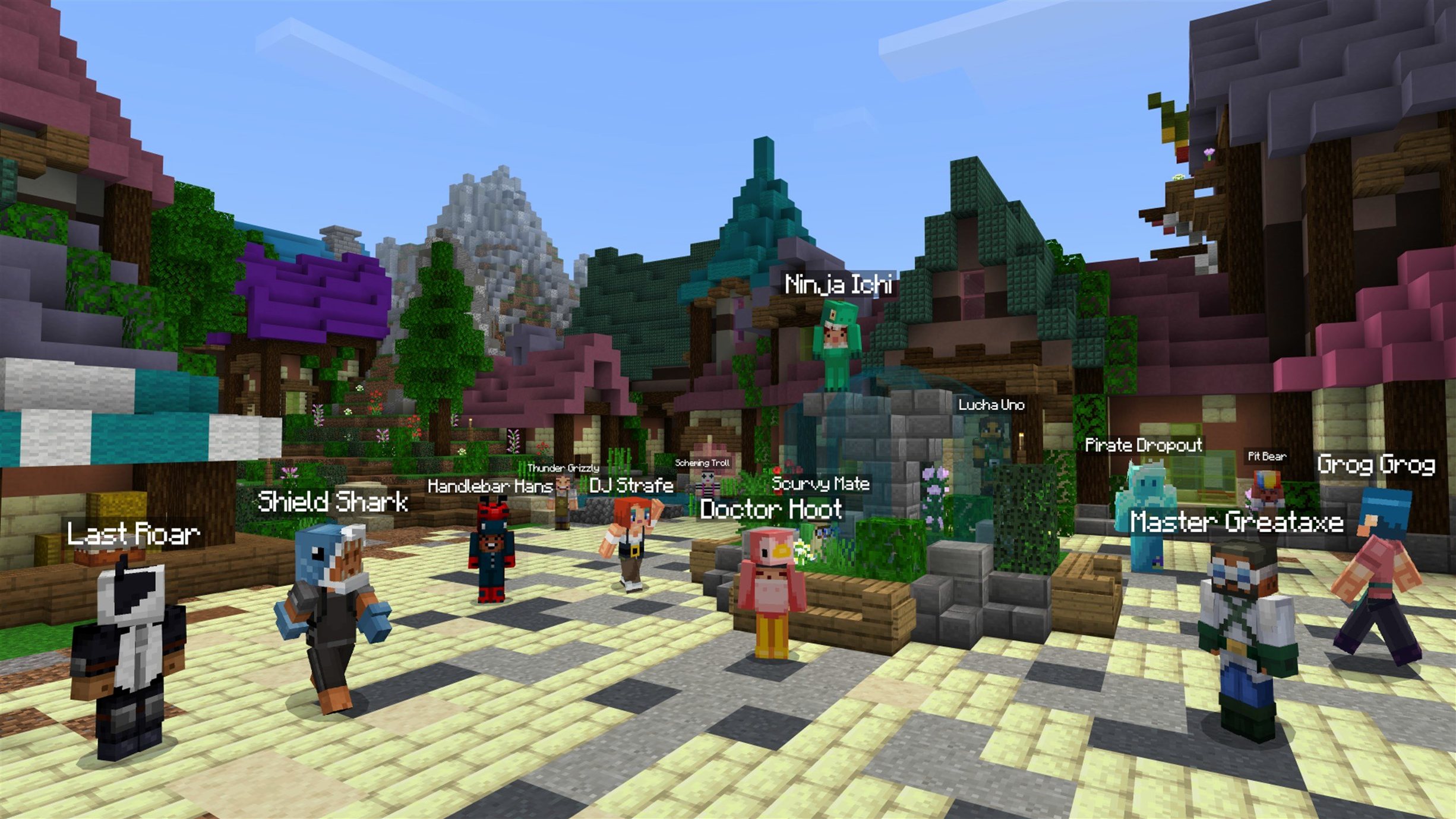
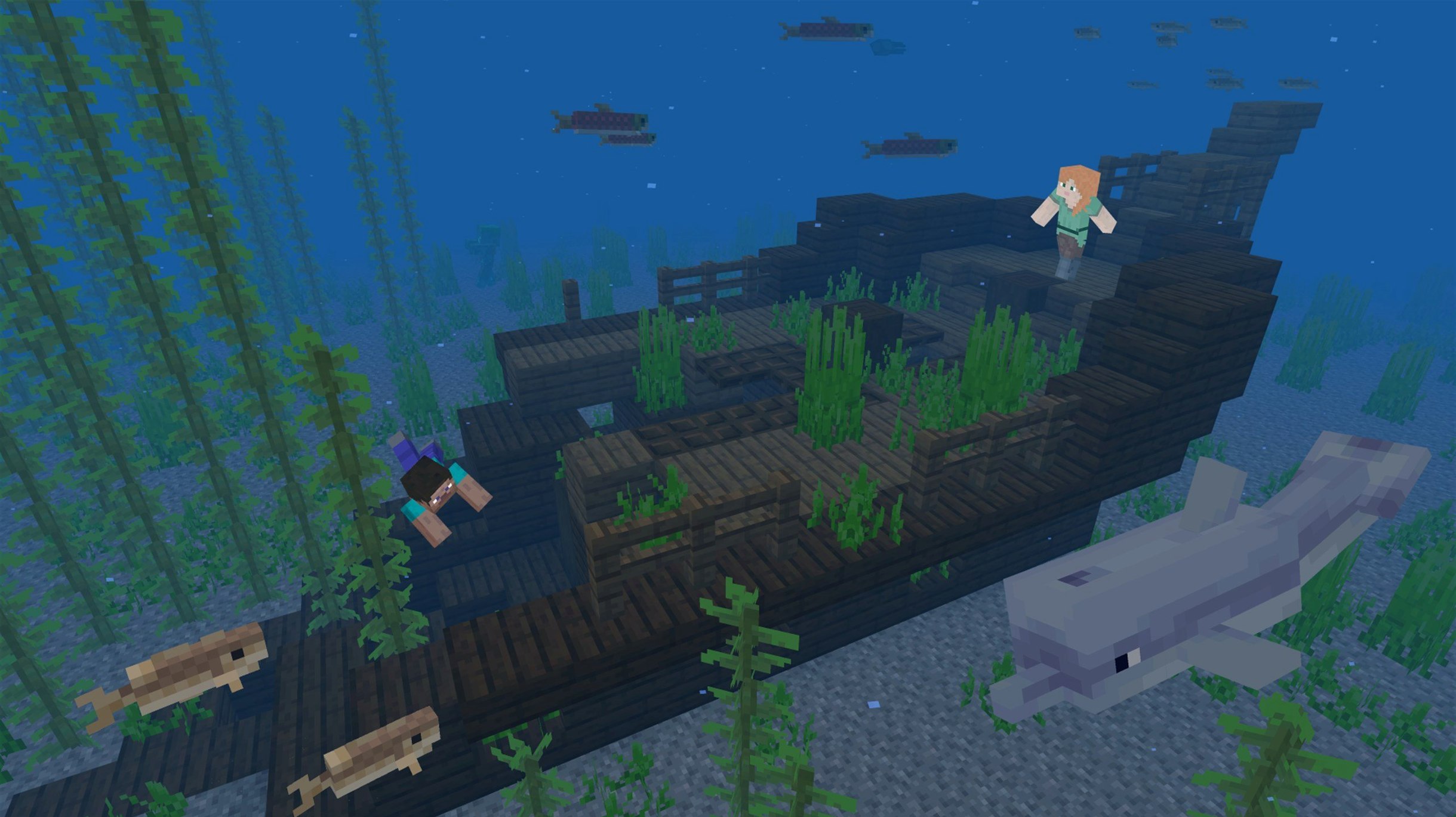
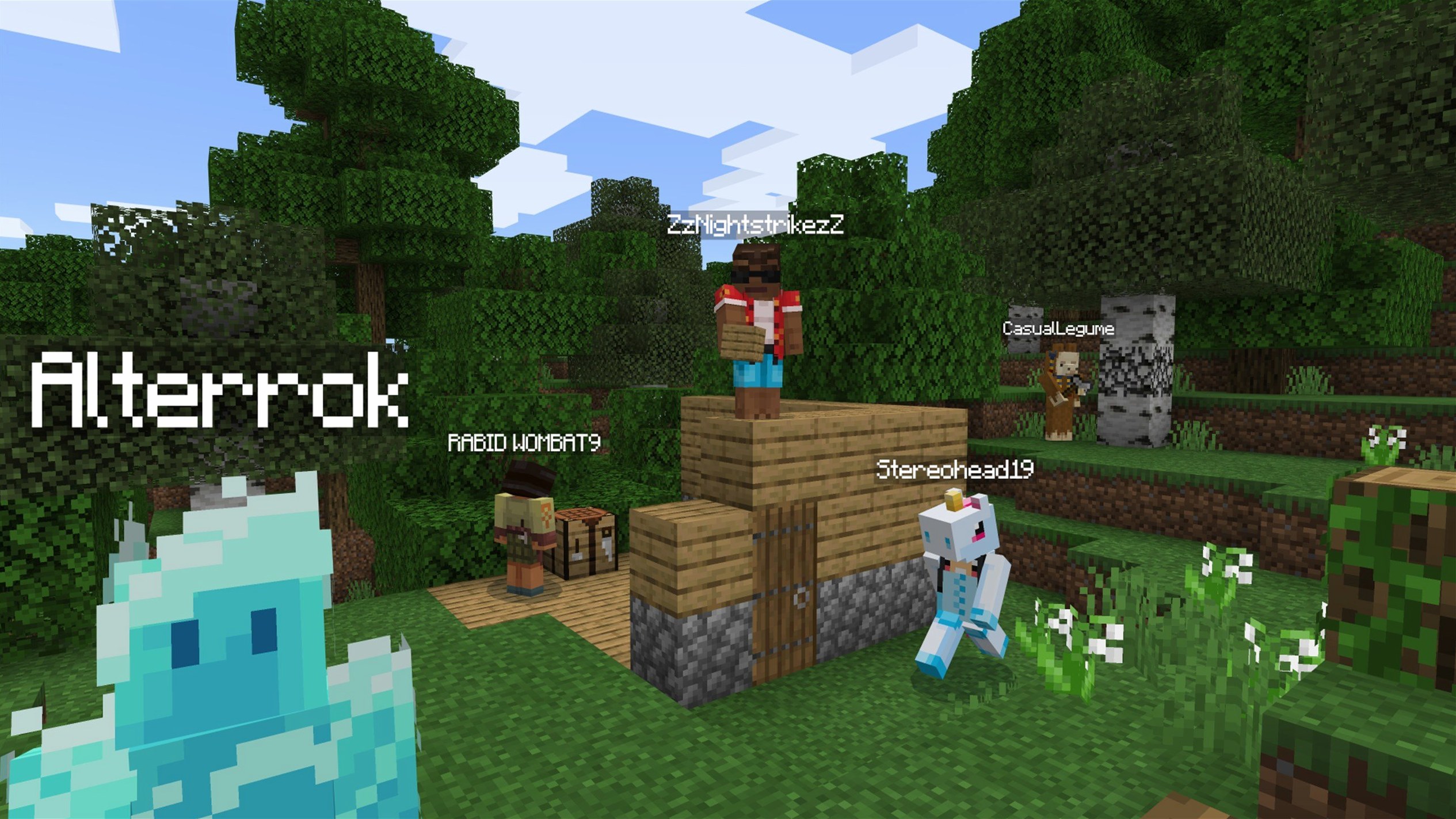
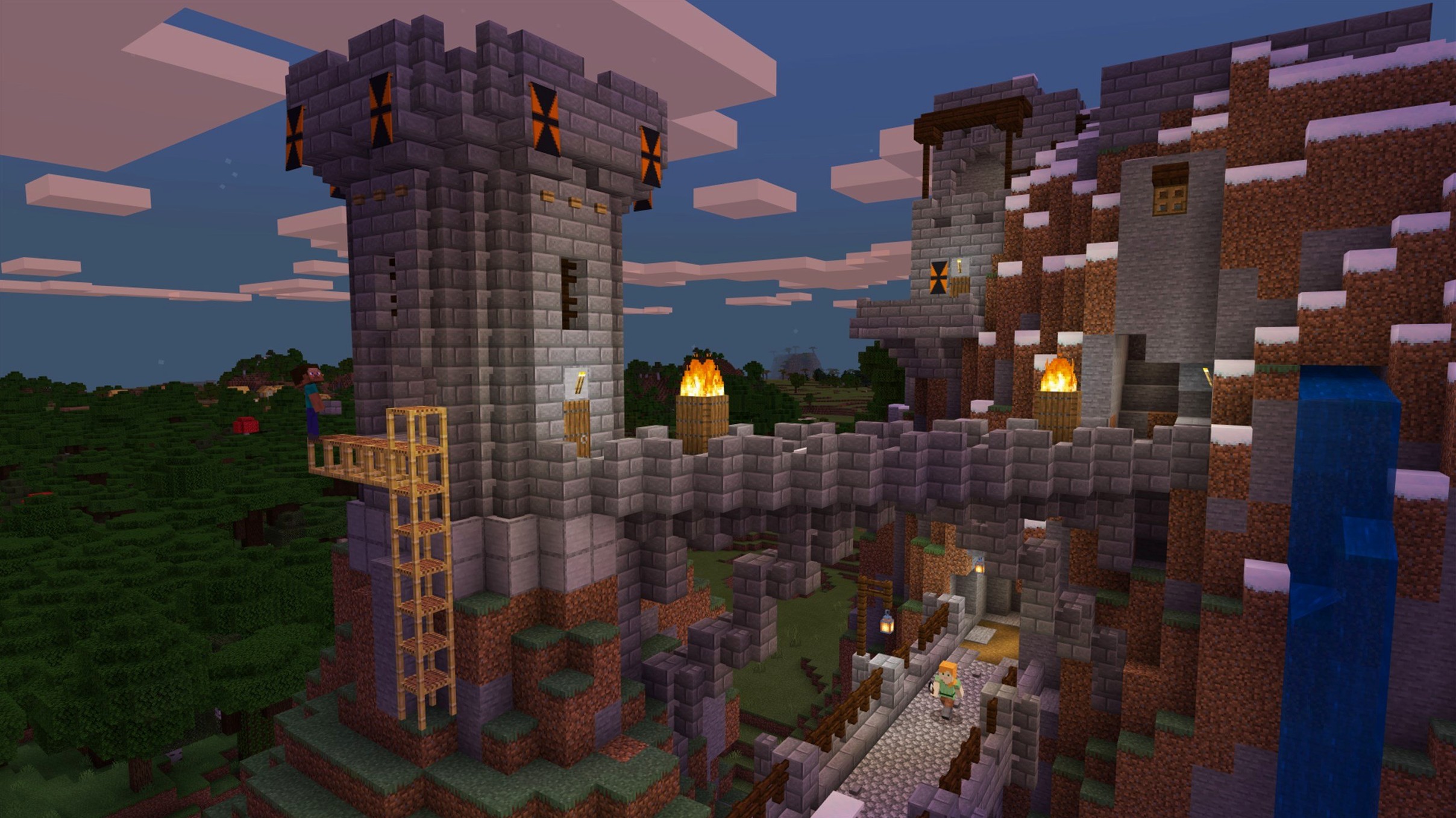
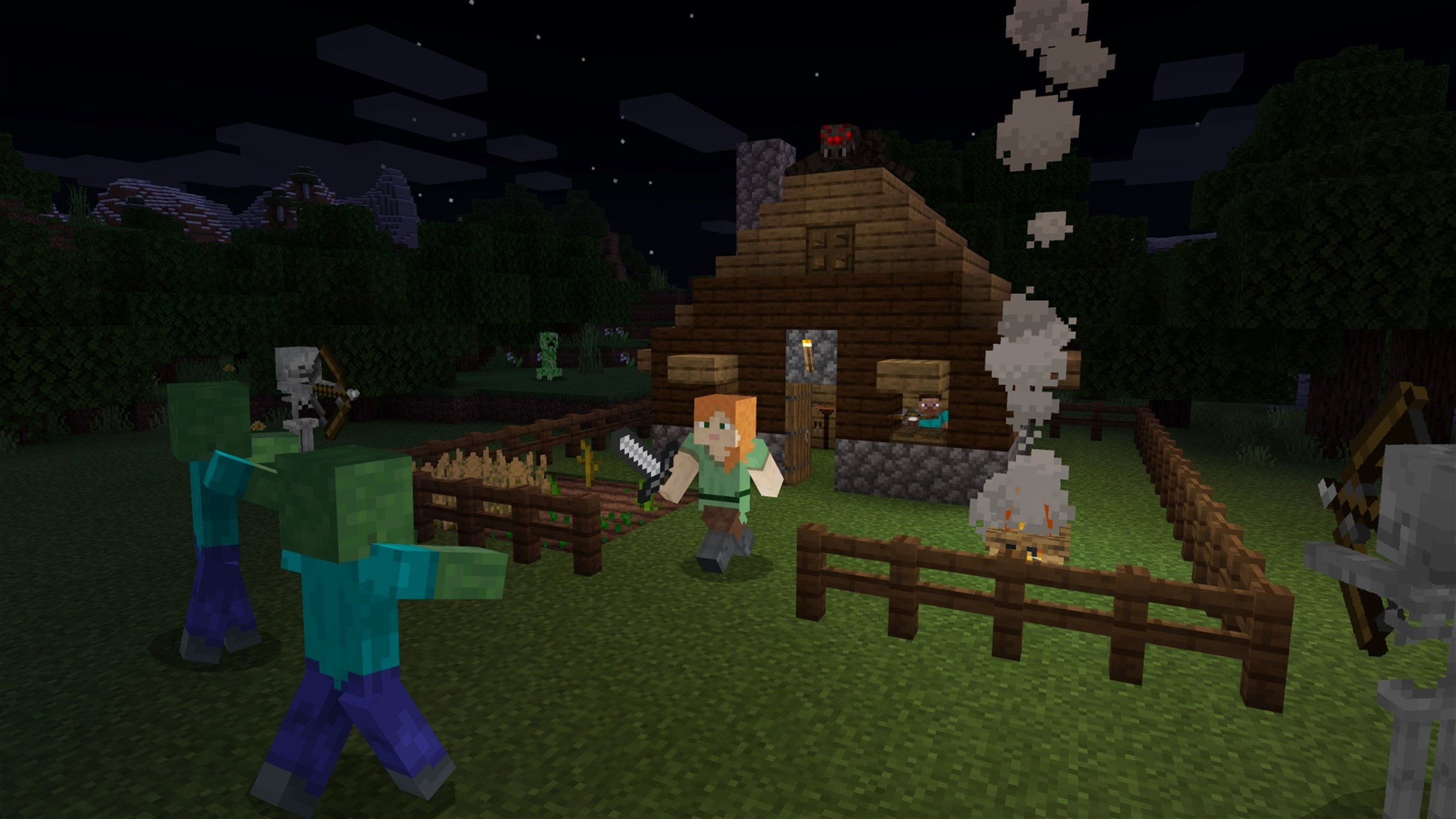
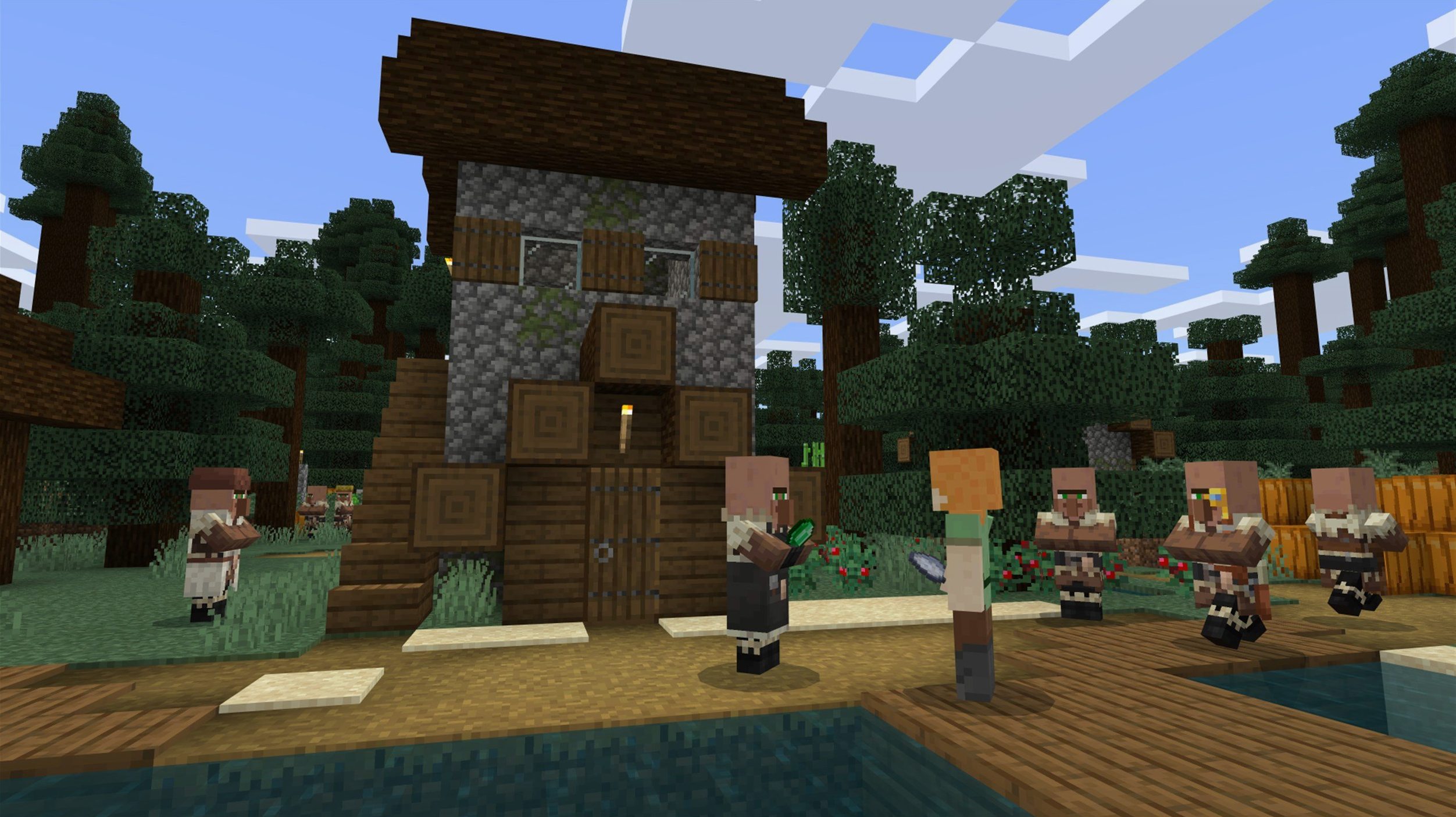
A new music disc called Lava Chicken just dropped, and it's the perfect excuse to fire up a fresh world. If you're staring at a blocky horizon wondering what to do first, here's where to point your pickaxe.
What's the very first thing I should craft?
Punch a tree to get wood, turn it into planks, and build a crafting table. That simple 2x2 grid in your inventory expands into a 3x3 workspace, unlocking tools, chests, and a wooden pickaxe—your real ticket into the Stone Age.
How do I survive the first night?
Shelter is non-negotiable. Dig into a hillside or stack dirt into a quick hut before the sun sets, because creepers and skeletons spawn in the dark. A couple of torches made from coal and sticks will keep your hideout safe until dawn.
Where do I find the new Lava Chicken disc?
You'll need to explore structures like dungeons, bastions, or ancient cities and check their loot chests. Once you have it, pop the disc into a jukebox to hear a track that's pure, quirky Minecraft charm.
What should I aim for after getting comfortable?
Mine deep for iron and eventually diamond, which lets you build an enchanting table and travel to the Nether. The game shifts from simple survival to wild infrastructure projects and boss fights on your own timeline.
How Minecraft fits into a broader Mac workflow
Minecraft isn't a standalone island on your Mac—it slots nicely into how macOS already works. The Java Edition writes its saves straight into ~/Library/Application Support/minecraft/saves, which means Time Machine grabs your worlds automatically with every backup. If you switch Macs, just copy that folder across or let Migration Assistant handle it. No hidden containers, no sandboxed vaults to hunt for.
Screen recording works exactly like you'd expect. Press Shift-Command-5 and you're capturing a creeper ambush in H.264 without touching third-party tools. The game also respects Focus modes—turn on a Gaming focus and notifications from Messages and Mail stay quiet while you're bridging a lava lake in the Nether. On Apple Silicon machines, the launcher runs natively, and the game process itself sits comfortably in the arm64 column of Activity Monitor.
What makes the Java Edition especially friendly compared to Bedrock is its openness with local files. Resource packs, shader configs, OptiFine or Sodium tweaks—everything lives in plain folders you can reach from Finder. If you've ever wrestled with an iPad app's opaque file system, this feels refreshingly straightforward. Drop a new texture pack into resourcepacks, relaunch, and it's there. The game also doesn't fight you on having a browser, Discord, and a wiki tab open alongside it; on a Mac with 16 GB of RAM, window switching stays snappy even with render distance cranked up.
One builder's evening
Consider someone who spends their workday in Logic Pro and Xcode and wants exactly zero friction when they switch to play. They keep a dedicated desktop Space for Minecraft—full screen, no Dock, no menu bar. Before launching, they glance at the multiplayer server list in Discord to see who's around. The server they join runs a light plugin pack that logs player activity to a web map, so they check yesterday's builds in Safari first.
Tonight they're finishing an auto-smelter array. They pull up a redstone schematic on their iPad with Sidecar off, just propped on a stand nearby. In-game, they've linked coordinates to a note in the Stickies app—bedrock level for the hopper minecart track, exactly where the bamboo farm feeds in. Three hours pass. The thing works on the second try. They drop a sign with the completion date, quit to title, and the world auto-saves. The Mac's fans never spun up, and the only notification they saw afterward was a Calendar alert for tomorrow's meeting.
Native Apple Silicon support, no Rosetta needed
People often ask whether the Java Edition works on modern Macs at all. It does—this build runs on both Intel and Apple Silicon without Rosetta gymnastics. The launcher is a native Universal binary, and the game itself runs through the Java runtime that Mojang bundles, so you're not hunting down a compatible JDK yourself. Another frequent worry is whether multiplayer requires a Microsoft account. Yes, that's been the case for a few years now, but once you've linked it once, the launcher remembers and you're straight into servers or Realms.
Some wonder about mod support on macOS. The same Forge and Fabric loaders Windows players use work here too. The file paths look identical, and most mod authors test on multiple platforms. If you've ever grabbed a modpack through a third-party launcher, the Mac experience is on par. One caveat worth knowing: if you're coming from an iPad or console, your worlds don't transfer to Java Edition. They're separate branches of the game, and the file formats don't match. You're starting fresh on the blocky frontier, which honestly suits the Java Edition's wider horizons.
A handful of searches like minecraft macos torrent or minecraft java edition torrent suggest people weigh their options before committing. The Java Edition is the one with the decade-plus modding scene, snapshot access, and the kind of server ecosystem where you can find everything from vanilla survival to sprawling minigame networks. That's the version that lives on your Mac's drive in plain sight, updating itself through its own launcher rather than through the App Store.
Launcher pinned to Dock, news feed scrolling by
You double-click the Minecraft Launcher—it's already pinned in your Dock, and it's set to keep the window around after launching so you can tweak profiles later. The news feed scrolls past with community spotlights, but you're here for the Latest Release 1.21.7 button. One click, and the Java runtime spins up. The white Mojang splash hangs for a few seconds, then the main menu fades in with its familiar panning panorama.
You hop into a single-player world you've been nursing for a couple of weeks. The spawn chunks load quickly thanks to the SSD, and you're standing in your storage barn. First order of business: check the chicken cooker. The hopper minecart hasn't jammed—good. You grab a stack of cooked chicken and a few emeralds from the chest, then head to the village you cured last week. Along the way, you stop to punch a birch grove because your chest room needs more barrels and you're tired of oak.
By the time dusk hits, you've traded for a mending book and mapped out a route to a pillager outpost. You're not tackling it tonight—too much gear at stake—so you mark the coordinates, dump your loot into an ender chest, and sleep through the night in a villager's bed. Before quitting, you skim the statistics screen to see how many creepers you've killed (fewer than you'd guessed) and notice the new Lava Chicken disc sitting in your jukebox collection, waiting for a proper listening room build. The whole session ran without a hitch, and macOS snaps right back to the desktop when you hit Command-Q.
Version 1.21.7 is a small but characterful update that tidies up technical issues and adds a couple of collectibles.
- A new 3x3 painting is available for your walls.
- The Lava Chicken music disc can be found in loot chests across the world.
- The data pack version moves to 81 and the resource pack version to 64.
- macOS (64-bit system)
- Intel or Apple Silicon Mac
Questions people ask
Which Mac systems can run Minecraft Java Edition?
Minecraft Java Edition runs on any Mac with a 64-bit processor, supporting both Intel and Apple Silicon architectures natively through the launcher.
What languages does version 1.21.7 support?
The interface is available in Russian, English, and Ukrainian.
Also on readers' docks
Sign in or create an account to leave a comment.
No comments yet. Tell me how it got on with your other devices.