








Download Spaceflight Simulator for macOS
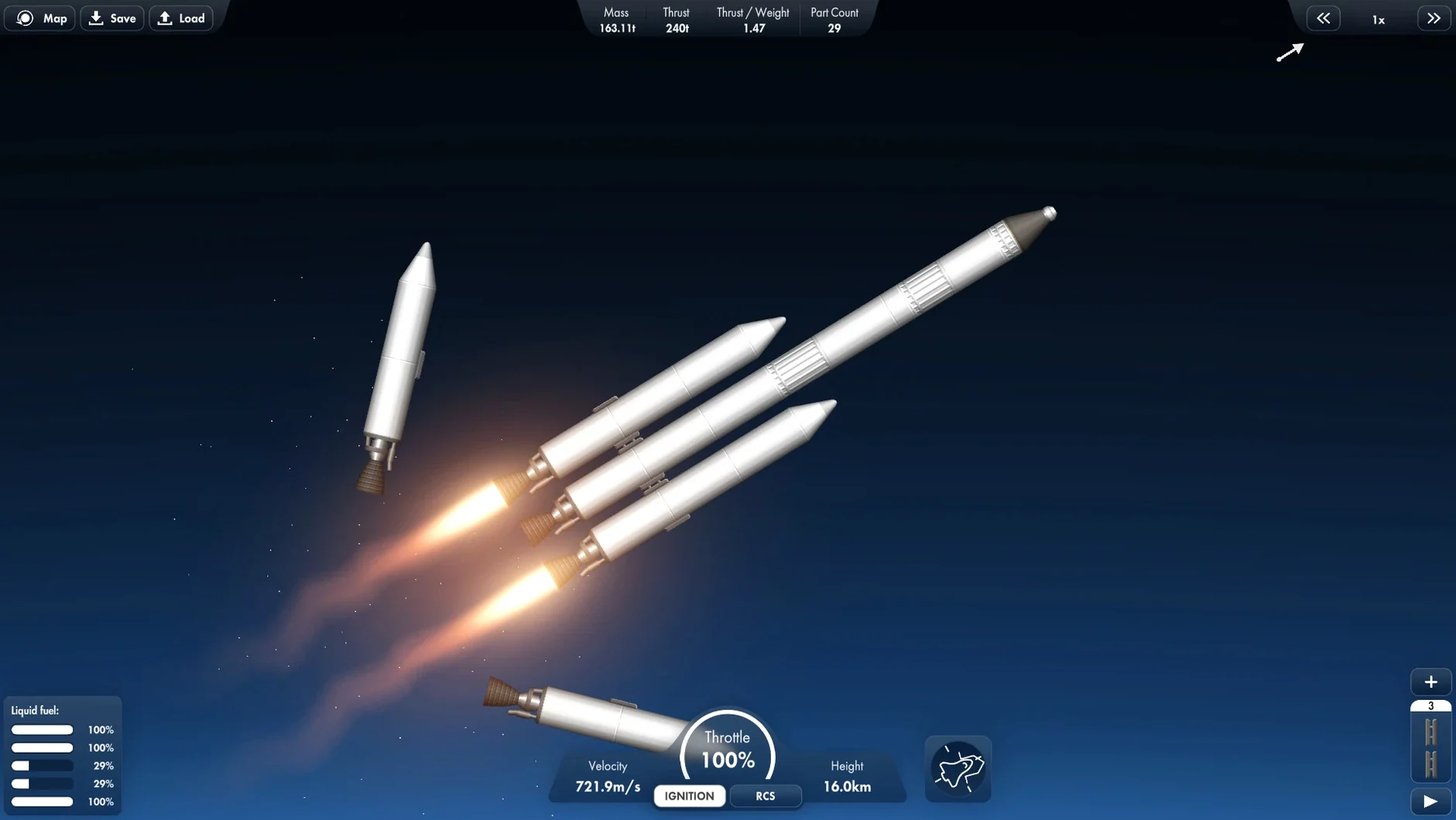
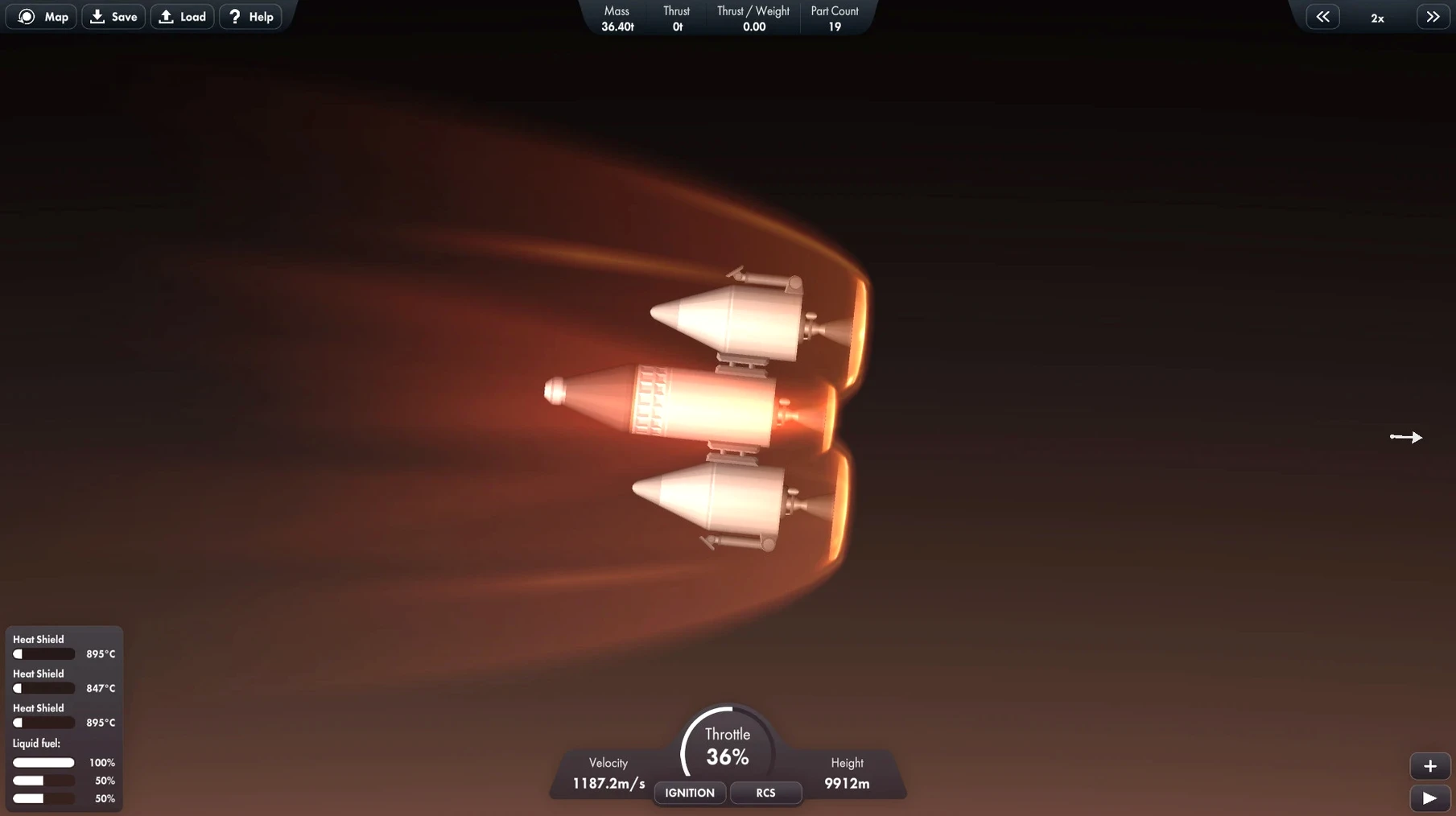
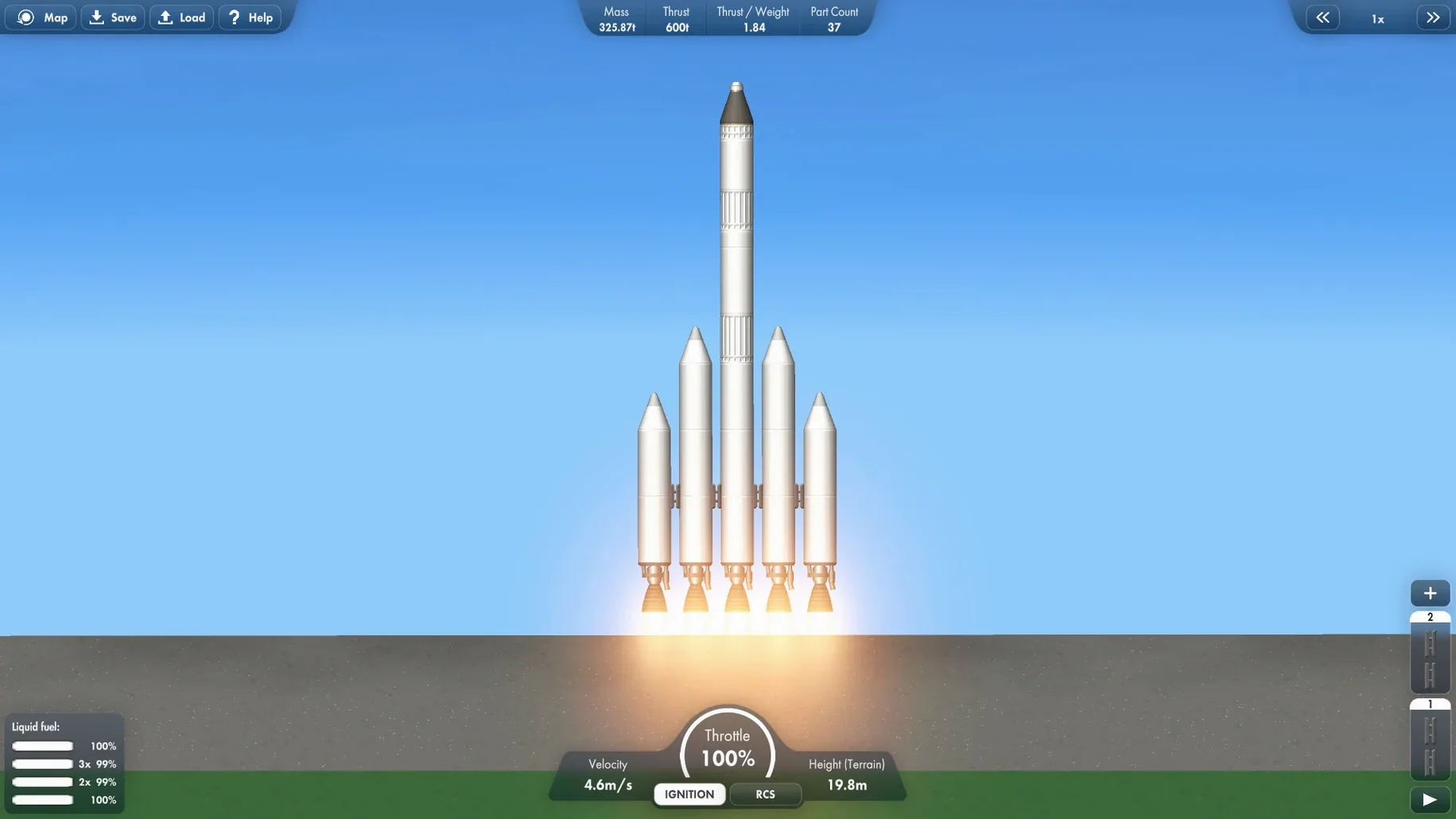
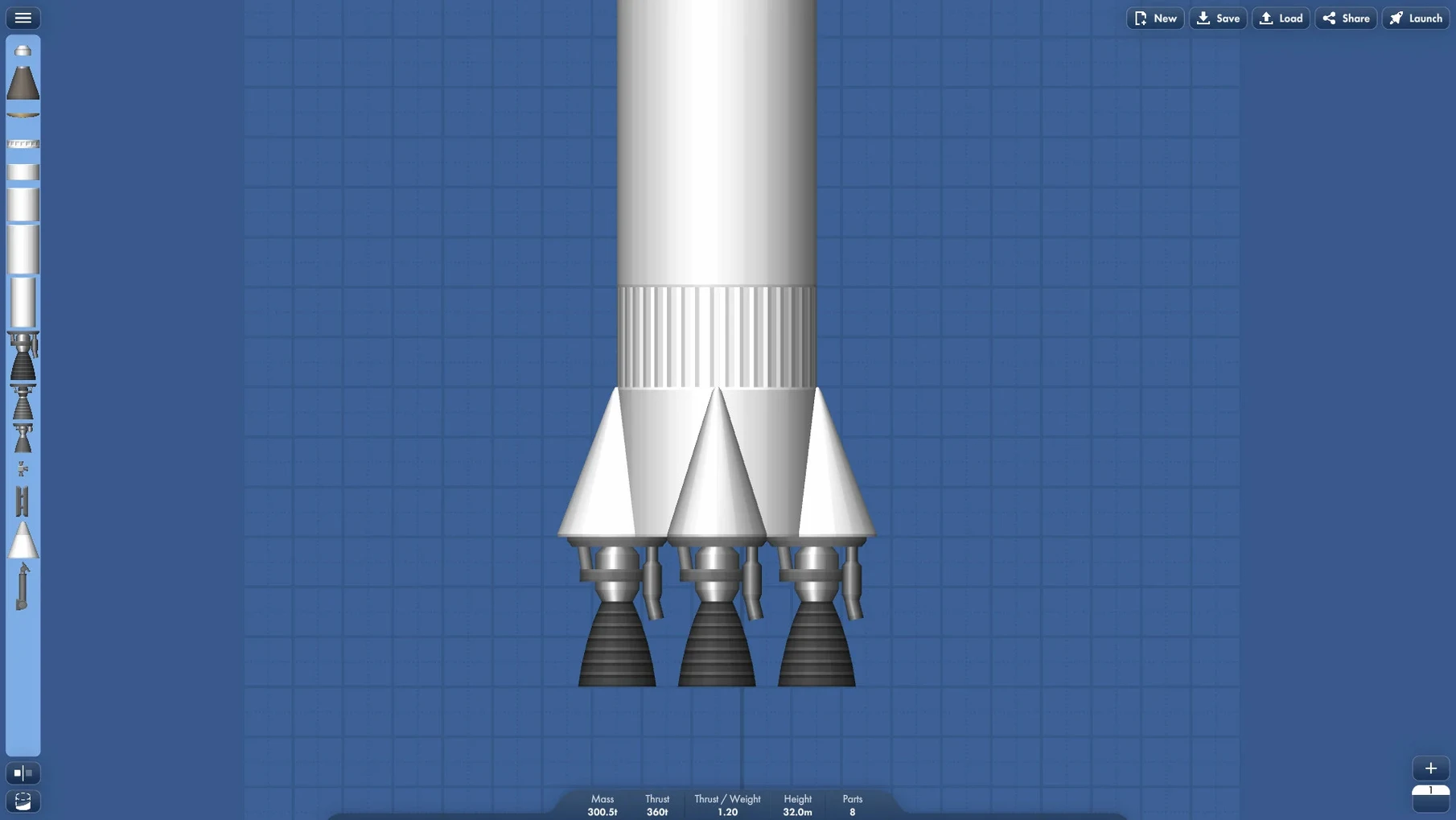
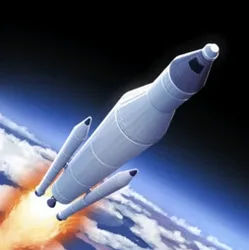
If you’ve ever tinkered with vehicle builders and wanted something that trades fantasy for physics, this is the logical next step. Spaceflight Simulator puts you in charge of a personal space program, where the fun isn’t just in the launch—it’s in the designing, failing, and redesigning that comes before it. You snap together rocket stages, strap on boosters, and figure out how to reach orbit without your lander tipping over on the Mün.
What You Can Build
- Multi-stage rockets for orbital and interplanetary travel
- Research rovers to explore distant surfaces
- Modular space stations assembled in orbit
- Custom landers and probes for specific missions
Rosetta 2 runs it silently on M1
I’ve been playing on an M1 MacBook Air with macOS Ventura, and the game runs smoothly with no hiccups. It’s an Intel build, so Apple Silicon machines use Rosetta 2—you won’t notice it. Controls are straightforward with keyboard and mouse, and the simulation stays responsive even as your creations get more ambitious. The whole experience feels like a proper desktop sandbox: parts snap cleanly, the camera moves freely around your craft, and the physics give you just enough realism to make each successful docking feel earned.
Duna rover mission starts on a notepad
I start most evenings with a cup of tea and a half-baked idea scribbled on a notepad. Last night it was a two-stage lifter with a detachable rover payload, destination Duna. Opening the app drops me straight into the vehicle assembly building—no menus, no loading screens vying for attention. I drag a capsule onto the grid, snap a fuel tank below it, and immediately notice the center-of-mass indicator shifting. That little ball changes everything.
The first test launch ends predictably: the second stage decouples too early and the rover tumbles back into the atmosphere. I add a separator ring, tweak the staging order in the sidebar, and launch again. This time the booster carries me to 70 kilometers before a clean separation. I nurse the ion engine through a long circularization burn, watching the orbit preview arc stretch into a loop. Twenty minutes in, I’m plotting a transfer window to Duna, and the background music has shifted to something appropriately ambient—it never overstays its welcome.
Shift-drag and double-tap R speed up builds
A few tricks I picked up after a dozen launches: double-tapping the R key instantly rotates your next part 90 degrees, which beats fiddling with the on-screen buttons when you’re aligning solar panels. Holding Shift while dragging a part gives you finer placement control—I use this constantly for docking ports on space stations. The symmetry tool is hidden in plain sight; click the little mirror icon and you can place up to eight radial boosters at once. No more counting.
If you’re hunting for a spaceflight simulator mac download that handles staging logic gracefully, the staging stack on the right side of the screen lets you reorder events by dragging. I’ve saved more missions by correcting a parachute that fired too early than I care to admit. The quicksave shortcut (F5) and quickload (F9) are lifted right from classic PC sims, and they’re essential when you’re attempting a suicide burn on an airless moon. These aren’t tutorialized—you discover them through muscle memory or a friend’s tip—but once they click, the whole spaceflight simulator mac free of unnecessary friction feels like a proper workshop.
- macOS 10.13 or later
- Intel processor (Apple Silicon Macs run it via Rosetta 2)
- Tested on macOS Ventura, MacBook Air (M1, 2020)
Questions people ask
Does Spaceflight Simulator run on Apple Silicon Macs?
Yes. It was tested on a MacBook Air with an M1 chip running macOS Ventura and works without issues using Rosetta 2.
Also on readers' docks
Sign in or create an account to leave a comment.
No comments yet. Tell me how it got on with your other devices.
More in Games
See all Spark in the Dark
0.3.17.5 Games
4 GB
Spark in the Dark
0.3.17.5 Games
4 GB
 Sons Of The Forest
53951 Build 17079992 Games
10.6 GB
Sons Of The Forest
53951 Build 17079992 Games
10.6 GB
 Stardeus
0.14.45.2780 Games
875 MB
Stardeus
0.14.45.2780 Games
875 MB
 Songs of Conquest
1.10.4.a515e789d6.3866 Games
2.3 GB
Songs of Conquest
1.10.4.a515e789d6.3866 Games
2.3 GB
 Stardew Valley
1.6.15.24357.8705766150 Games
467 MB
Stardew Valley
1.6.15.24357.8705766150 Games
467 MB
 Software Inc
1.8.41 Games
273 MB
Software Inc
1.8.41 Games
273 MB
 Static Dread: The Lighthouse
1.2.1 Games
1.8 GB
Static Dread: The Lighthouse
1.2.1 Games
1.8 GB
 Updated Sneaky Sasquatch
2.2 Native Games
365 MB
Updated Sneaky Sasquatch
2.2 Native Games
365 MB