








Download Seth for macOS
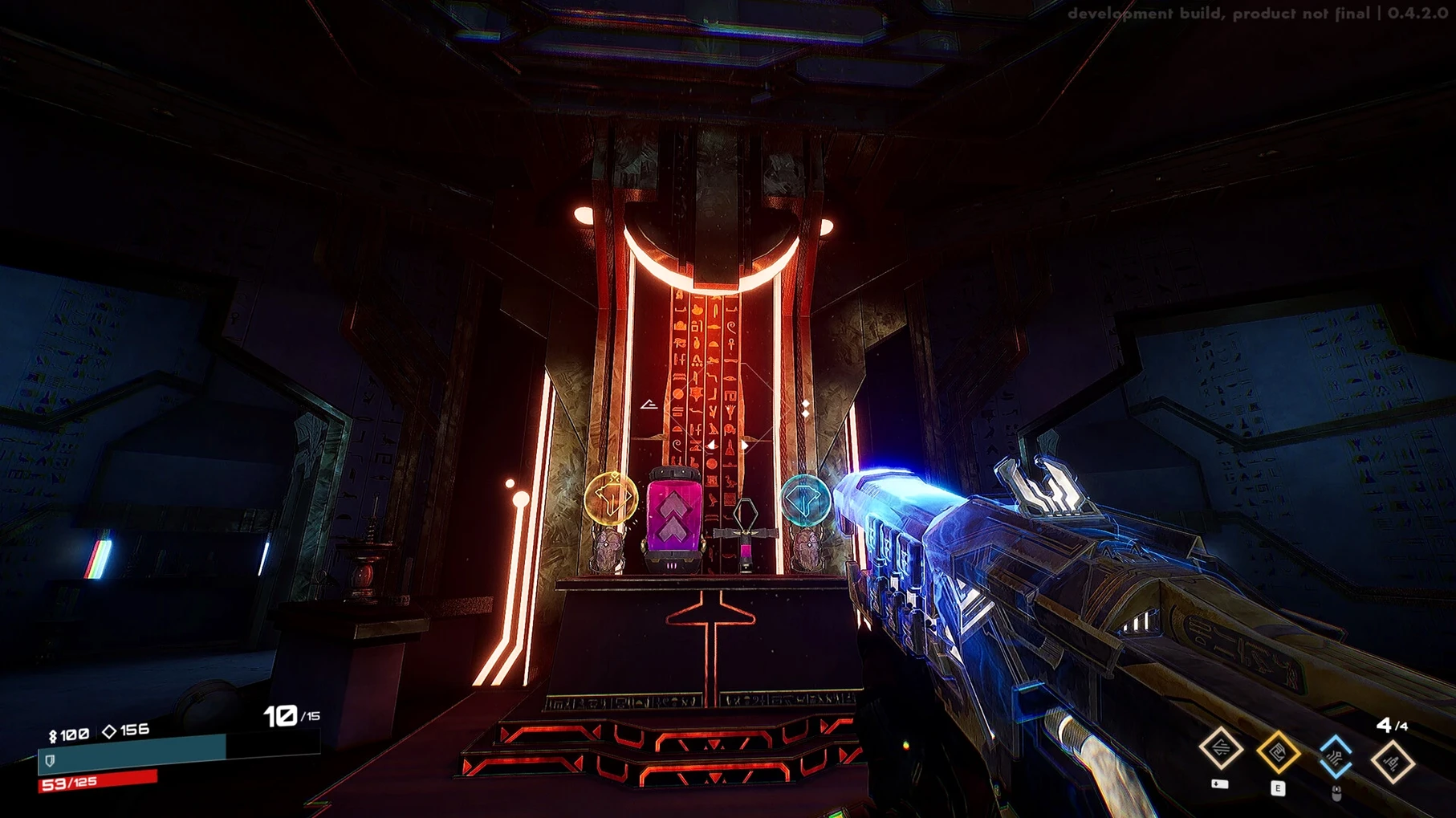
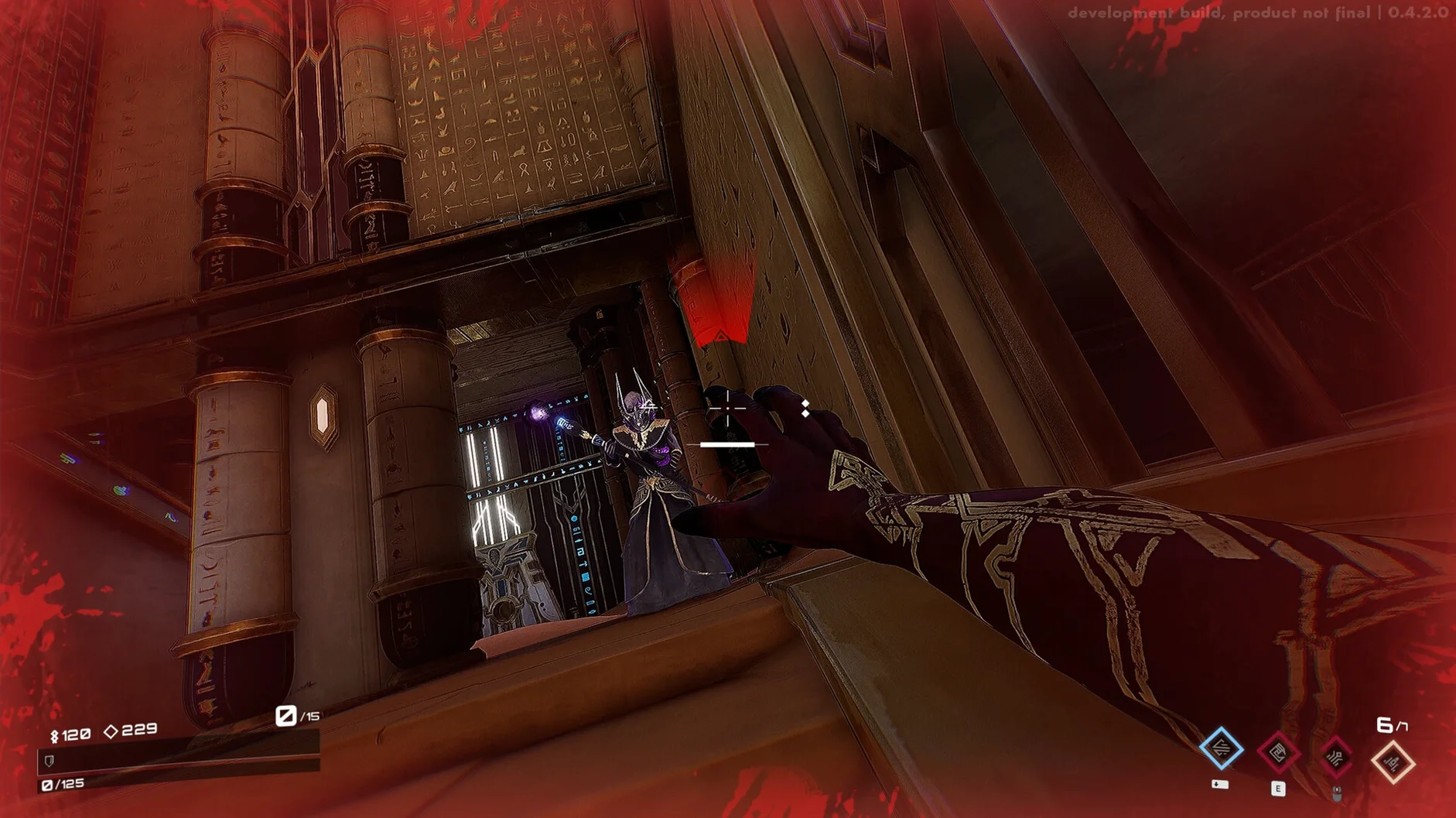
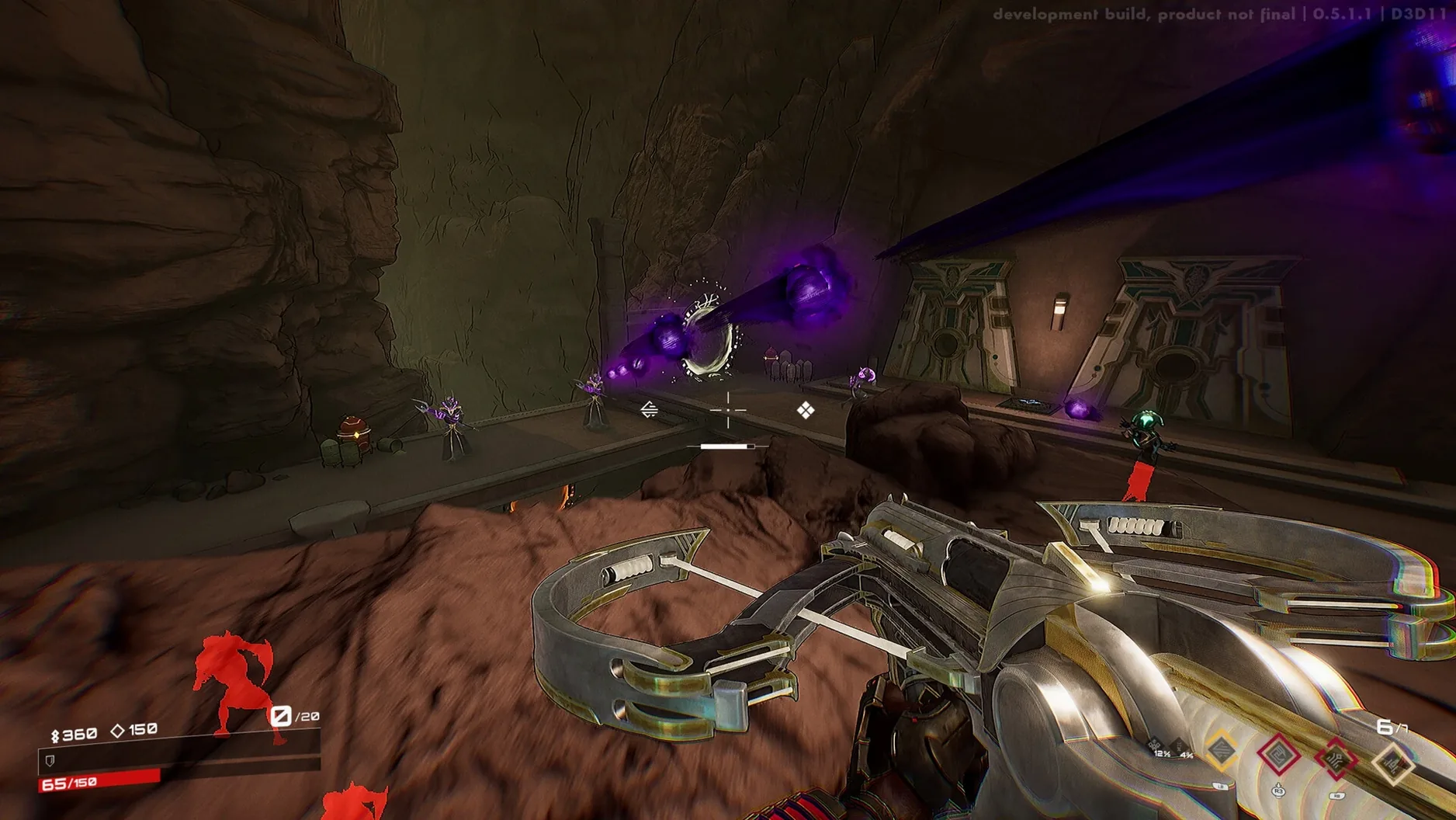
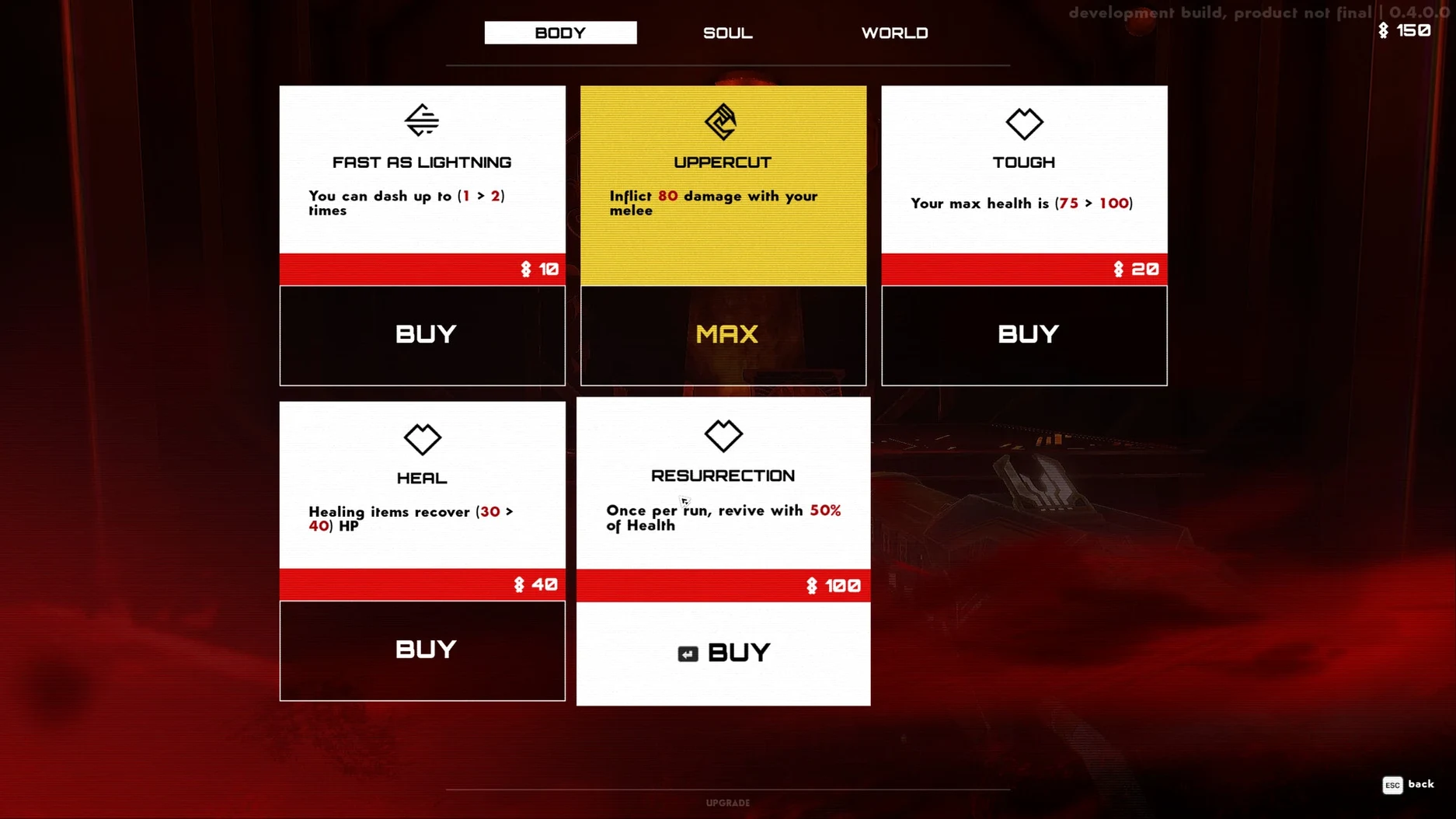
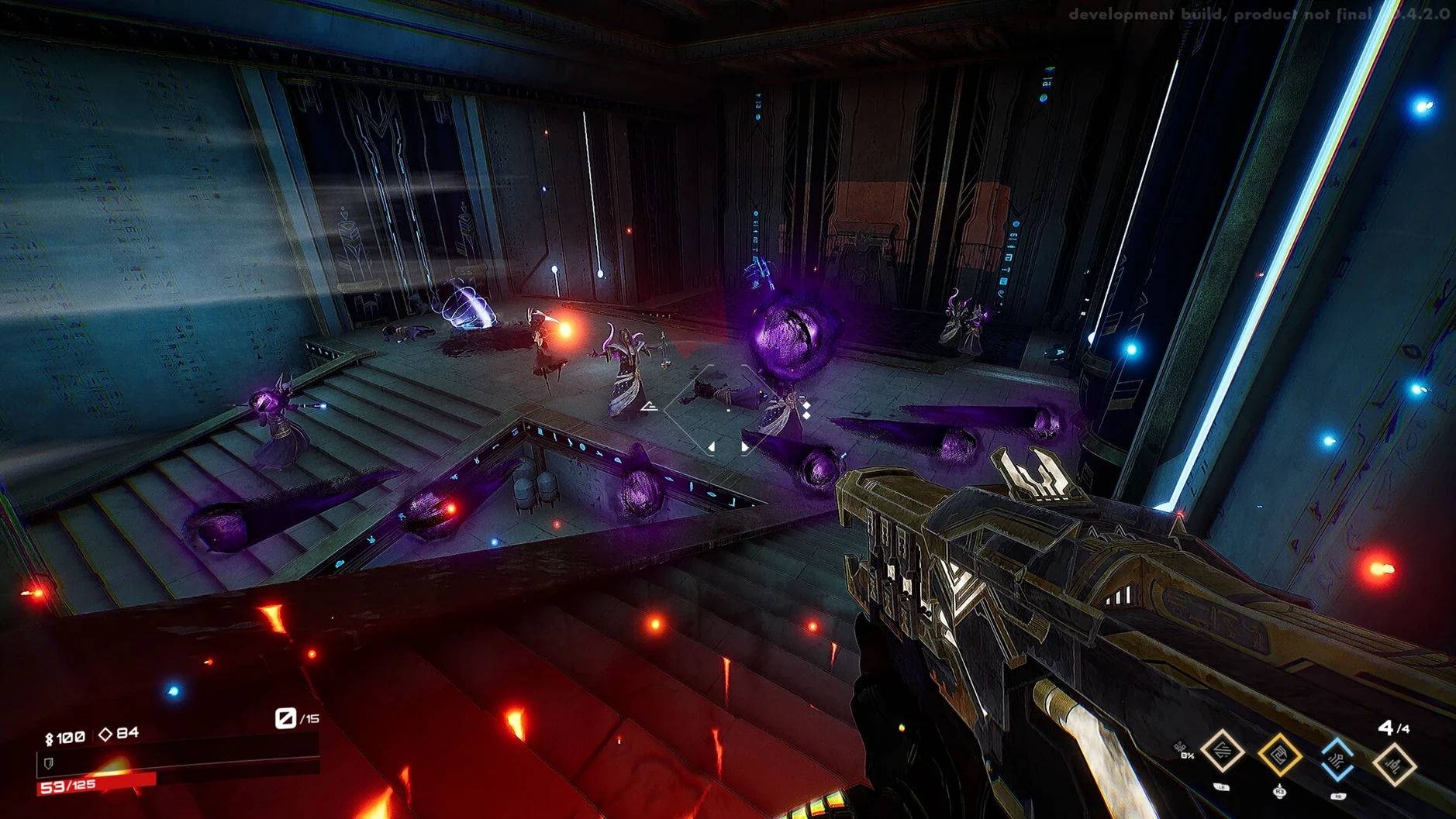
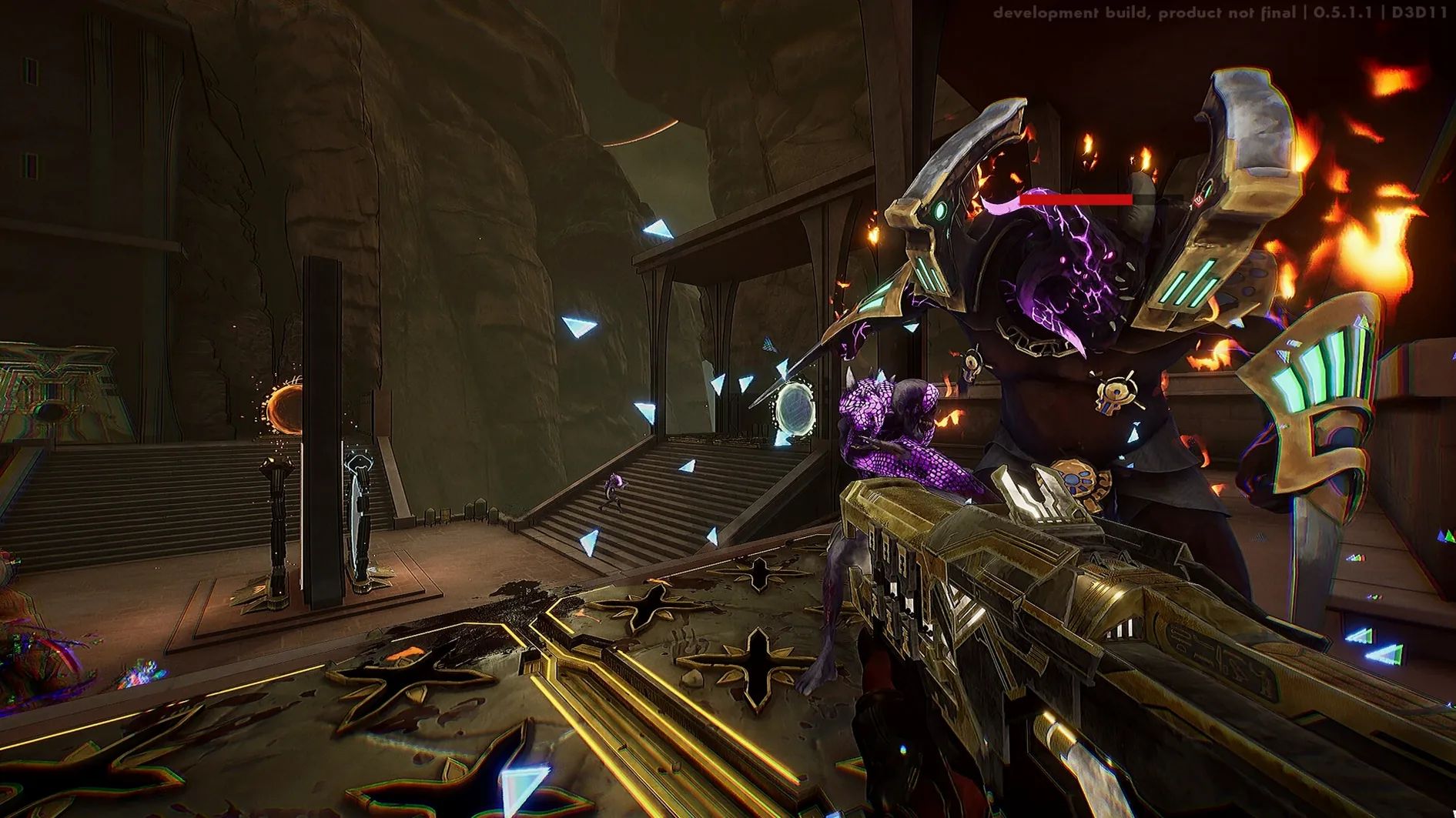
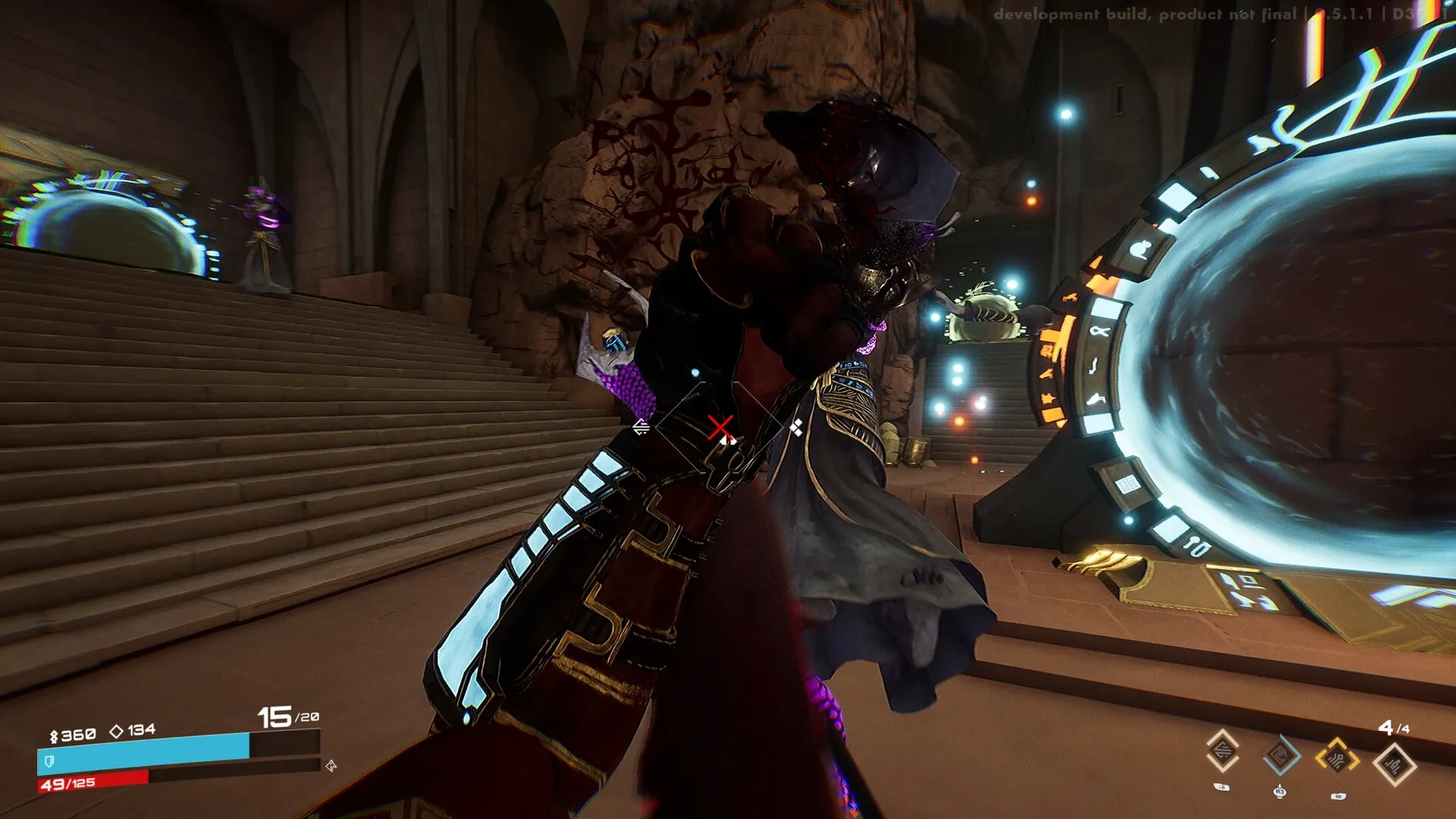
Most shooters promise speed, but few deliver the kind of twitchy, aggressive rush that makes you lean forward involuntarily. Seth aims for exactly that — a roguelite FPS that cuts the downtime and pushes you straight into a war against the forces of Apophis, blending ancient Egyptian mythology with sharp science-fiction edges.
- Roguelite FPS core — quick runs, permanent death, and a loop built around fast, aggressive gunplay where hesitation gets you killed.
- Play as Seth — you control the god of chaos himself, facing down randomly generated challenges that keep each attempt fresh.
- Egyptian sci-fi world — the battle against the legions of Apophis unfolds across arenas that mash up myth and futuristic design.
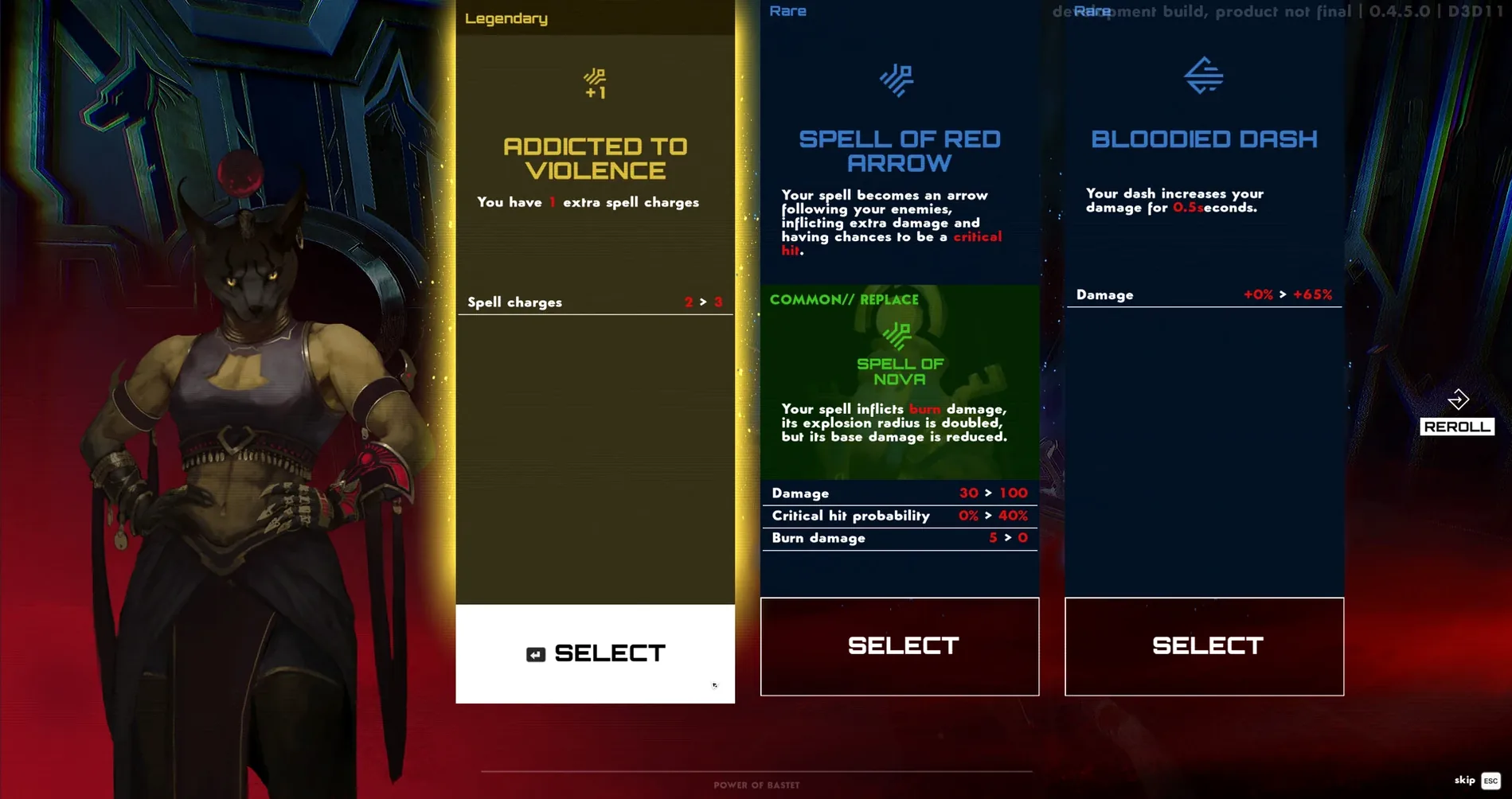
- Random challenge system — levels and encounters shift between runs, rewarding adaptation over memorization.
- Apple Silicon native wrapper — packaged via Wineskin for ARM Macs, with English, Russian, and French interface support.
Because it leans on Wineskin rather than a native port, you get the full Windows build running directly on Apple Silicon — just expect the occasional quirk that a quick fix script can sort out. If you enjoy roguelites that value momentum and don't pad the experience with filler, Seth fits neatly into a lunch-break session or a late-night run.
The Cryptic Launch Error Dialog
Wineskin wrappers on Apple Silicon are generally smooth, but Seth can throw a couple of predictable hiccups. The most frequent one hits right at launch — a cryptic error dialog that makes it look like the game is broken. Don't panic. The disk image includes a small Fix utility; running it once usually resolves whatever path or permission gremlin tripped the wrapper. After that, Seth tends to behave.
Another snag I've seen: the cursor sometimes locks to an invisible window border during the first boot. If your mouse feels trapped in a corner, try Command-Tab out to Finder, then click back into the game window. A second launch almost never repeats the issue. Also worth knowing — Seth's default resolution can look stretched on a 14-inch MacBook Pro screen. Hop into the graphics settings right after the intro cutscene and pick a 16:10 resolution that matches your display; the difference is immediate.
First Days With Seth
The first hour teaches you more if you treat it like a playground rather than a campaign. You'll die fast — that's the point. Spend your initial runs experimenting with different power combinations instead of hoarding the first ability that lands. Some blessings that feel weak against trash mobs absolutely shred elite enemies two rooms later, and the random reward structure loves surprising you that way.
One practical tip early on: rebind the dash to a side mouse button if you have one. Seth's movement kit expects you to dance between shots constantly, and keeping that action off the keyboard frees your left hand for weapon swapping. It's a small change that makes aggressive play feel more fluid by the third or fourth run.
You might also notice the game stutters briefly when a new enemy wave spawns — that's the Wineskin translation layer catching up, not your hardware. Dropping shadow quality one notch smooths it out without sacrificing much of the sci-fi atmosphere. And if you're searching for community tweaks, a few players have shared config adjustments under seth macos free optimization threads that help on base M1 machines.
- Apple Silicon Mac (ARM architecture)
Questions people ask
Does Seth run natively on Apple Silicon Macs?
It is packaged as a Wineskin wrapper built for ARM architecture, so it runs on Apple Silicon Macs without a full virtual machine, though it is not a native macOS port.
What languages are available in Seth?
The interface supports Russian, English, and French.
Also on readers' docks
Sign in or create an account to leave a comment.
No comments yet. Tell me how it got on with your other devices.
More in Games
See all Session: Skate Sim
Build 22539382 Games
6.1 GB
Session: Skate Sim
Build 22539382 Games
6.1 GB
 Updated Sid Meier’s Civilization VII
1.5.0.1 Native Games
18 GB
Updated Sid Meier’s Civilization VII
1.5.0.1 Native Games
18 GB
 SIGNALIS
1.2.2 Games
1.1 GB
SIGNALIS
1.2.2 Games
1.1 GB
 Sanatorium - A Mental Asylum Simulator
1.06f Games
531 MB
Sanatorium - A Mental Asylum Simulator
1.06f Games
531 MB
 Sally Face
1.5.52 Games
951 MB
Sally Face
1.5.52 Games
951 MB
 Updated Sneaky Sasquatch
2.2 Native Games
365 MB
Updated Sneaky Sasquatch
2.2 Native Games
365 MB
 Software Inc
1.8.41 Games
273 MB
Software Inc
1.8.41 Games
273 MB
 Songs of Conquest
1.10.4.a515e789d6.3866 Games
2.3 GB
Songs of Conquest
1.10.4.a515e789d6.3866 Games
2.3 GB