



Download Football Manager 27 for macOS
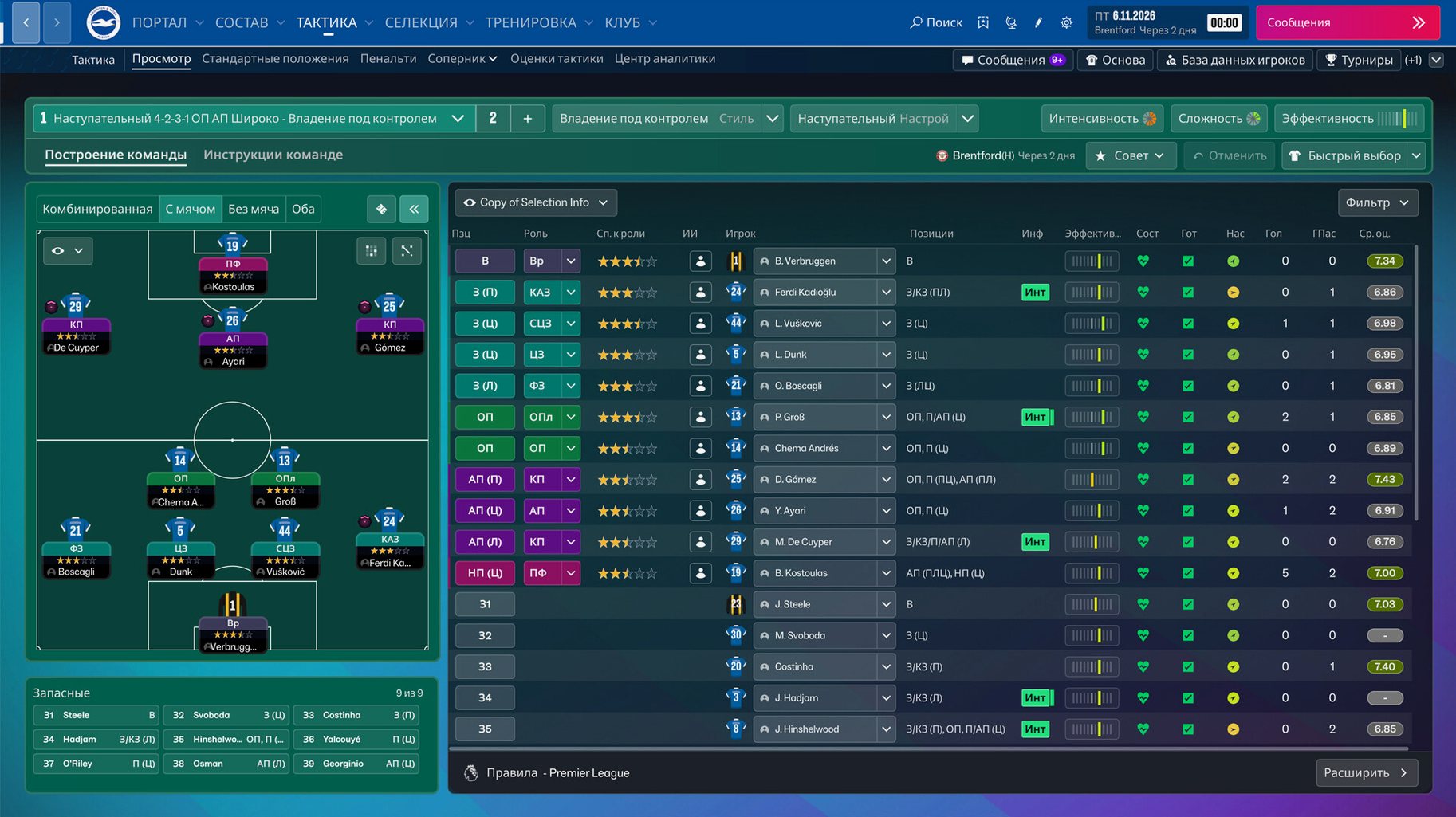
Football Manager 27 is a management simulation where you build a squad, set tactics, and guide a club through seasons packed with new decisions.
Tactical Clarity for Reactive Managers
- Managers who want a clearer read on their tactics — the new effectiveness evaluation system shows what’s really working on the pitch.
- Players who like to react fast during matches; quick tactical changes let you shift formation or instructions without pausing the flow.
- Anyone who felt the training module needed more depth; the updated system gives you finer control over player development and match preparedness.
- Competition nerds who appreciate detail — over 1,500 updated competition elements and new licensed leagues add realism across the globe.
2D View Gains and Customizable Panels
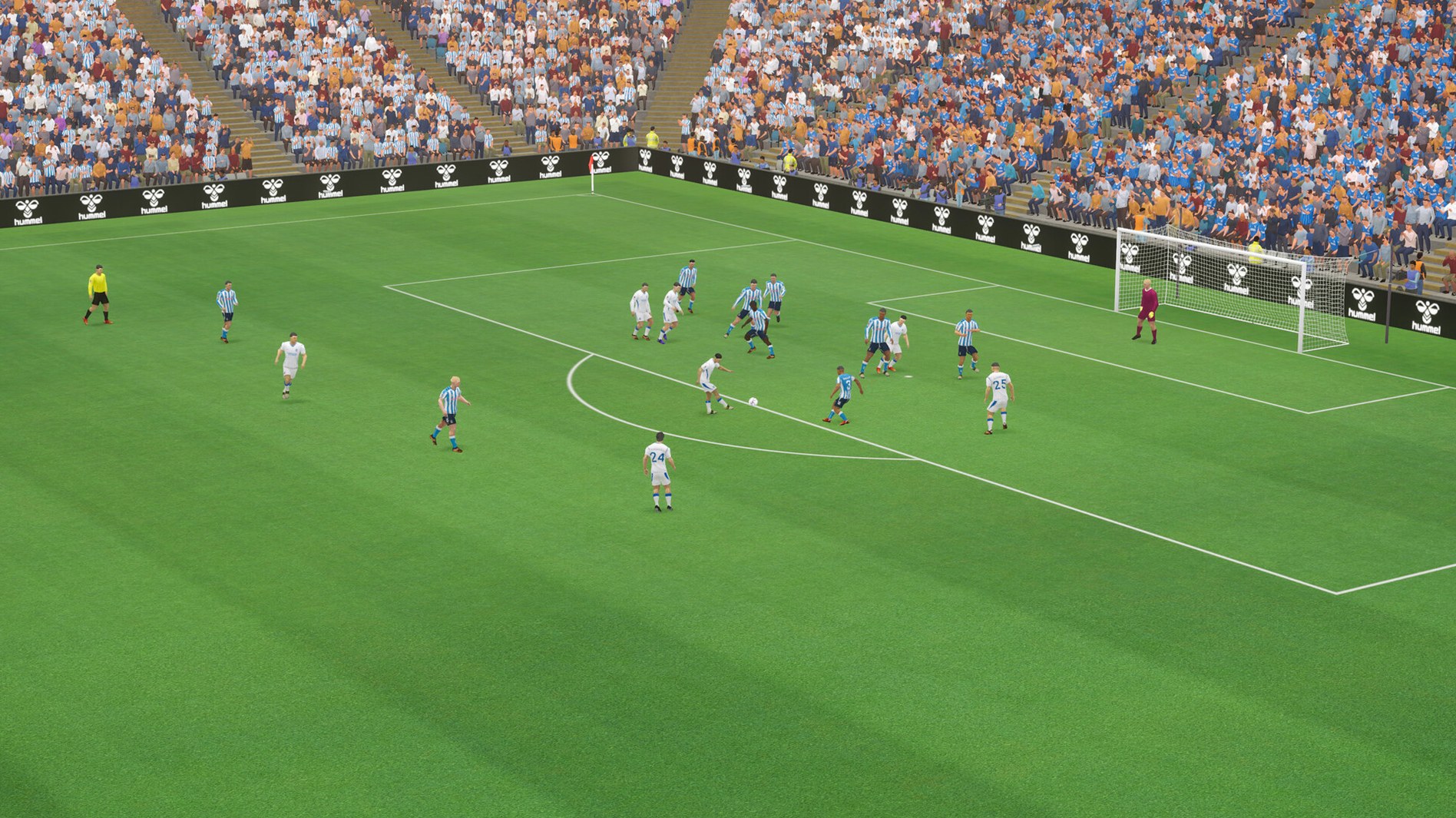
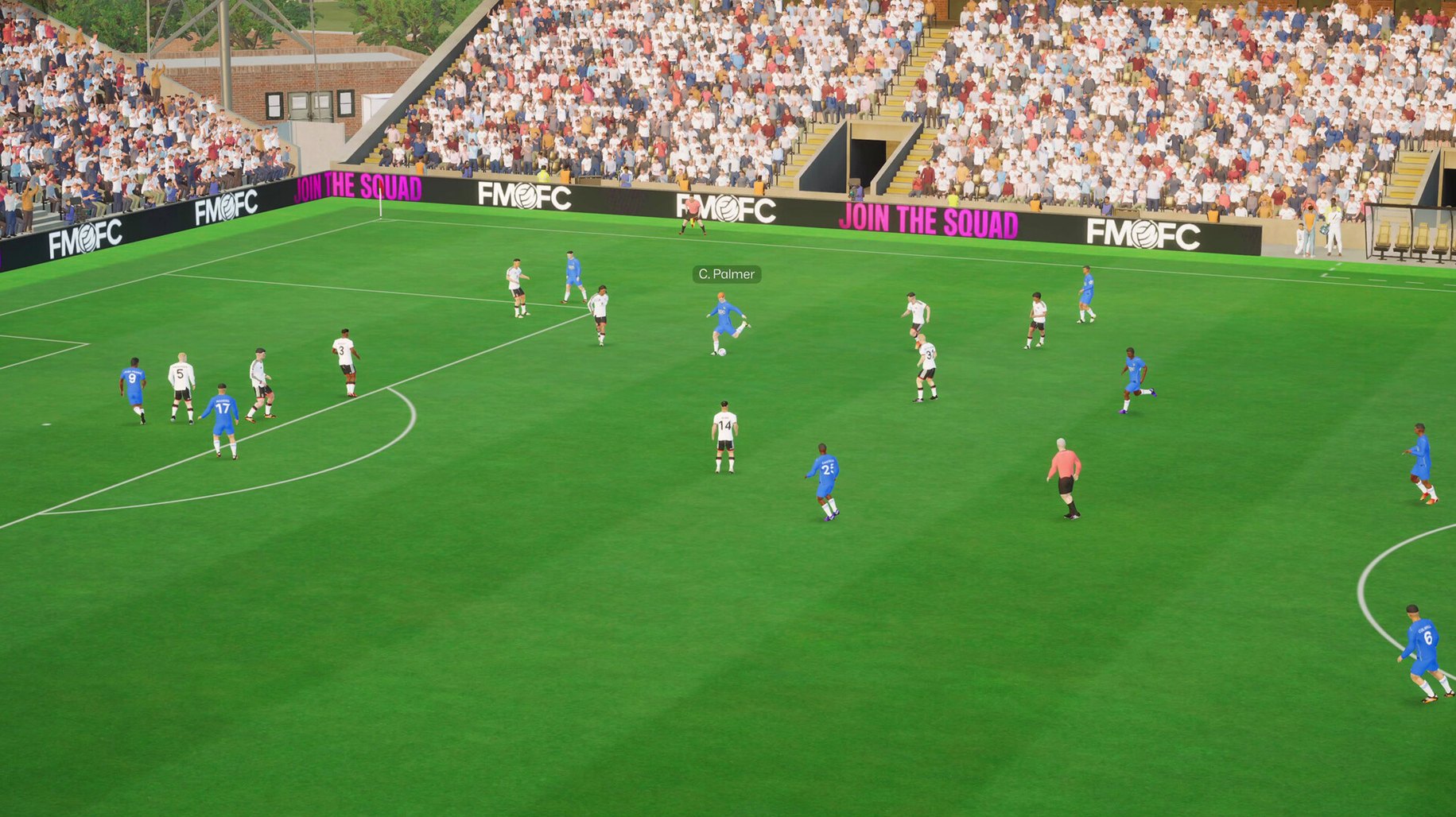
- No major visual overhaul on the 3D engine this year, but the 2D mode has improvements for those who prefer a cleaner tactical view.
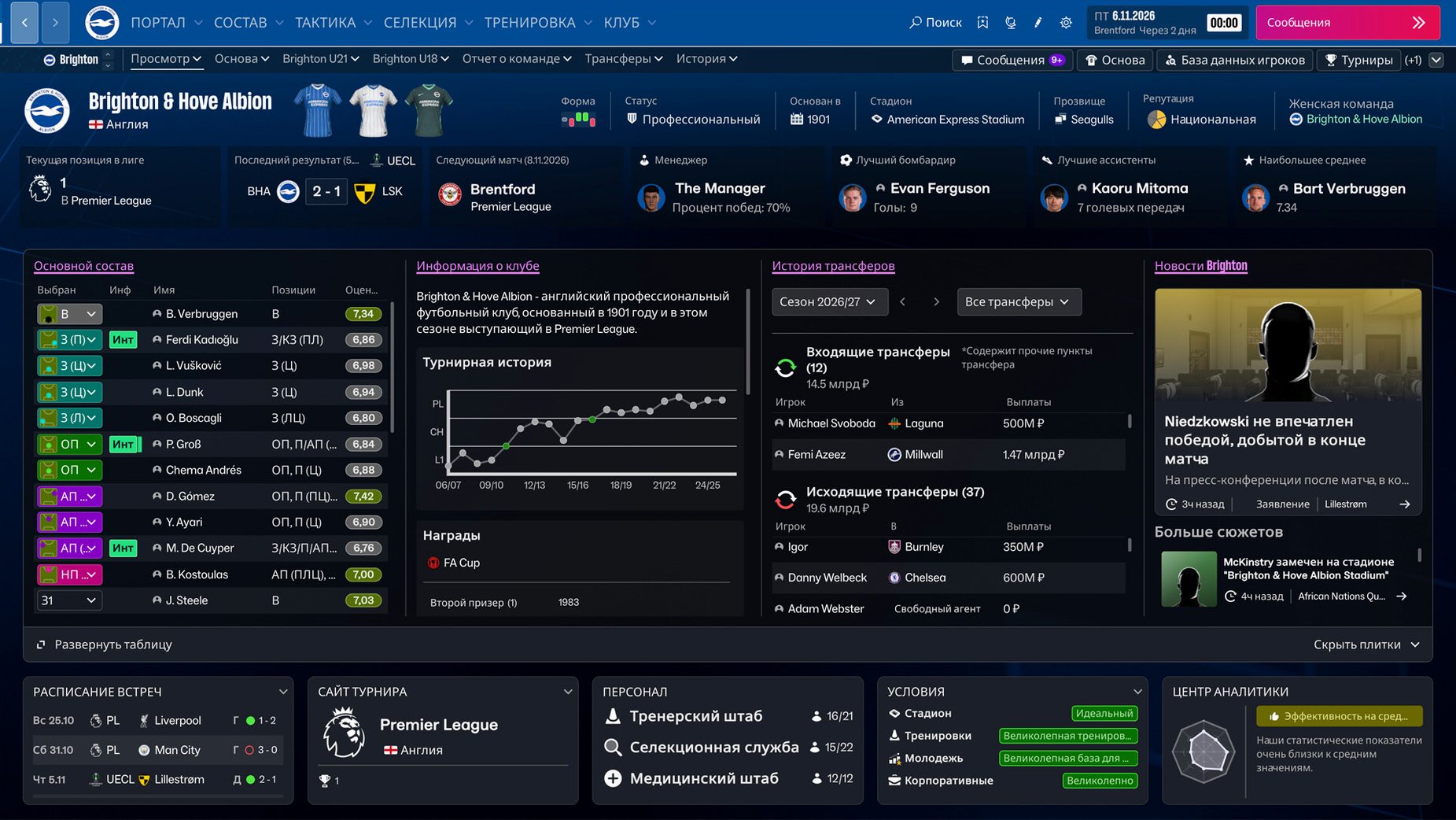
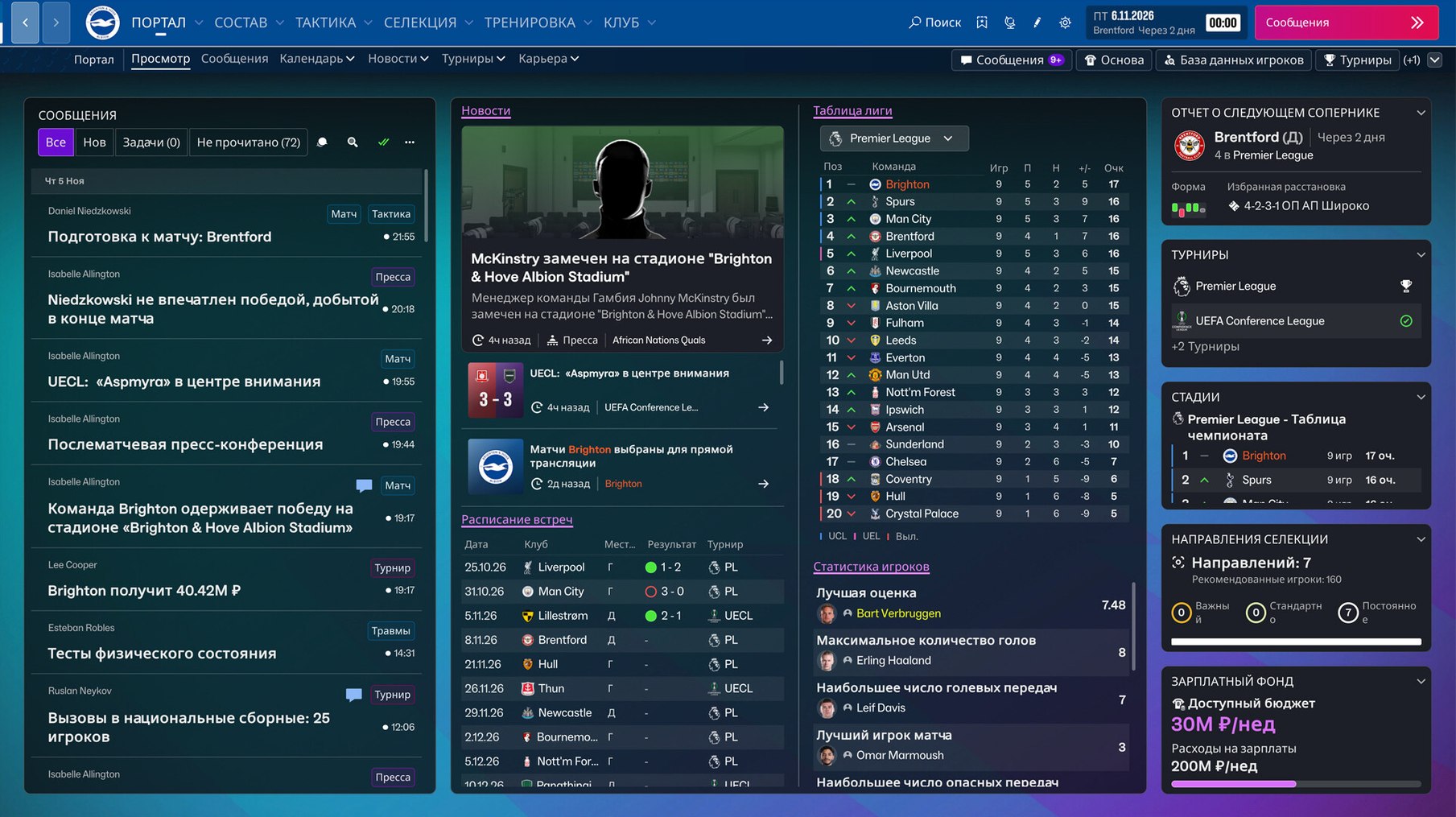
- The interface is customizable, so you can rearrange panels and hide what you don’t need — worth spending a few minutes on setup.
- Cup draws are back as an interactive event, and transfer deadline day returns with the usual chaos.
Launch-Day Changes That Reshape a Season
The version you’re installing — 27.0.1.2494769 — is the launch-day build, so there’s no giant patch history to sift through. But the changes Sports Interactive baked into this release from the start shift how a typical season plays out.
The tactical effectiveness evaluation system is the one you notice first. Past games left you guessing whether your formation was actually doing what you wanted. Now, after a match (or even during halftime), you can pull up a readout that tells you which areas of the pitch your team controls, where opponents are finding gaps, and whether your midfield is stretched too thin. It doesn’t turn the game into a spreadsheet — the feedback comes as visual overlays and short summaries. But it does mean you stop making blind changes.
Quick tactical changes during matches are the other big everyday shift. In older editions, if you wanted to switch from a pressing defense to a more cautious shape, you either paused and shuffled menus or waited for a set-piece moment. Here, you can assign a few preset shifts — say, drop the defensive line deeper or tell the fullbacks to push wider — and trigger them with a couple of clicks while play runs. It feels less like chess and more like calling adjustments from the sideline.
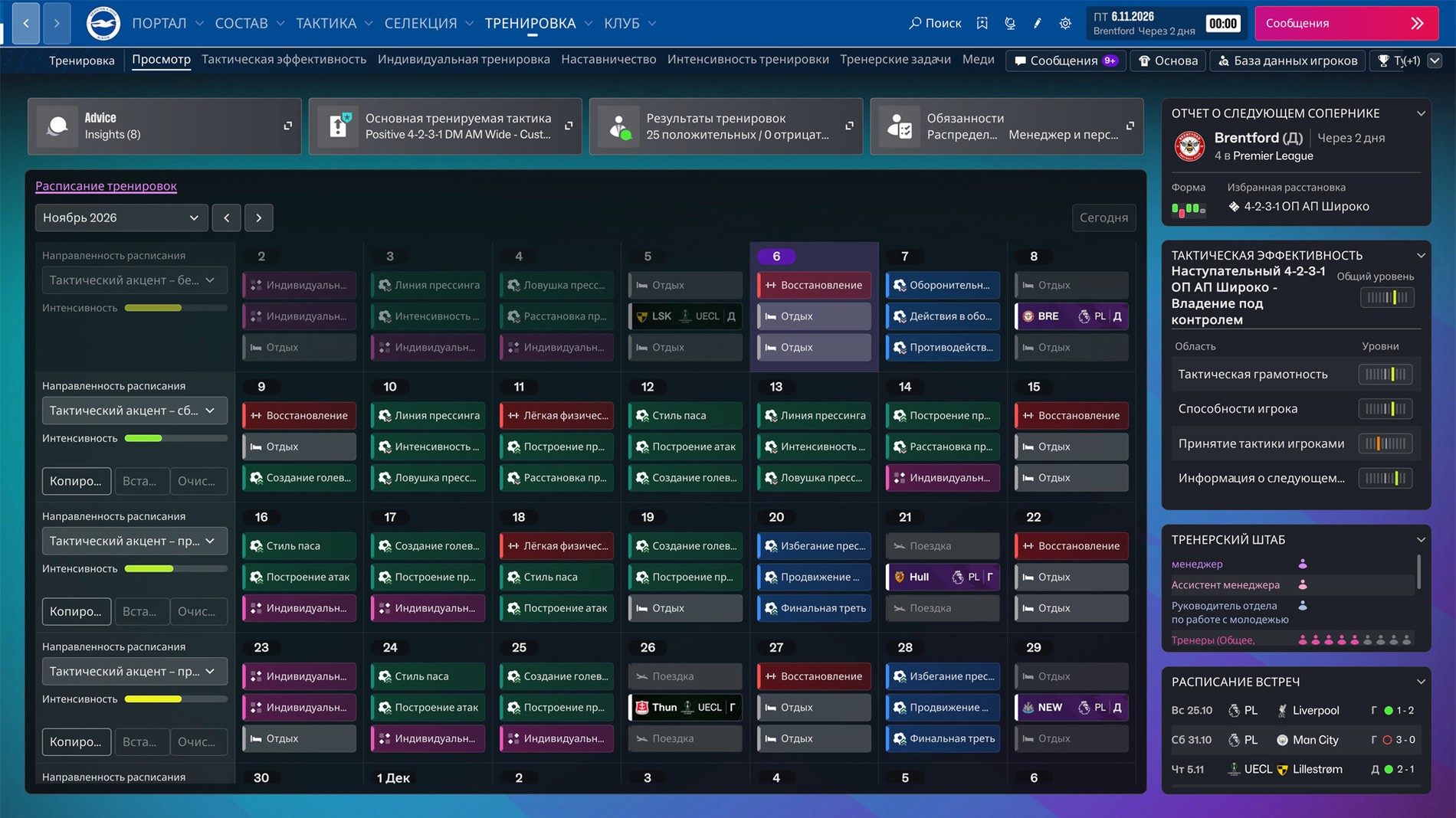
The updated training system takes a bit longer to appreciate. You now have more sliders and targets per player: match sharpness, physical conditioning, tactical drilling. It takes a few extra seconds per week to set, but the payoff is that your squad arrives at big matches visibly more prepared in the stats that matter.
Transfer deadline day and cup draws are back after being absent. Both are presented as calendar events you click into. The deadline day screen shows incoming and outgoing offers in a live-updating list, and cup draws happen with a short animation and bracket reveal. They don’t change the underlying simulation much, but they add a sense of occasion.
Dock, Collapse, or Float Your Panels
The interface customization isn’t hidden, but it’s easy to skip. Right-click any panel title and you can dock it to the side, collapse it into an icon, or pin it as a floating widget. I set the squad list to a narrow column and the pitch analysis to a larger central pane — saved me clicking through tabs every few minutes.
Double-clicking a player’s name in any list jumps straight to their profile. That sounds obvious, but some FM editions required a right-click menu, so it’s a small save.
During matches, you can drag the camera to a specific area of the pitch and lock it. Useful if you want to watch your left winger’s positioning for a few minutes without the camera roving.
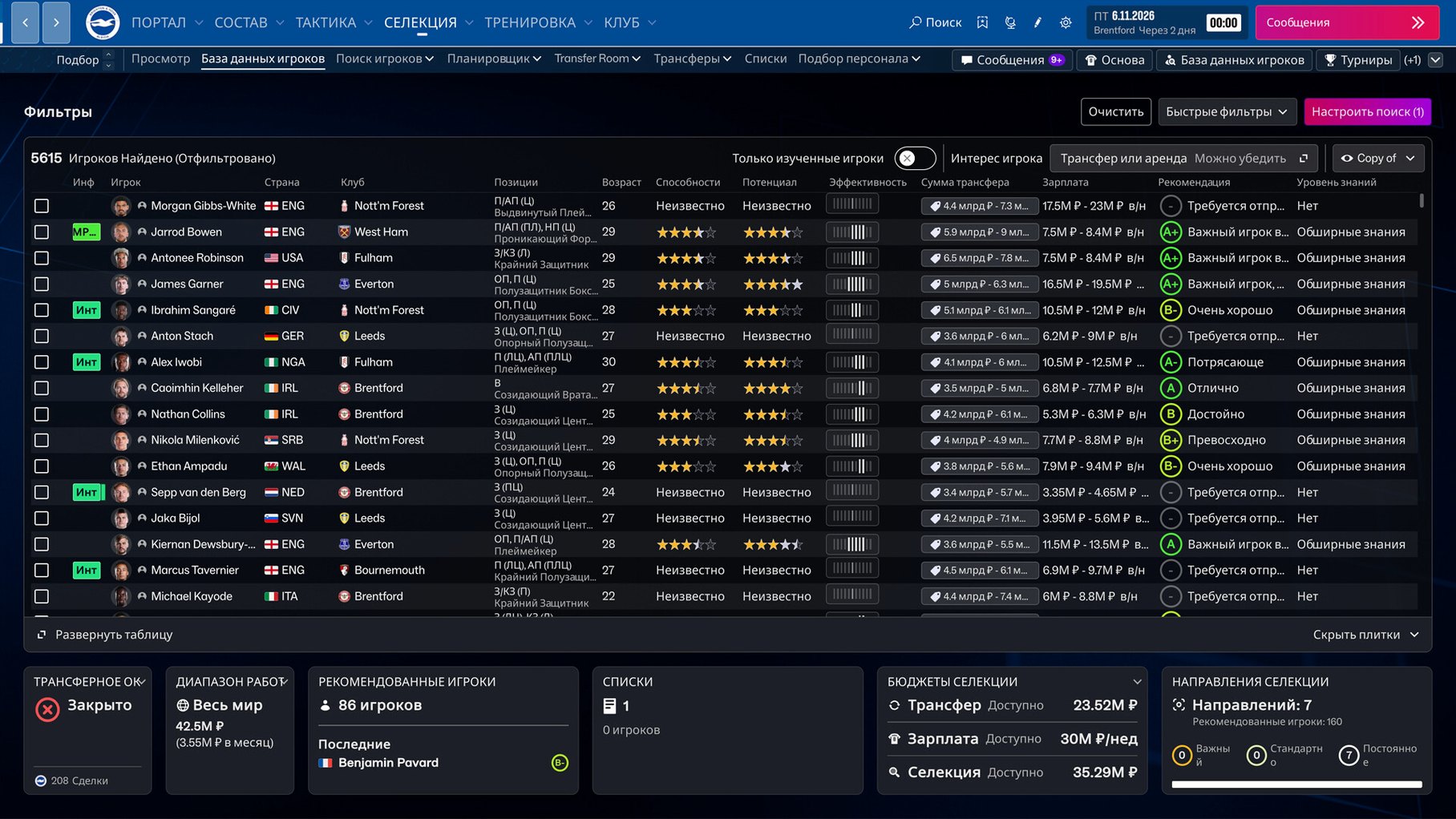
The search box in the scouting panel accepts partial names and club abbreviations. Typing “Man U” brings up Manchester United and its players without needing the full string.
And if you use the 2D tactical view — the top-down dots — pressing the spacebar centers the view on the ball’s current position. Handy when the action drifts off-screen.
Mac Compatibility and Performance Checks
Does it run on Intel Macs and Apple Silicon?
Yes, the build supports both architectures. I’ve seen it working on a Mac mini with an M4 chip, and the download ships as a single disk image that works on either. No separate Apple Silicon version to hunt for.
Is the match engine the same as last year?
Not entirely. The quick tactical changes and the dribbling variety are both additions to the match engine itself. The crowds and stadium visuals have been updated too, so the 3D mode doesn’t look identical. But if you usually play in 2D, the improvements are mostly behind the scenes — the 2D mode did get tweaks, just none that scream “new engine.”
How long does a season take?
That’s up to you and how deep you go. If you handle every training session, scout manually, and watch full matches, a single season can take 20 to 30 hours. If you delegate training and staff roles and use quick results for matches, you can push through in half that time. The simulation doesn’t force a pace.
Do I need an internet connection?
Not for the core game. The only online features are community uploads like custom databases or mods. The single-player career runs entirely offline.
Can I change the interface language?
Yes. The game ships with 19 language options, including English, German, Arabic, Korean, and Japanese. You set it in the launcher before the game starts.
From Launchpad to Season Opener
You launch the game from Launchpad, and the disk image is already mounted from the install — you dragged it into Applications, so it’s ready. The main menu asks for a new career or a saved one.
You pick a mid-table club in a new licensed league — maybe the Brazilian Série A, because you haven’t managed there before. The game loads the squad, the finances, and the expectation board. First task: look at the tactical effectiveness evaluation for the default formation. The system shows a heat map of your defensive coverage. It’s weak on the right flank. You adjust the defensive line slider slightly to the right, saving the preset for quick changes later.
Thursday comes fast. You open the training screen and see the weekly plan. Three players show low match sharpness. You increase their tactical drilling hours and drop their gym work to medium intensity. The system flags a potential risk of fatigue for the winger — you dial him back one notch.
On match day, the cup draw notification pops up. You click it, see the bracket, and your team is drawn against a lower division opponent. You decide to use the match as a chance to test the new dribbling variety. You set your striker’s instructions to “run at defender” and watch the match in 3D. He sidesteps past the first tackle — the animation is smoother than last year, and the crowd sound swells.
Halfway through the second half, the opponent shifts formation. You pull up your quick tactical changes panel and activate the “press higher” preset. The team moves up, and within two minutes you create a chance. The game doesn’t pause; the shift just happens on your command.
Transfer deadline day arrives two weeks later. You open the offers screen and see four bids from other clubs. One is for your reserve goalkeeper, and the money is decent. You accept it and immediately set the scouting panel to search for a replacement. The whole transaction takes about three minutes of real time.
You finish the session by saving and closing. The game autosaves every month by default, but you can adjust that interval in the preferences. The whole session — from launch to close — took about an hour and a half, and you made decisions that would have taken longer in older versions because the feedback is now right where you need it.
On iPad and iPhone: no companion app from Sports Interactive.
- New tactical effectiveness evaluation system added.
- Training system updated with more options.
- Quick tactical changes during matches now possible.
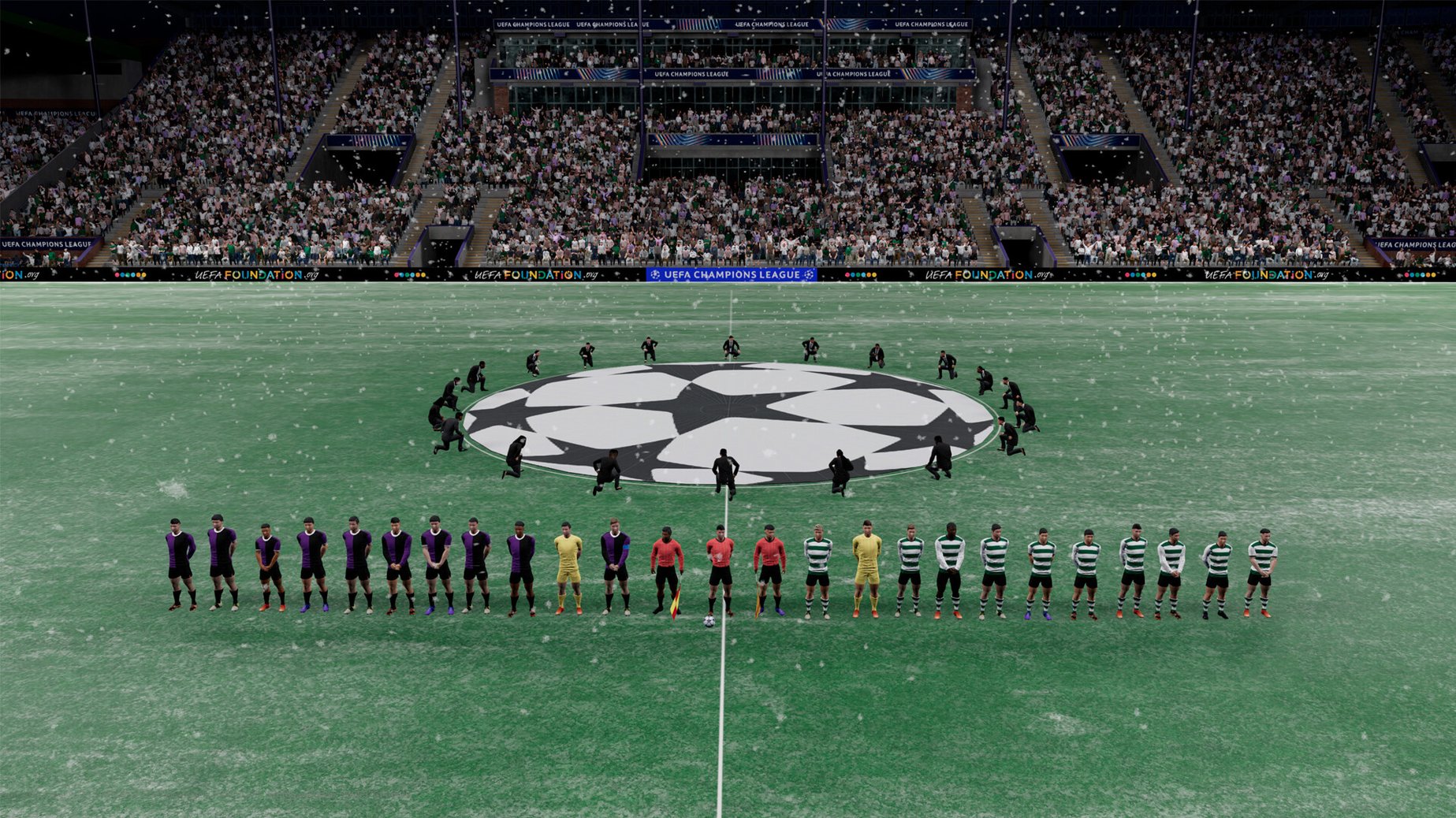
- Improved crowds, stadiums, and surroundings.
- Cup draws and transfer deadline day have returned.
- Architecture: both Intel and Apple Silicon
- macOS version: not specified by the developer
Questions people ask
What interface languages does Football Manager 27 support?
The game supports 19 languages including English, German, Spanish, French, Italian, Russian, Arabic, Simplified Chinese, Japanese, Korean, and more.
Also on readers' docks
Sign in or create an account to leave a comment.
No comments yet. Tell me how it got on with your other devices.
More in Games
See all WorldBox - God Simulator
0.51.2 Games
452 MB
 Updated WHAT THE CAR?
6.2.1 Native Games
717 MB
 Wasteland 2
1.0 Games
9.2 GB
 Warhammer 40,000: Rogue Trader
1.6.1.170 Games
31 GB
 Updated Victoria
1.15.0 Native Games
9 GB
 Vasilisa and Baba Yaga
1.5.7 Games
2 GB
 Valheim
1.0.21 Native Games
4.1 GB
 Vagrus - The Riven Realms
1.4201008y Native Games
3.6 GB