









Download Plants vs. Zombies: Replanted for macOS
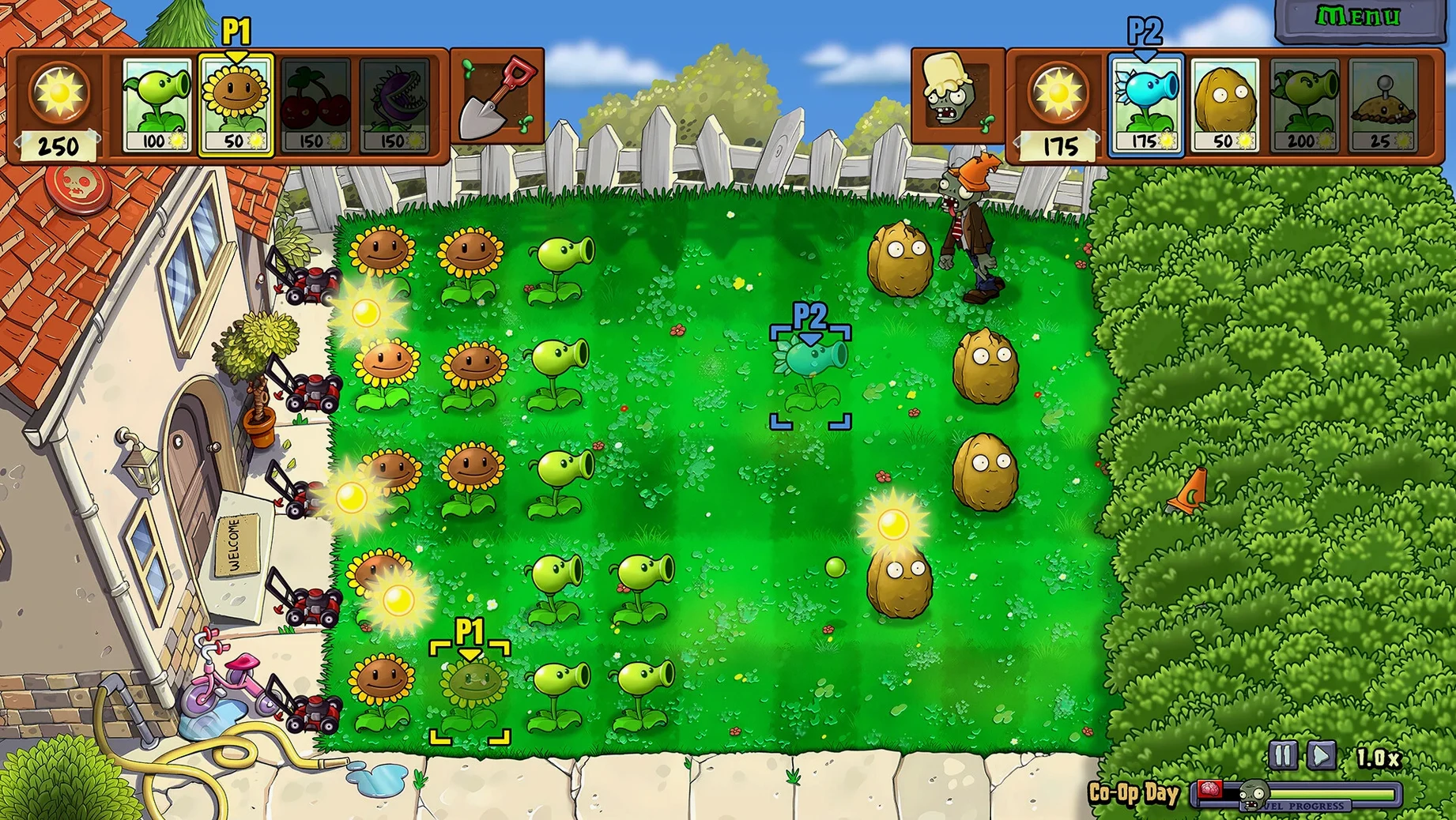
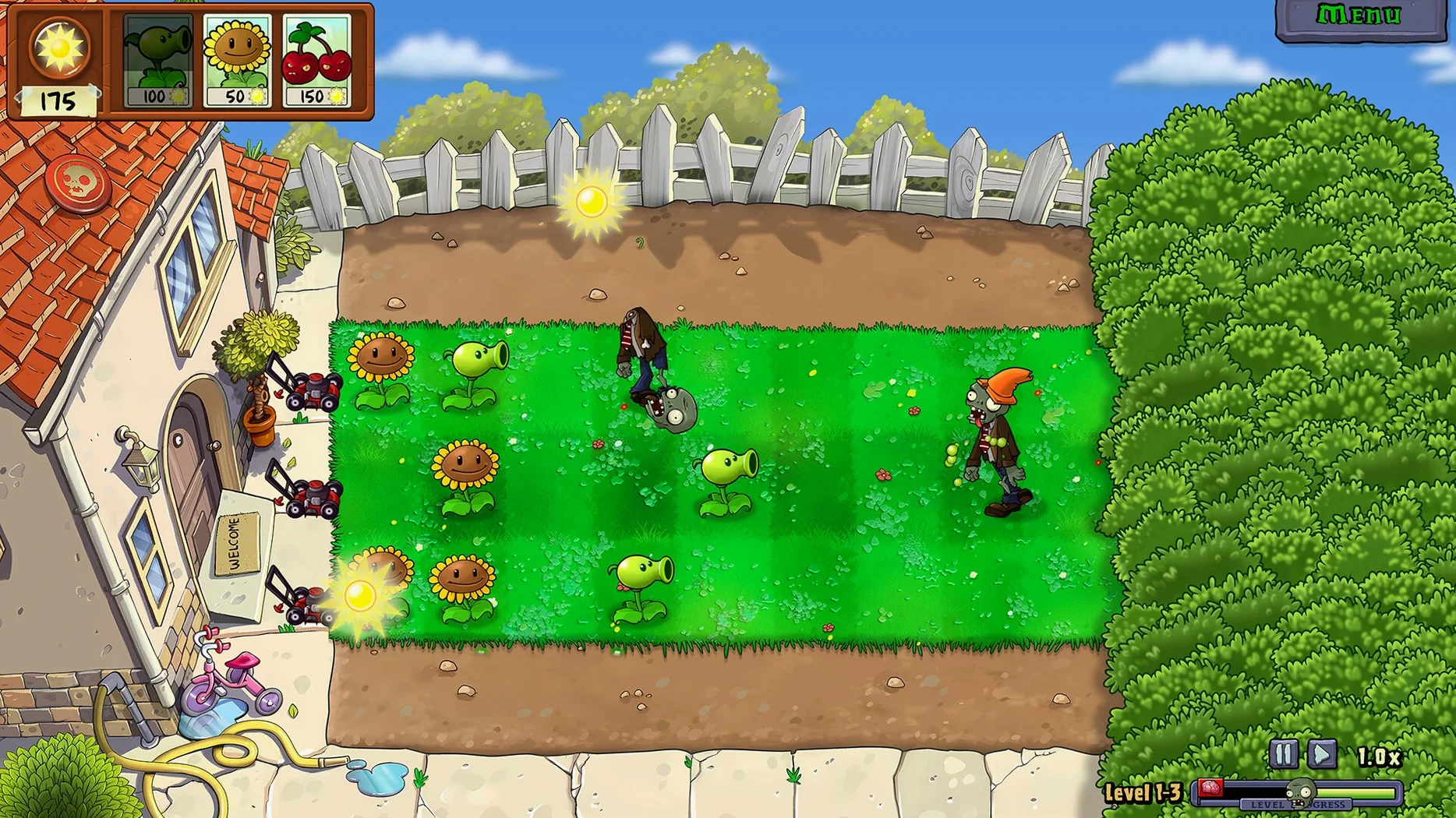
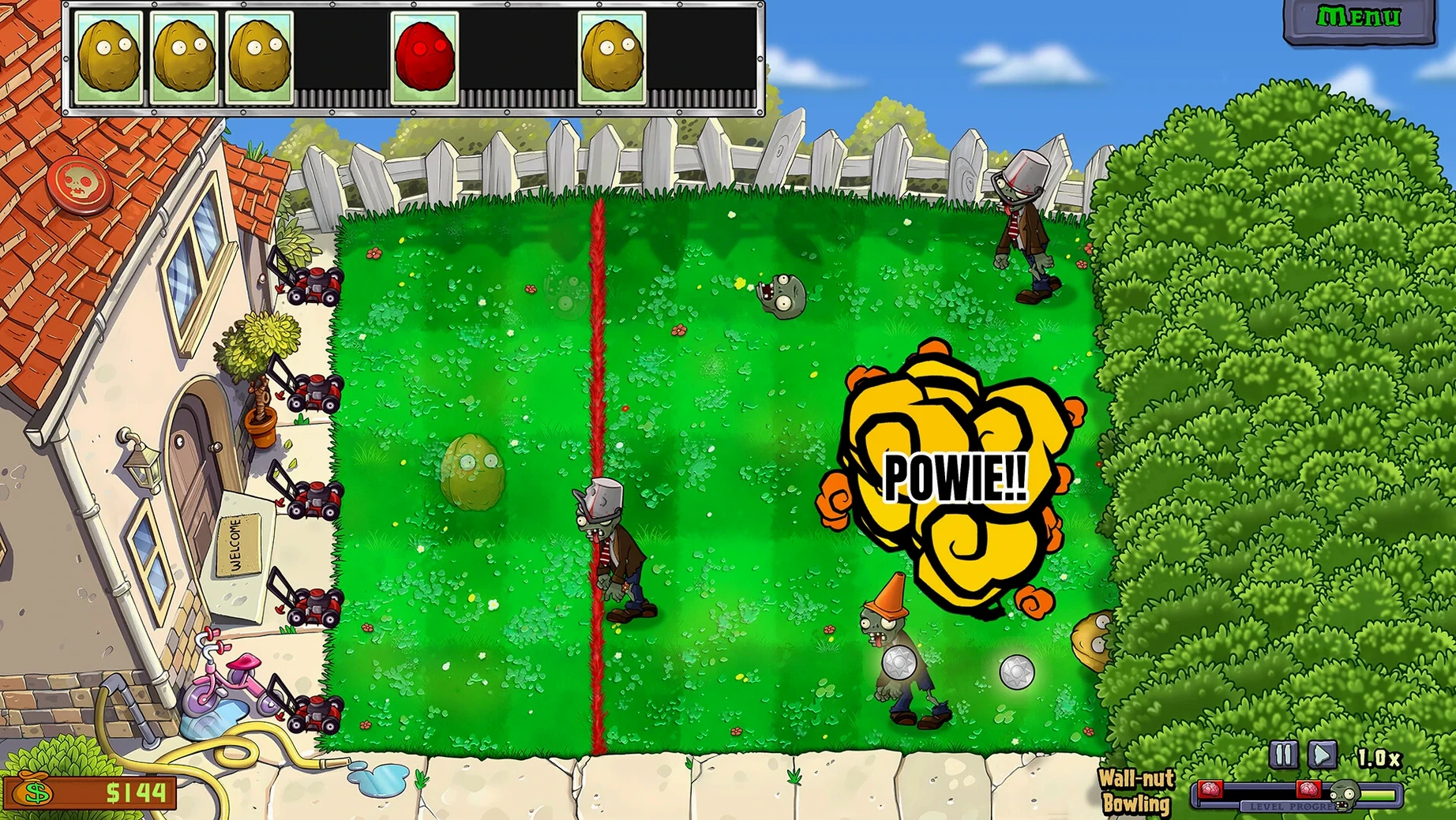
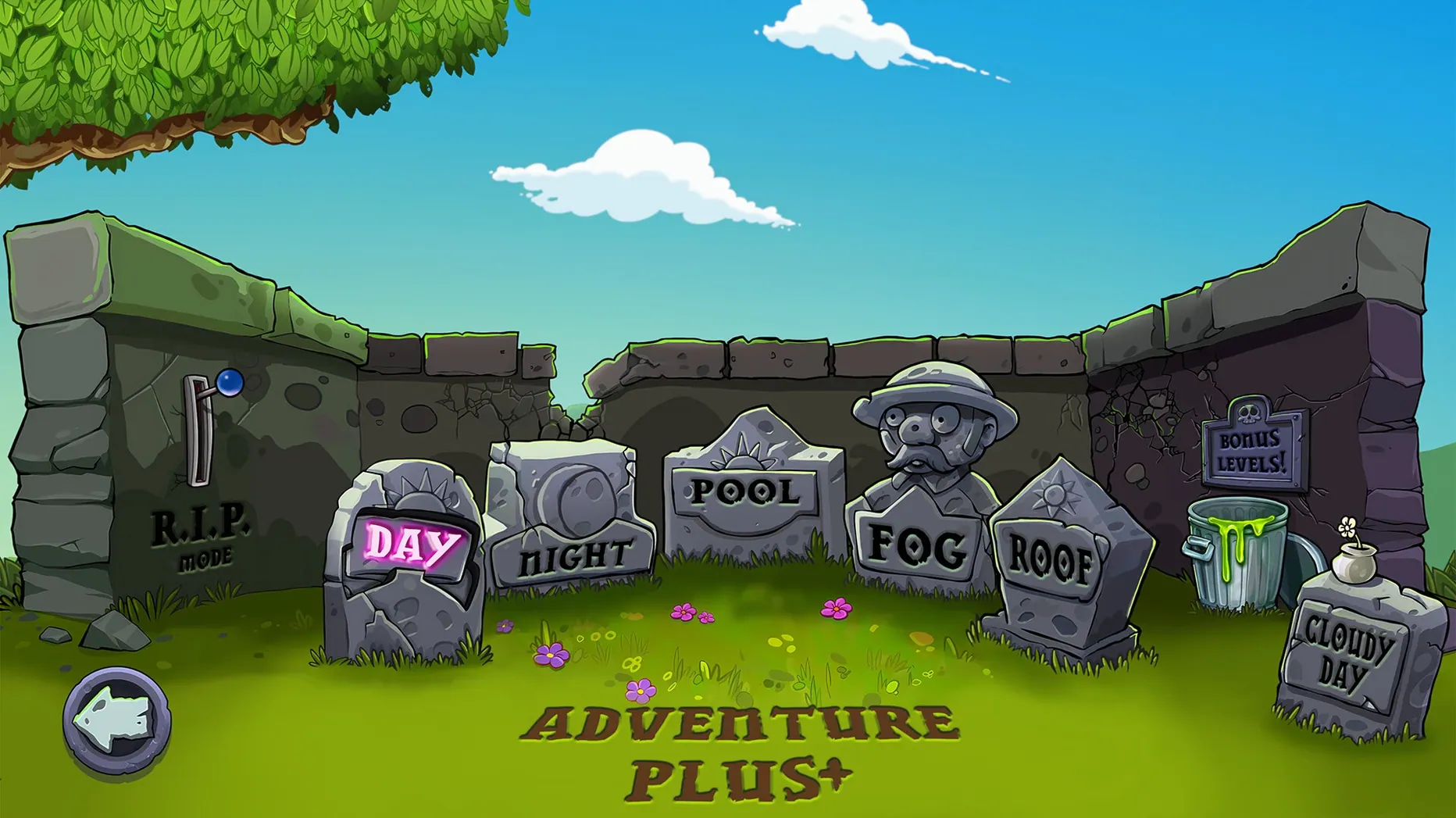
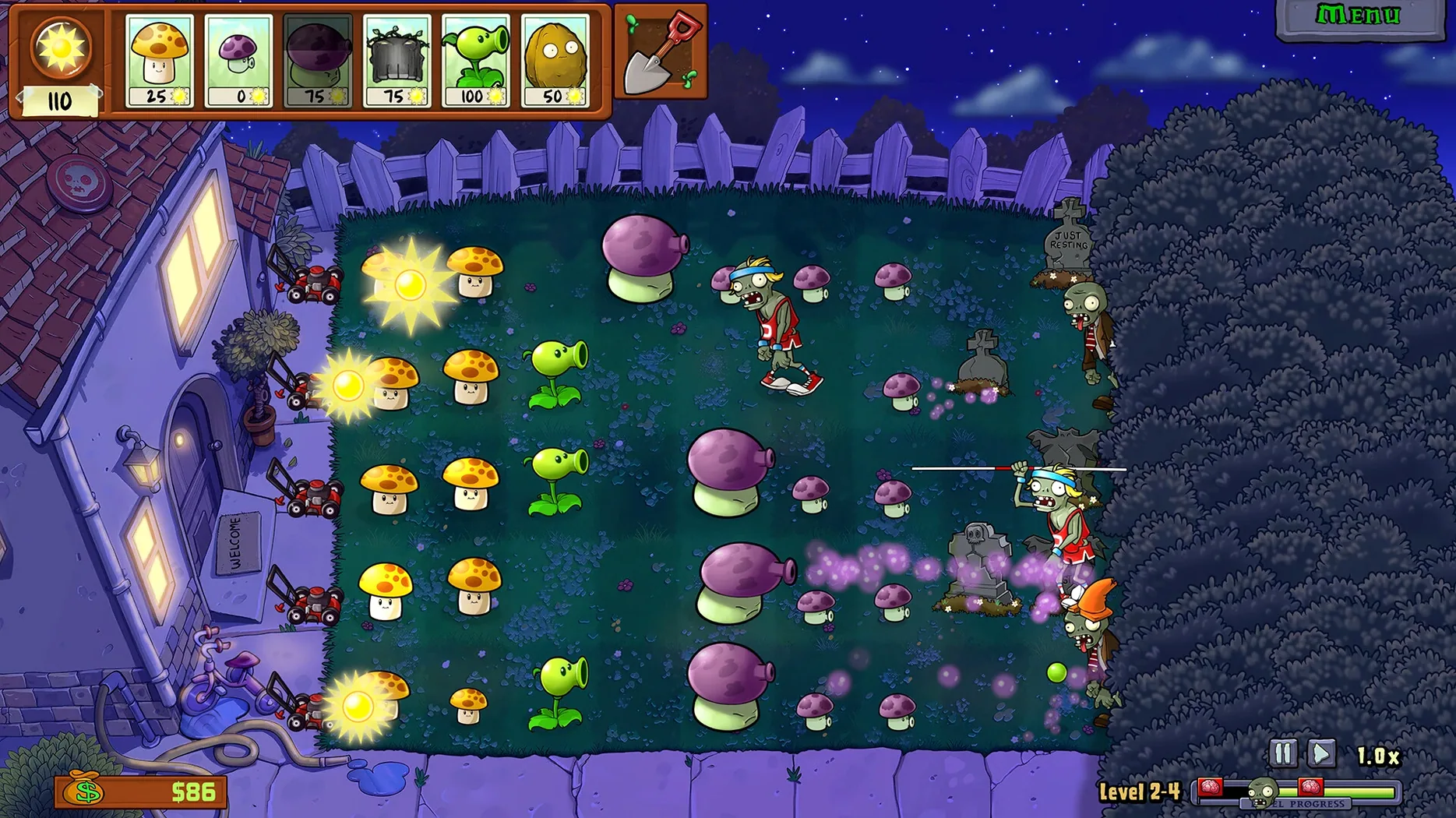
Think of it like a classic PopCap weekend, but with a fresh coat of paint. Plants vs. Zombies: Replanted takes the lane-based defense you remember and gives it a proper remaster, running smoothly on Apple Silicon Macs. The minute-to-minute loop is pure nostalgia with a sharper look: you’re placing peashooters, wall-nuts, and cherry bombs on a grid to stop waves of cartoon zombies before they reach your front door. Sunflowers fuel your economy, and every level becomes a frantic balancing act between offense and defense as new zombie types shuffle in.
- Sunlight management is everything. You plant Sunflowers and collect falling sun to afford more plants before the first wave hits.
- Lane-by-lane defense. Each row is its own battle. A Conehead Zombie that breaks through one lane means you’re scrambling to plug the gap.
- Unlocking new plants mid-battle. New seed packets arrive as you play, letting you adapt your strategy on the fly when stronger zombies appear.
- Using instant-kill plants. Cherry Bombs and Potato Mines clear crowds in a pinch, buying you time to rebuild your front line.
- Playing through story twists. Familiar characters show up with new dialogue and surprises that change how a stage plays out.
- Replaying levels for coins. Returning to earlier stages with a full arsenal feels completely different and funds permanent upgrades.
With HD graphics and new levels built into the mix, this build feels like the definitive way to revisit the backyard war on a Mac. The ARM-native Wineskin wrapper keeps performance snappy, so you can focus on one thing: protecting your brains.
Jump into the options menu before you plant a single seed — there are a couple of tweaks that make a real difference. The game defaults to a slightly soft resolution scaling, so bumping the Graphics Quality slider to High sharpens those remastered sprites nicely without any hit on Apple Silicon. Next, switch the Control Mode setting. It comes set to Keyboard by default, but the Mouse mode feels far more natural on a Mac, especially when you’re quickly dragging seed packets into the middle of a messy lane. Lastly, if you have a wider display, flip the Fullscreen Mode option to Borderless — it keeps the game filling your screen while letting you swipe to another desktop without minimizing.
Spend Your First Coins on the Eighth Seed Slot
Resist the urge to blast through Adventure mode in one sitting. Instead, spend your first coins on an extra seed slot from Crazy Dave’s shop before anything else. That eighth slot changes how you build defenses, letting you carry both a Sunflower and a Potato Mine plus six attackers instead of five. It sounds small until a Football Zombie shows up and you’re glad you packed the Squash.
Also, pay attention to the newly written story beats. The team behind this remaster tucked in conversations that reward players who linger on the world map. Talk to everyone between stages — some characters hand out free plants for a single level or nudge you toward bonus content that isn’t marked on the main path. And if you hit a wall on a night stage, remember that Puff-shrooms cost zero sun. A full row of them backed by a Fume-shroom cleans up faster than you’d expect.
This remastered build brings a visual overhaul alongside new content:
- Remastered HD graphics across the entire game.
- New levels to test your defense strategies.
- New story twists woven into the adventure.
- Architecture: Apple Silicon (ARM)
- Build: Wineskin wrapper
- Languages: Russian, English, German, Spanish, French
Also on readers' docks
Sign in or create an account to leave a comment.
No comments yet. Tell me how it got on with your other devices.
More in Games
See all Updated Plague Inc: Evolved
1.24.0.8 Native Games
439 MB
Updated Plague Inc: Evolved
1.24.0.8 Native Games
439 MB
 Pillars of Eternity II: Deadfire
5.0.0.0040 Games
25.5 GB
Pillars of Eternity II: Deadfire
5.0.0.0040 Games
25.5 GB
 Pillars of Eternity: Definitive Edition
3.9.5.89801 Games
16 GB
Pillars of Eternity: Definitive Edition
3.9.5.89801 Games
16 GB
 Prince of Persia: Lost Crown
1.0.1 Games
23.6 GB
Prince of Persia: Lost Crown
1.0.1 Games
23.6 GB
 Rain World
1.11.7b Games
5.7 GB
Rain World
1.11.7b Games
5.7 GB
 Ratopia
1.0.0600 new Games
616 MB
Ratopia
1.0.0600 new Games
616 MB
 Updated Parkitect
1.12f6 Native Games
800 MB
Updated Parkitect
1.12f6 Native Games
800 MB
 Ravenfield
39.1 Games
1 GB
Ravenfield
39.1 Games
1 GB