









Download Dome Keeper for macOS
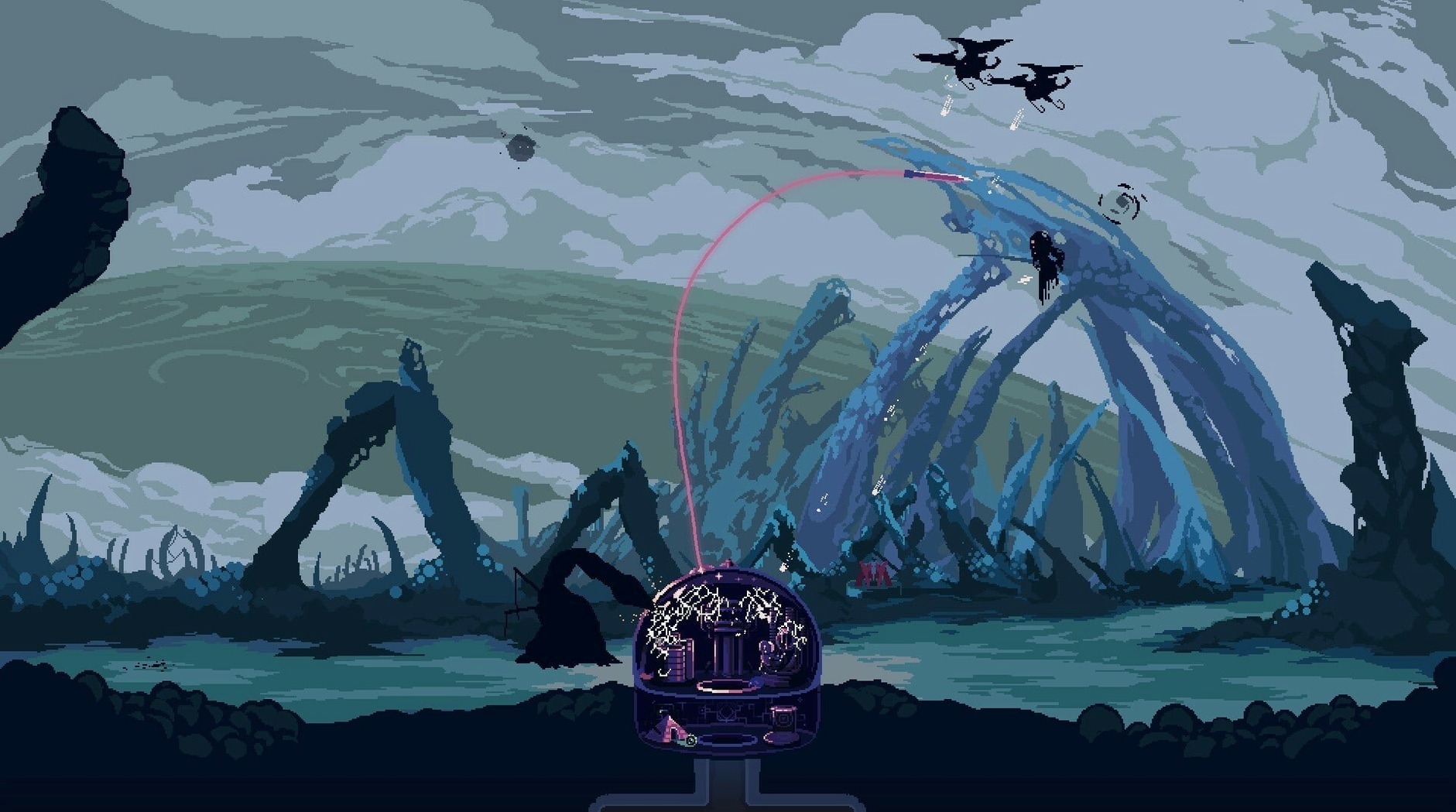
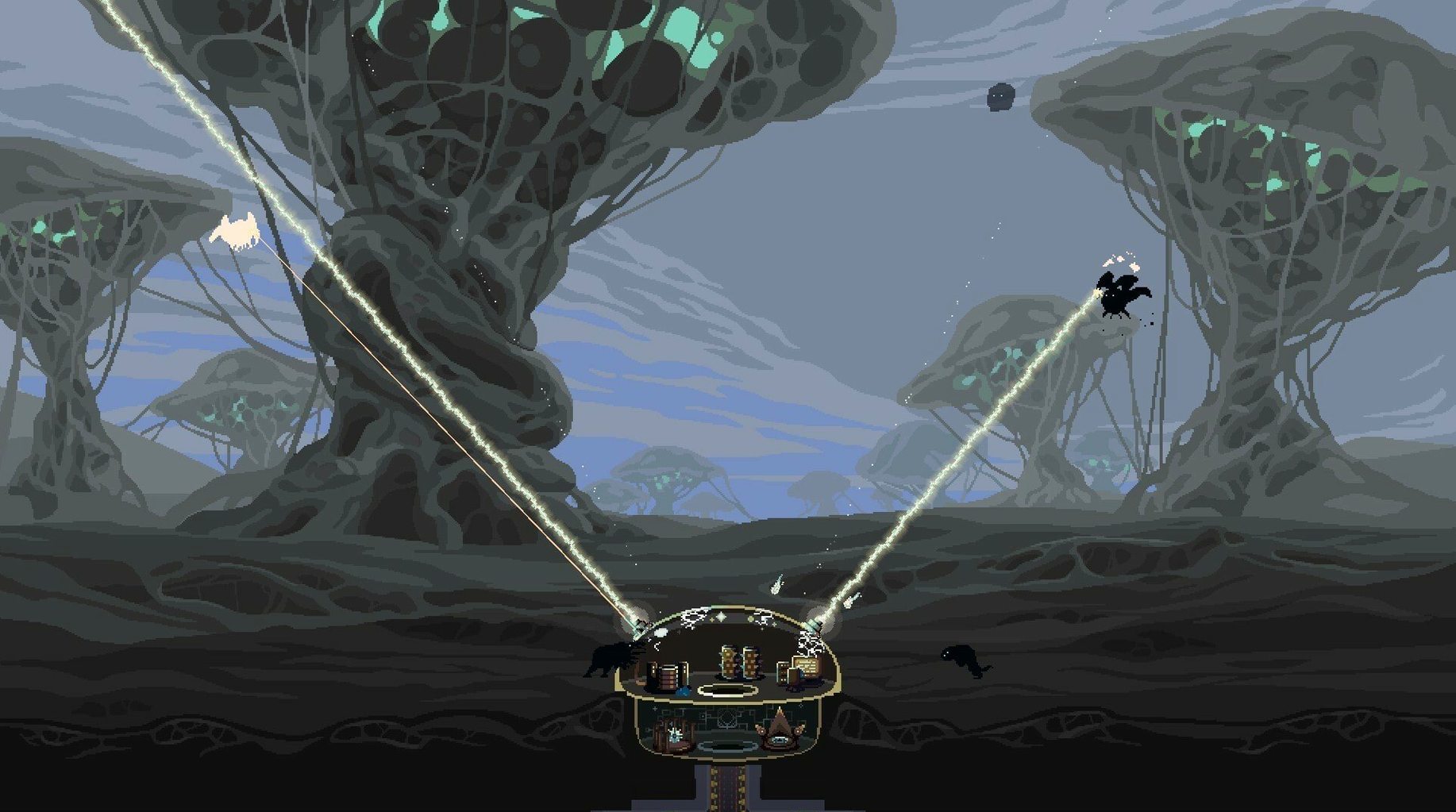
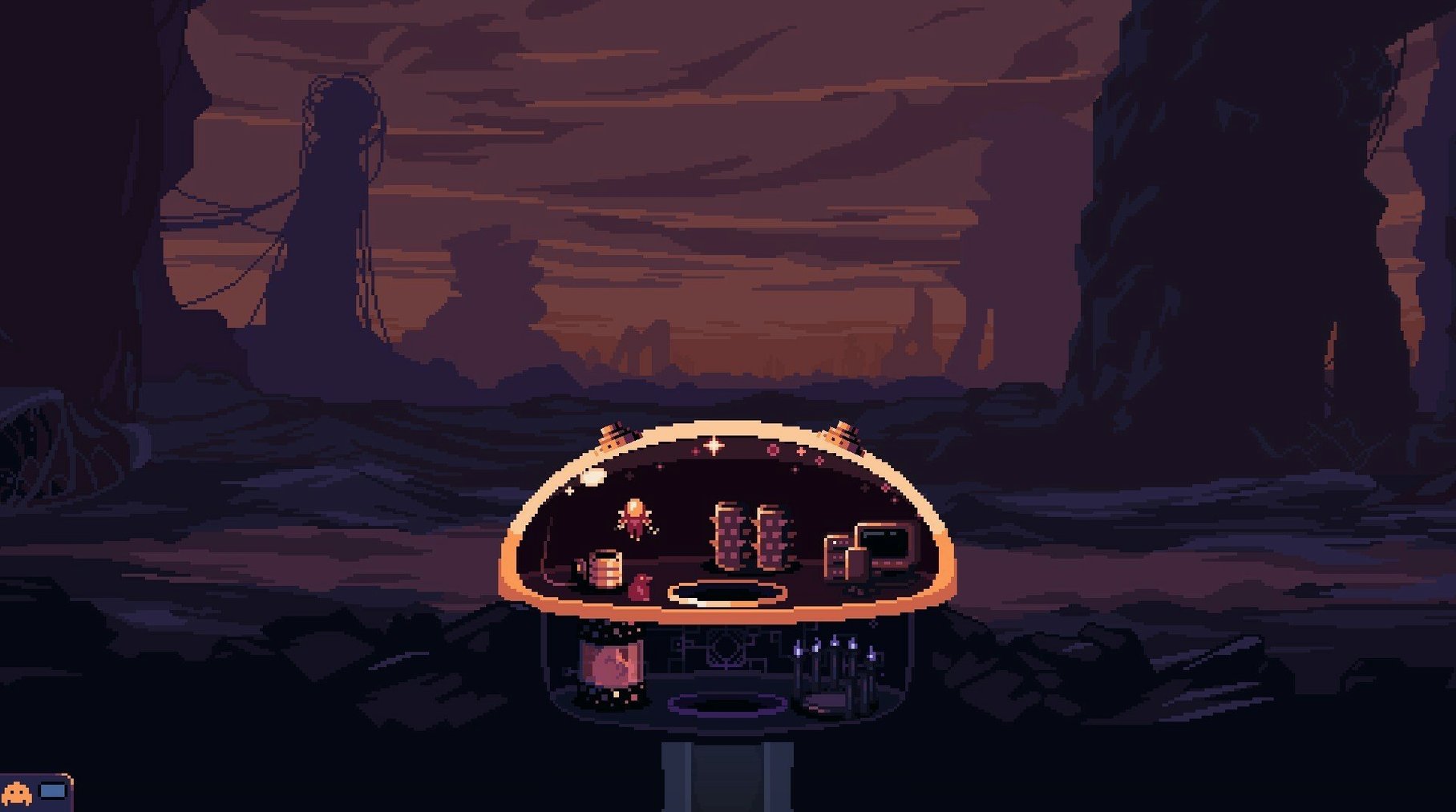
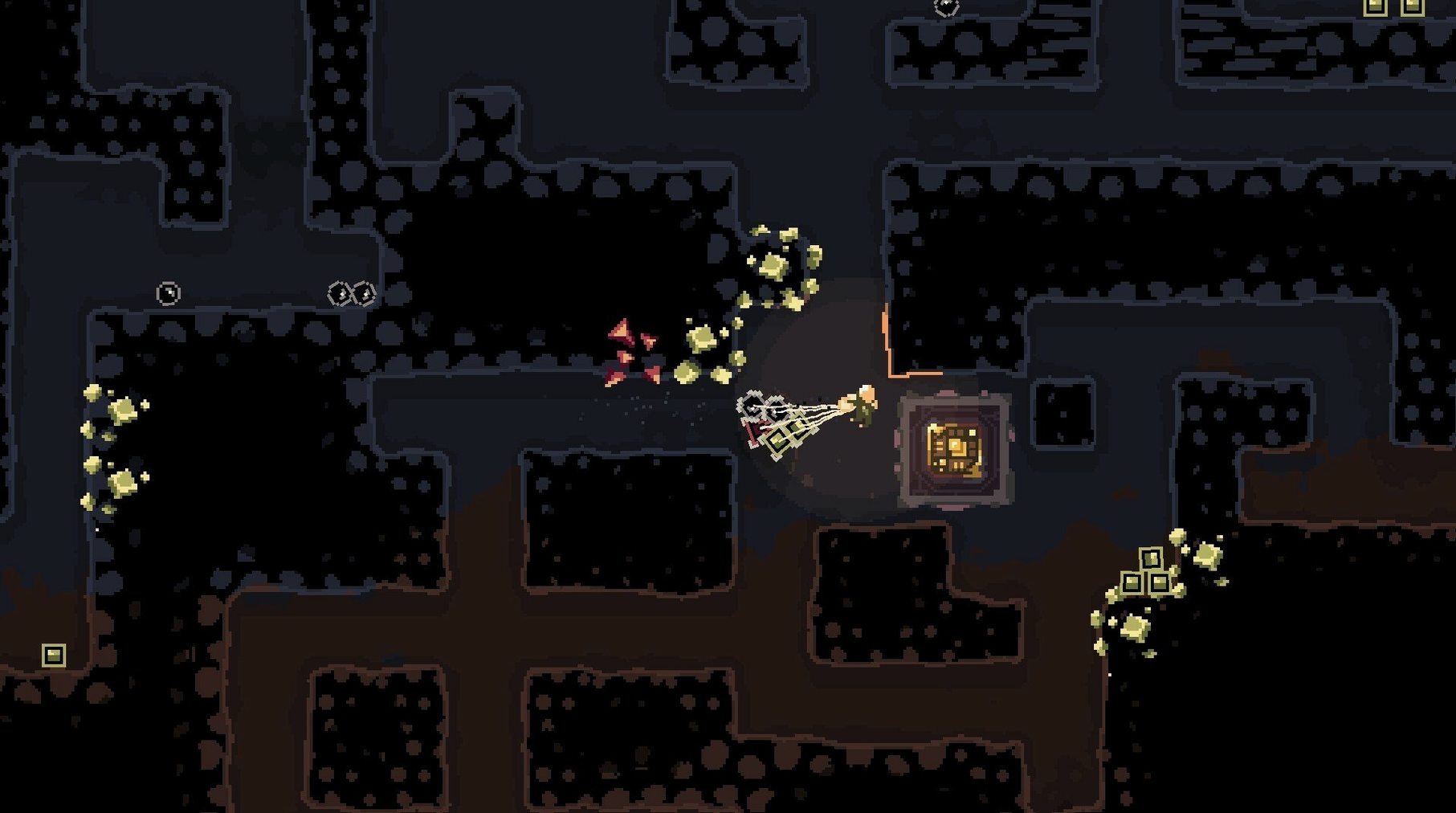
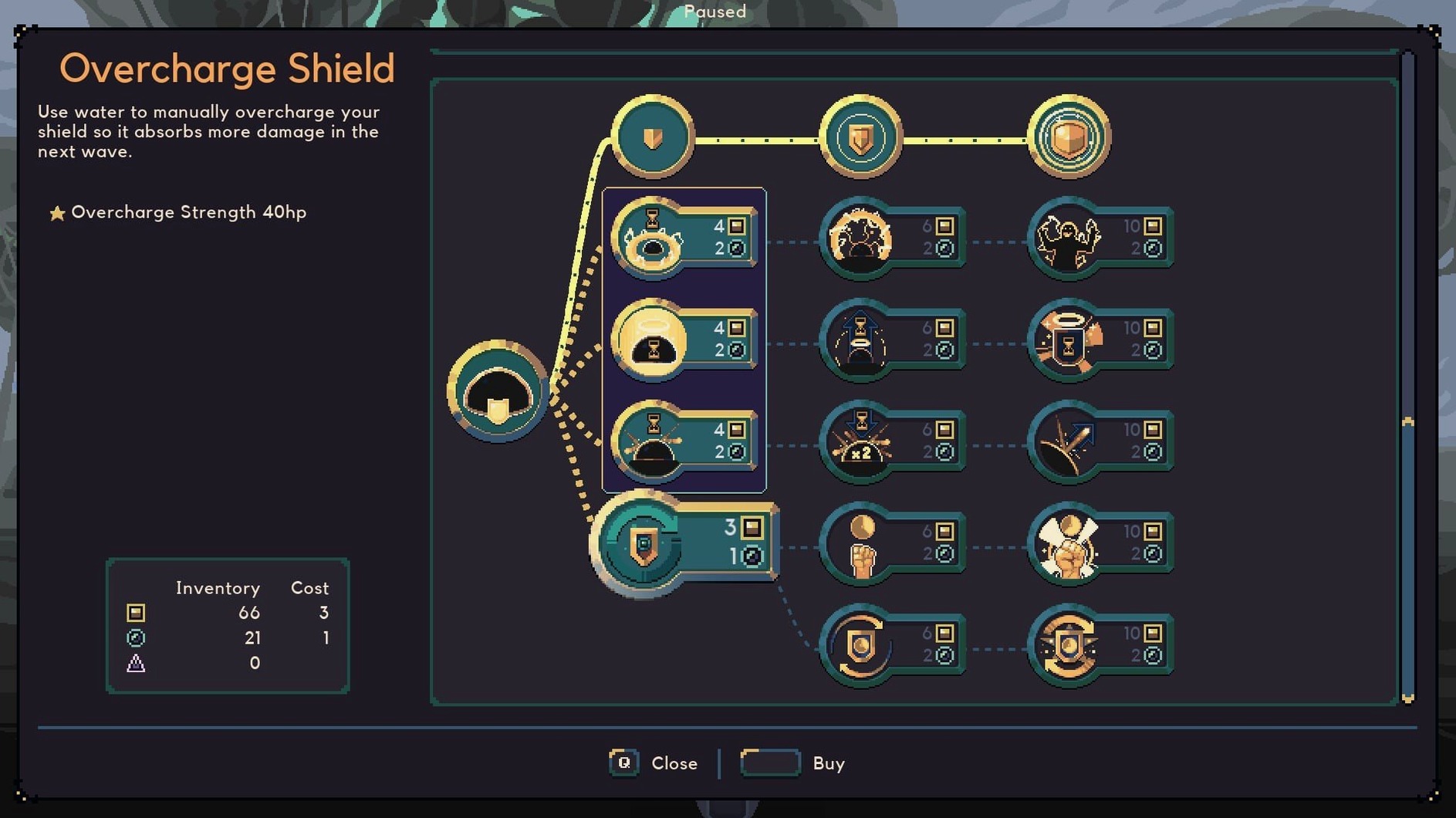
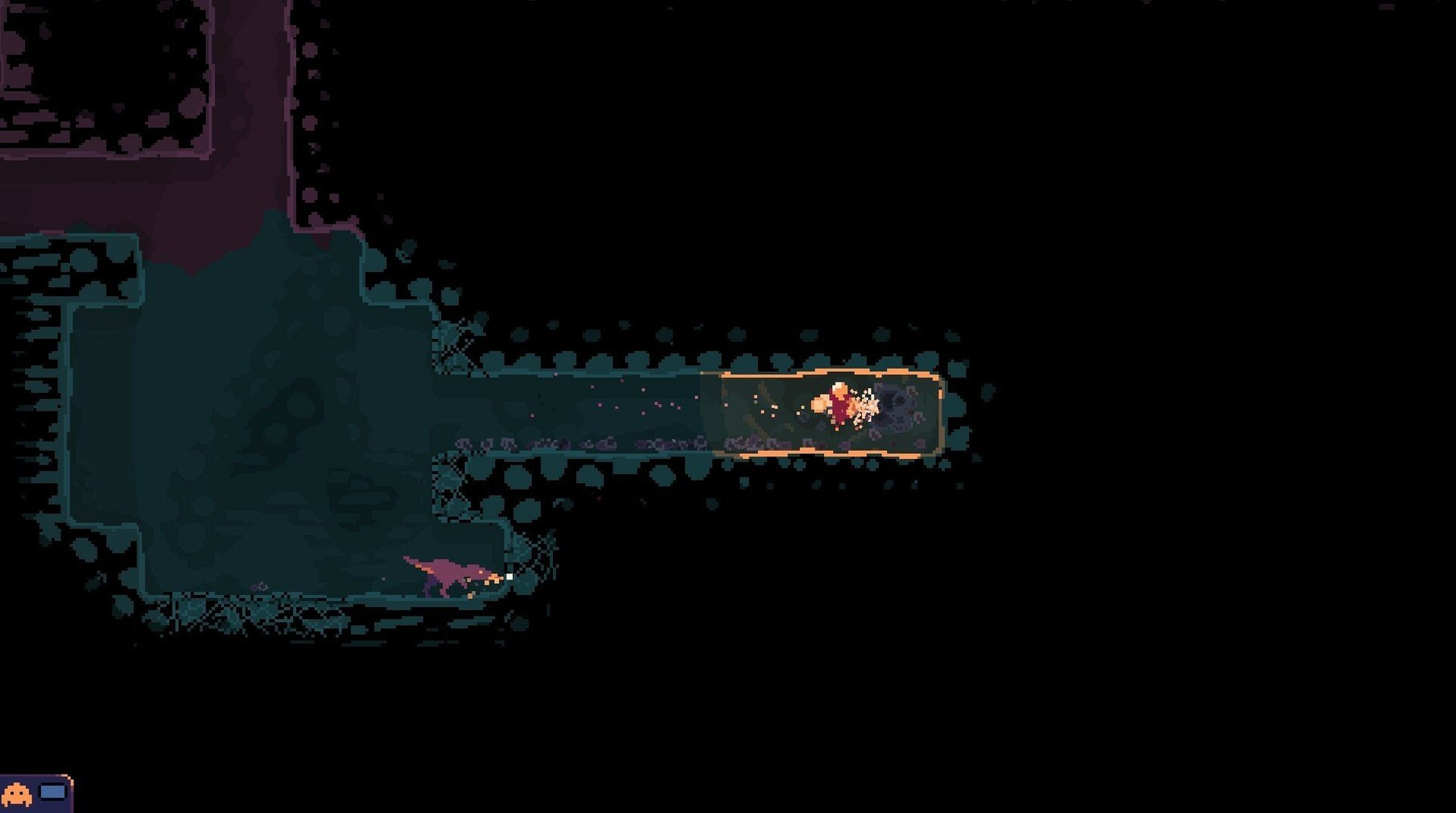
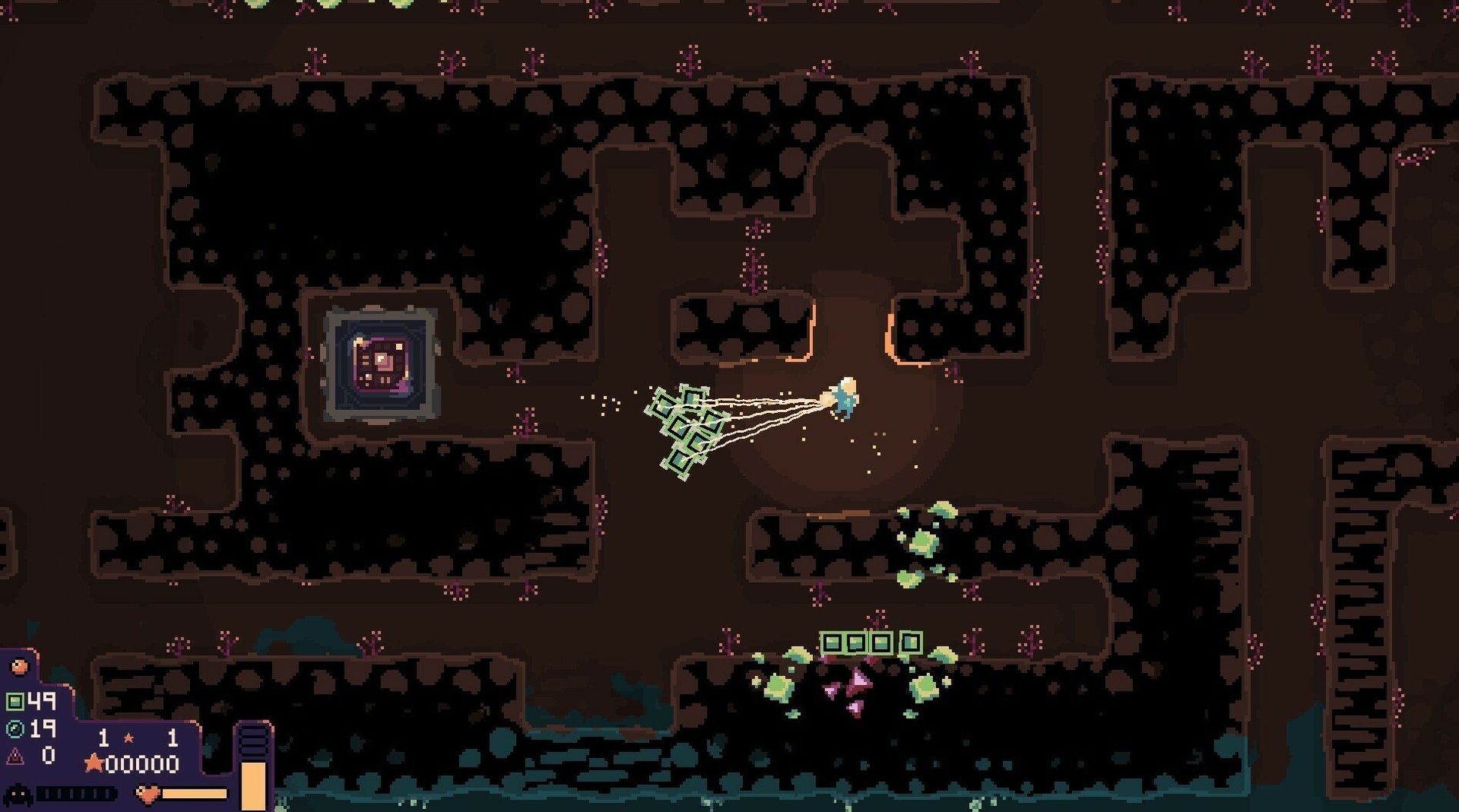
Upgrading the jetpack changes everything. What starts as a short, desperate hop between crumbling rock walls eventually becomes a smooth glide back to the surface, loaded with iron and cobalt. The loop in Dome Keeper is tight: dig tunnels during a countdown, grab what you can, then rush back to your dome to mount a defense against whatever the next wave throws at you — land crawlers, airborne stingers, the works. Every run is different because the underground is built procedurally, so memorizing layouts won't help. You just learn to read the terrain and manage the clock.
- Split-second surfacing. The timer between waves is the true boss. Overstay below and you'll be scrambling topside while your dome takes hits.
- Native Mac performance. Runs on both Apple Silicon and Intel hardware without Rosetta weirdness. Pixel-art environments stay crisp and frame pacing holds steady even when screen-filling attacks land.
- Gadget-first drops. A new toggle lets you choose whether resources or gadgets hit the ground first when juggling inventory — small change, big difference in a tight round.
- Classical-synthetic score. The soundtrack blends orchestral strings with pulsing electronic layers, giving the lonely tunnel work an oddly majestic feel.
- Multiplayer direction cues. Split-screen co-op now shows indicators so you can actually tell who's where underground without constant chatter.
It's a game about prioritization disguised as a dig-and-defend loop. The pixel art is readable, the upgrade tree pushes you toward specialization, and the procedural generation means no two sessions settle into a comfortable pattern. If you enjoy pressure-cooker resource scrambles where every trip up the shaft counts, this one earns its place in your Mac library.
An engineer's late-night run
A civil engineer I know told me Dome Keeper ruined her Tuesday evenings — in the best way. She treats each mining cycle like a site survey, angling drill paths to maximize mineral exposure before the next attack wave. Her dome takes a beating early on while she hoards cobalt for the jetpack upgrade, and by wave six she's practically flying through the tunnels. The split-screen multiplayer indicators ended the old "wait, are you above me or below me?" confusion when she drags her partner into a co-op session. Watching two keepers coordinate who drills and who ferries resources while the timer ticks down scratches a planning itch that spreadsheets never quite reach.
Infiltrator Kunai Carriers No Longer Auto-Pick Up
The latest update tightened a few screws that genuinely affect moment-to-moment decisions. For the Infiltrator keeper, automatic pickup of flying Kunai Carriers is now disabled — you'll manually grab them instead, which cuts down on accidental snags mid-combat. A fresh toggle lets you pick whether resources or gadgets drop first from your inventory across several keepers, so you're no longer fighting muscle memory when juggling loot near the surface. Split-screen runs also got a loadout and text scaling option, which means squinting at upgrade menus on a shared screen is finally optional. None of these are flashy, but each removes a small friction that used to cost precious seconds during the countdown.
Version 5.0.8 tightens up multiplayer and inventory control:
- Direction indicators added for split-screen multiplayer sessions.
- New toggle for manual or automatic pickup of Kunai Carriers when playing the Infiltrator.
- Automatic pickup of flying Kunai Carriers is now disabled by default.
- Choose whether resources or gadgets drop first for several keeper types.
- Scaling option added for loadout UI and most text during split-screen runs.
- macOS: runs natively on both Apple Silicon (ARM) and Intel (x86-64) Macs.
- Interface languages: Russian, English, German, Hungarian, Danish, Spanish, Italian, Simplified Chinese, Dutch, Norwegian, Polish, Portuguese, Turkish, Ukrainian, Finnish, French, Czech, Japanese.
Also on readers' docks
Sign in or create an account to leave a comment.
No comments yet. Tell me how it got on with your other devices.
More in Games
See all Updated Don’t Starve Together
759671 Native Games
2.8 GB
Updated Don’t Starve Together
759671 Native Games
2.8 GB
 Dispatch
1.0.16802 Games
14.6 GB
Dispatch
1.0.16802 Games
14.6 GB
 Drive Beyond Horizons
Build 24130387 Games
15.6 GB
Drive Beyond Horizons
Build 24130387 Games
15.6 GB
 Deus Ex: Mankind Divided
1.1.2 Games
44 GB
Deus Ex: Mankind Divided
1.1.2 Games
44 GB
 Demeo
1.42.0 Games
3.7 GB
Demeo
1.42.0 Games
3.7 GB
 Dustborn
1.14 Games
13 GB
Dustborn
1.14 Games
13 GB
 Updated Dead Island
7.0.0 Native Games
77 GB
Updated Dead Island
7.0.0 Native Games
77 GB
 Dead Cells
1.26.0 Games
1.9 GB
Dead Cells
1.26.0 Games
1.9 GB